Site diary
A clear record of every day on site
Your supervisors record weather, photos, labour, equipment, issues and progress from the field. The diary is pre-filled from timesheets and delivery dockets, and the office can see it as soon as it is submitted.
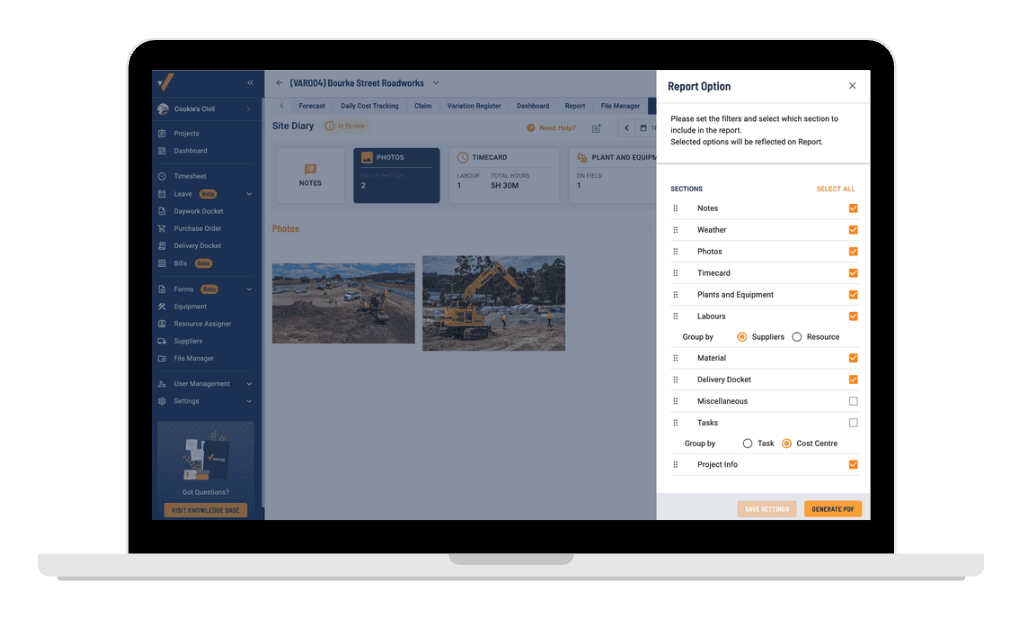
Stop chasing the paper diary at the end of the week
A paper diary gets written up late and has to find its way back to the office. A digital site diary is filled in on site and shared once it is submitted.
- Pre-filled
Hours come from timesheets and materials from delivery dockets, so what is already recorded is not entered again.
- Made for site
Big buttons and fast inputs on a phone or a tablet. Fat-finger friendly by design.
- Shared with the office
Submitted diaries are stored in the cloud and visible in the office, ready for review and reporting.
On site
Record the day as it happens
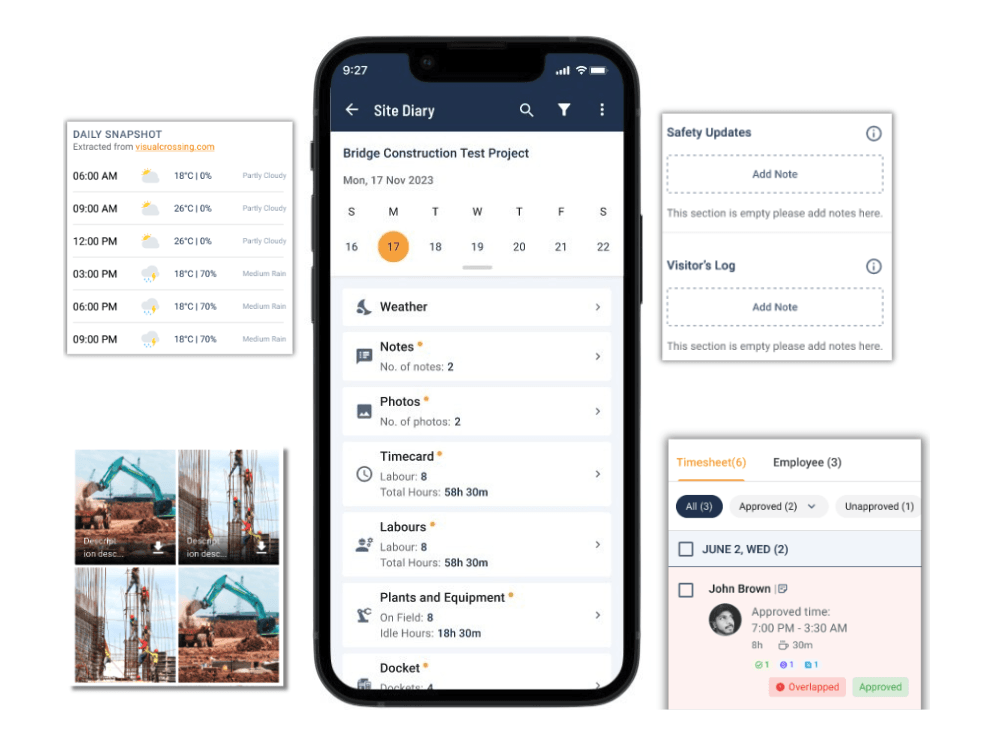
Add weather, photos, notes, labour, plant and equipment, issues and progress from a phone, a tablet or a web browser.
- Photos and notes
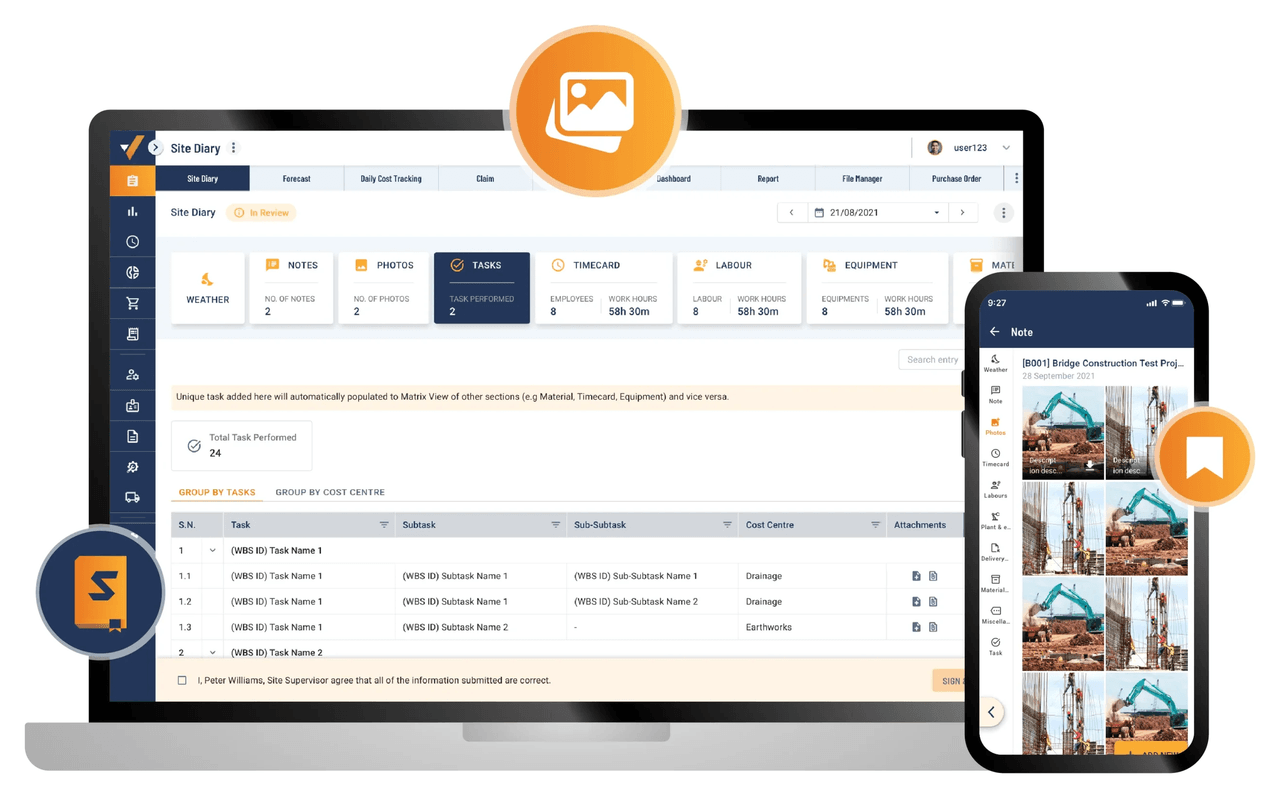
- Add photos of site conditions and progress, and notes on events, observations and conversations.
- Hours already there
- Labour hours come straight from your crew’s timesheets.
- Deliveries already there
- Material deliveries come from the delivery dockets captured on site.
Your fields
Set up for what matters on your jobs
Add fields for plant, materials, issues or whatever your jobs need. Set the diary once at company level as the default for new projects, or change it for a single project.
In the office
The records your sites and auditors ask for
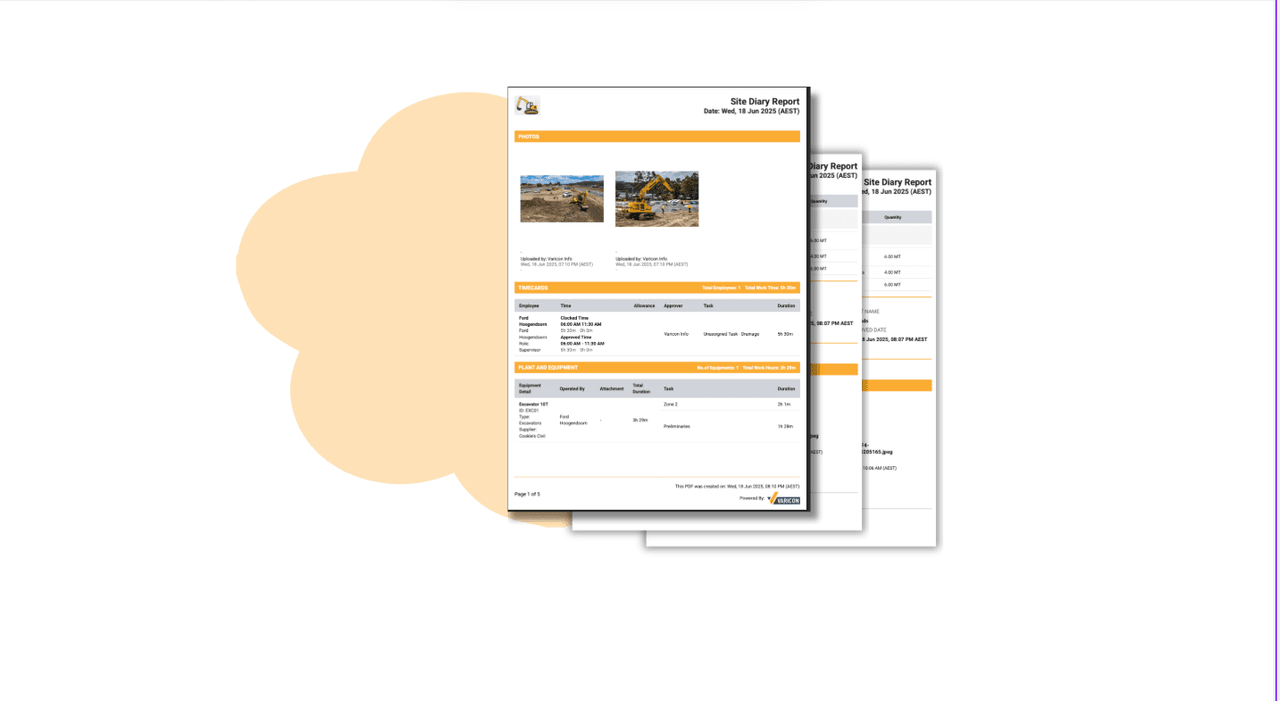
Every submitted diary is kept in one place and can be reviewed and reported on from the office. What goes into the diary also feeds job costs and dayworks.
- Job costs
- Labour, equipment and materials in the diary flow into cost tracking.
- Dayworks from the diary
- A supervisor can compile the day’s crew, plant and materials into one dayworks docket.
What our customers say

“Finding the right tool is not just about solving today’s problems; it’s about paving the way for tomorrow’s growth. With Varicon’s ‘Fat Finger Friendly’ approach, we didn’t just find a solution; we found a partner for our journey.”
 Rob BolandManaging Director, Peninsula Civil
How contractors use it
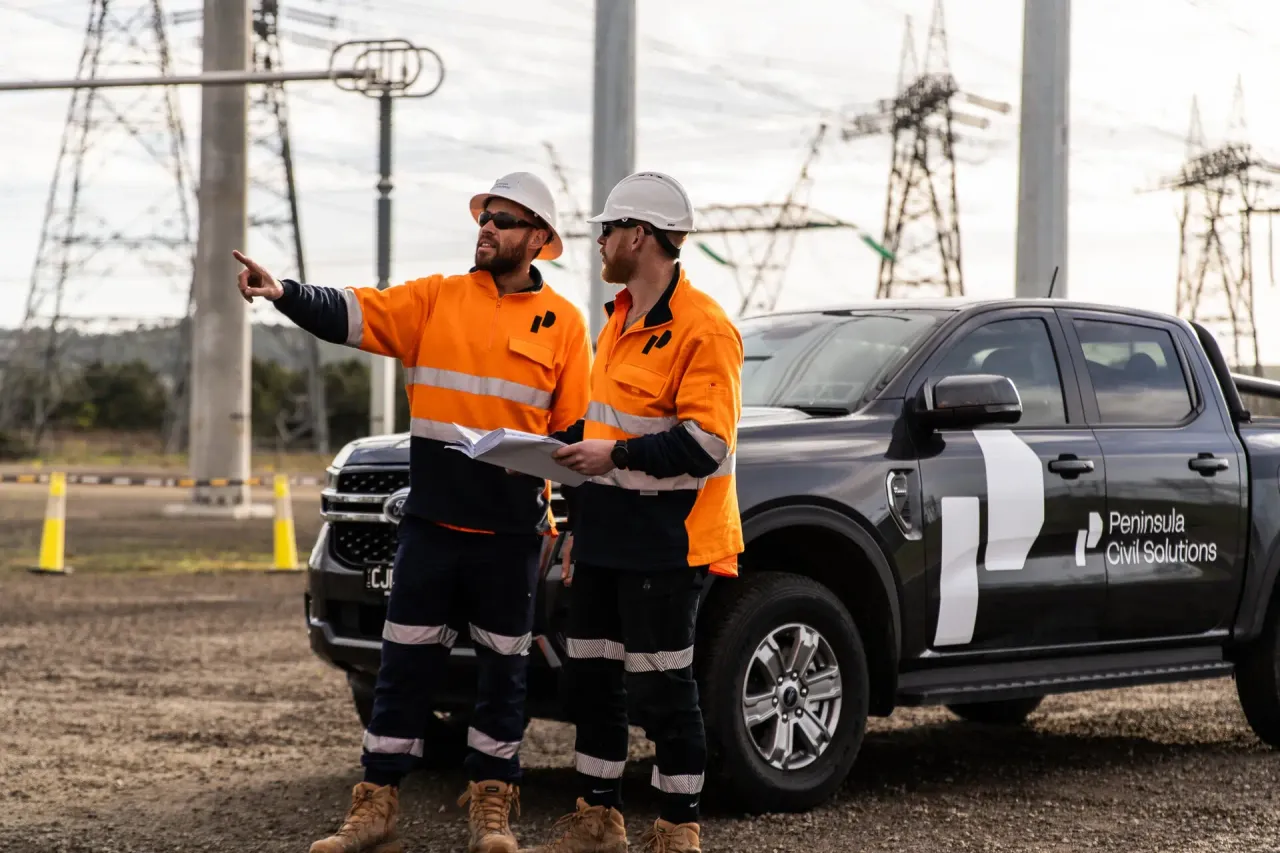
Peninsula Civil Solutions
30% less time on payroll, and about $10,000 a year saved, at Peninsula Civil Solutions
Rob Boland wanted software his site crew would actually use. Peninsula Civil Solutions now runs timesheets, payroll, site diaries and progress claims in Varicon.
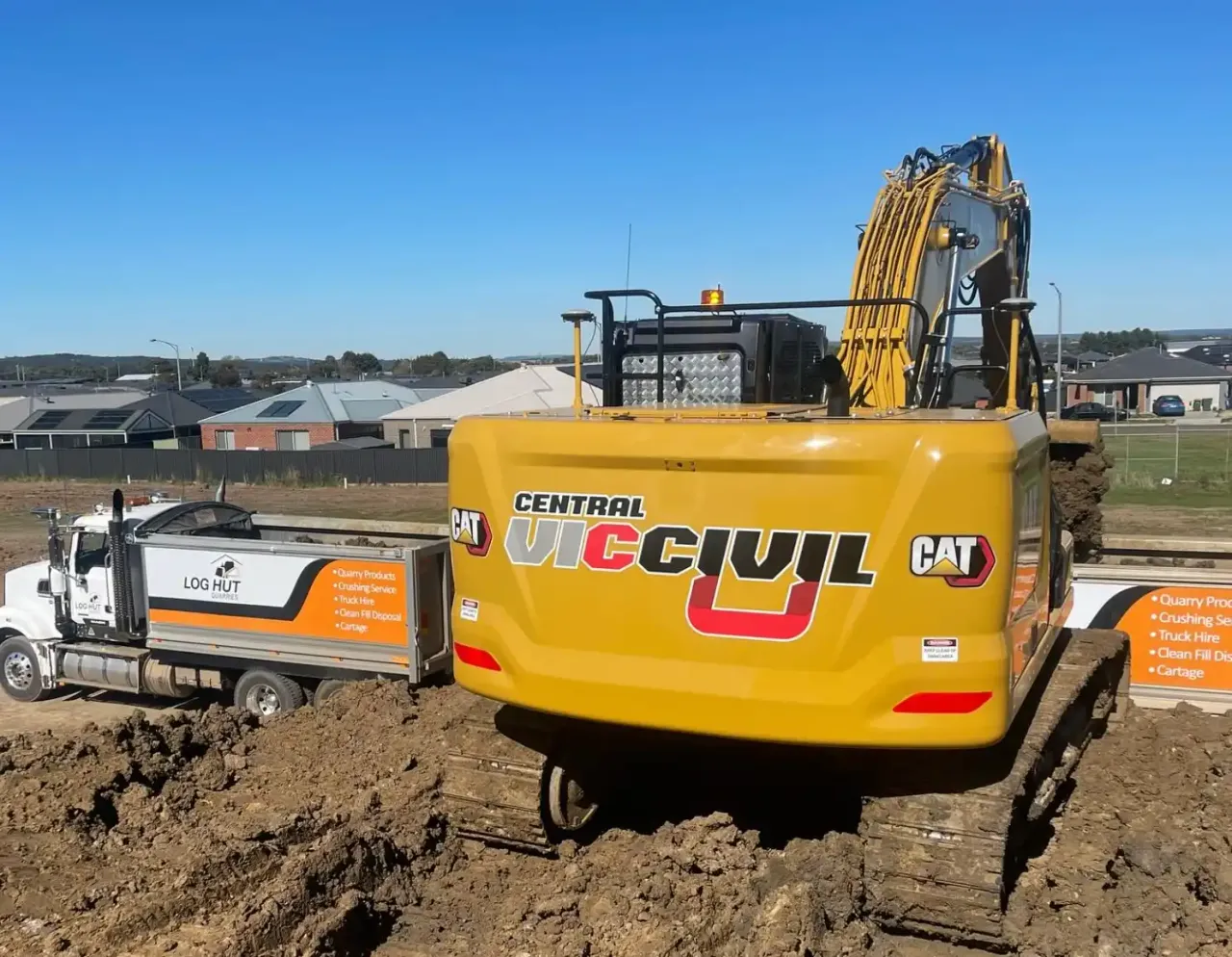
Central Vic Civil
60% less time running payroll, and no more double handling, at Central Vic Civil
Central Vic Civil builds roads, bridges, subdivisions and sewer and water infrastructure around Ballarat. Varicon replaced separate, manual processes with one system.
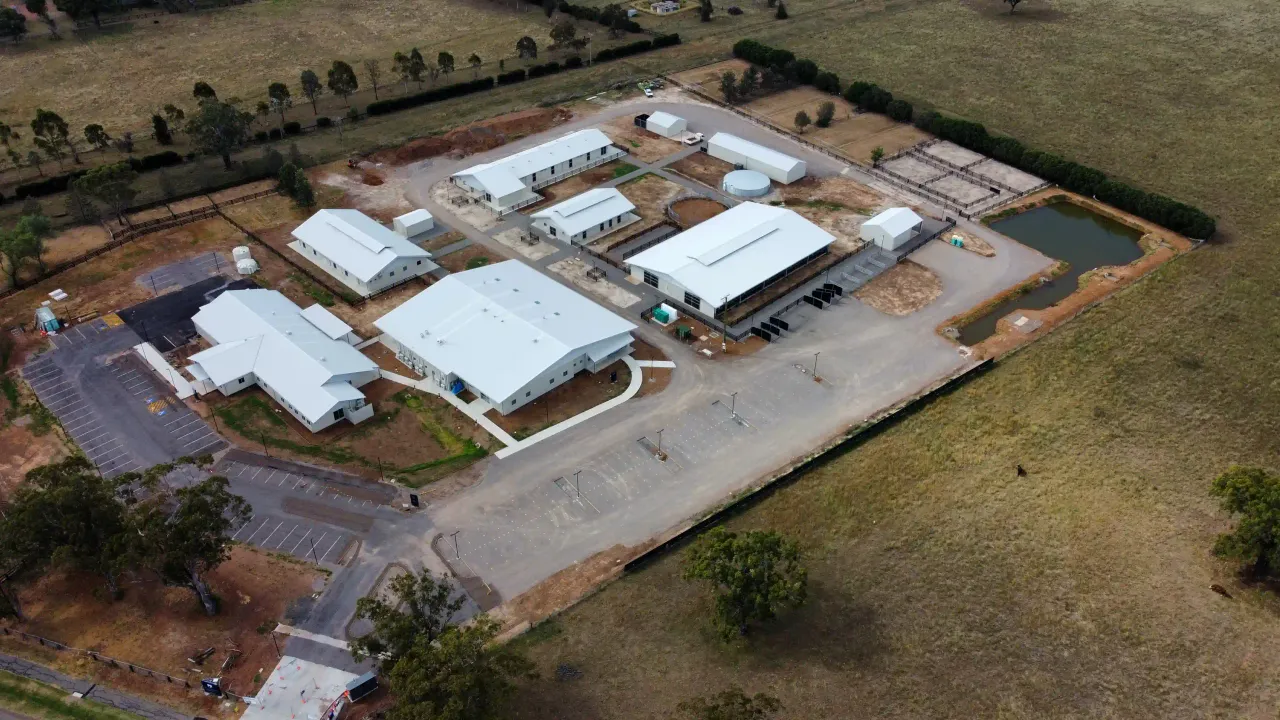
Morton Civil Contractors
Three systems and a pile of spreadsheets replaced by one at Morton Civil Contractors
Morton Civil Contractors was growing fast on several systems and spreadsheets. It now runs payroll, costs, site records, claims and variations in Varicon.
Templates and guides
Template
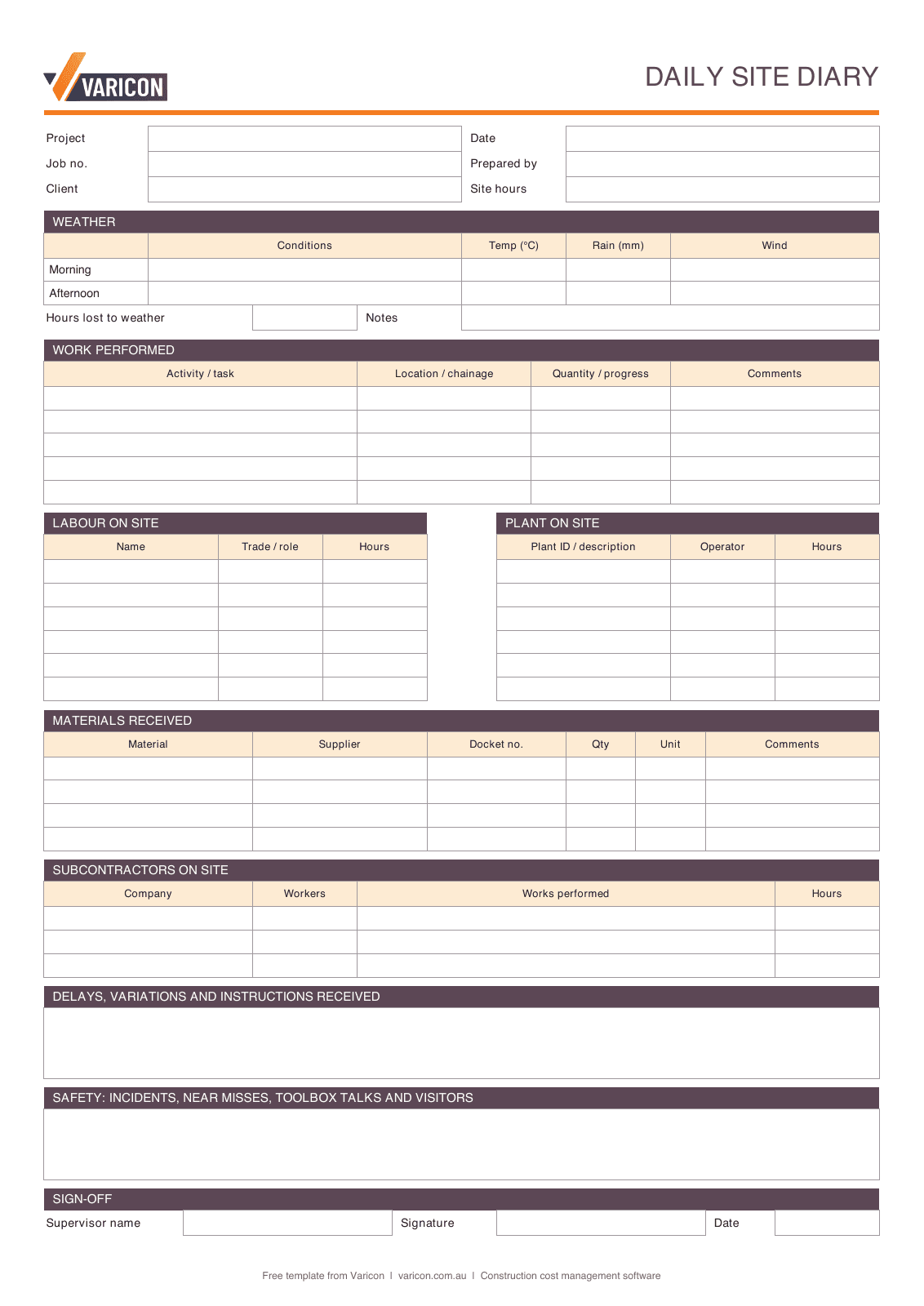
Daily site diary template
A one-page daily diary for a civil job, with weather, work performed, labour, plant, materials, subcontractors, delays and safety.
Free download: Excel, Word and PDF
Guide
Site diaries and forms that hold up
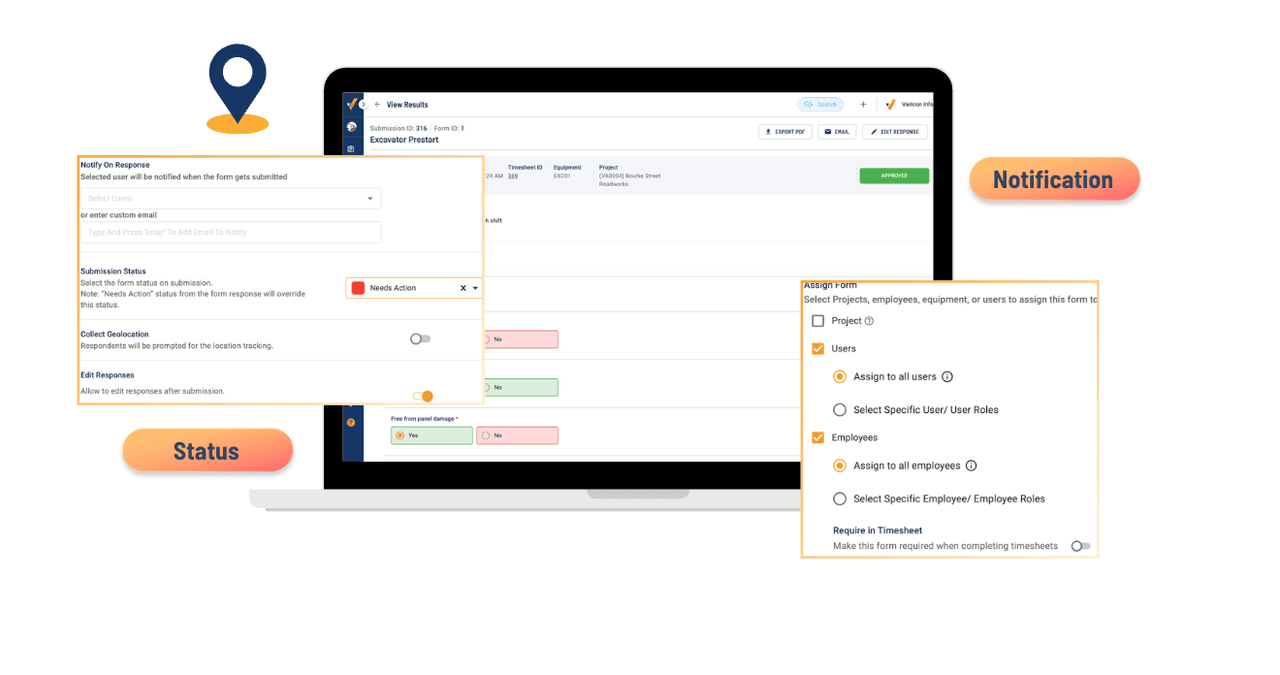
Record the day on the day, use the same forms on every job and get them to the office as soon as they are done. Good site records back up your claims, variations and safety records, and digital ones are easier to keep.
Guide
Getting progress claims and variations paid
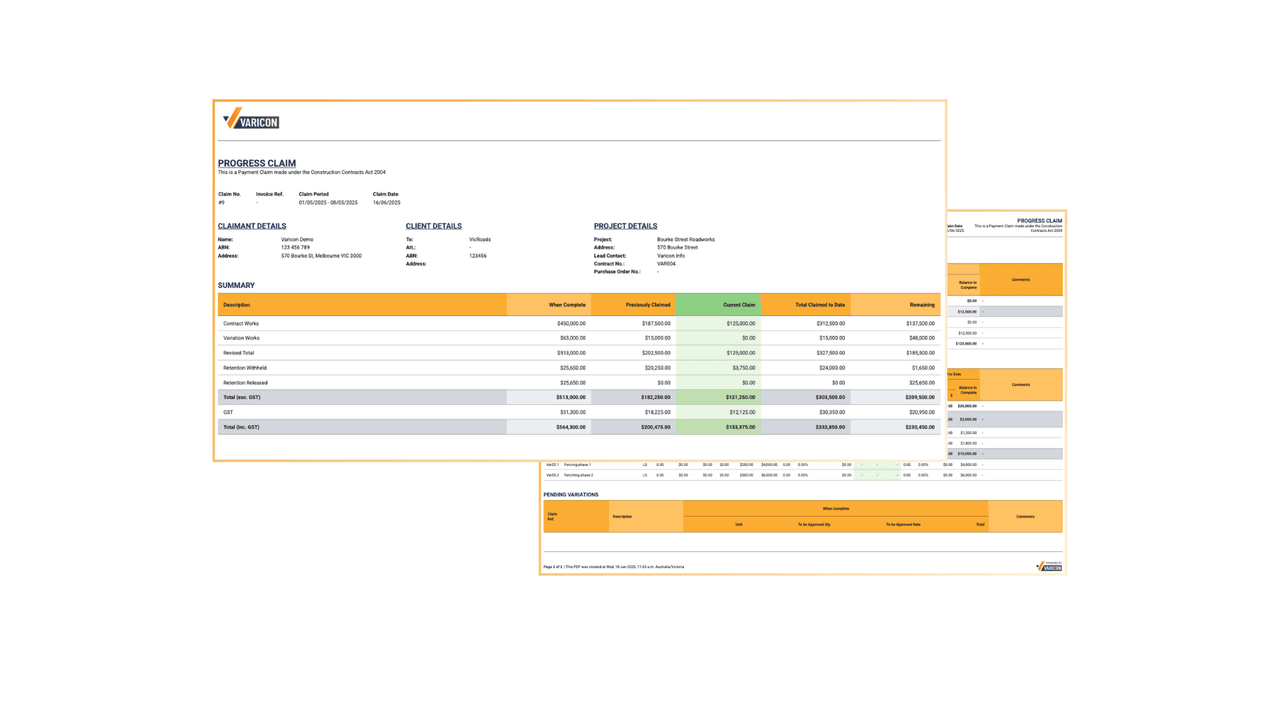
Agree how work will be measured and approved before the job starts, keep site records that back up every claim and variation, and submit complete claims on time.
Questions and answers
A site diary is a record of the daily activities, events and other key information on a construction site. It gives an accurate, detailed history of the job, which helps with project management, disputes and compliance.
Much of it fills itself. Labour hours come from timesheets and materials from deliveries. Your supervisor adds the rest on site.
Photos of site conditions and progress, and notes on events, observations and conversations.
On a phone or a tablet through the Admin login, or in a web browser.
Yes. Set it up at company level as the default for every new project, or change it for an individual project.
Yes. Download the free daily site diary template.
Site-proof civil software
See how Varicon would work on your jobs
Show us how your crew and office work today. We will show you how hours, dockets and variations flow through to payroll, claims and job costs.