Plant and equipment
Keep every machine serviced and its paperwork current
Varicon keeps the servicing, defects, documents and pre-starts for each machine and attachment in one register. Reminders go out before a service or a certificate falls due, so it gets booked in instead of found out on site.

One register for your whole fleet
A servicing spreadsheet only works while someone keeps it up to date. Varicon keeps the record against each machine, where the office and the site can both see it.
- Service reminders
Set service intervals by engine hours, odometer or date, and the plant manager is reminded before each one is due.
- Documents with expiry dates
Certificates, insurance, warranties and manuals stored against the machine, with a reminder before they expire.
- A QR code on every machine
Scan it on site to open the machine’s documents and forms on a phone.
Register
Every machine and attachment, owned or hired
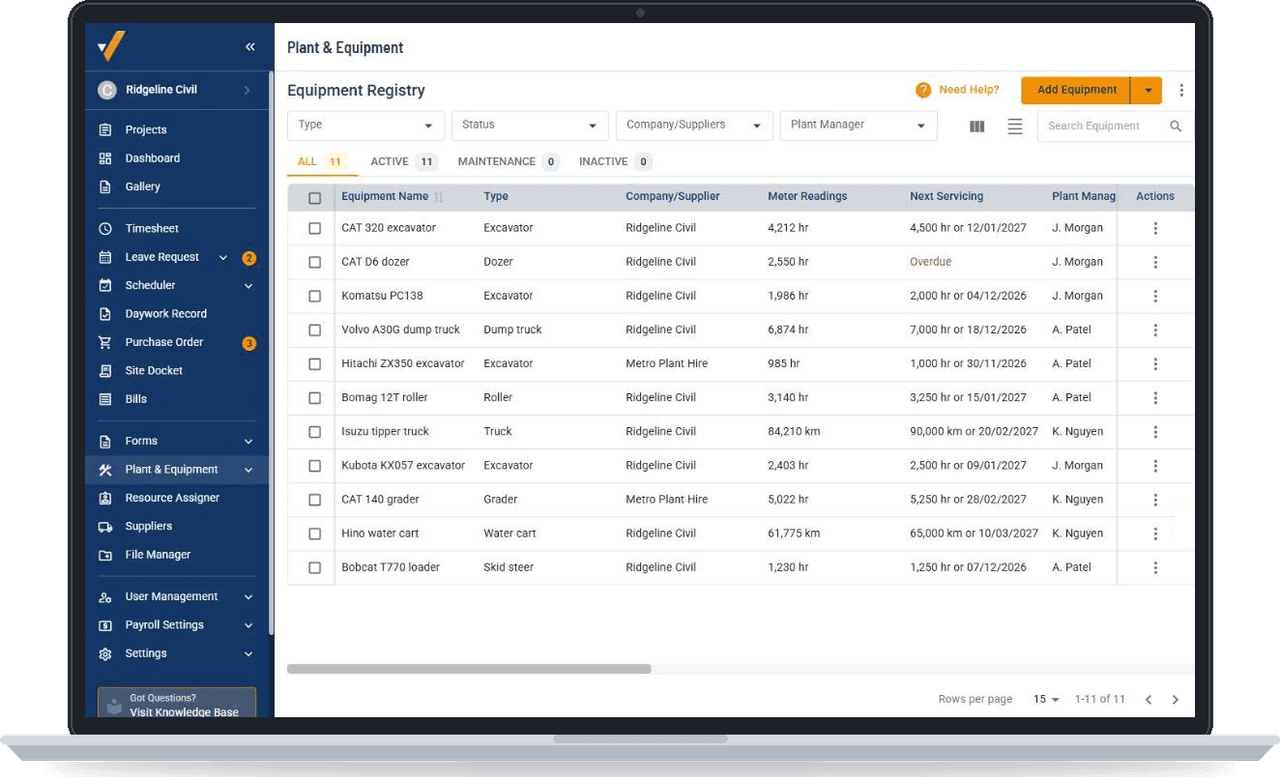
See your whole fleet in one list, with each machine’s status, latest meter reading and next service. Filter by type, supplier or plant manager.
- Machines and attachments
- Buckets, augers and other attachments have their own records, alongside the machines they go on.
- Bulk import
- Bring in your plant list from a spreadsheet instead of setting each machine up by hand.
- Costs on the job
- Set each machine’s rates, so its time on a job is costed against the budget.
Servicing
Services booked in before they fall due
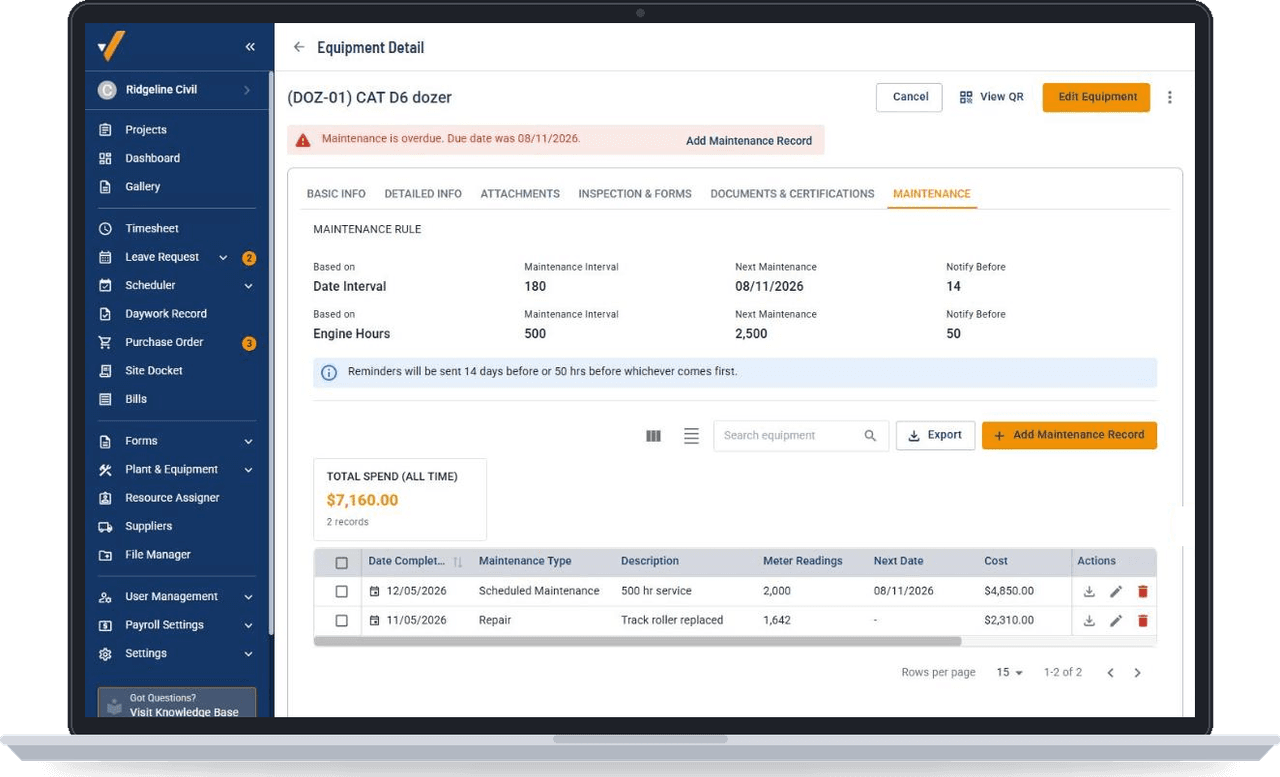
Give each machine a date interval and an engine hours or odometer interval. Whichever comes first sends the reminder, and logging the service starts the count again. Engine hours come in from pre-start forms and timesheets.
- Upcoming servicing across the fleet
- One list of every service coming up, with how long each machine has left, and a clear flag when one is overdue.
- Full service history and spend
- Scheduled services and repairs logged against the machine with the cost and the invoice or service report attached, and the total spend for each machine.
On site
Scan the machine, see what you need
Print a QR code for each machine. Scanning it on a phone opens the documents you have made public and the forms assigned to that machine.
- Forms assigned to the machine
- Pre-start, inspection, maintenance and defect report forms are assigned to each machine, so the right checklist comes up and every submission is kept against it.
- Defects tracked to the fix
- Defects are logged by severity, from critical to an observation, and stay open in the defect register until they are resolved.
Related reading
Customer story
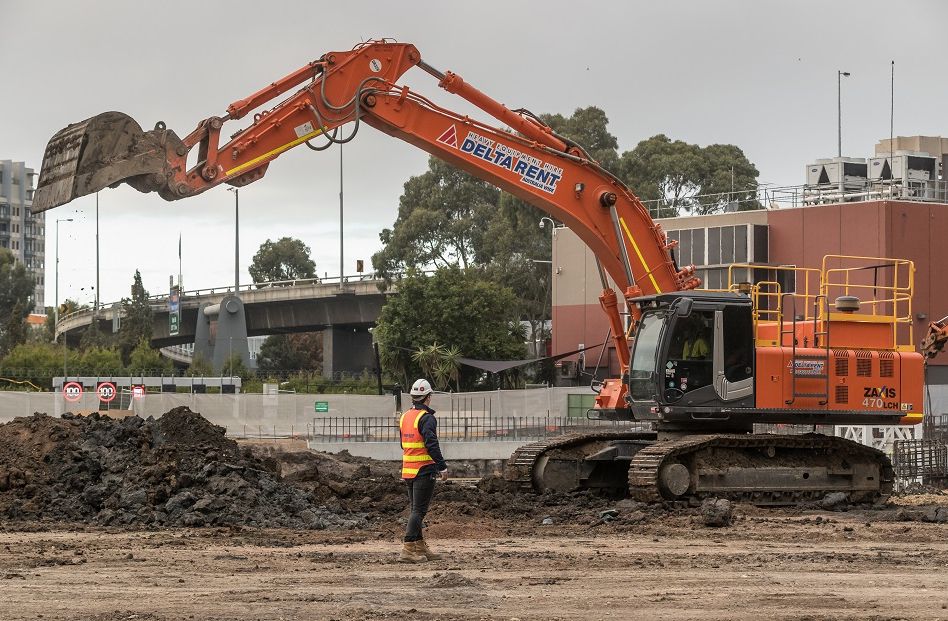
Project cost data every day, not up to 6 weeks later, at Delta Group
Delta Group’s management waited up to 6 weeks for each project’s cost information. With Varicon, costs are captured at the source and arrive every day.
Delta Group, civil, demolition and plant hire
Template
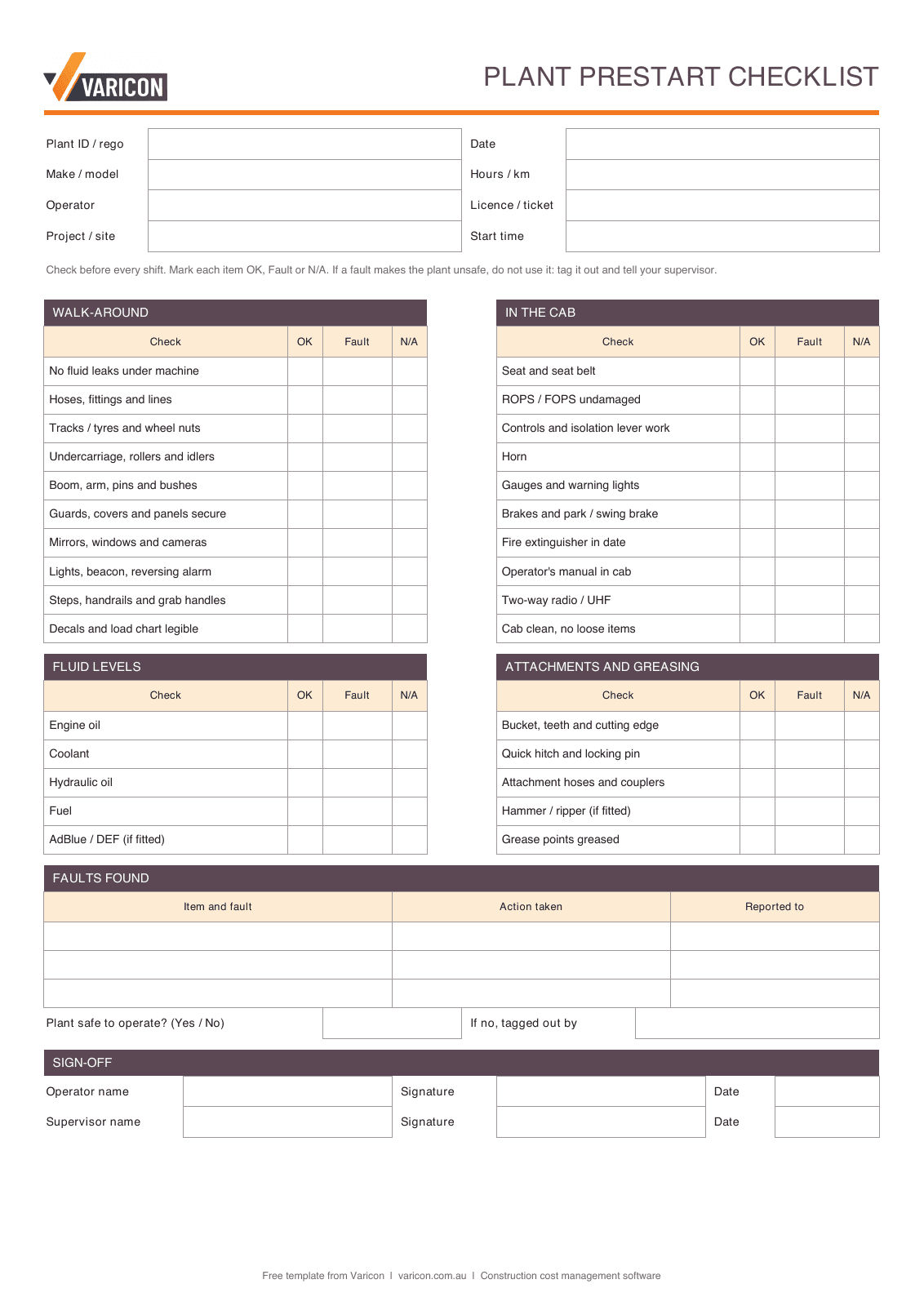
Plant prestart checklist template
A prestart checklist for one machine and one shift, with walk-around, cab, fluid and attachment checks, faults found and sign-off.
Free download: Excel, Word and PDF
Questions and answers
Services due by engine hours, odometer or date, and documents that are about to expire. Reminders go to the plant manager by email, SMS and in the app.
Yes. Buckets, augers and other attachments have their own records, documents and service history.
Yes. Scanning the QR code on a machine opens the documents you have made public and the forms assigned to it. Private documents stay in the office.
Yes. Import your equipment and attachments from a spreadsheet.
No. Putting crews and plant onto jobs is crew and equipment scheduling. Plant and equipment keeps each machine serviced, its defects fixed and its paperwork current.
Site-proof civil software
See how Varicon would work on your jobs
Show us how your crew and office work today. We will show you how hours, dockets and variations flow through to payroll, claims and job costs.