Free template
Free plant prestart checklist template
Check each machine before every shift and keep the record. Mark each item OK, fault or N/A, write down any fault and what was done about it, then sign. Download it in Excel, Word or PDF.
What is in the checklist
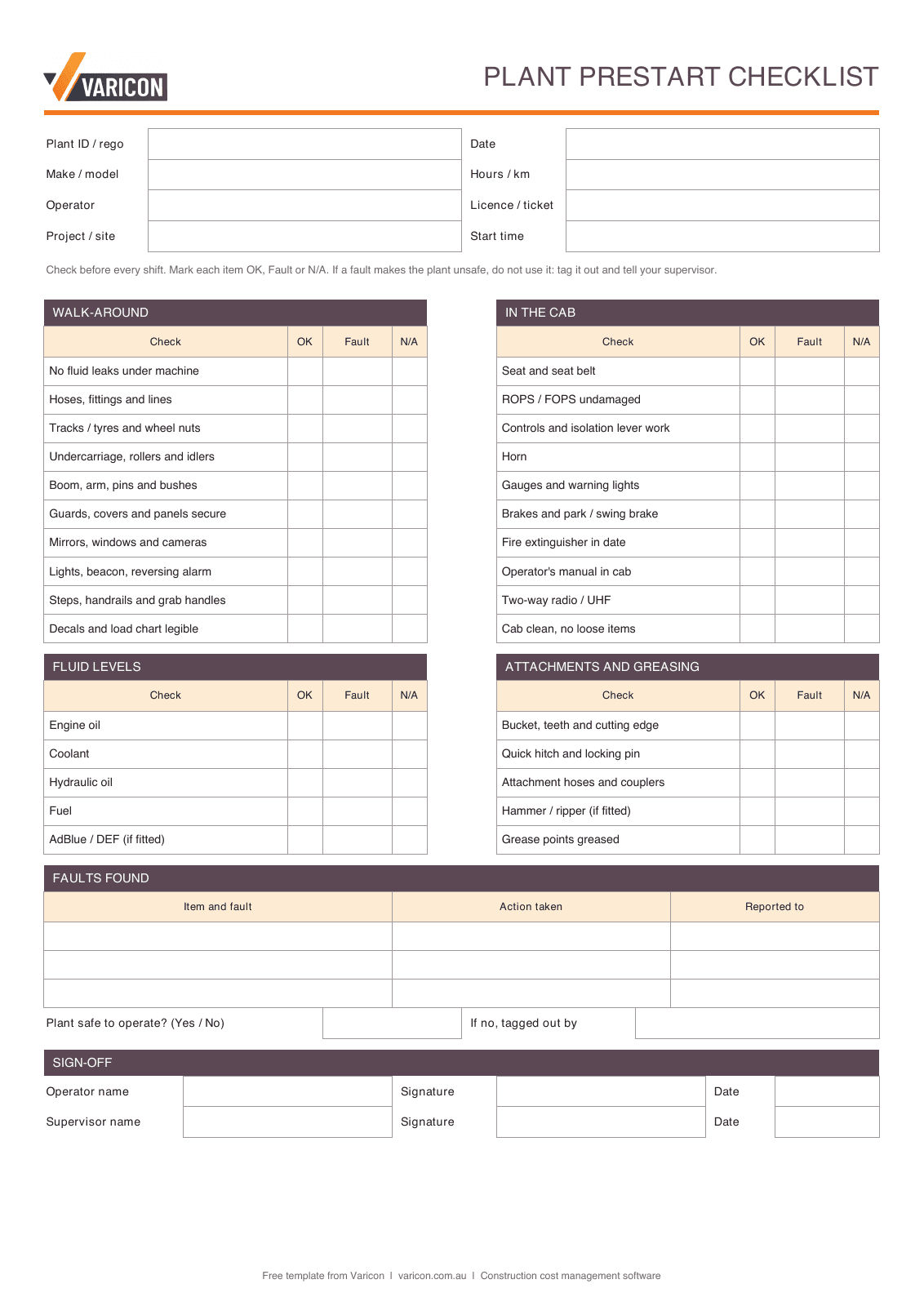
One A4 page for each machine for each shift. Each check is marked OK, fault or N/A.
- Machine and operator
- Plant ID or rego, make and model, hours or kilometres, operator, licence or ticket, project or site, date and start time.
- Walk-around and in the cab
- Ten walk-around checks, such as fluid leaks, hoses, tracks or tyres and the reversing alarm, and ten in the cab, such as the seat belt, ROPS or FOPS, brakes and fire extinguisher.
- Fluid levels and attachments
- Engine oil, coolant, hydraulic oil, fuel and AdBlue, then the bucket, quick hitch and locking pin, attachment hoses, hammer or ripper, and grease points.
- Faults and sign-off
- Each fault with the action taken and who it was reported to, whether the plant is safe to operate and who tagged it out, then the operator’s and supervisor’s sign-off.
How to use the prestart checklist
- Download the checklist in Excel, Word or PDF, and print enough for each machine.
- Before the shift, fill in the plant ID or rego, make and model, hours or kilometres, your name, your licence or ticket, the site, the date and the start time.
- Work through the walk-around, cab, fluid level and attachment checks, and mark each item OK, fault or N/A.
- Write any fault in the faults found table, with the action taken and who you reported it to.
- Record whether the plant is safe to operate. If it is not, tag it out, record who tagged it out and tell your supervisor.
- Sign the checklist, and have your supervisor sign it too.
A prestart only counts if there is a record
An equipment prestart confirms a machine has been inspected and is safe to use before work starts. Anything that fails the check is reported before the machine is used.
Paper prestart books are easy to skip, hard to read and slow to reach the office. Keep the completed checklists with the machine’s records, so you can show when it was checked and what was found.
When paper prestarts stop working
If prestart books are skipped or take days to reach the office, Varicon construction forms let your crew complete prestarts on a phone or a tablet, with the location recorded. The office sees each prestart once it is submitted.
How Varicon helps
The same prestart, on the operator’s phone before the shift
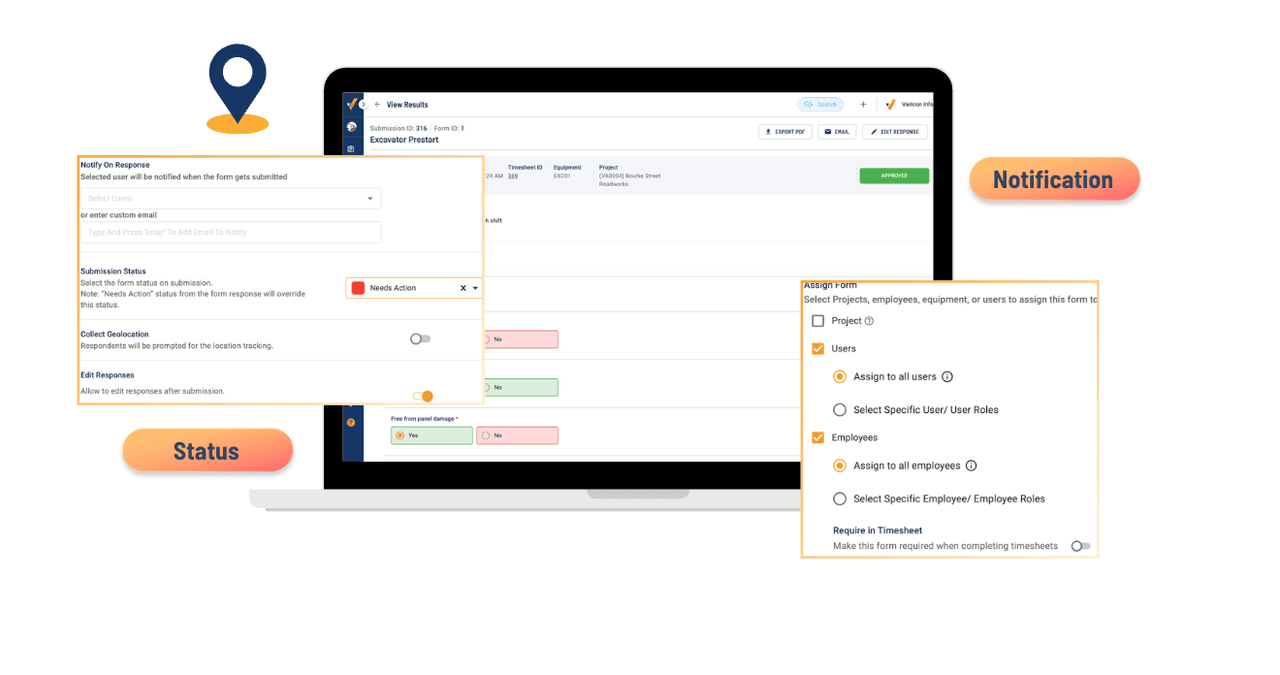
This checklist works on paper. In Varicon a prestart is a form your crew fills in on a phone or a tablet, with the machine picked from your equipment list and the location recorded, and the office sees it once it is submitted.
- Build your own prestart
Build an equipment prestart with checkboxes, dropdowns, signatures and tables, without code.
- Machines from your list
Dropdowns pull from your equipment, employees and projects in Varicon, so nothing is typed in again.
- Sent to the right people
Route each submitted prestart to the people who need it, and set auto-approvals where they fit.
Templates and guides
Template
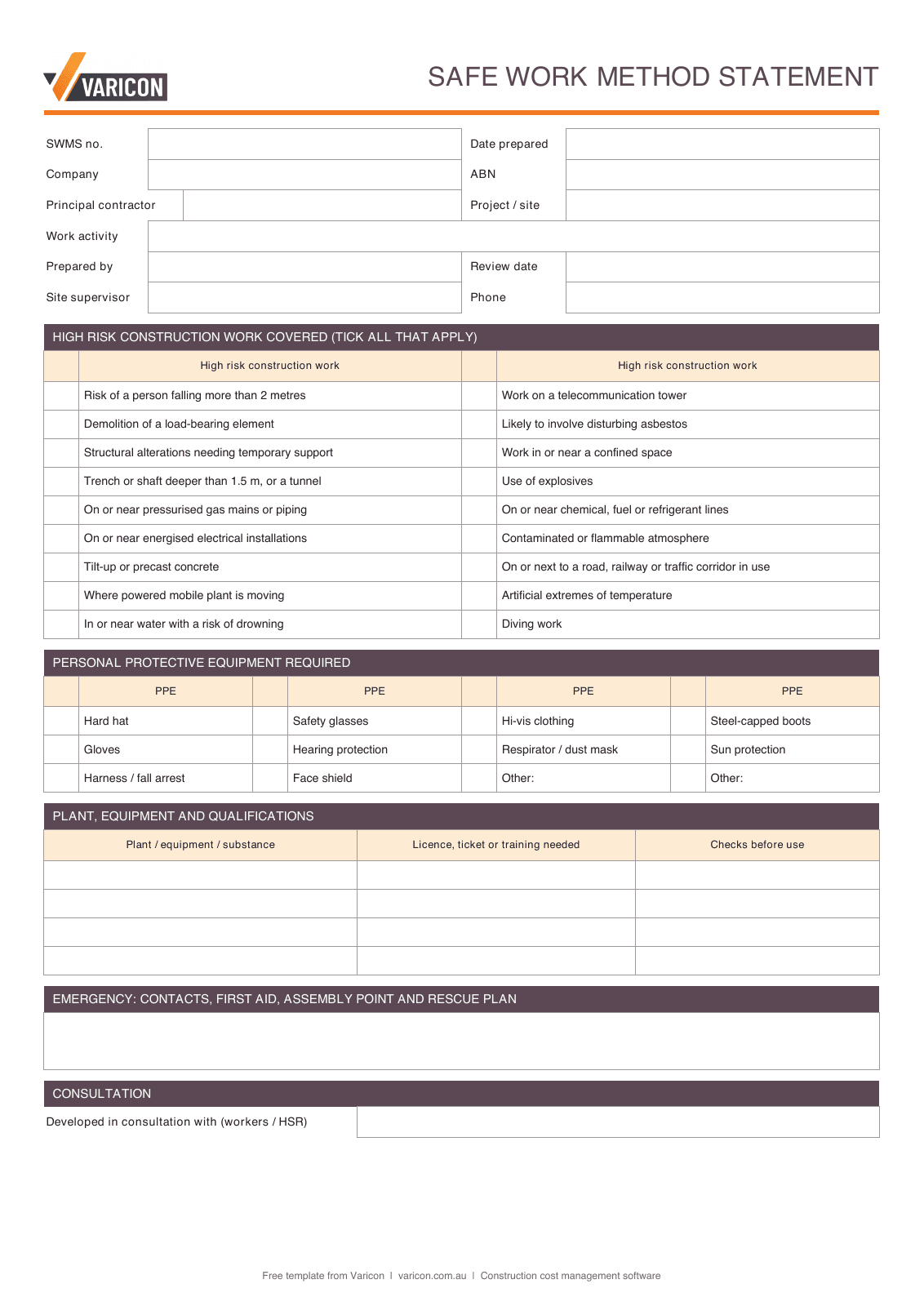
SWMS template
A safe work method statement with high risk work, PPE, plant and qualifications, then job steps, hazards, controls, risk ratings and worker sign-on.
Free download: Excel, Word and PDF
Template
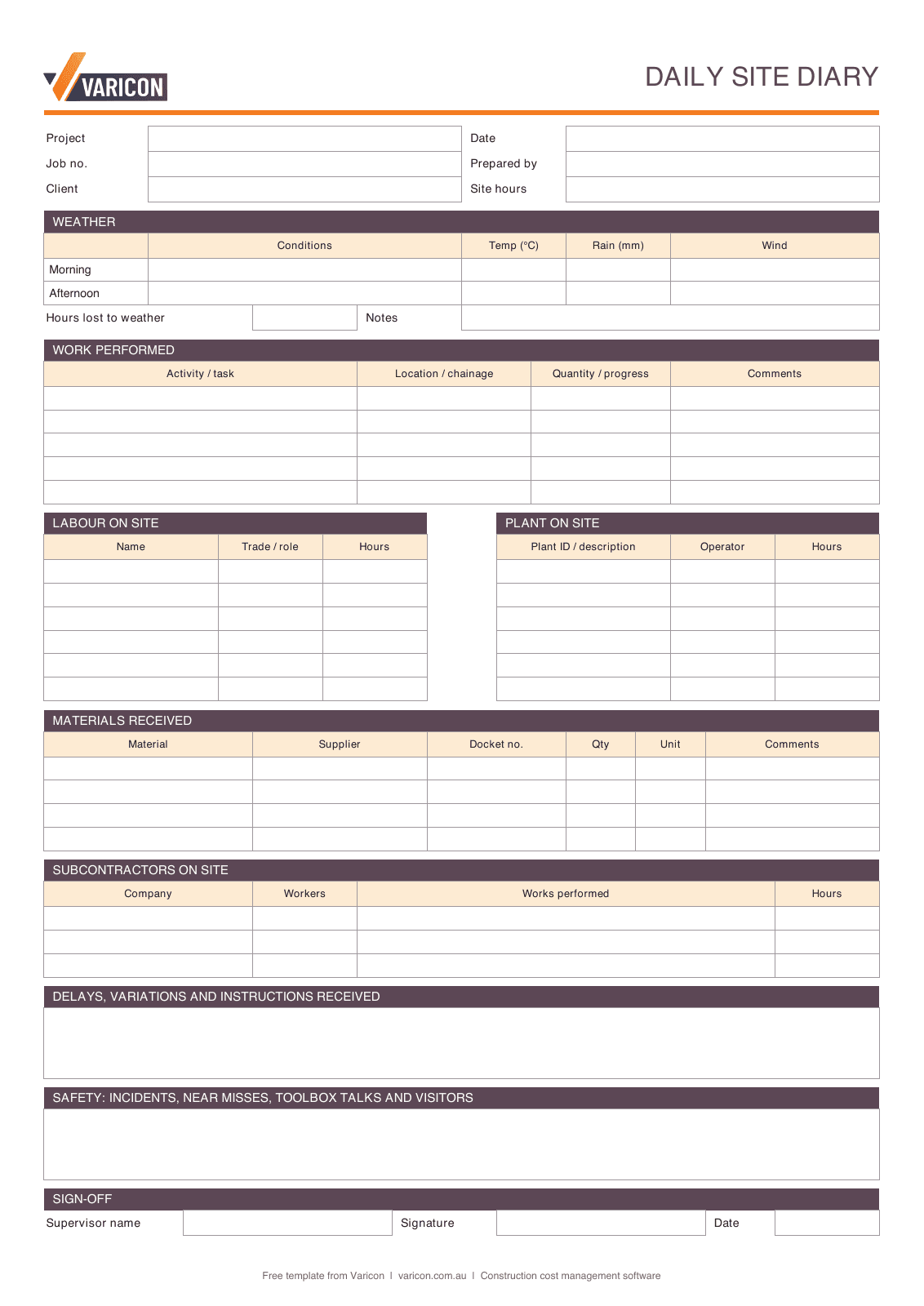
Daily site diary template
A one-page daily diary for a civil job, with weather, work performed, labour, plant, materials, subcontractors, delays and safety.
Free download: Excel, Word and PDF
Guide
Site diaries and forms that hold up
Record the day on the day, use the same forms on every job and get them to the office as soon as they are done. Good site records back up your claims, variations and safety records, and digital ones are easier to keep.
Questions and answers
The checks suit earthmoving plant such as an excavator, with boom, arm and bucket checks, a quick hitch and tracks or tyres. Mark anything that does not apply as N/A, and edit the Excel or Word version to suit your other machines.
Mark it as a fault and write it in the faults found table, with the action taken and who you reported it to. As the checklist says, if a fault makes the plant unsafe, do not use it. Tag it out and tell your supervisor.
Before every shift. One checklist covers one machine for one shift.
We cannot say that for your machines or your sites. Check it against the manufacturer’s instructions and your own work health and safety obligations, and add or remove checks to suit.
Excel (.xlsx), Word (.docx) and PDF, all with the same checks. In the Excel version, anything entered in a fault box is shaded red, so faults stand out.
Yes. Prestarts, toolbox talks, SWMS and other forms are completed and signed on site in the Varicon mobile app. See construction forms.
Site-proof civil software
See how Varicon would work on your jobs
Show us how your crew and office work today. We will show you how hours, dockets and variations flow through to payroll, claims and job costs.