Dayworks dockets
Capture extra work and get it signed on site
Turn your crew’s timesheets or the site diary into dayworks dockets. Your client signs on the operator’s phone or approves by email, and the claim amount is calculated as you go.
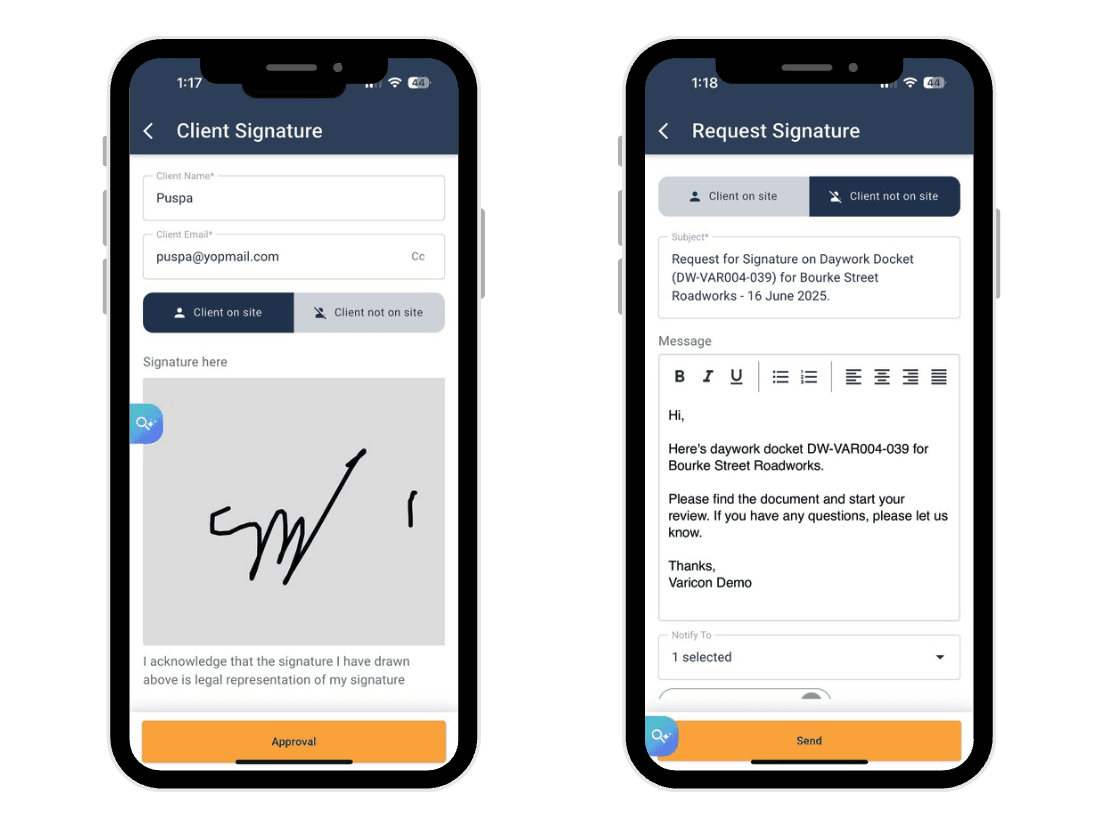
Stop chasing dayworks dockets for sign-off
Dayworks dockets record the labour, equipment and materials used for work outside the original contract. Varicon keeps them digital, organised and ready to claim.
- From timesheets or the diary
Create a docket for one operator from their timesheet, or for the whole crew from the site diary.
- Signed on site or by email
Your client representative signs on the device on site, or approves by email.
- Calculated as you go
Claim amounts are calculated as dockets are created, ready for approval and invoicing.
Create
Two ways to create a docket
Build a docket for one operator or for the whole crew, depending on the job. Both work in the Varicon mobile app.
- From a timesheet
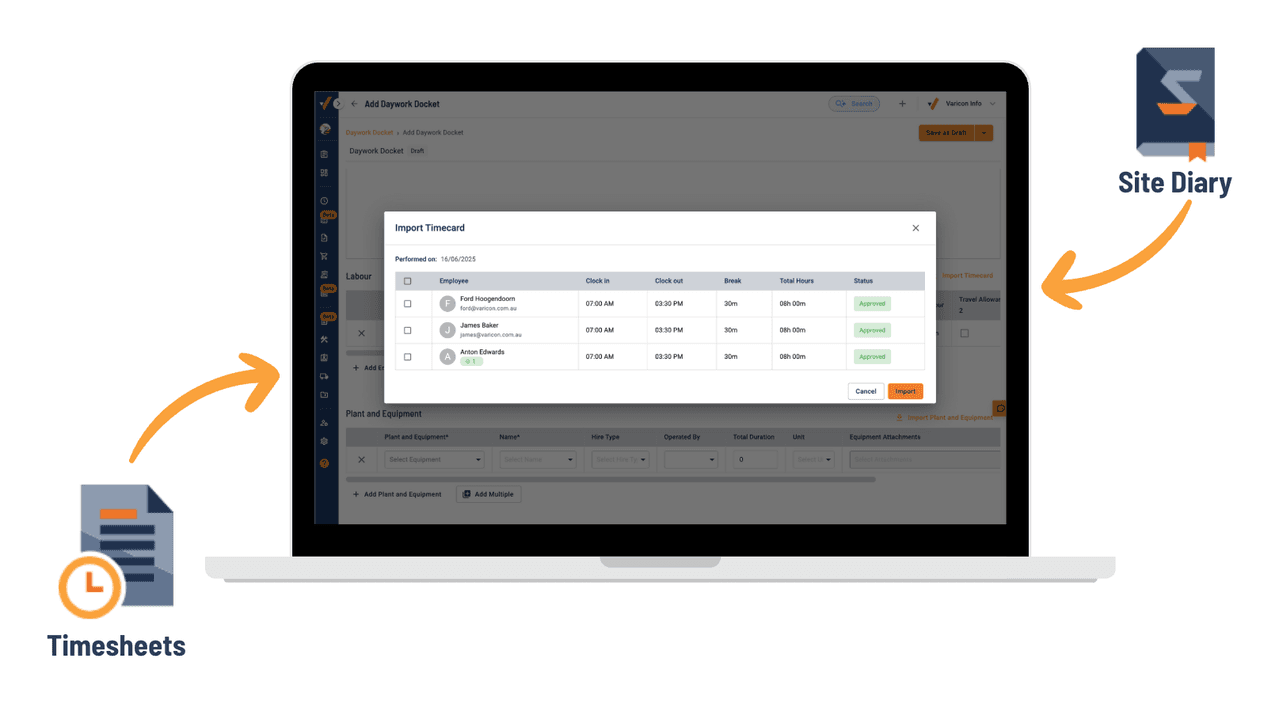
- An operator creates a docket from their own timesheet, with their labour and the equipment they used. They can adjust times or add equipment to get the detail right.
- From the site diary
- A supervisor compiles the day’s workers, equipment and materials from the site diary into one docket. This needs the right permissions.
Rates
Dockets that match your client’s dayworks schedule
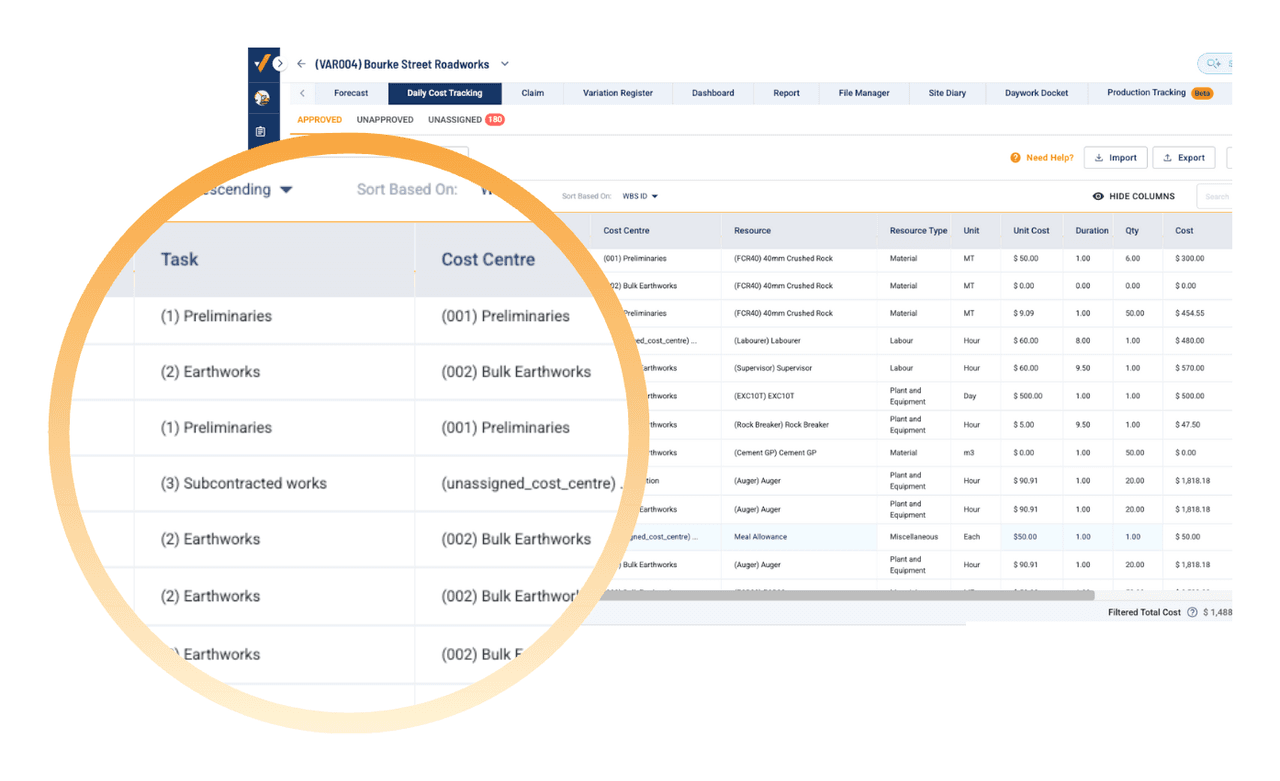
A resource charge sheet maps your workers, equipment, attachments, materials and other items to the rates agreed with your client. Import rates in bulk or add them one by one, and dockets list resources the way they appear in the schedule.
Approval
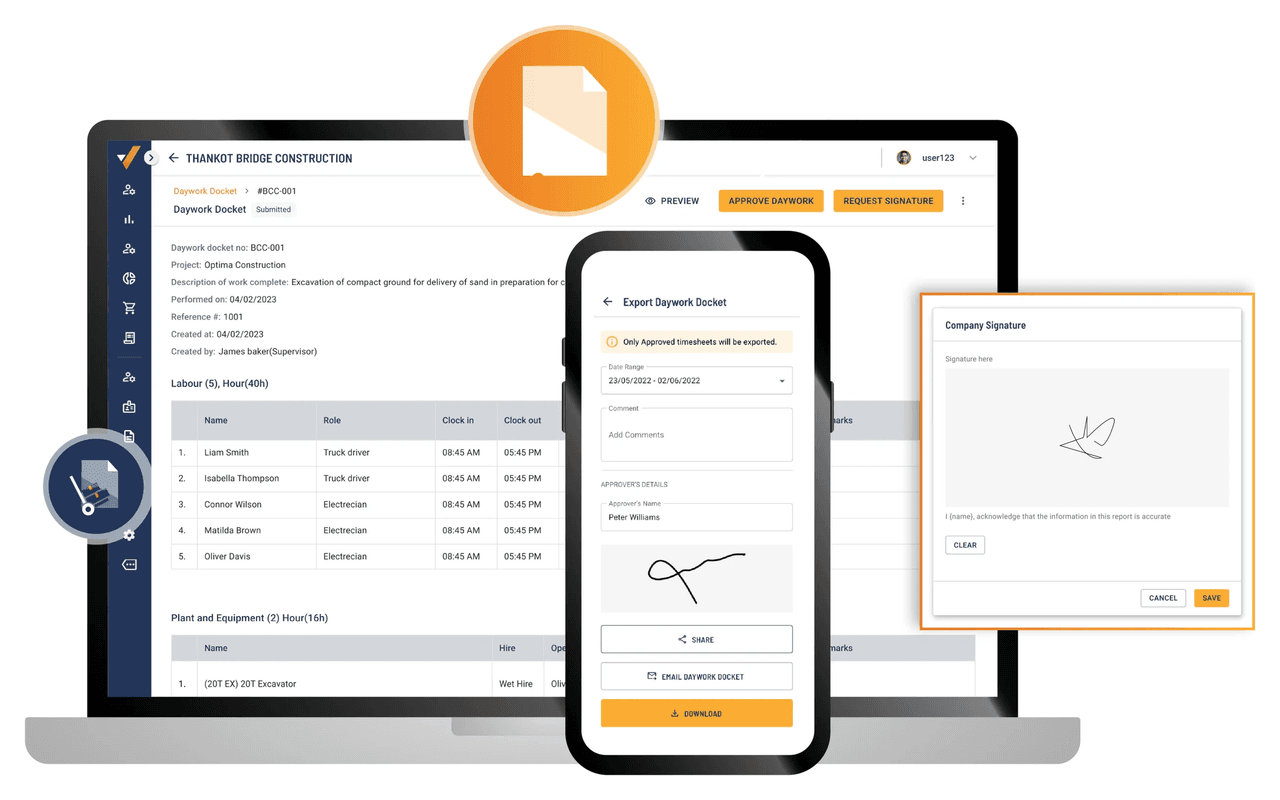
Client sign-off on site or by email
Once the operator or supervisor signs off a docket, the client representative can sign it on that device on site. If they are not on site, send it by email for approval, and copy in anyone from your company or theirs who needs it.
How contractors use it
Earthworks Geelong
Timesheets and day dockets off paper at Earthworks Geelong
Earthworks Geelong moved timesheets, machinery pre-starts and day dockets off paper and into Varicon. James McCarthy explains what changed for the crew and the office.
ABM Landscaping
10% more dayworks captured and 5-7 hours a week off payroll at ABM Landscaping
ABM Landscaping’s crews work across many sites around Perth. Varicon gives them one place for timesheets, payroll, dayworks dockets, forms and photos.
MineMend
Claims approved in half the time, with 30% less double handling, at MineMend
MineMend rehabilitates mine sites in Queensland. Varicon gives it one place for claims, dayworks, prestart and safety forms, timesheets and job costs.
Templates
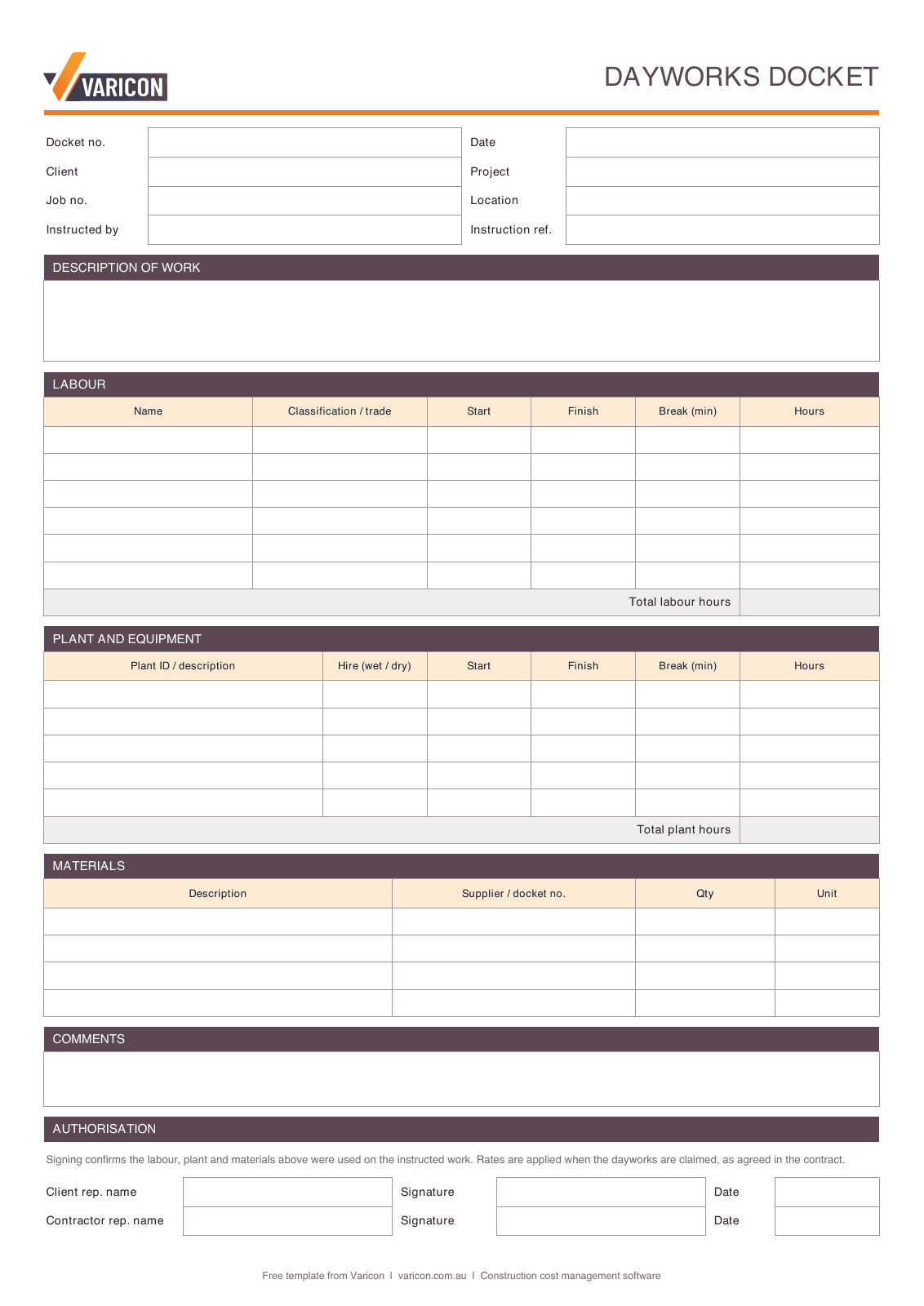
Dayworks docket template
A docket for work done on day rates, with the instruction, labour, plant and equipment, materials, and sign-off by client and contractor.
Free download: Excel, Word and PDF
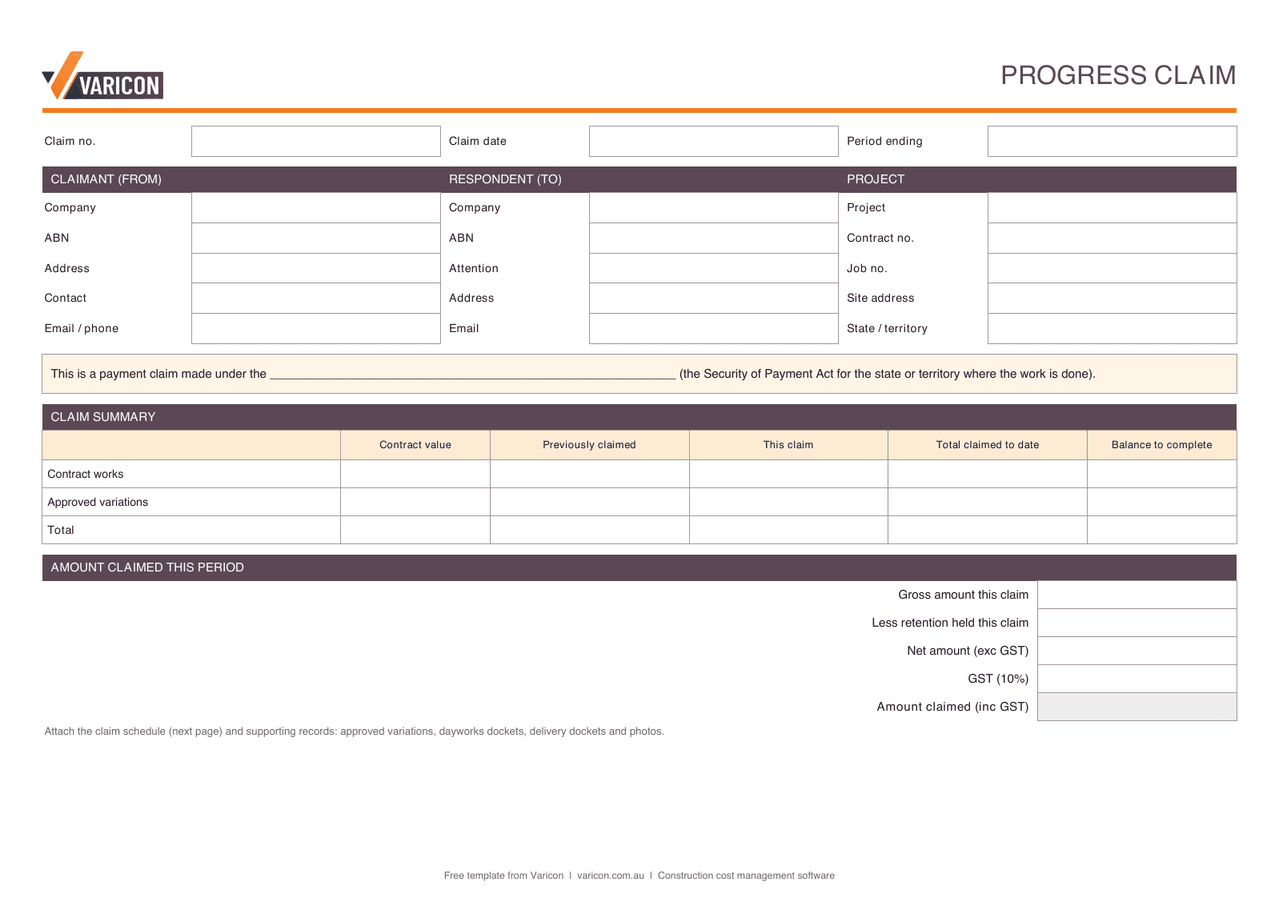
Progress claims template
A progress claim with a cover page for the parties and the claim summary, and a claim schedule for contract works and approved variations.
Free download: Excel and PDF
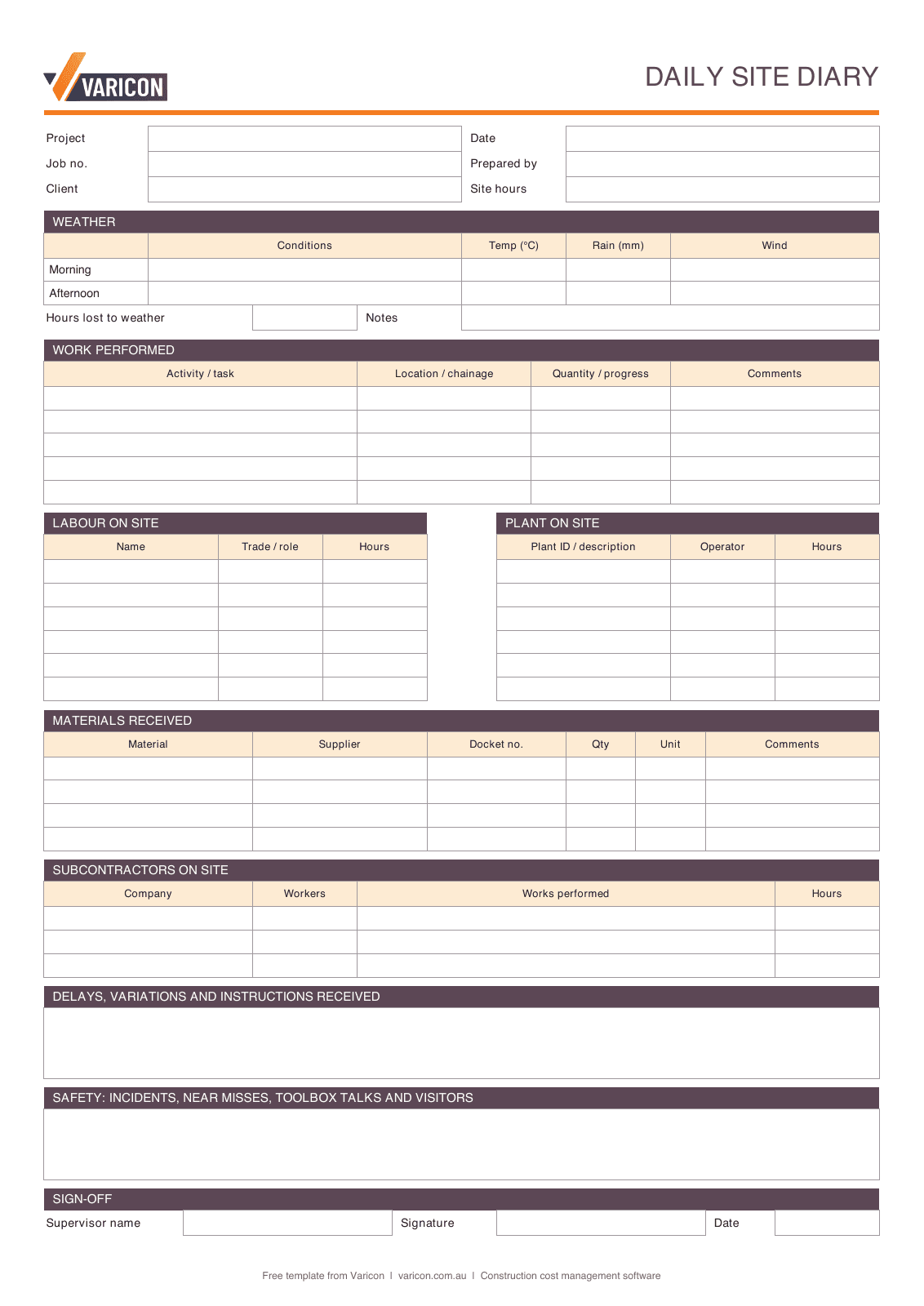
Daily site diary template
A one-page daily diary for a civil job, with weather, work performed, labour, plant, materials, subcontractors, delays and safety.
Free download: Excel, Word and PDF
Questions and answers
Dayworks dockets record the labour, equipment and materials used for work that is not covered by the original contract. They keep track of the extra work so it can be billed clearly.
In two ways, both in the Varicon mobile app. An operator can create a docket from their own timesheet, with their labour and equipment. A supervisor can compile one docket for the whole crew from the site diary, covering everyone, all equipment and all materials used that day. This needs the right permissions.
A resource charge sheet maps your workers, equipment, attachments, materials and other items to the rates in your client’s dayworks schedule. You can import the rates in bulk or add them one by one.
In one of two ways. On site, they sign on the operator’s or supervisor’s device. Otherwise, they approve by email.
Yes. Download the free construction dayworks docket template.
Site-proof civil software
See how Varicon would work on your jobs
Show us how your crew and office work today. We will show you how hours, dockets and variations flow through to payroll, claims and job costs.