Timesheets and payroll
Hours from site to payroll, without the paper
Your crew clocks in on a phone or a shared tablet on site. Supervisors approve the hours, and approved timesheets flow to payroll in your accounting system and onto the job’s costs.
Stop chasing timesheets at the end of the week
Paper sheets and spreadsheets mean chasing the crew for hours, retyping them for payroll and finding out what labour cost after the job has moved on.
- Logged on site
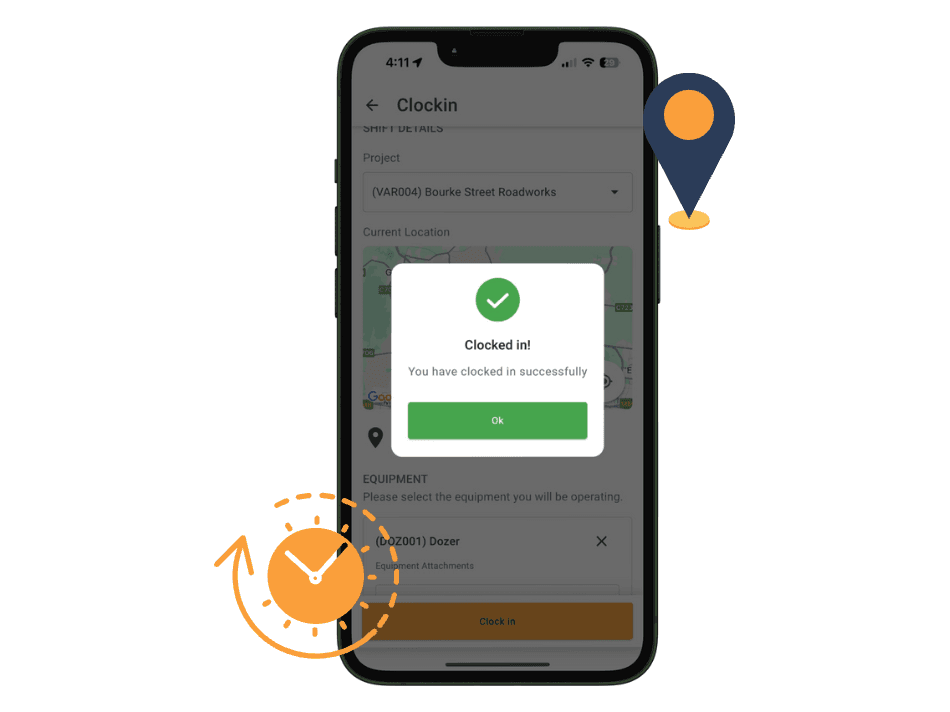
Workers clock in and out on the job and choose the project and the equipment they are on.
- Checked once
Supervisors approve hours in bulk or one by one, from a phone, a tablet or the web.
- Sent on
Approved hours flow to payroll in your accounting system and onto the job’s costs.
On site
Clock in on a phone or a shared tablet
Timesheets made for construction workers, with big buttons and nothing extra. Fat-finger friendly by design.
- An app for each worker
- Workers clock in and out in the Varicon app and pick the project and equipment for the shift.
- Kiosk mode for a shared tablet
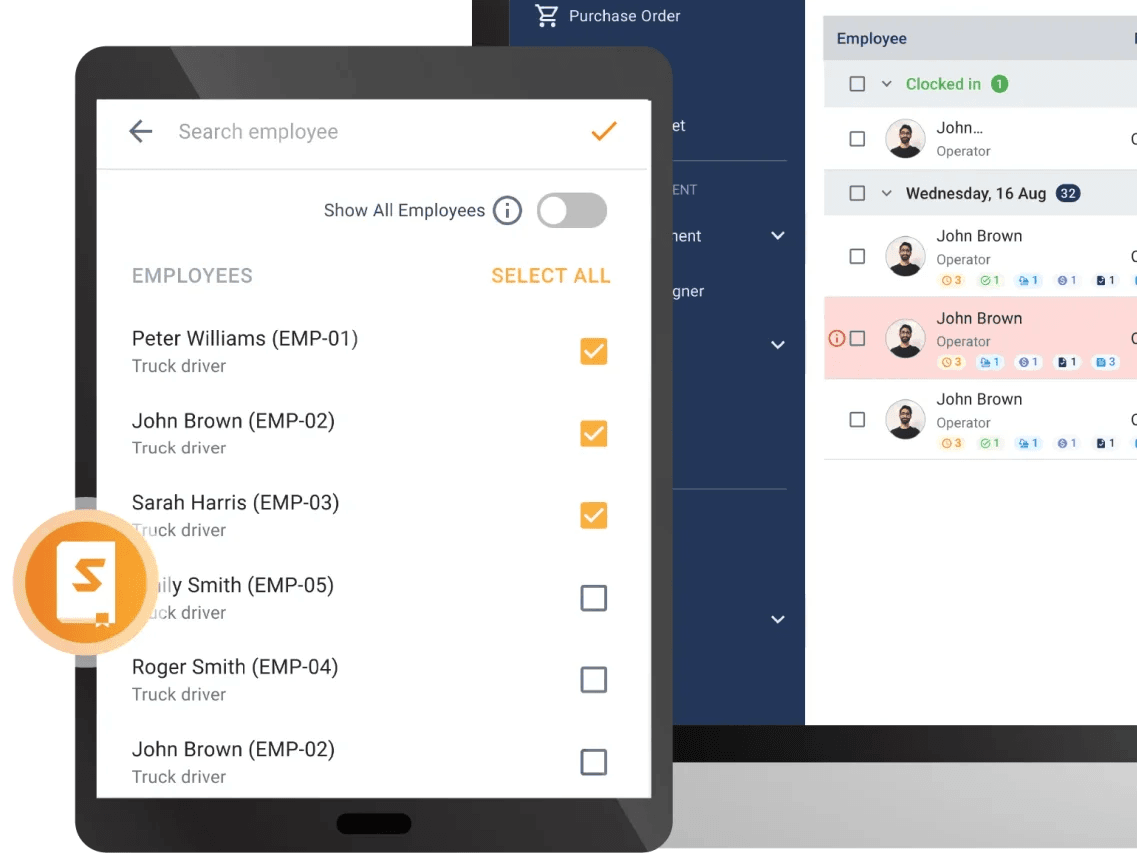
- Mount a tablet at the site office and workers log their hours without installing anything themselves.
- Location-tagged entries
- Entries can carry their location, so you can check attendance.
Approvals
Approve hours without the chase
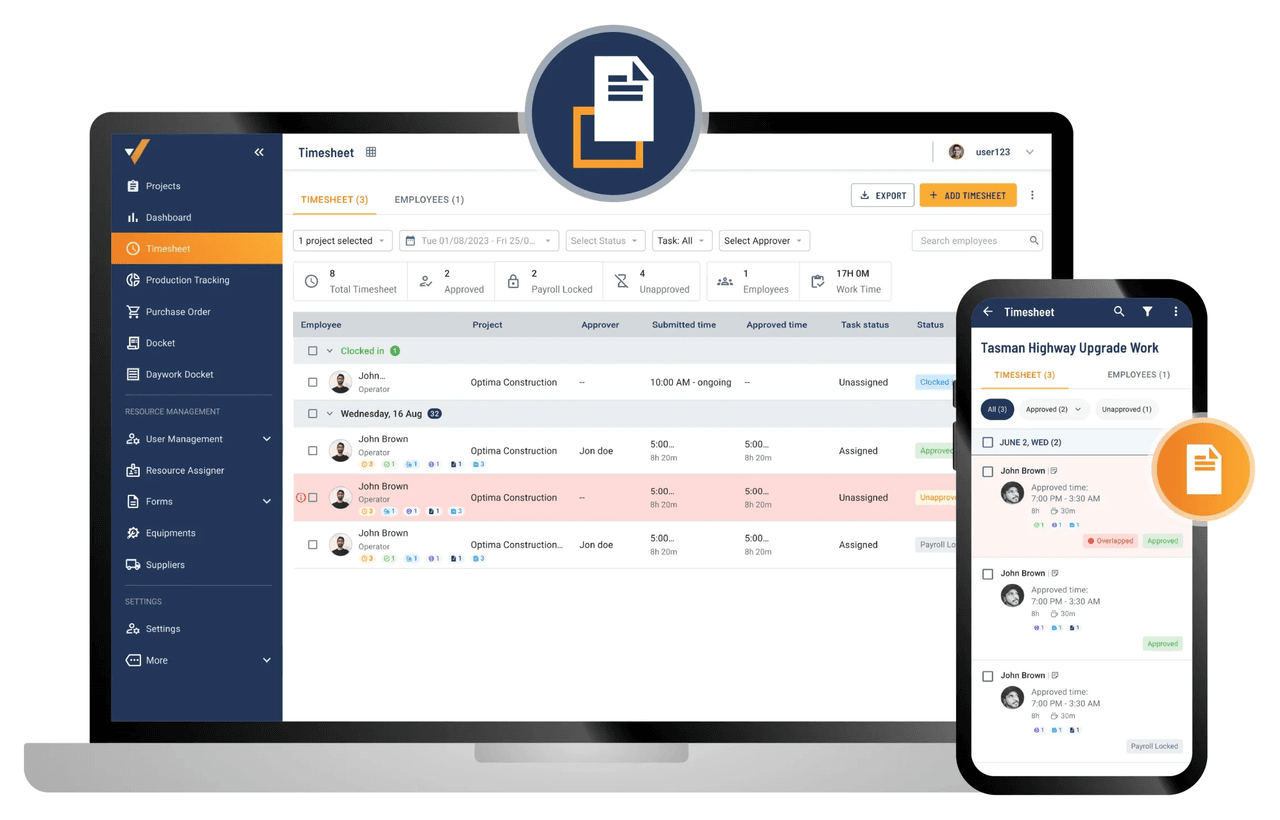
Set the approval steps for each project. Supervisors approve in bulk or one by one, and workers can see the status of every timesheet they have submitted.
- Approvals set per project
- Choose who approves timesheets on each job.
- Bulk or one by one
- Approve through the Admin login on a phone, a tablet or a web browser.
- Status in the app
- Workers see whether the timesheets they submitted are approved.
Payroll
Approved hours flow to payroll
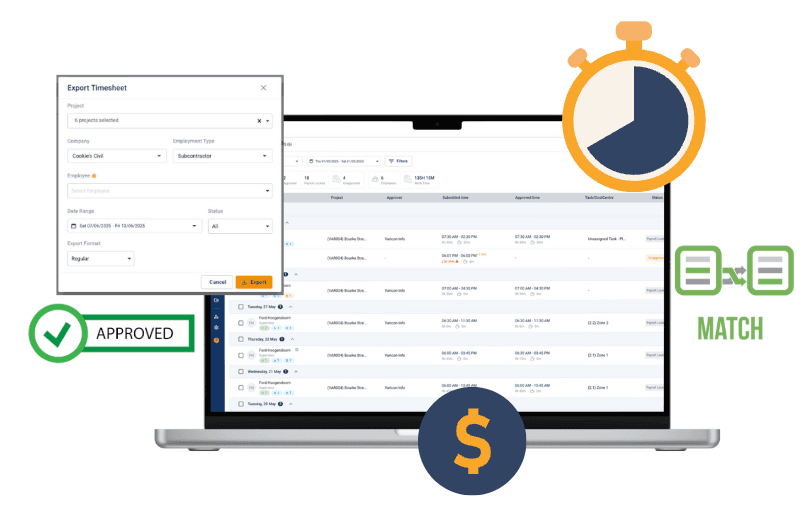
The payroll calculator applies the pay rules you set up by employment type, such as wages, salary, casual or subcontractor. Approved timesheets then export to payroll in Xero, MYOB or Employment Hero.
- Set up with a real person
- Your Varicon customer success specialist helps you set up the payroll calculator and your pay rules.
- Labour costs on the job
- The same approved hours are captured as labour costs against the project and cost code.
Subcontractors
Subbies and labour hire too
Use Varicon timesheets to tell individual contractors and labour hire operators their claimable hours, and to check their invoices against the hours logged.

What our customers say

“Finding the right tool is not just about solving today’s problems; it’s about paving the way for tomorrow’s growth. With Varicon’s ‘Fat Finger Friendly’ approach, we didn’t just find a solution; we found a partner for our journey.”
 Rob BolandManaging Director, Peninsula Civil
How contractors use it

Peninsula Civil Solutions
30% less time on payroll, and about $10,000 a year saved, at Peninsula Civil Solutions
Rob Boland wanted software his site crew would actually use. Peninsula Civil Solutions now runs timesheets, payroll, site diaries and progress claims in Varicon.

Collective Civil
Payroll admin cut by 50% after Collective Civil took timesheets off paper
Paper timesheets came into the office in piles and were typed into Excel. Collective Civil now captures hours, allowances and machinery on site with Varicon.

MineMend
Claims approved in half the time, with 30% less double handling, at MineMend
MineMend rehabilitates mine sites in Queensland. Varicon gives it one place for claims, dayworks, prestart and safety forms, timesheets and job costs.
Templates and guides
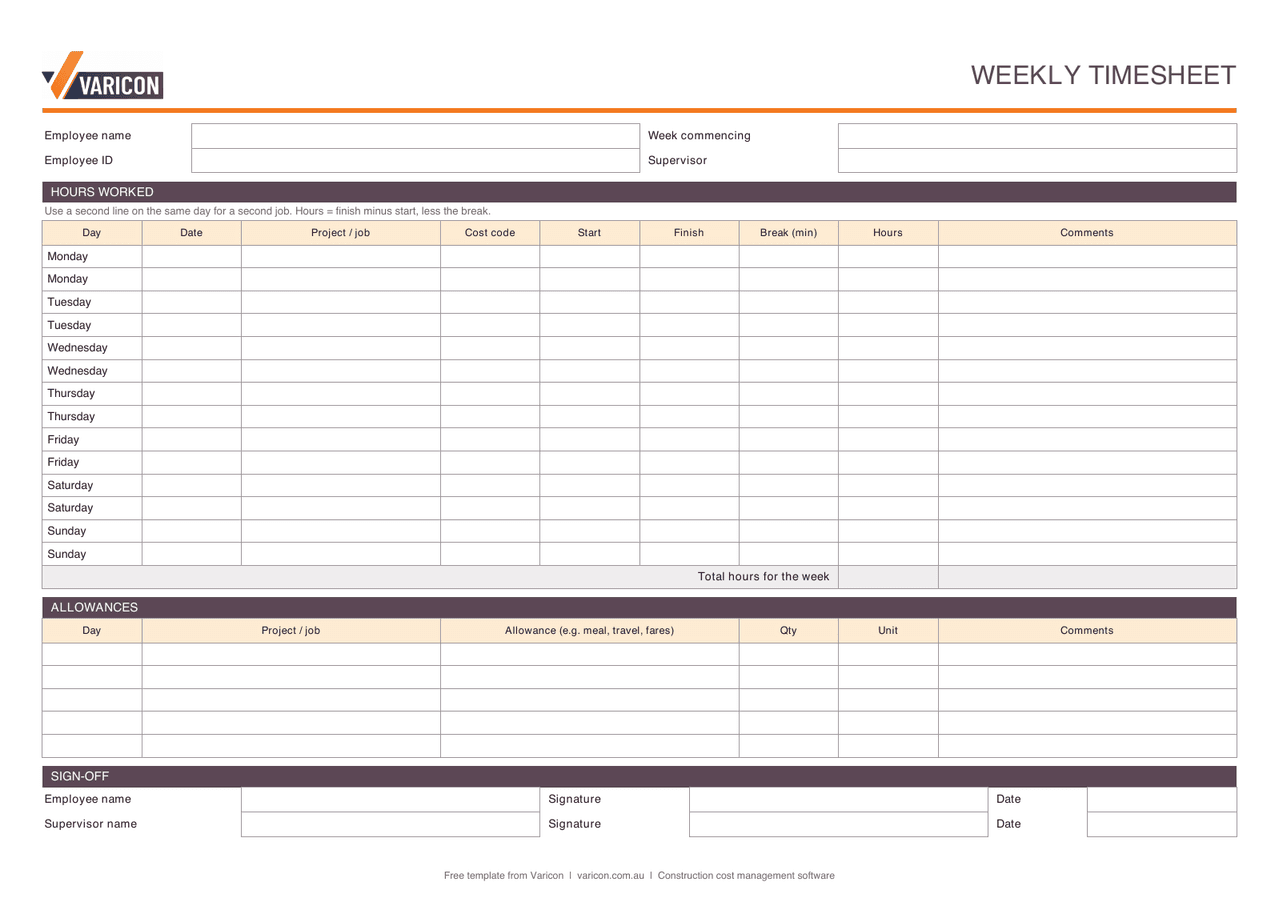
Template
Construction timesheet template
A weekly timesheet for one worker, with hours by day, project and cost code, an allowances table and sign-off.
Free download: Excel and PDF
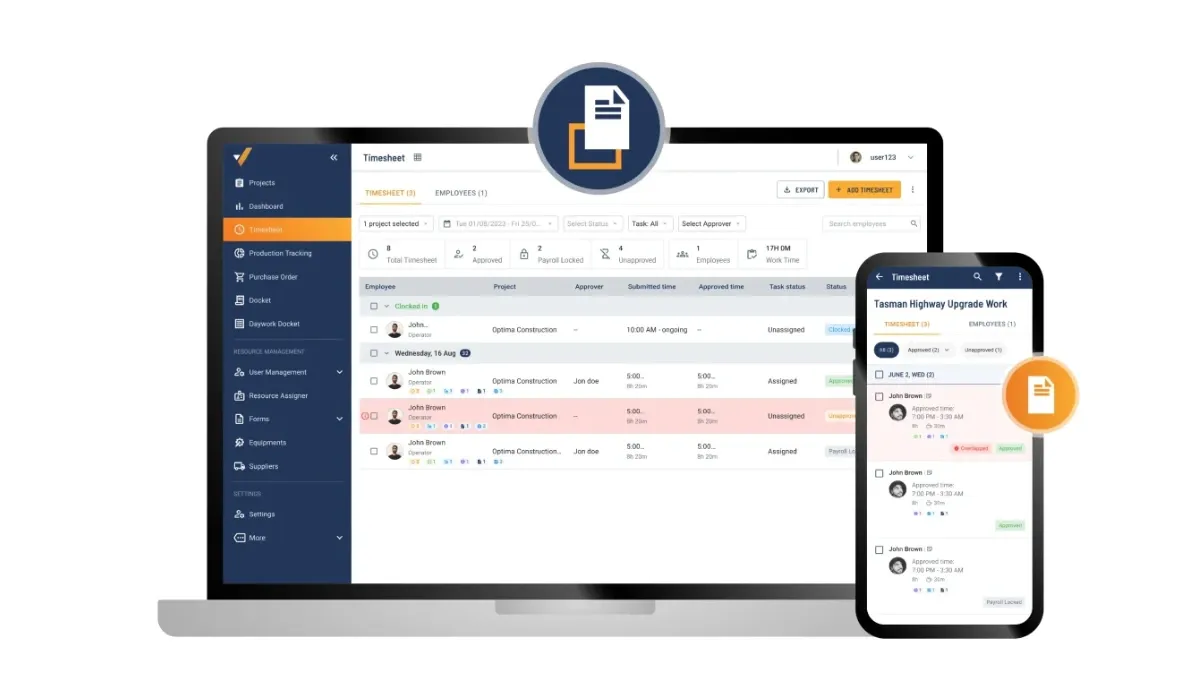
Guide
From site timesheets to payroll without the retyping
Capture hours on site as the work happens, have a supervisor approve them once, then send approved hours to payroll in your accounting system, with pay rules set up by employment type.
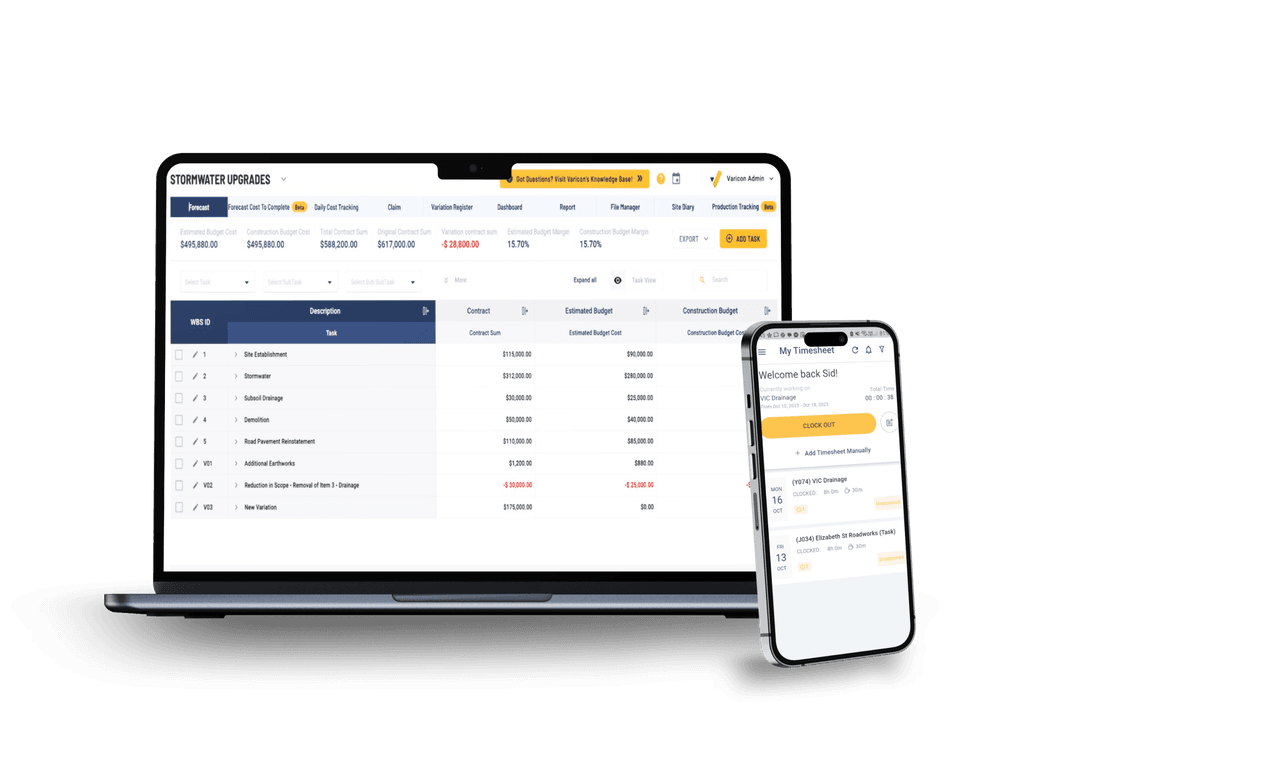
Guide
Choosing software your crew will actually use
Choose software built for civil work that connects site and office and that your crew will actually use. Then roll it out in stages, starting with one part such as timesheets, with real help to set it up.
Questions and answers
Workers clock in and out in the Varicon mobile app and select the project and equipment. There is also a kiosk login for a shared tablet on site.
Yes. Supervisors approve timesheets in bulk or one by one through the Admin login on a phone, a tablet or a web browser.
Approved timesheets export to payroll in your accounting system. The payroll calculator is set up first, and your Varicon customer success specialist guides you through it.
The payroll calculator assigns pay rules by employment type, for example wages, salary, casual or subcontractor. You can add more employment types if you need them, and your customer success specialist helps you set them up.
Use kiosk mode on a shared tablet at the site office. Workers log their hours and complete forms without installing anything themselves.
Yes. Download the free construction timesheet template in Excel or PDF.
Site-proof civil software
See how Varicon would work on your jobs
Show us how your crew and office work today. We will show you how hours, dockets and variations flow through to payroll, claims and job costs.