Guide
Choosing software your crew will actually use
Choose software built for civil work that connects site and office and that your crew will actually use. Then roll it out in stages, starting with one part such as timesheets, with real help to set it up.
- Published
- Reading time
- 2 min read
What to look for
There is no single best system. The right one is the one that fits the work you do and the way your business runs. Check these first.
Built for civil work
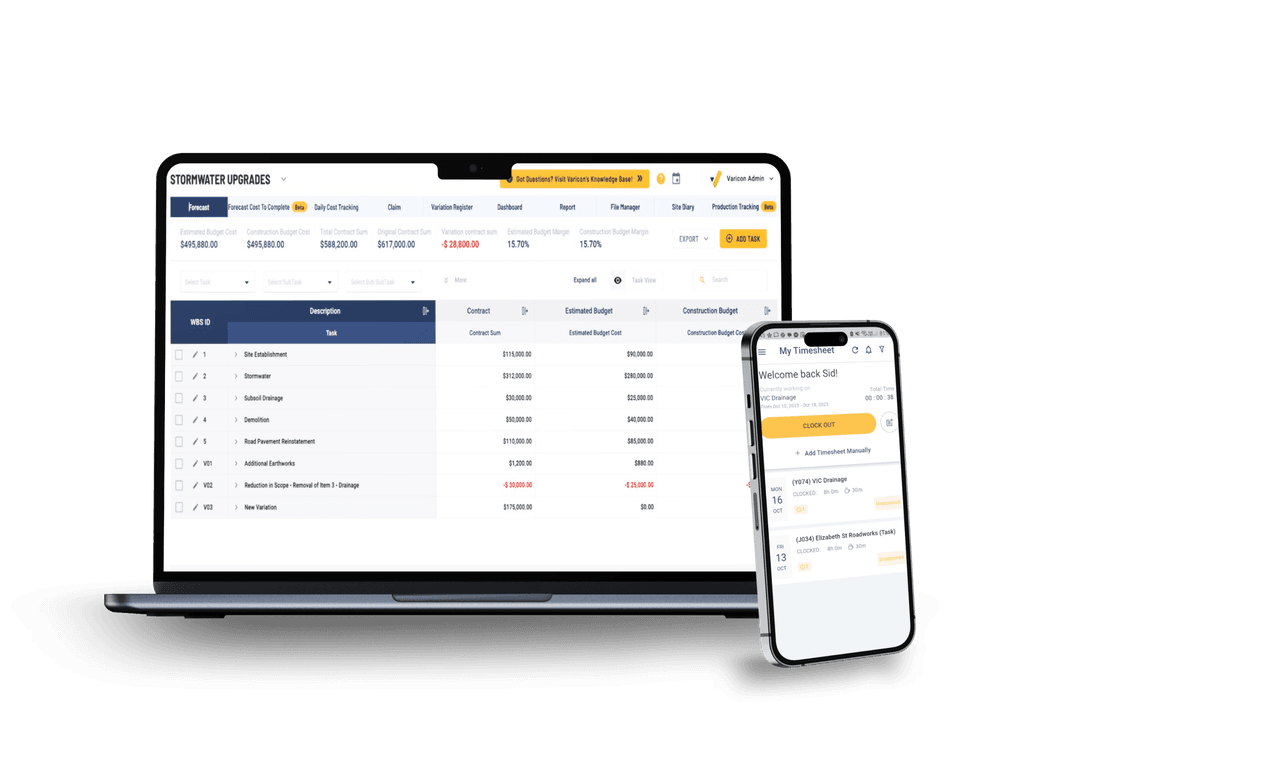
Civil work is not general construction with more dirt. Look for software that understands earthworks, utilities and infrastructure: dayworks, variations, plant hours and progress claims against a schedule. General-purpose tools make you bend your process to fit them.
Connected from site to office
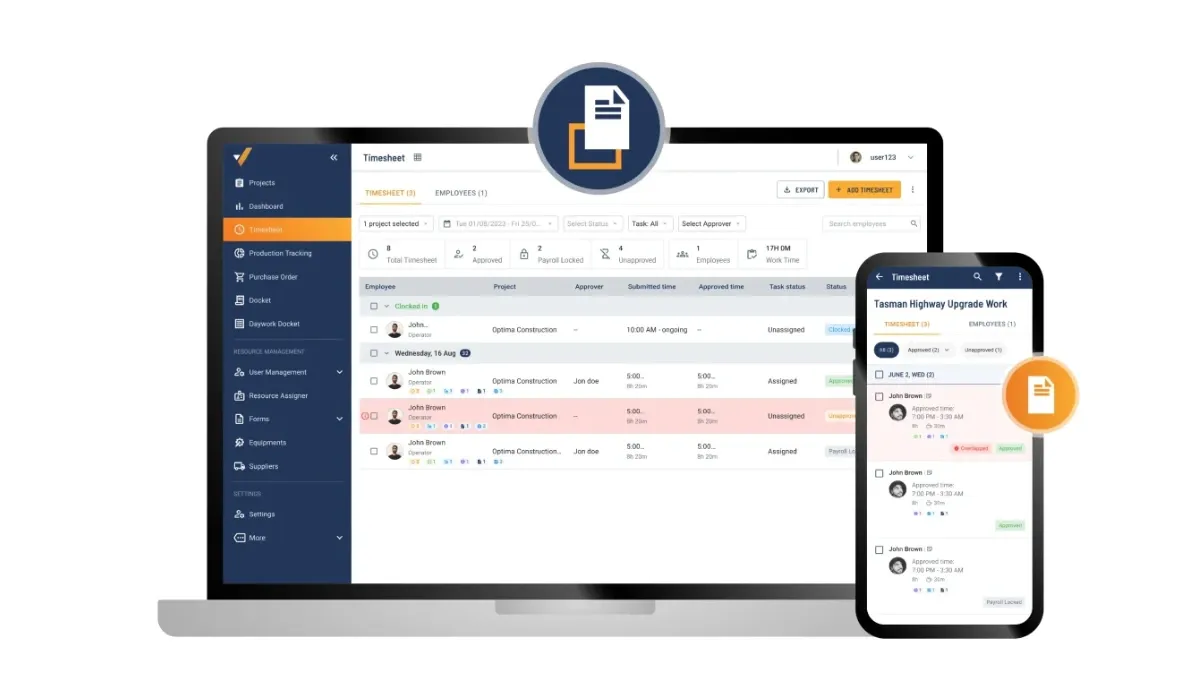
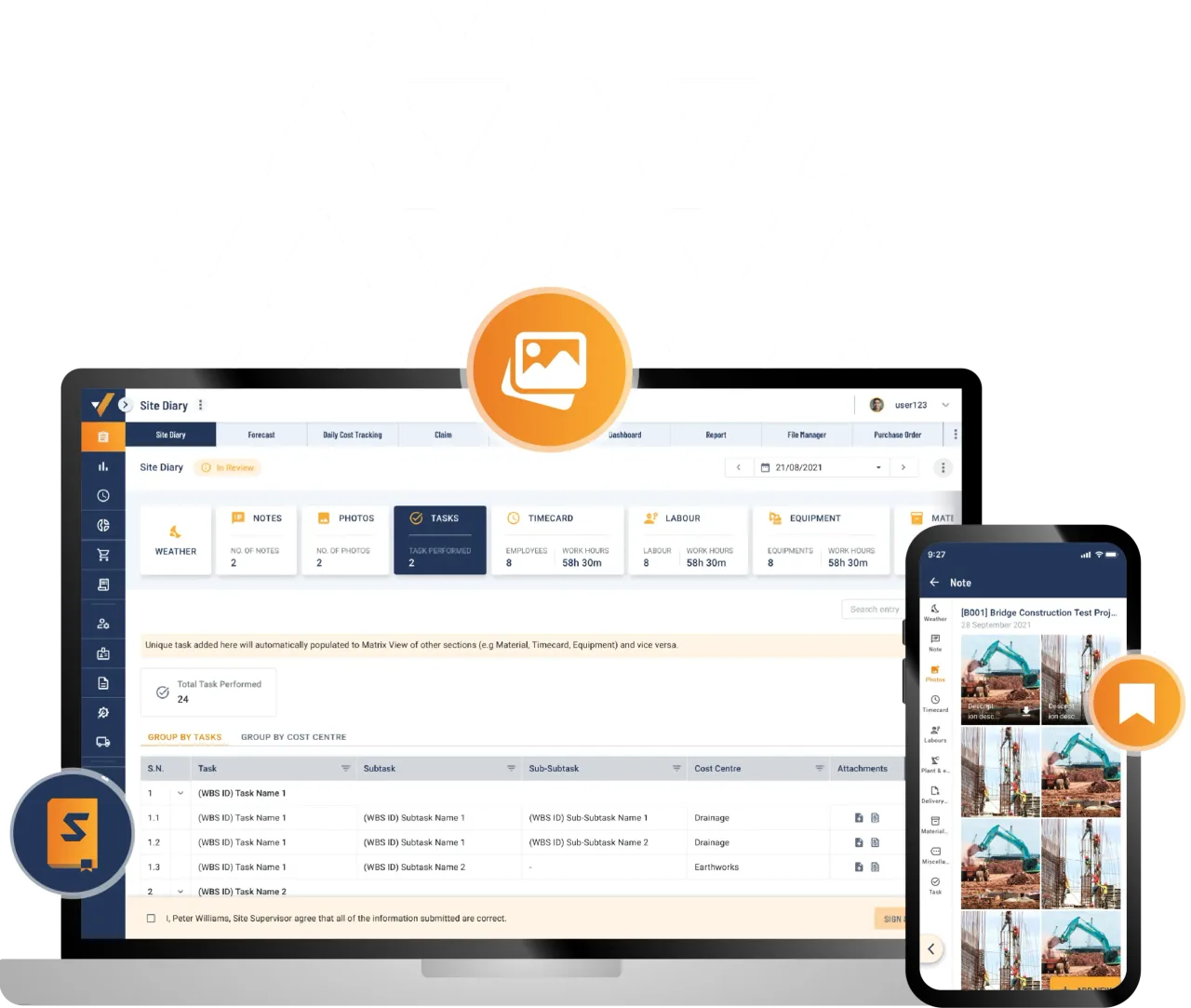
The point is to stop handling the same information twice. Hours, site diaries, dockets and deliveries recorded on site should flow to payroll, claims and job costs without being typed in again in the office.
Works with your accounting system
You should be able to keep the accounting system you already use, with bills and approved hours going to it.
Simple enough for your crew
The system only works if the people on site use it. Many of them are not tech-savvy, so look for big buttons, quick entry and as few steps as possible on a phone or a tablet. Simplicity is a feature: a focused system your crew uses beats a bigger one they avoid.
Real help to get started
Ask who will set the system up with you and train your field and office staff. Help from a real person makes the difference between software that is used and software that is paid for.
Questions to ask before you commit
- Is it built for the kind of work we do?
- Can it grow with us, from small jobs to long projects?
- What will it save us in time and errors, and where?
- Who will help us set it up and train the crew?
Rolling it out to your crew
Getting everyone to use new software, including the crew on site, is often the hardest part. A structured approach helps.
- Make the case. Explain to the business why you are changing now and what it will fix.
- Pick a small team. Include decision-makers, project managers, supervisors and someone from finance or payroll. The people who lead change are not always the most senior.
- Describe where you are heading. Show how the work will look once the system is in place.
- Talk to the crew often. Use every channel, and pay most attention to the people on site.
- Support the people on site. Give field staff training and hands-on help, especially those less used to technology.
- Start small and show a win. Begin with one part, such as timesheets on one or two jobs, and celebrate when it works.
- Build on it. Add the next part only when the first has stuck, and act on feedback from the people using it.
- Make it how you work. Recognise the people who make it work, and build the system into your normal processes.
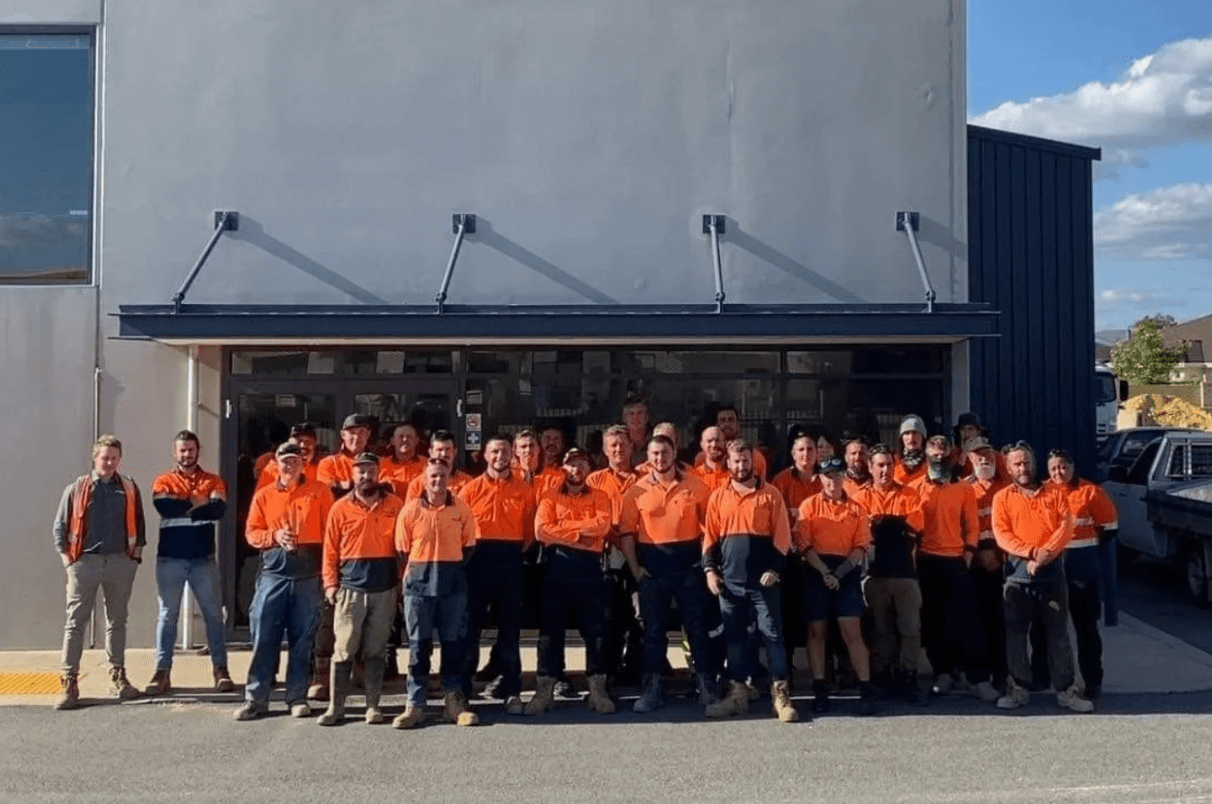
Grand Civil took this path: its leadership and Varicon’s customer support team made the case for change together, and a phased rollout let the business see early gains without overwhelming the team.