For foremen and site supervisors
Log the day on site, and let the office see it
Approve your crew’s timesheets, fill in the site diary, record deliveries and dayworks, and complete forms on your phone or tablet. The office sees what you submit, so you are not sending texts and emails to keep them up to date.
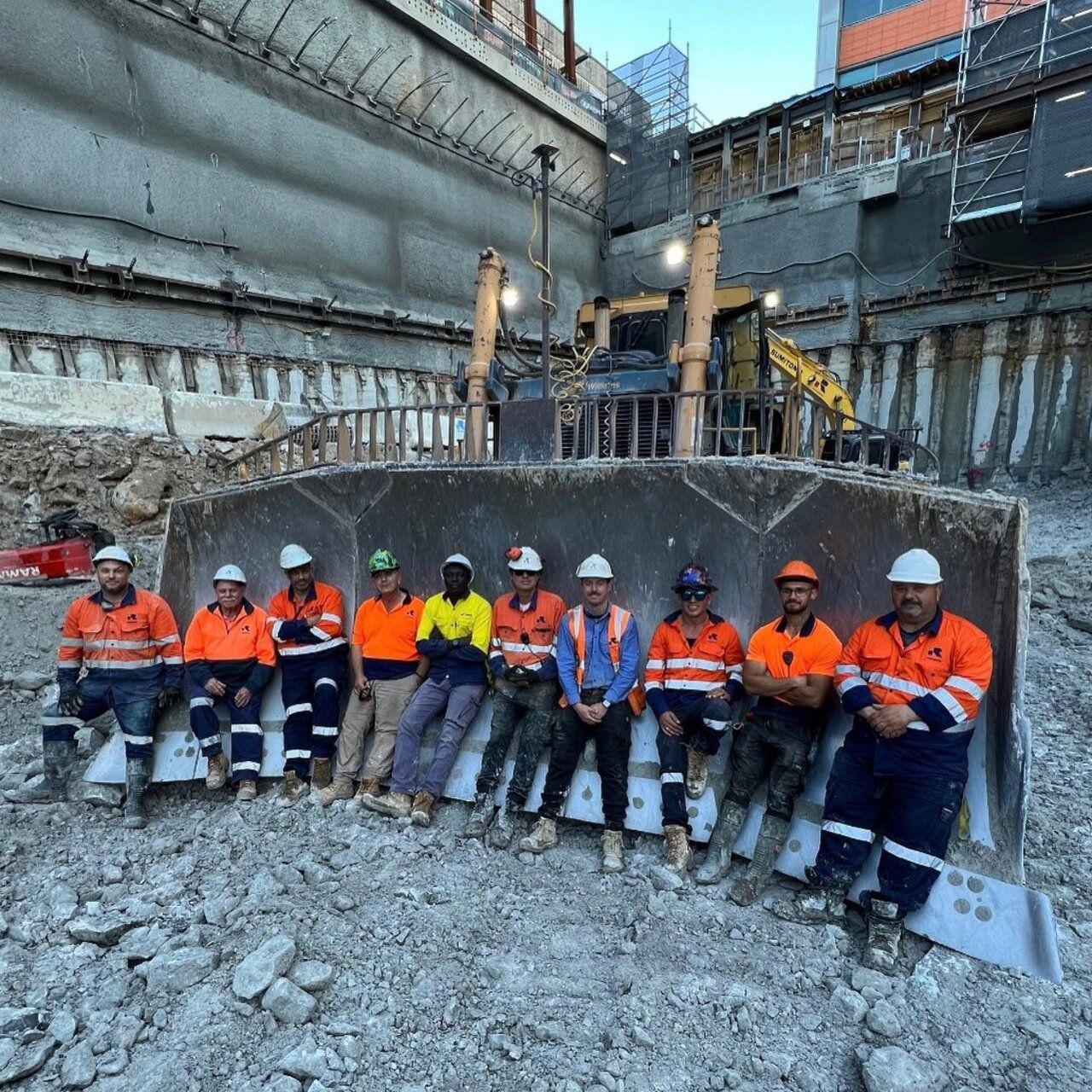
What changes on site
- Fat-finger friendly
Big buttons and simple screens, made for logging what happens on site from a phone or tablet.
- Timesheets approved on your phone
See who has clocked in, the hours they have worked and which crews are on site. Approve in bulk or one by one.
- The office in the loop
Site diaries, forms, dayworks, dockets and timesheets are available to the office once you save them, so you do not have to send them on.
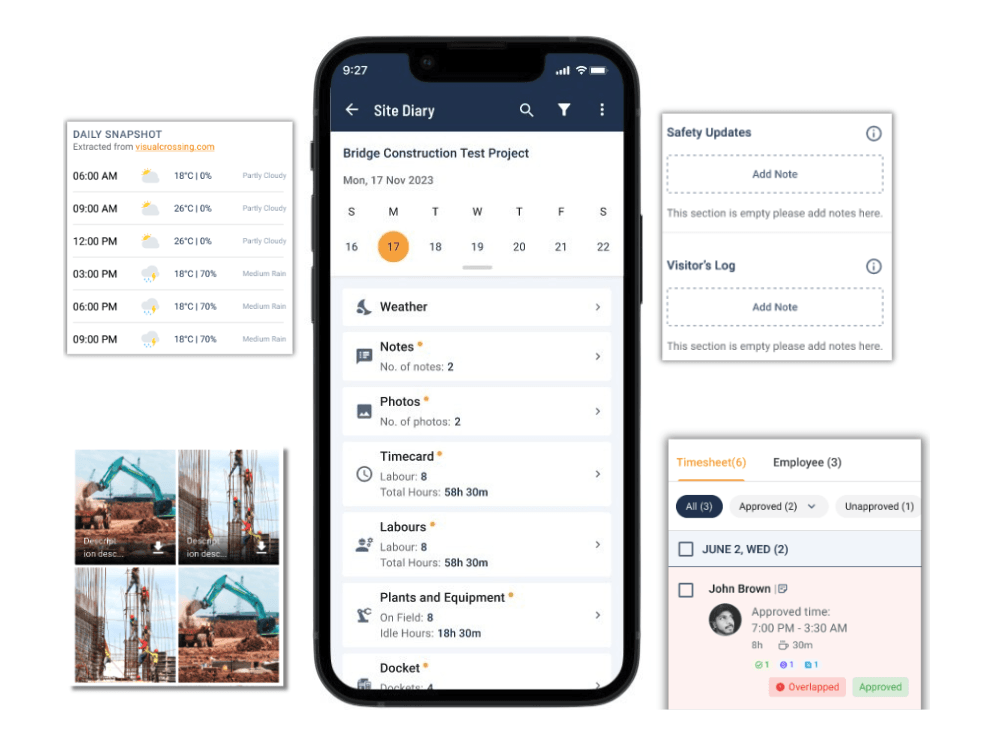
Site diary
A site diary pre-filled from timesheets and dockets
Log weather, crew activity, equipment, issues and photos. The diary pulls in data from timesheets and delivery dockets, so you are not entering it twice.
- Dayworks from the diary
- Compile the day’s workers, equipment and materials into one dayworks docket straight from the site diary.
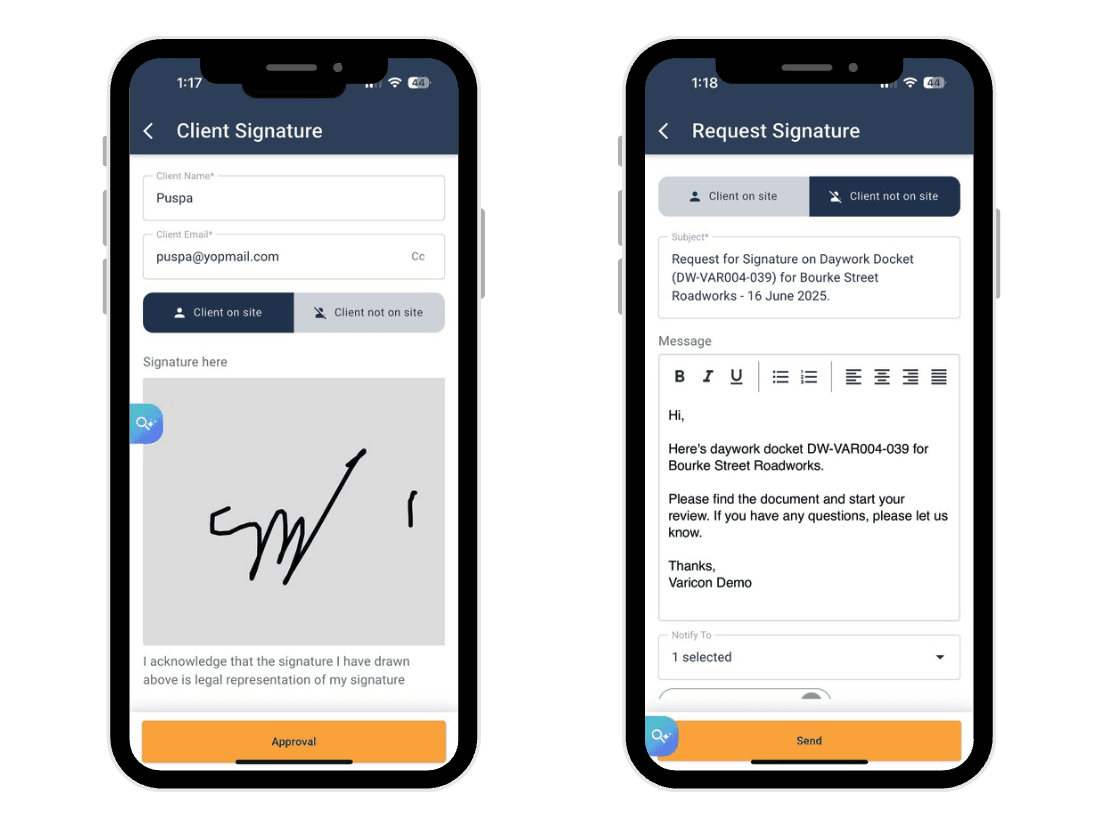
Dayworks
Get extra work signed on site
Capture the labour, plant and materials for dayworks on your phone and create a digital docket. Your client signs on your device on site, or approves it by email, and the docket goes to the office for billing.
What our customers say

“Finding the right tool is not just about solving today’s problems; it’s about paving the way for tomorrow’s growth. With Varicon’s ‘Fat Finger Friendly’ approach, we didn’t just find a solution; we found a partner for our journey.”
 Rob BolandManaging Director, Peninsula Civil
Customer stories

Peninsula Civil Solutions
30% less time on payroll, and about $10,000 a year saved, at Peninsula Civil Solutions
Rob Boland wanted software his site crew would actually use. Peninsula Civil Solutions now runs timesheets, payroll, site diaries and progress claims in Varicon.
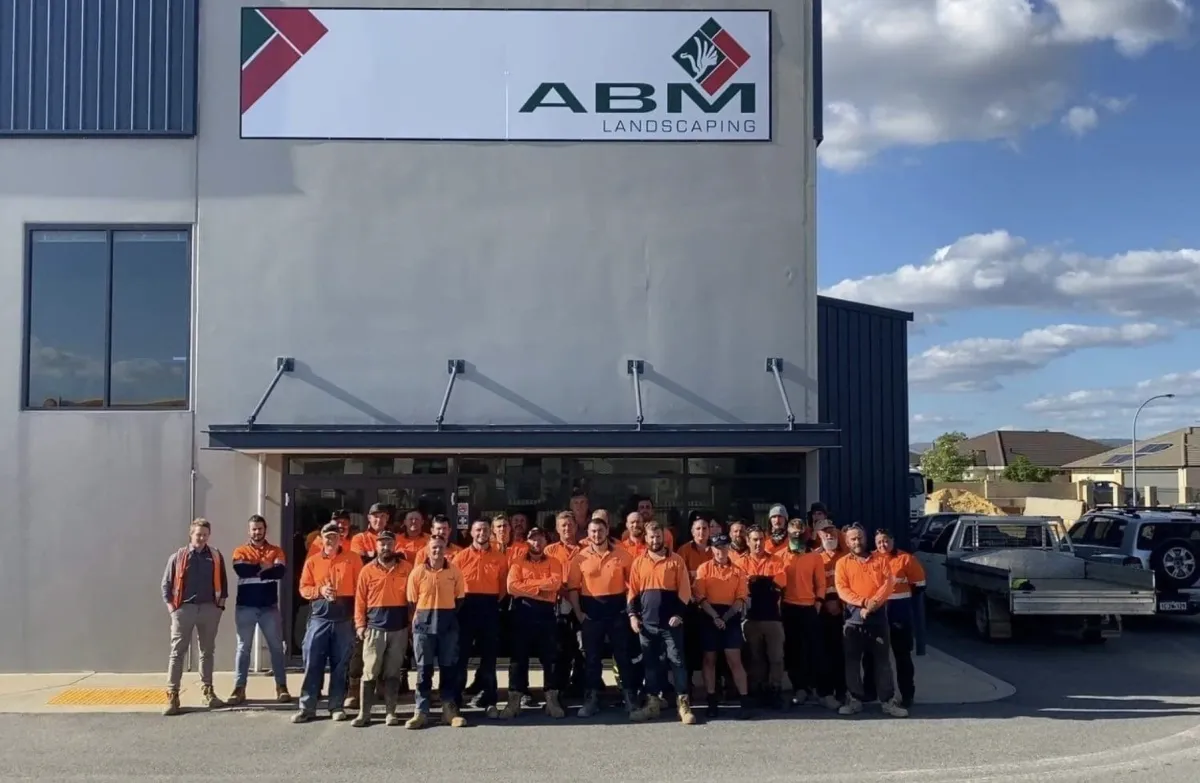
ABM Landscaping
10% more dayworks captured and 5-7 hours a week off payroll at ABM Landscaping
ABM Landscaping’s crews work across many sites around Perth. Varicon gives them one place for timesheets, payroll, dayworks dockets, forms and photos.
Templates
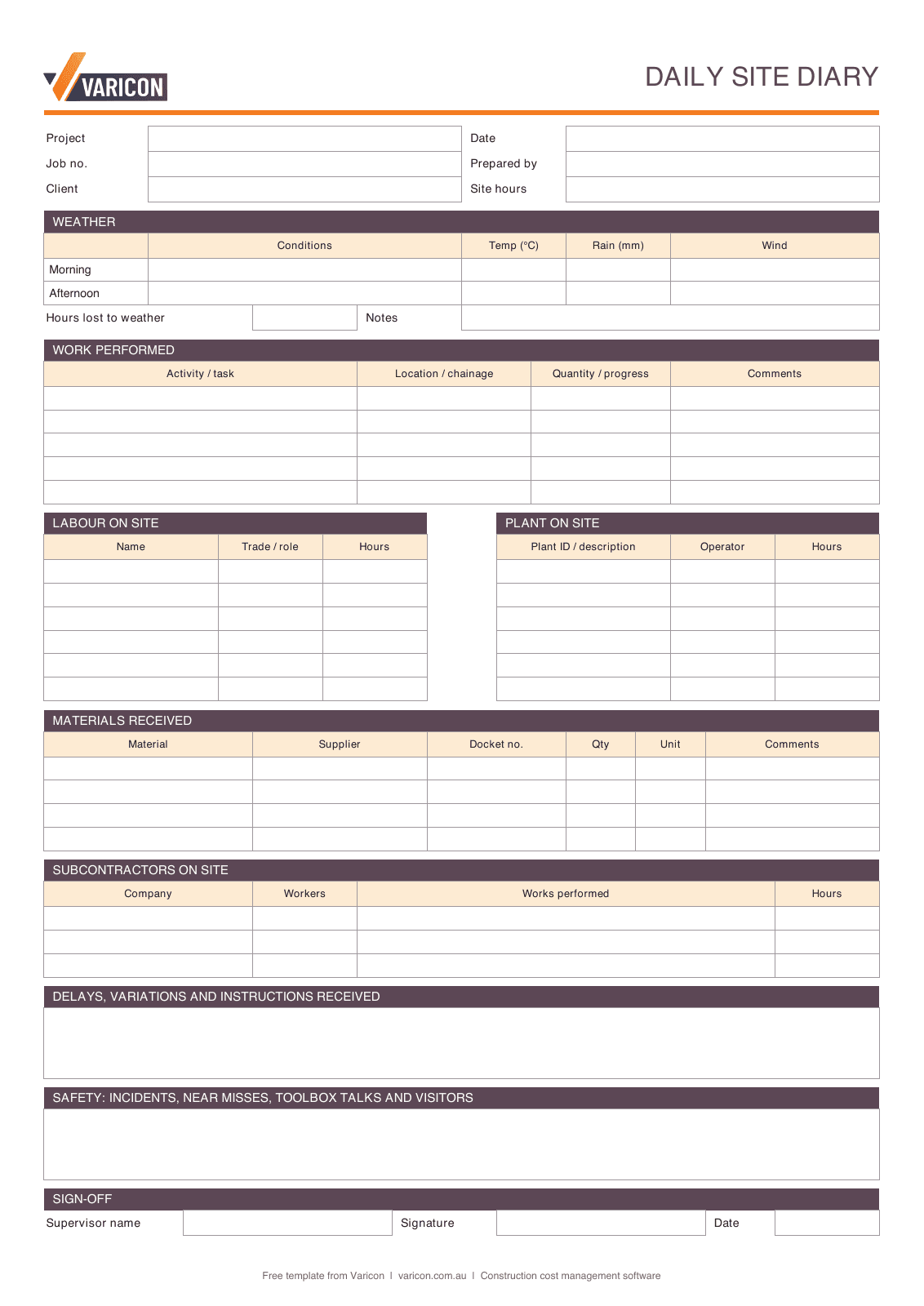
Daily site diary template
A one-page daily diary for a civil job, with weather, work performed, labour, plant, materials, subcontractors, delays and safety.
Free download: Excel, Word and PDF
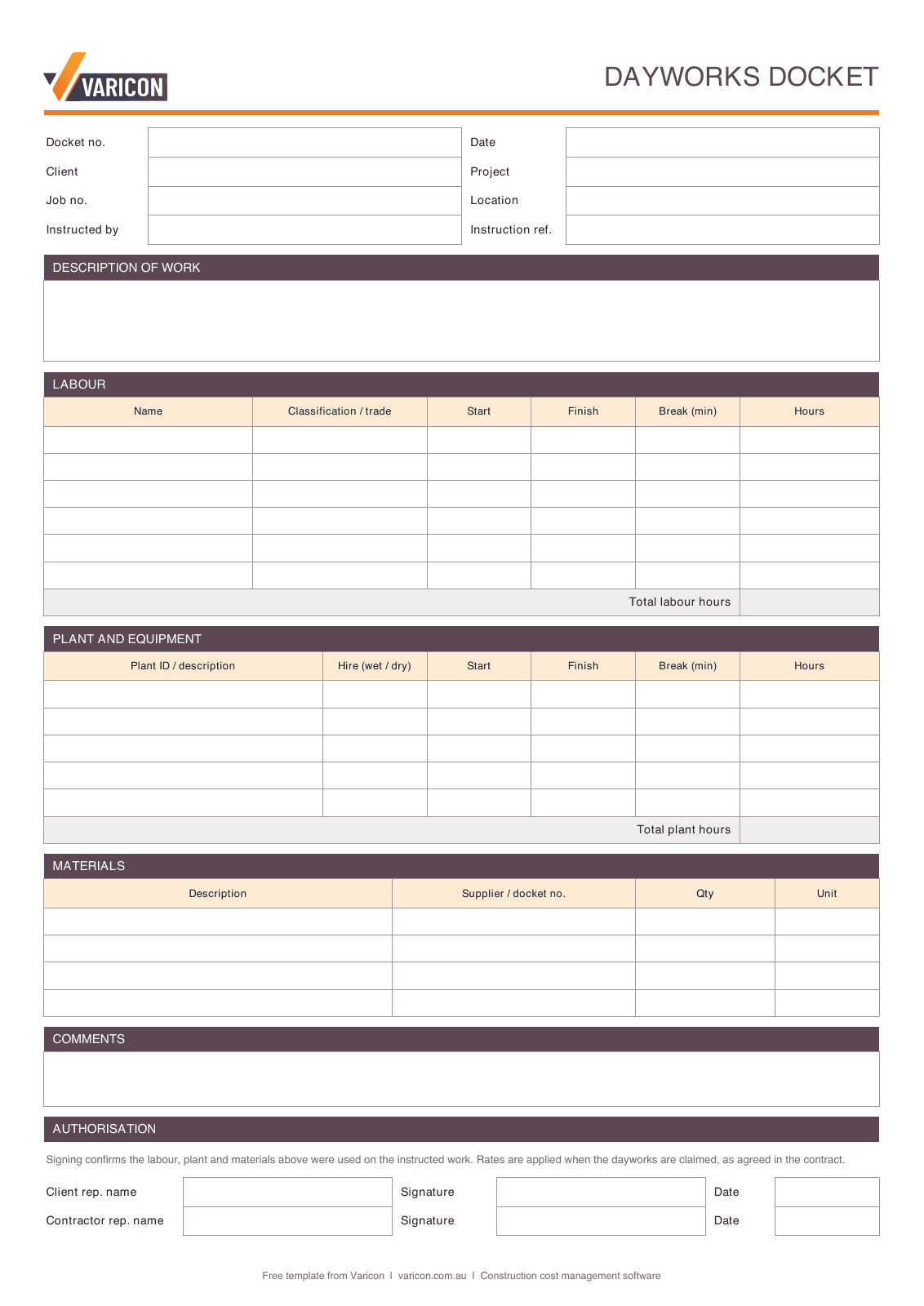
Dayworks docket template
A docket for work done on day rates, with the instruction, labour, plant and equipment, materials, and sign-off by client and contractor.
Free download: Excel, Word and PDF
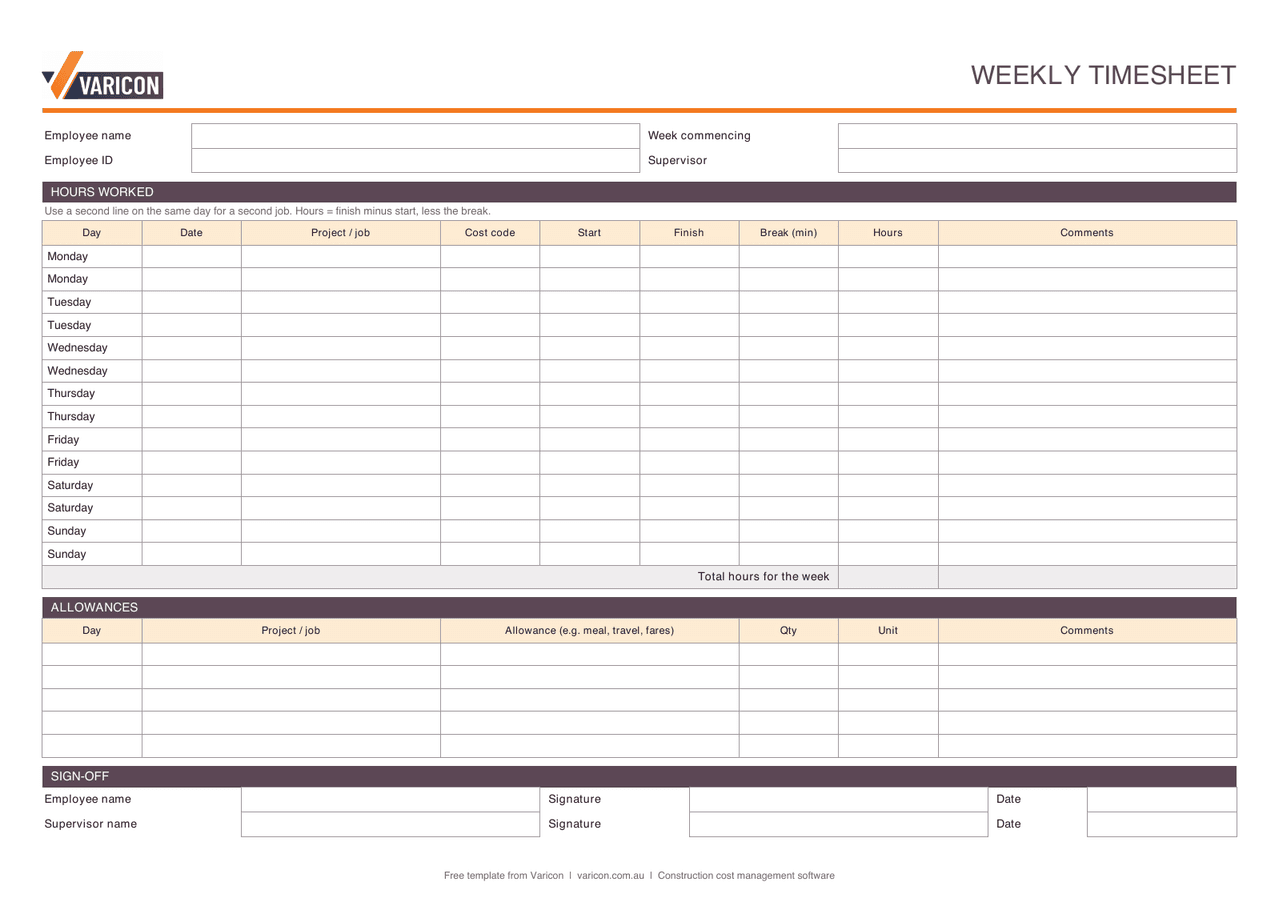
Construction timesheet template
A weekly timesheet for one worker, with hours by day, project and cost code, an allowances table and sign-off.
Free download: Excel and PDF
Questions and answers
Yes. You can see who has clocked in, the hours they have worked and which crews are on site. Approve timesheets in bulk or one by one, from your phone or tablet.
Log weather, crew activity, equipment used and issues, and attach photos. The diary pulls in data from timesheets and delivery dockets to save you time.
Yes. Log delivery dockets with the supplier, the materials delivered and the quantities, and attach photos. The records are shared with the office and linked to cost tracking.
Prestarts, toolbox talks, SWMS, hazard reports and other forms can be completed and signed on site, with no printing or scanning. Forms are built for your workflows and are available to the office once they are submitted.
Yes. Open plans, drawings and documents from your mobile device, kept in one place instead of in emails and paper copies.
Varicon has a kiosk mode for a shared tablet at the site office, so workers can log their hours and complete forms without installing anything themselves.
Site-proof civil software
See how Varicon would work on your jobs
Show us how your crew and office work today. We will show you how hours, dockets and variations flow through to payroll, claims and job costs.