Crew and equipment scheduling
Put the right crew and plant on the right job
Drag crews, plant and subcontractors onto one calendar across all your jobs. Varicon flags clashes before they reach site, and your crew gets their shifts in the app and by SMS.
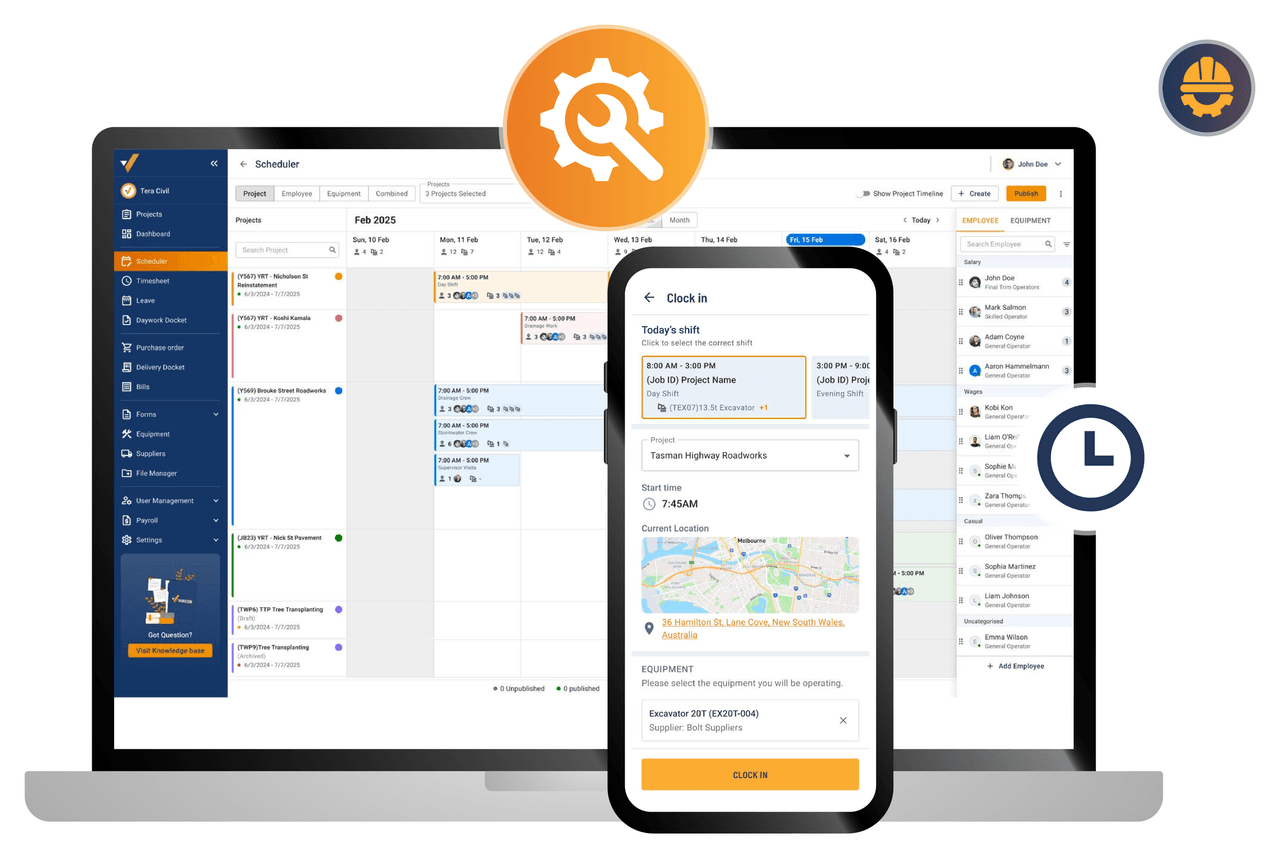
One plan for every crew, machine and subbie
Managing crews, subcontractors and plant across several jobs gets complicated fast. The scheduler keeps the plan in one place, from the office to the field.
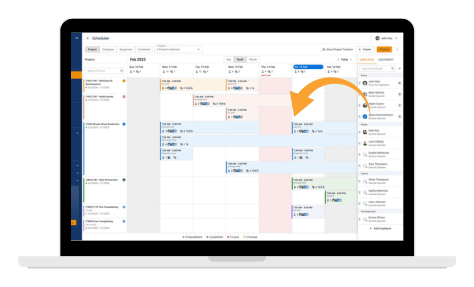
- Drag and drop
Drag workers and machines onto the calendar to assign shifts or projects, with crews and plant in the same view.
- Clash detection
Double-booked equipment, overlapping shifts and scheduled leave are flagged, so you can sort them out first.
- Shifts sent to the crew
Once scheduled, your crew gets SMS and in-app alerts with the details.
Planning
Crews, plant and subbies in one view
Assign teams, plant and subcontractors from Varicon, see who and what is available, and plan from what you actually have and what each job needs.
- By project, location or team
- Assign and track resources by project, location or team across your whole business.
- Built for civil
- From dayworks crews and internal teams to hired plant and subcontractors.
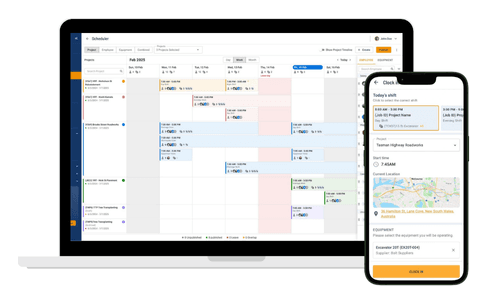
Clashes
Spot clashes before they reach site
Varicon highlights over-allocations, double-booked equipment, overlapping shifts and clashes with leave, so you can fix the plan before it holds up work.
- Leave and timesheets included
- Approved leave and submitted timesheets are taken into account when you build the daily or weekly plan.
On site
Your crew knows where to go
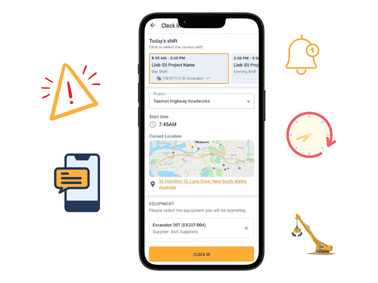
Scheduled workers see their job allocations and upcoming shifts in the Varicon mobile app, and log their timesheets in the same fat-finger friendly app.
- SMS and in-app alerts
- Each worker is told about their shift with the details they need.
How contractors use it

Peninsula Civil Solutions
30% less time on payroll, and about $10,000 a year saved, at Peninsula Civil Solutions
Rob Boland wanted software his site crew would actually use. Peninsula Civil Solutions now runs timesheets, payroll, site diaries and progress claims in Varicon.
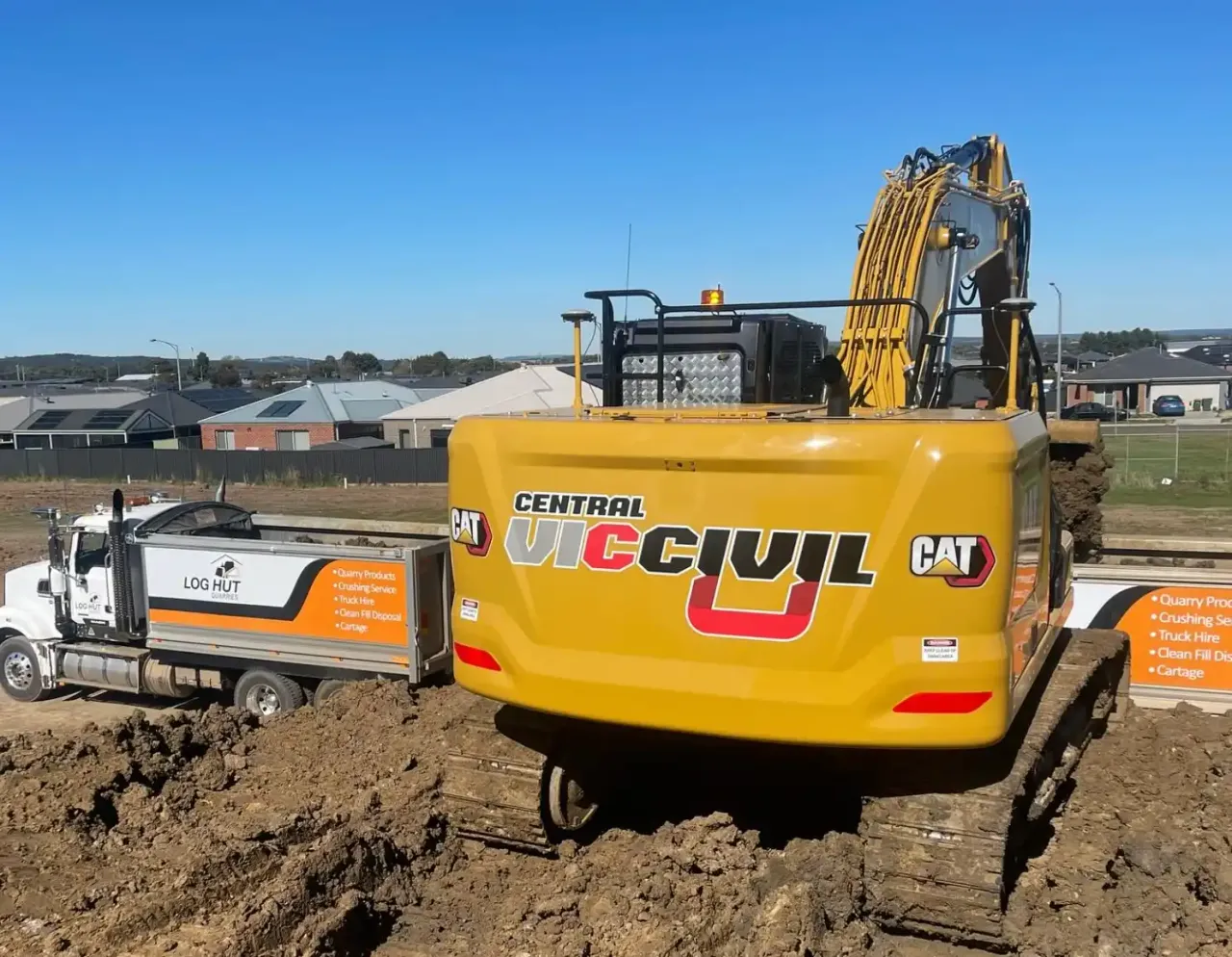
Central Vic Civil
60% less time running payroll, and no more double handling, at Central Vic Civil
Central Vic Civil builds roads, bridges, subdivisions and sewer and water infrastructure around Ballarat. Varicon replaced separate, manual processes with one system.
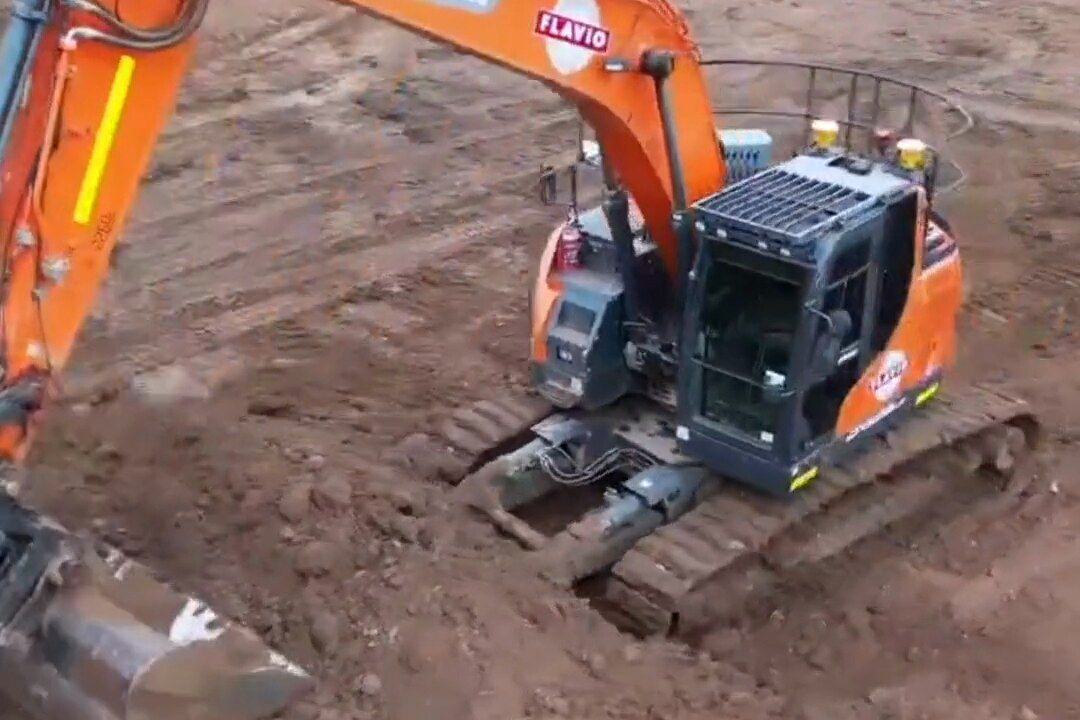
Flavio & Sons
Spreadsheets replaced by daily cost tracking at Flavio & Sons
Flavio & Sons grew from a small family business and tracked its work in spreadsheets. Robert Anfiteatro on what day-to-day cost and resource information changed.
Templates and guides
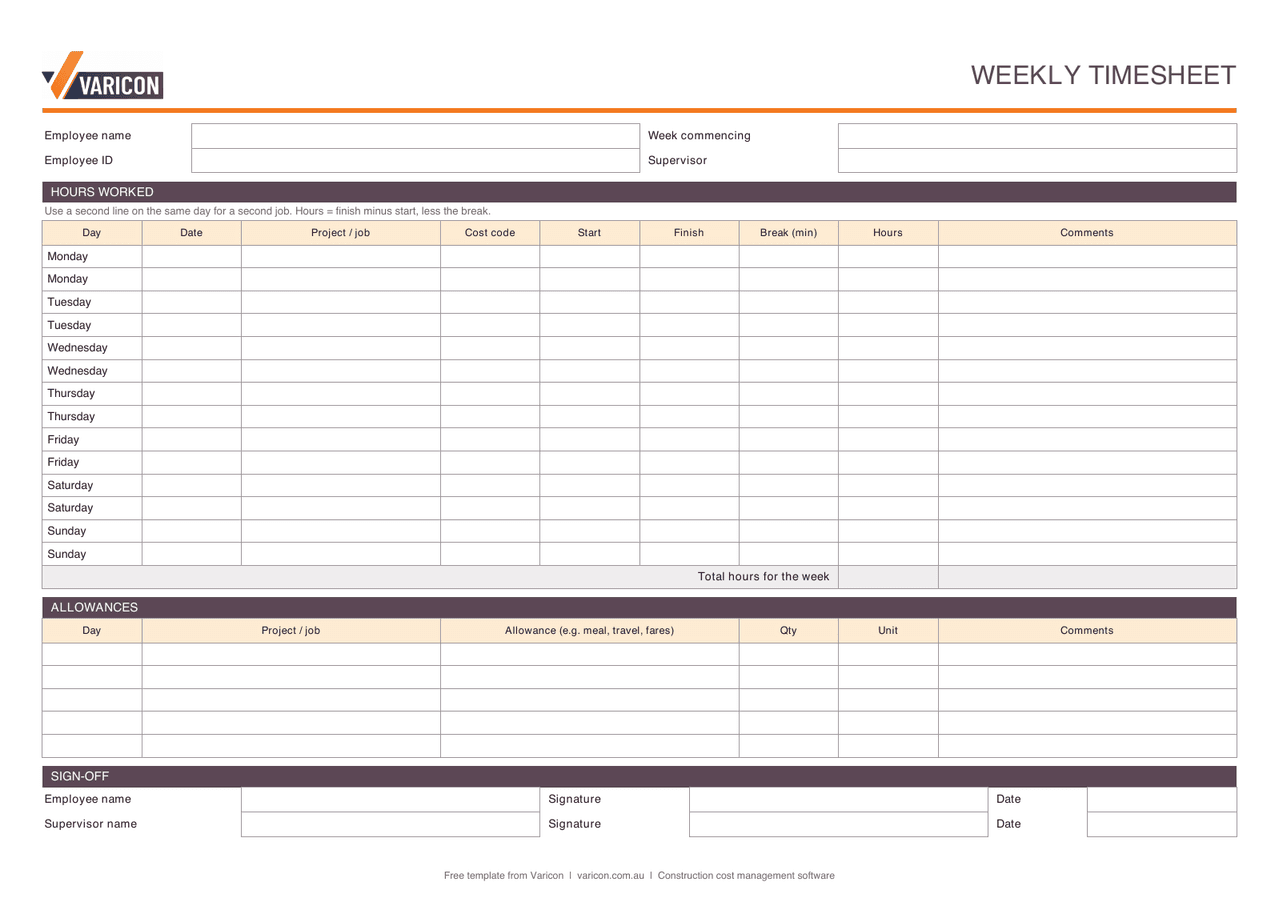
Template
Construction timesheet template
A weekly timesheet for one worker, with hours by day, project and cost code, an allowances table and sign-off.
Free download: Excel and PDF
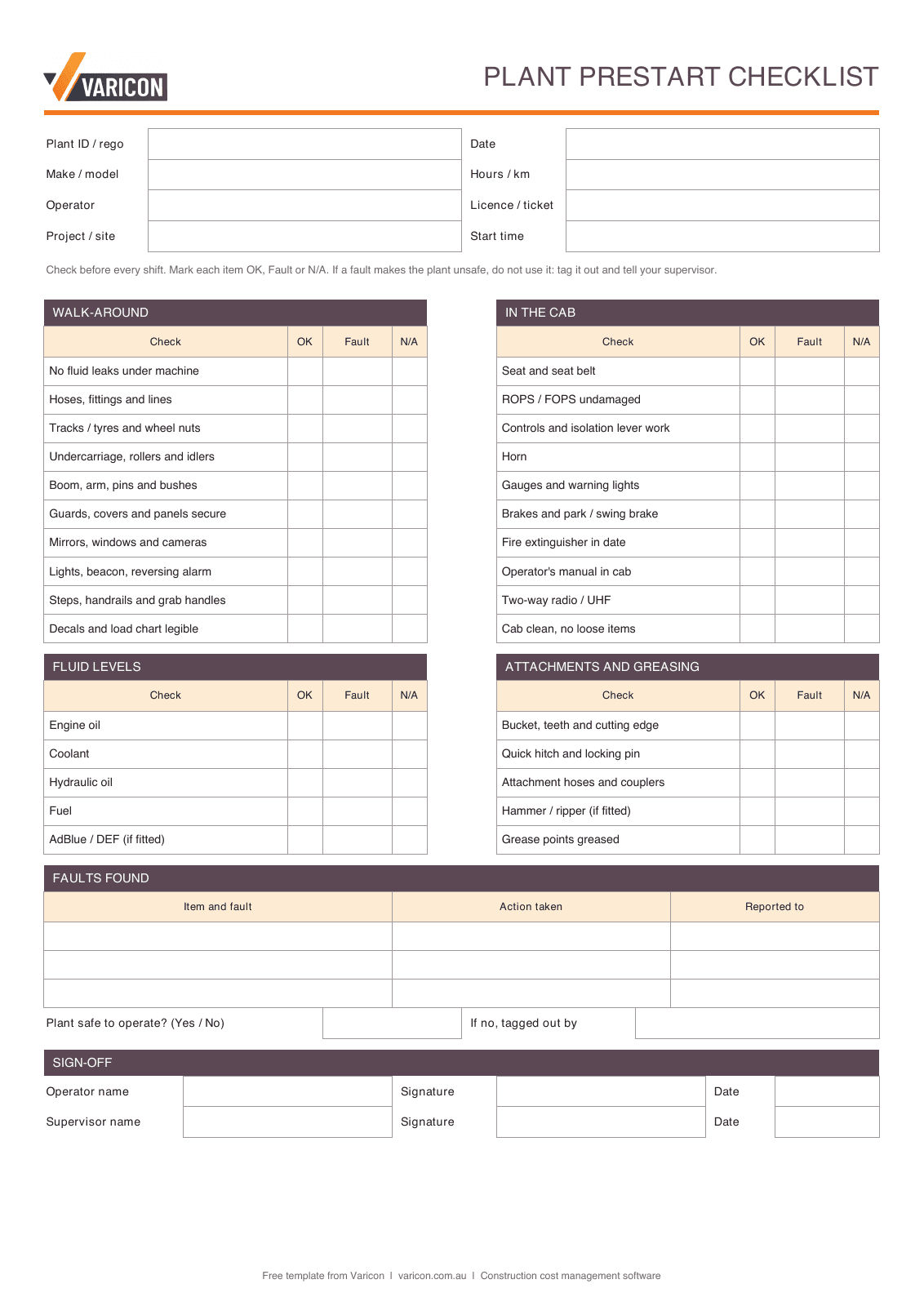
Template
Plant prestart checklist template
A prestart checklist for one machine and one shift, with walk-around, cab, fluid and attachment checks, faults found and sign-off.
Free download: Excel, Word and PDF
Guide
From site timesheets to payroll without the retyping
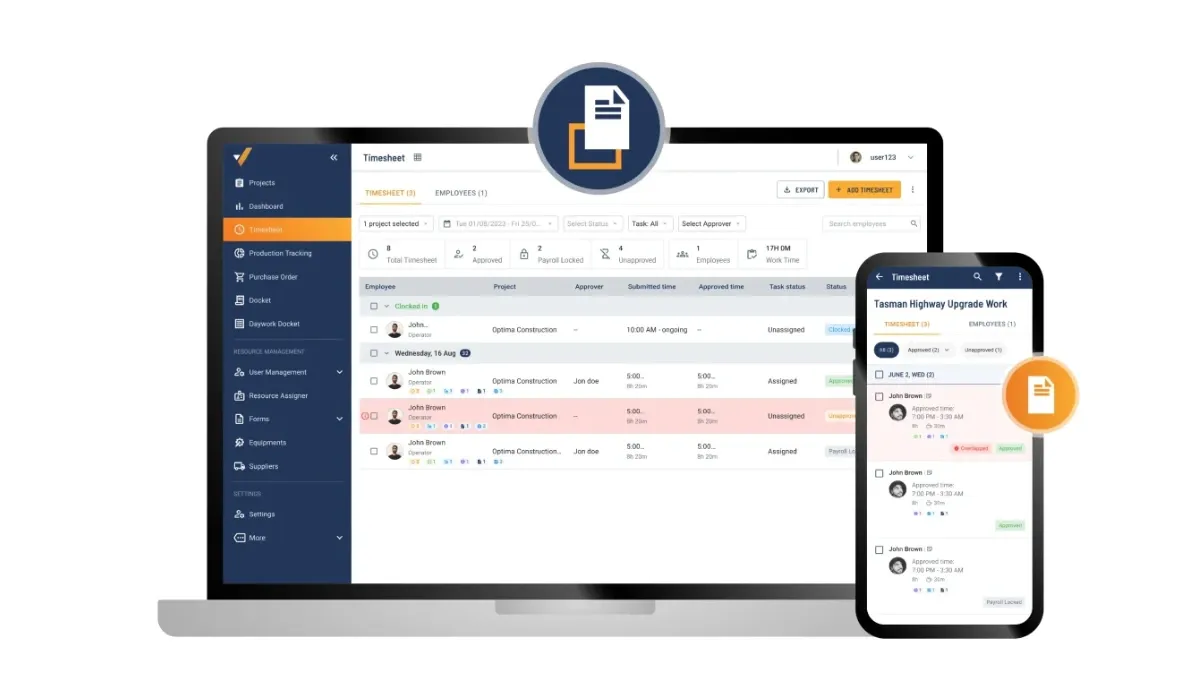
Capture hours on site as the work happens, have a supervisor approve them once, then send approved hours to payroll in your accounting system, with pay rules set up by employment type.
Questions and answers
Yes. Varicon lets you allocate crews and plant in one view.
Schedules are sent to each worker’s Varicon mobile app, with the job details they need. They also get SMS and in-app alerts.
Yes. Approved leave and submitted timesheets are taken into account when you build your daily or weekly plan.
Yes. Assign and track resources by project, location or team across your business.
Yes. Varicon highlights over-allocations, clashes with leave and unavailable plant, so you can sort them out before they hold up work.
Site-proof civil software
See how Varicon would work on your jobs
Show us how your crew and office work today. We will show you how hours, dockets and variations flow through to payroll, claims and job costs.