Reporting and dashboards
See where you stand on every job
Dashboards and reports draw on everything captured in Varicon, from site to office. Set dashboards up by role, project or region, and run reports such as actual versus budget and monthly work progress.
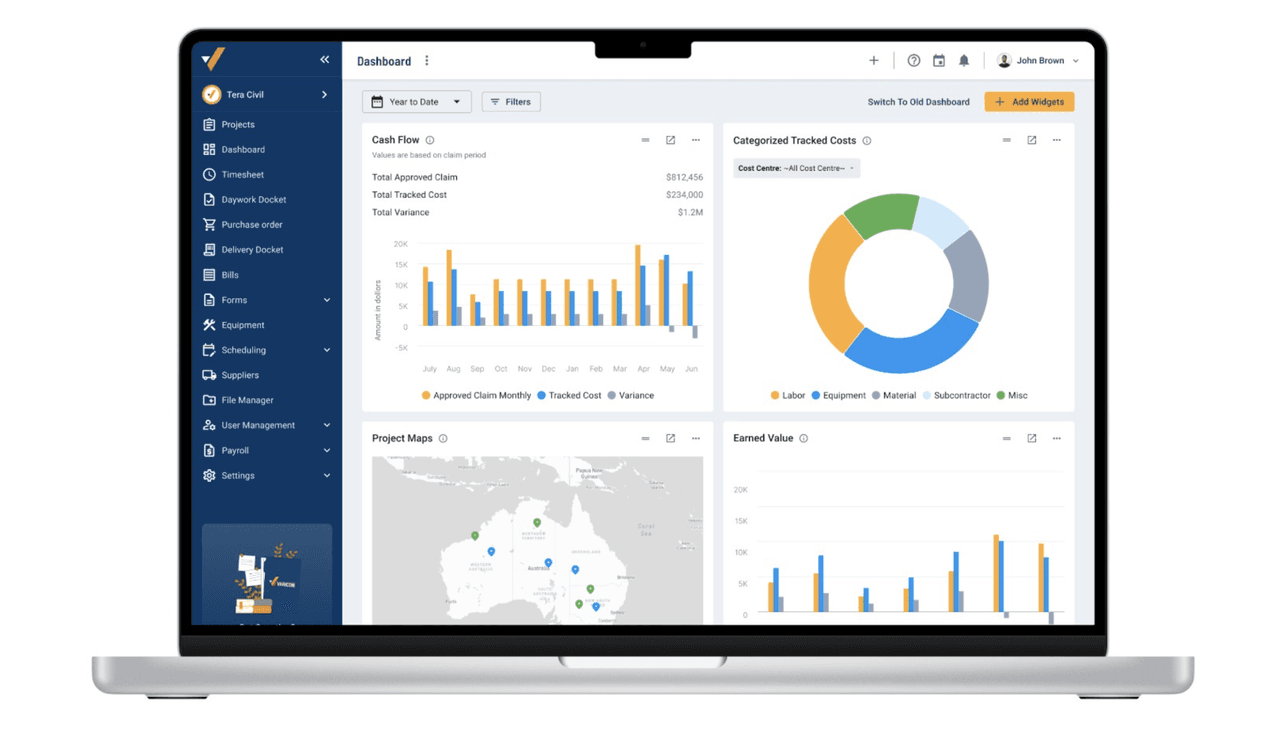
The numbers you need, without building the spreadsheet
Project teams get the detail they need, and management sees the bigger picture.
- Dashboards by role
Set up dashboards by role, project or region, so each person sees the view that fits their work.
- Reports that fit
Pick the data, group it how you need and filter to drill down or zoom out.
- Export
Download any report you have run as a spreadsheet for deeper analysis or to share.
Reports
Reports on job performance
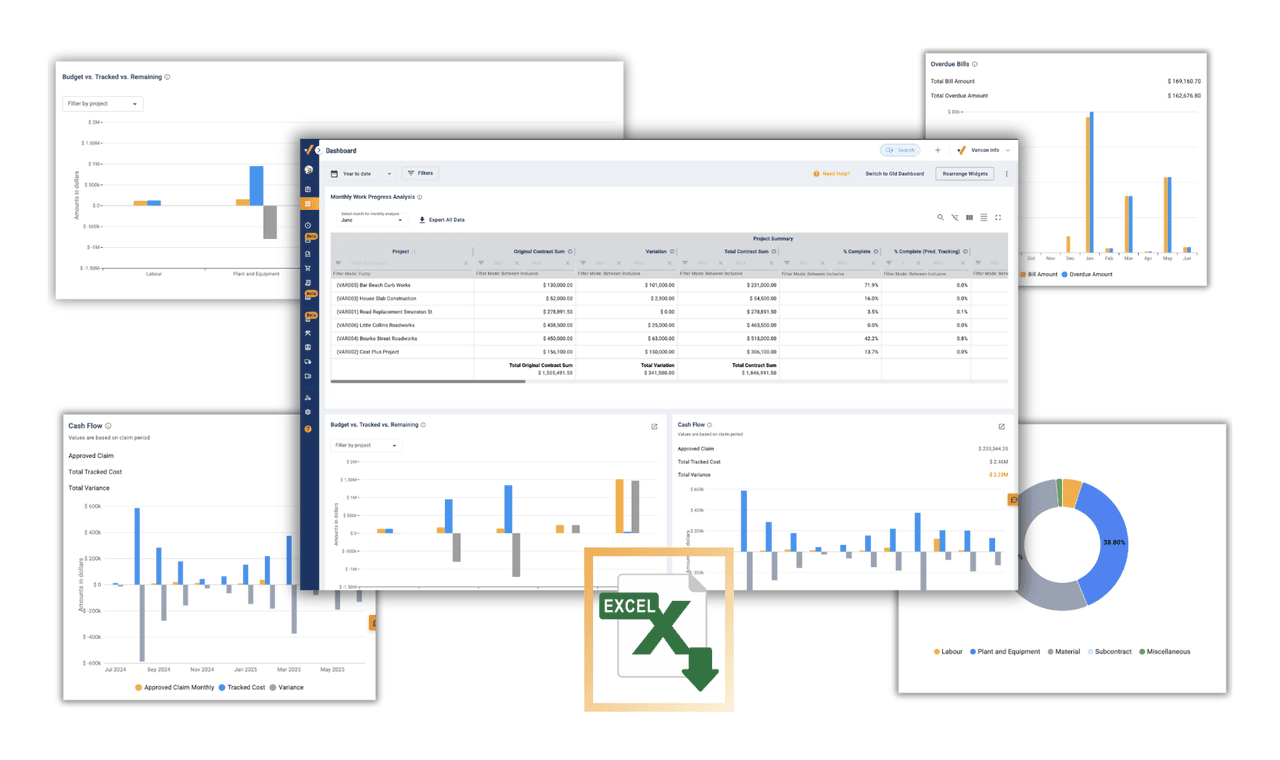
Run actual versus budget comparisons and monthly work progress from the data your crew and office already capture, and export any of them to a spreadsheet.
- Monthly work progress by job
- For each job, the contract sum and variations, percent complete, work in hand remaining, tracked cost, revenue including retention and gross margin, for the month and to date.
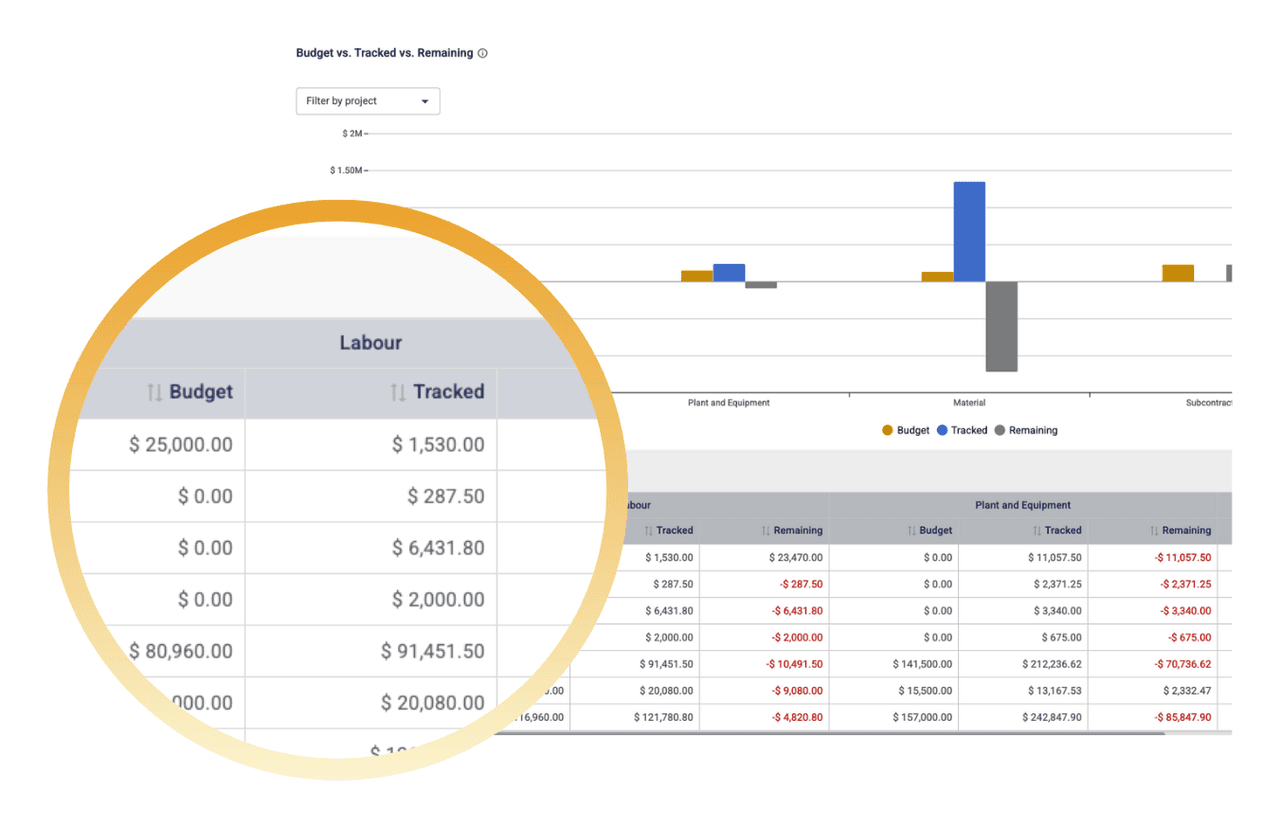
- Budget, tracked and remaining
- Labour, materials and subcontract costs against budget, by project.
- Committed against tracked
- What is committed on purchase orders against what has been tracked, so you see costs coming before the bills arrive.
Dashboards
The right view for each person
Give project managers, finance and construction managers dashboards for their own work, and give owners a snapshot of the whole company. Filter by date, state, segment, assignee, client or status, and arrange the widgets the way you want them.
- Contracts summary
- Contract sum, claimed to date, remaining to claim and retention withheld and released, across all jobs or one.
- Cash flow
- Approved claims against tracked cost, month by month.
- Bills and costs
- Overdue bills, bills by approval and payment status, and tracked costs split into labour, plant and equipment, materials, subcontract and other.
What our customers say

“Ensuring our business is profitable now, and sustainable into the future is one of our primary objectives. With so many moving parts, gaining that visibility in real-time is a major challenge and very time consuming. Varicon has helped us to meet this challenge, enabling us to focus on delivering projects, remaining competitive in the market and building our business.”
 Matt VenningDirector, Grand Civil
How contractors use it
Grand Civil
Double entry between site, payroll and Xero ended at Grand Civil
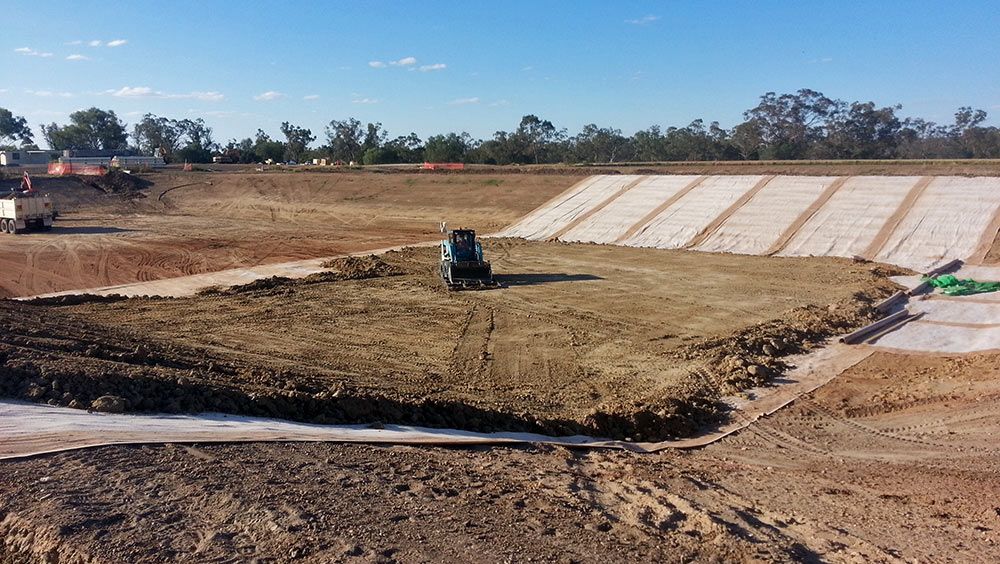
Grand Civil works in rail, water and sewer, roadworks and subdivisions across Queensland and New South Wales. Varicon ended the double entry alongside Xero.
Rainbow Group
30% less time on financial reporting after Rainbow Group outgrew Excel
Rapid growth left Rainbow Group’s paperwork and Excel sheets behind. Varicon brought cost tracking, claims and variations into one place.
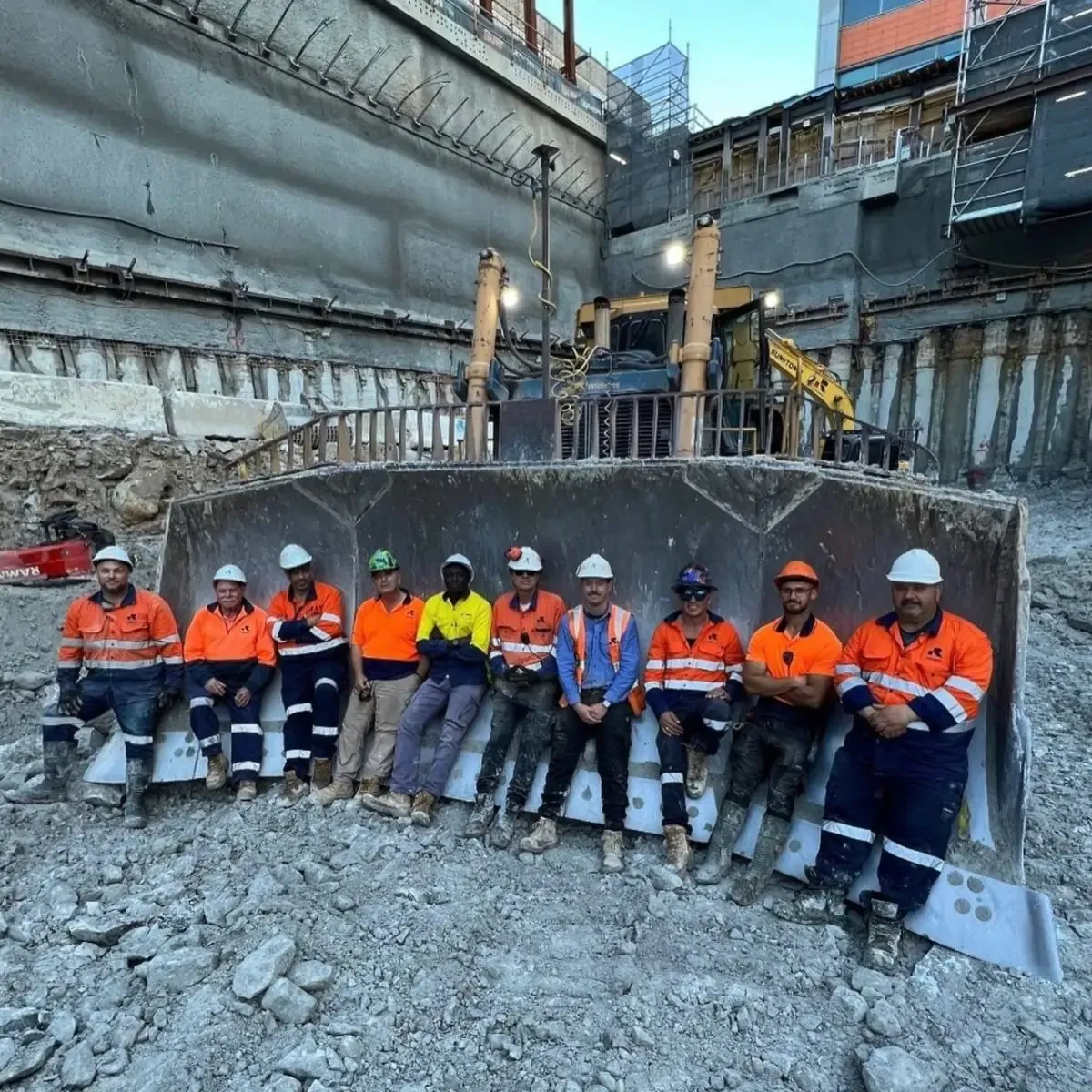
CBEM Constructions
No more one-off Excel templates: CBEM Constructions sees where each project makes and loses money
Every project manager at CBEM Constructions kept costs in their own Excel template. Varicon gave the business one standard way to track costs.
Related reading
Guide
Managing job costs on civil construction projects
Break each job into cost codes, capture labour, plant and materials against them every day, count supplier costs when the goods arrive, claim every variation, and use what each job teaches you in your next tender.
Glossary
Production tracking
Production tracking measures how much work is done on each task, as quantities or percentage complete, and compares the actual cost per unit with the budget.
Glossary
Cost code
A cost code is a label for a part of a job, such as bulk earthworks or drainage, that costs are allocated to, so you can compare actual cost with the budget for that part of the job.
Questions and answers
Yes. Set up dashboards by role, project or region, so project teams see the detail and management sees the bigger picture. Reports can also be shaped to your workflow by choosing the data, grouping it and filtering it.
Reports include monthly work progress by job with gross margin, budget against tracked cost, and committed against tracked cost on purchase orders. Dashboards add a contracts summary with claims and retention, cash flow, and overdue bills.
Yes. Once a report has run, export it to a spreadsheet to analyse further or share with others.
Site-proof civil software
See how Varicon would work on your jobs
Show us how your crew and office work today. We will show you how hours, dockets and variations flow through to payroll, claims and job costs.