Progress claims and variations
Claims and variations built from your site records
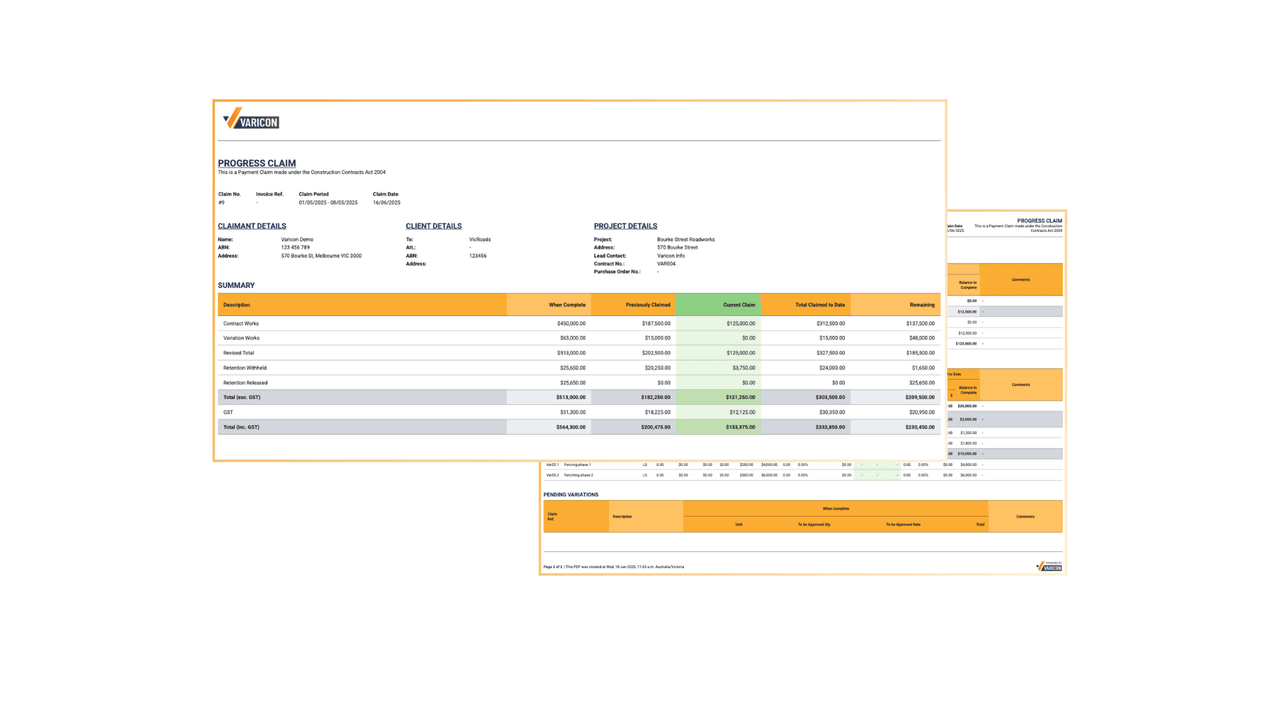
Enter quantity, percentage complete or a dollar amount, and Varicon calculates the claim from your contract. Approved variations go onto the next claim, and retentions are calculated as part of it.
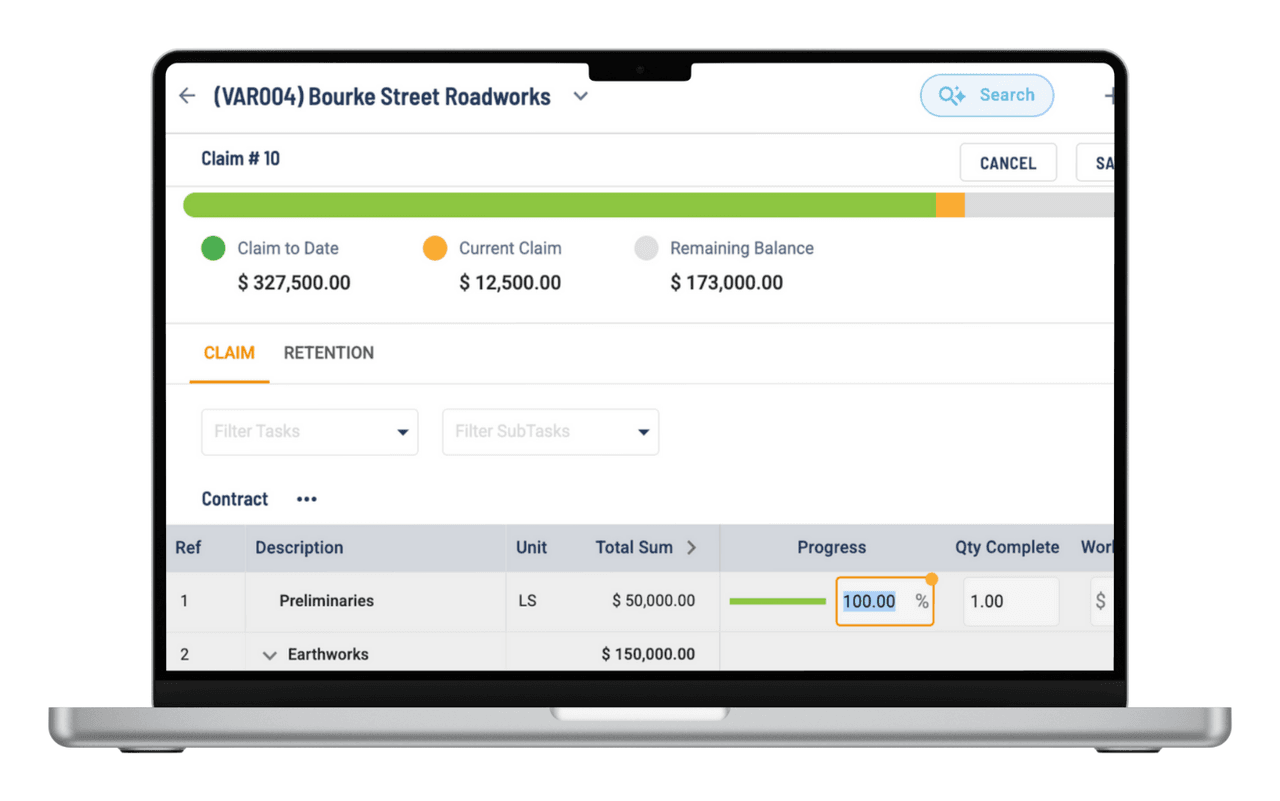
Every claim starts from the last approved one
Each claim is built on your most recent approved claim plus the variations approved in the period, so your claims stay consistent from one to the next.
- Calculated from the contract
Enter quantity, percentage complete or dollar amount, for this claim or project to date, and Varicon calculates the rest.
- Variations included
Approved variations are added to your next progress claim. Pending variations are listed for your client’s reference.
- Retentions calculated
Retentions are calculated as part of each claim, and bank guarantees are tracked.
Claims
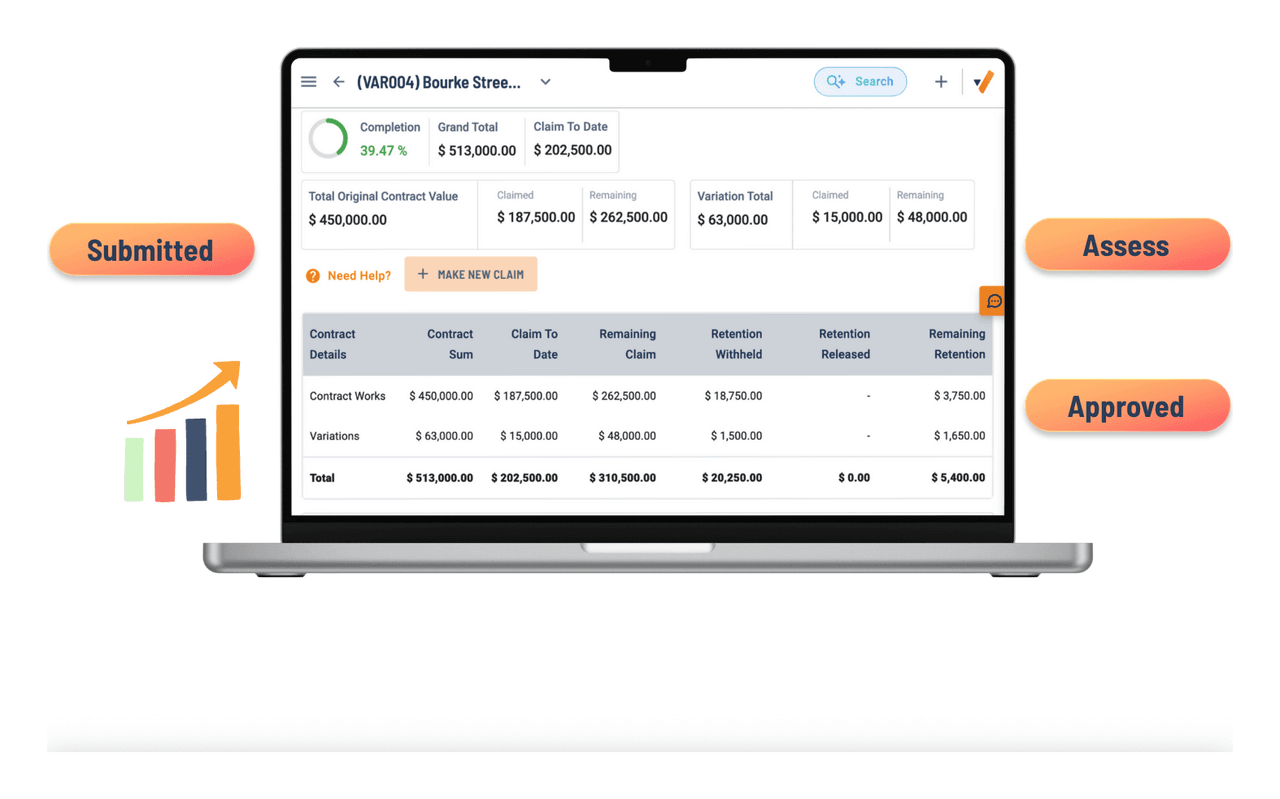
Claims calculated from your contract
Set up your retention settings, then build each claim from the original contract. Varicon does the calculation and keeps versions in order through negotiation and changes.
- Versions and changes
- Manage changes as a claim is negotiated, and always work from the most recent documents.
- Claim status
- See where every claim is up to, on every project.
- Your approval steps
- Set internal approval steps to match your process.
Variations
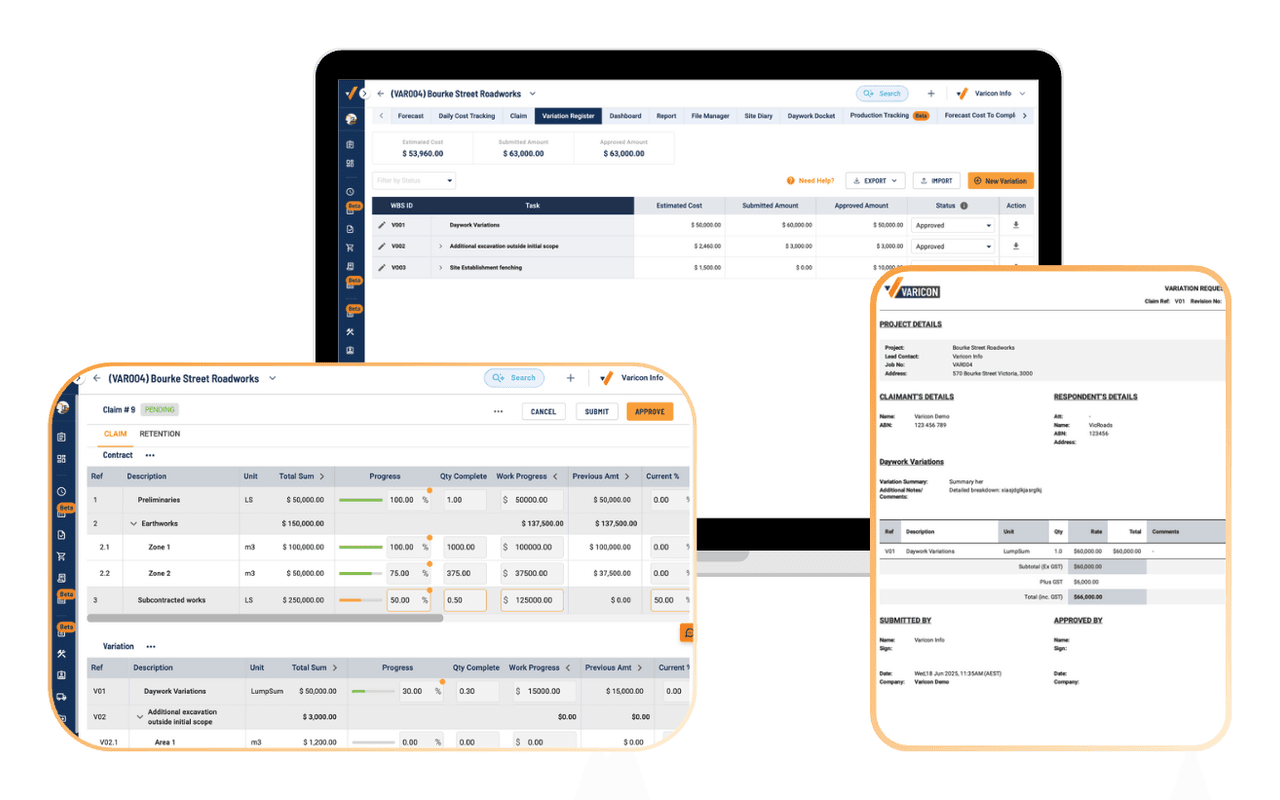
Variations flow into the next claim
Raise variations for out-of-scope work on fixed-price or day-rate contracts. Variations link to cost tracking, and once approved they are added to your next progress claim.
Retentions
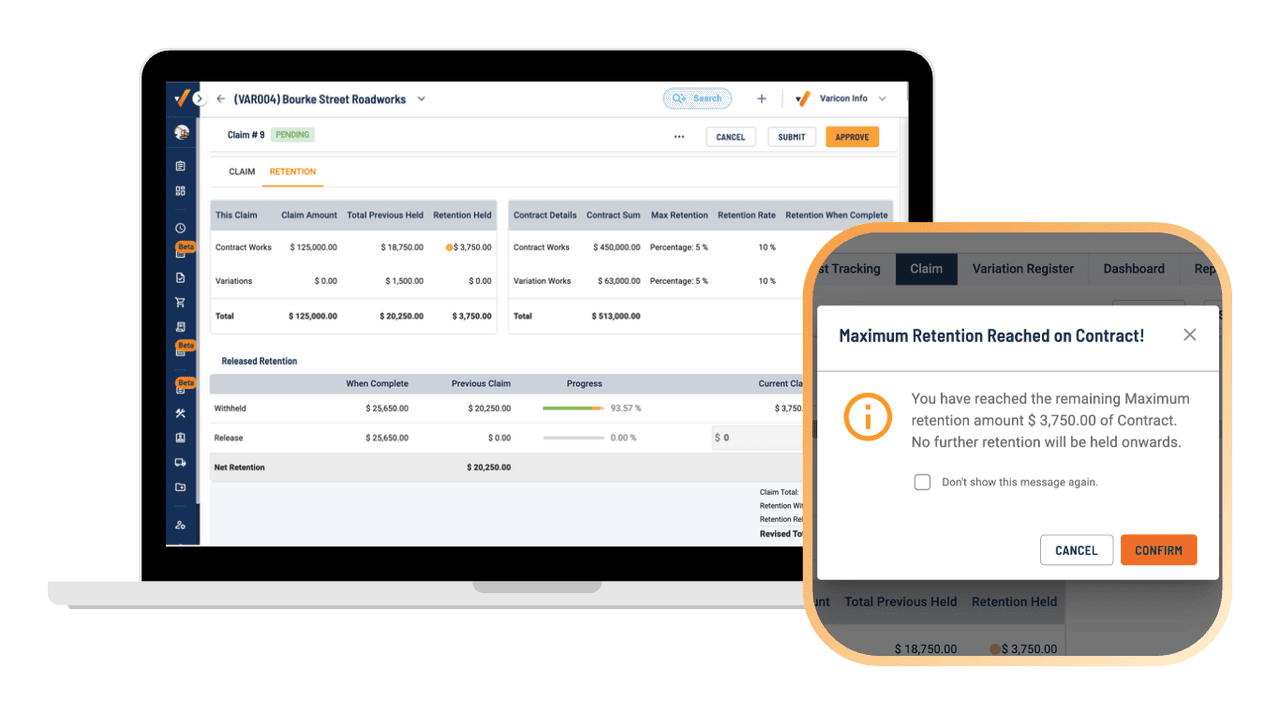
Retentions and bank guarantees in one place
Retention is built into your progress claims and calculated for you. Bank guarantees are tracked alongside, so you can see the funds held on every project.
What our customers say

“With MineMend’s rapid growth, I could see the need to streamline our operations. Within months of implementing Varicon, we’ve achieved significant savings in time, improvements in compliance, and greater visibility into how our projects are running. The platform has made a real difference in how efficiently we manage our work.”
 Jamie JankeDirector, MineMend
How contractors use it

MineMend
Claims approved in half the time, with 30% less double handling, at MineMend
MineMend rehabilitates mine sites in Queensland. Varicon gives it one place for claims, dayworks, prestart and safety forms, timesheets and job costs.
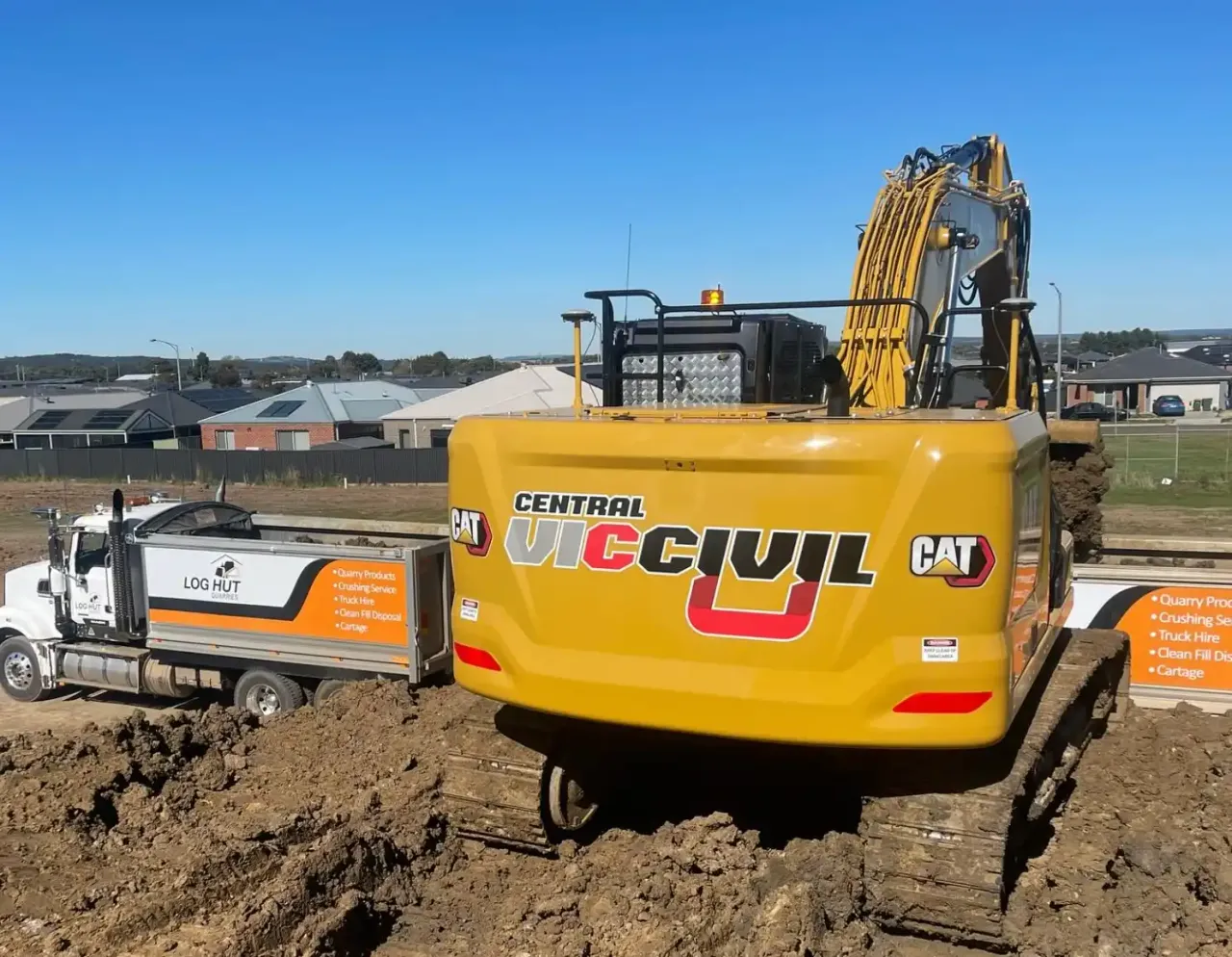
Central Vic Civil
60% less time running payroll, and no more double handling, at Central Vic Civil
Central Vic Civil builds roads, bridges, subdivisions and sewer and water infrastructure around Ballarat. Varicon replaced separate, manual processes with one system.
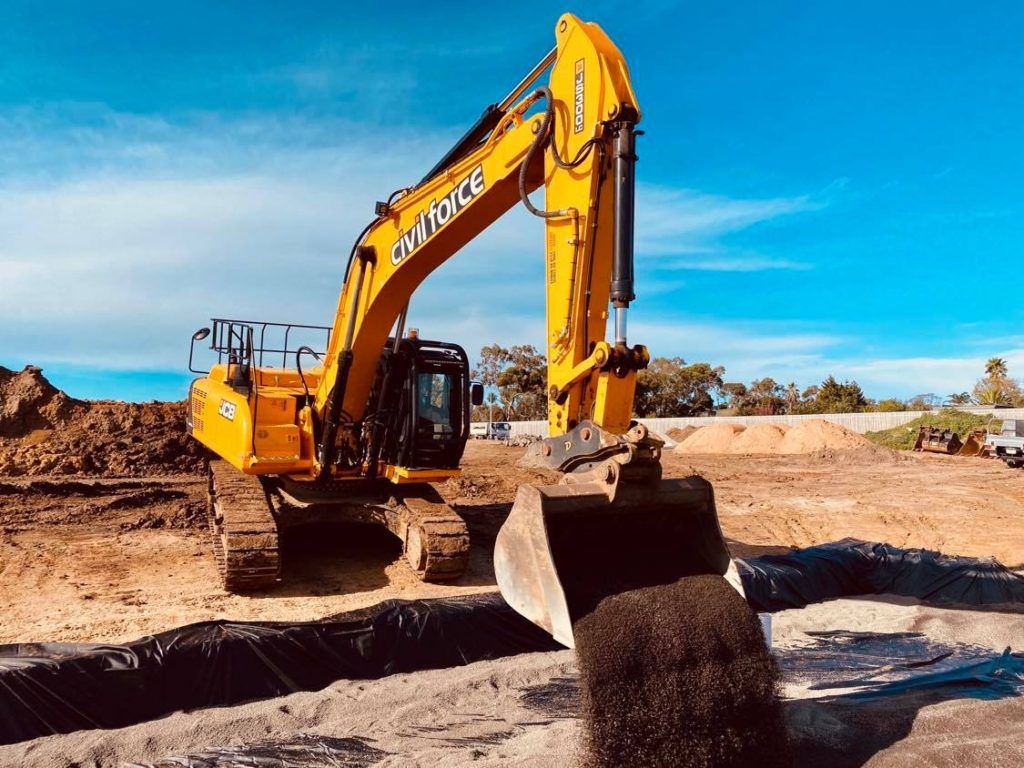
Civil Force
10% more variations revenue, and no more double ordering, at Civil Force
Civil Force managed contracts and variations in Excel and purchase orders across inboxes. Varicon put variations, orders and timesheets in one place.
Templates and guides
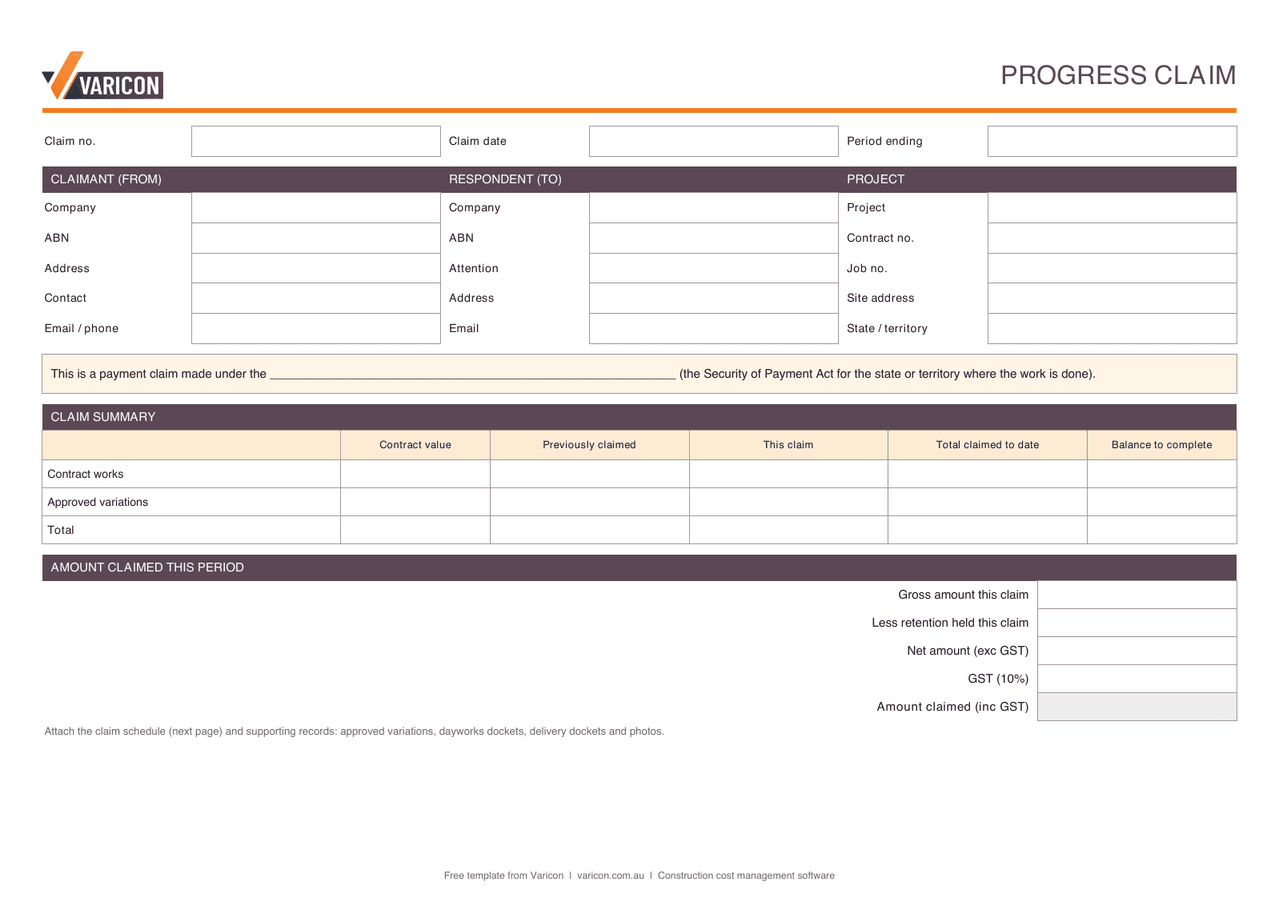
Template
Progress claims template
A progress claim with a cover page for the parties and the claim summary, and a claim schedule for contract works and approved variations.
Free download: Excel and PDF
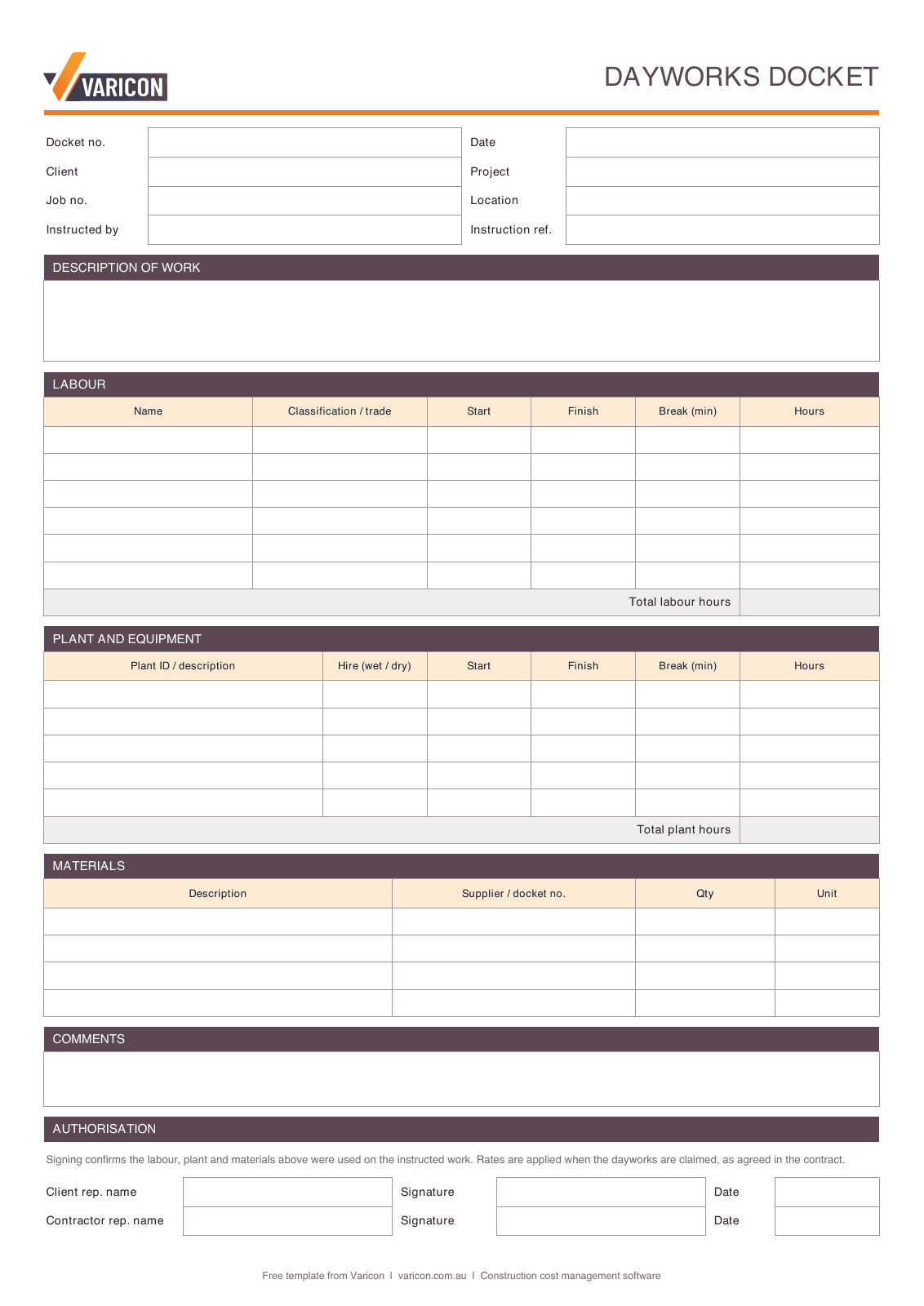
Template
Dayworks docket template
A docket for work done on day rates, with the instruction, labour, plant and equipment, materials, and sign-off by client and contractor.
Free download: Excel, Word and PDF
Guide
Getting progress claims and variations paid
Agree how work will be measured and approved before the job starts, keep site records that back up every claim and variation, and submit complete claims on time.
Questions and answers
It helps you create claims and variations, keeps revisions consistent, calculates retentions and shows the status of every claim.
Yes. Retentions are calculated as part of creating claims and variations. Set up your retention settings before you create your first claim.
Yes. As you raise variations in Varicon, approved ones are added to your progress claims. Pending variations are also listed for your client’s reference.
Yes. Download the free construction progress claims template.
Site-proof civil software
See how Varicon would work on your jobs
Show us how your crew and office work today. We will show you how hours, dockets and variations flow through to payroll, claims and job costs.