
Integrations
Varicon and Xero
Keep Xero for your accounts. Varicon handles the site side and sends progress claims, purchase orders, supplier bills and approved hours across, so nobody types them in twice.
What flows to Xero
- Claims become Xero invoices
- An approved progress claim is sent to Xero as an invoice, and you see where it stands in Xero from the claim in Varicon.
- Purchase orders and bills
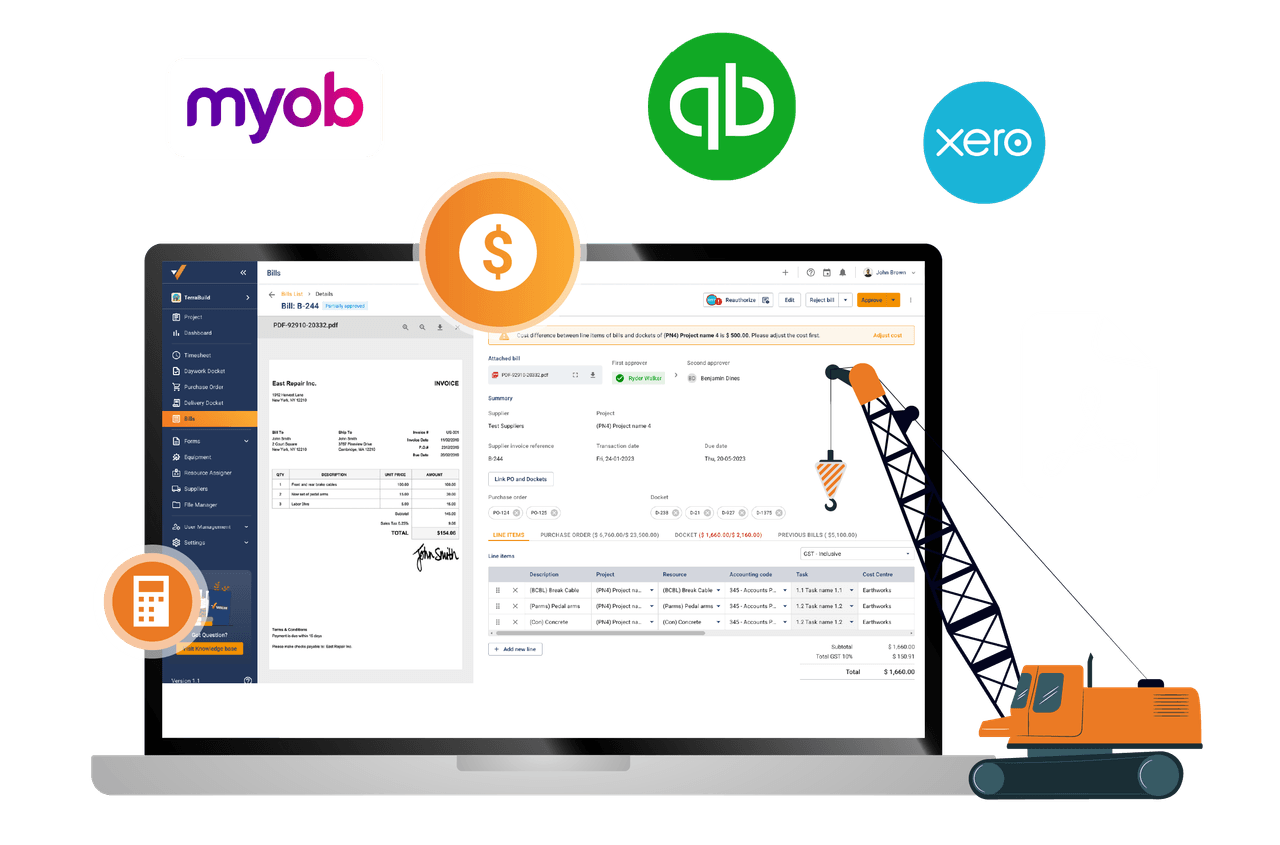
- Purchase orders and supplier bills sync to Xero. When a credit note is applied, a bill for the correct amount is created in Xero.
- Approved hours to payroll
- Approved hours flow to payroll in Xero. The payroll calculator applies the pay rules you set up by employment type.
- A certified Xero App Partner
- Xero has reviewed and approved the Varicon integration, and lists it on the Xero App Store.
Progress claims
Claims invoiced in Xero, and paid status back in Varicon
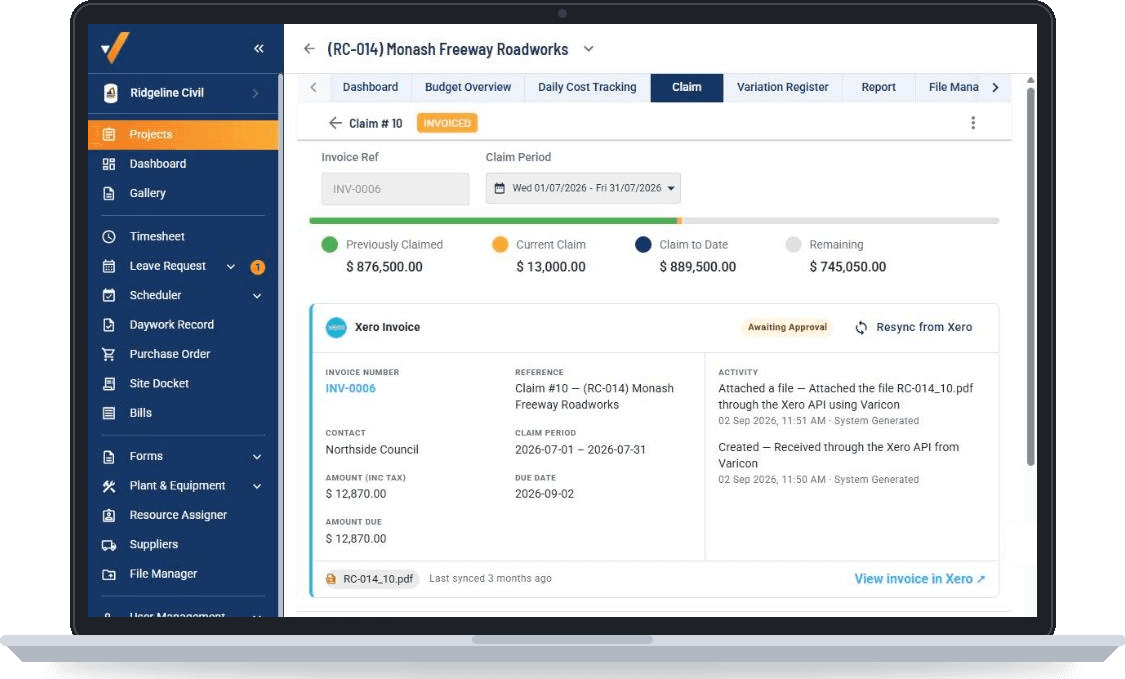
Once a progress claim is approved, create the invoice in Xero from the claim. You see where the invoice stands without leaving Varicon, and the claim is marked paid when the invoice is paid in Xero.
- Filled in from the claim
- The reference, claim period, description and amount come from the claim, and the full claim PDF is attached to the invoice.
- Your Xero settings
- Pick the Xero contact, invoice and due dates, branding theme, account and tax rate. Xero calculates the tax.
- Approved in Xero
- The invoice is created in Xero as awaiting approval, so your office approves it there before it goes to the client.
- Status and payment back in Varicon
- The claim shows the Xero invoice number, amount due, due date, status and activity, with a link to the invoice in Xero. It is marked paid when the invoice is paid in full.
Related reading
Customer story
Double entry between site, payroll and Xero ended at Grand Civil
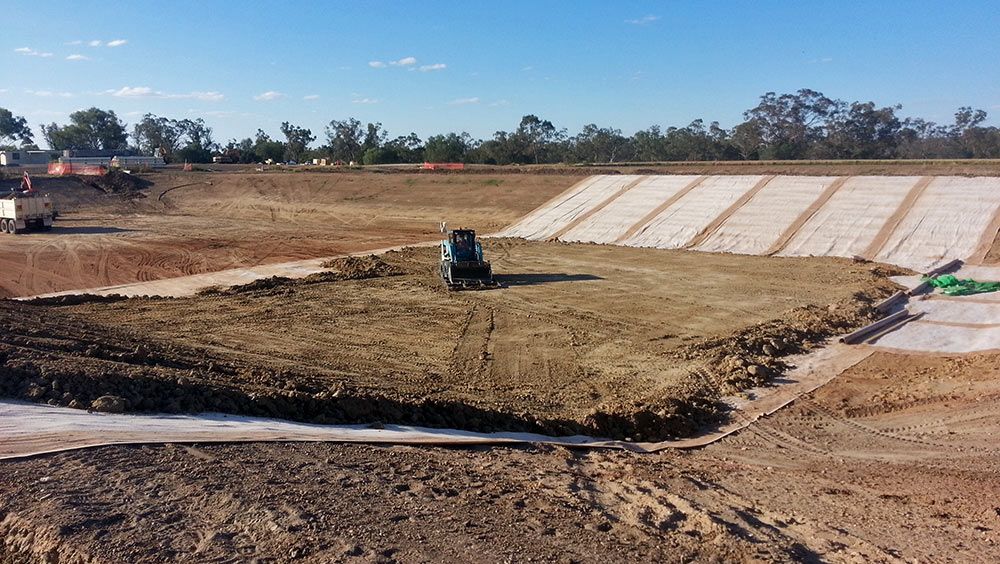
Grand Civil works in rail, water and sewer, roadworks and subdivisions across Queensland and New South Wales. Varicon ended the double entry alongside Xero.
Grand Civil, civil construction
Article
How accountants and bookkeepers using Xero can help construction clients protect their margins
Xero manages the books but not the job. How bookkeepers using Xero can connect civil clients’ site records to the books and protect their margins.

Article
5 ways accountants and bookkeepers can help construction clients stop margin erosion
Five practical steps accountants and bookkeepers can take with any construction client to stop margin erosion, from spreadsheets to matching bills.
Questions and answers
Yes. An approved progress claim can be sent to Xero as an invoice, with the reference, claim period and amount filled in from the claim and the claim PDF attached. Xero calculates the tax, and the invoice is created as awaiting approval in Xero. The claim then shows the invoice status from Xero, and is marked paid when the invoice is paid in full.
Varicon currently integrates with Xero and MYOB. If you use a different system, get in touch to talk about options.
It means Xero has reviewed and approved the Varicon integration. See Varicon on the Xero App Store.
Site-proof civil software
See how Varicon would work on your jobs
Show us how your crew and office work today. We will show you how hours, dockets and variations flow through to payroll, claims and job costs.