Cost management
Know where you stand on every job
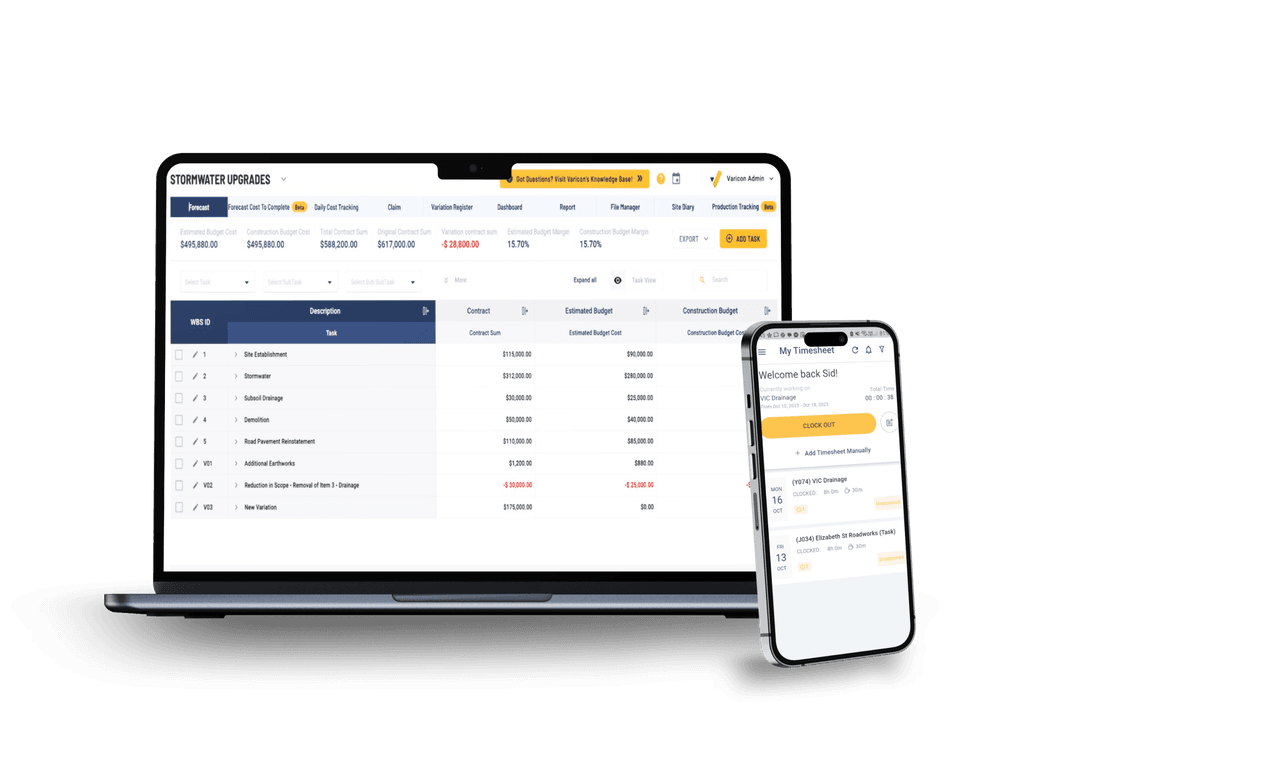
Your crew’s hours, site diaries and material deliveries turn into job costs as they are logged. Compare actual cost against budget by cost centre, resource type or accounting code, without retyping paper and spreadsheets.
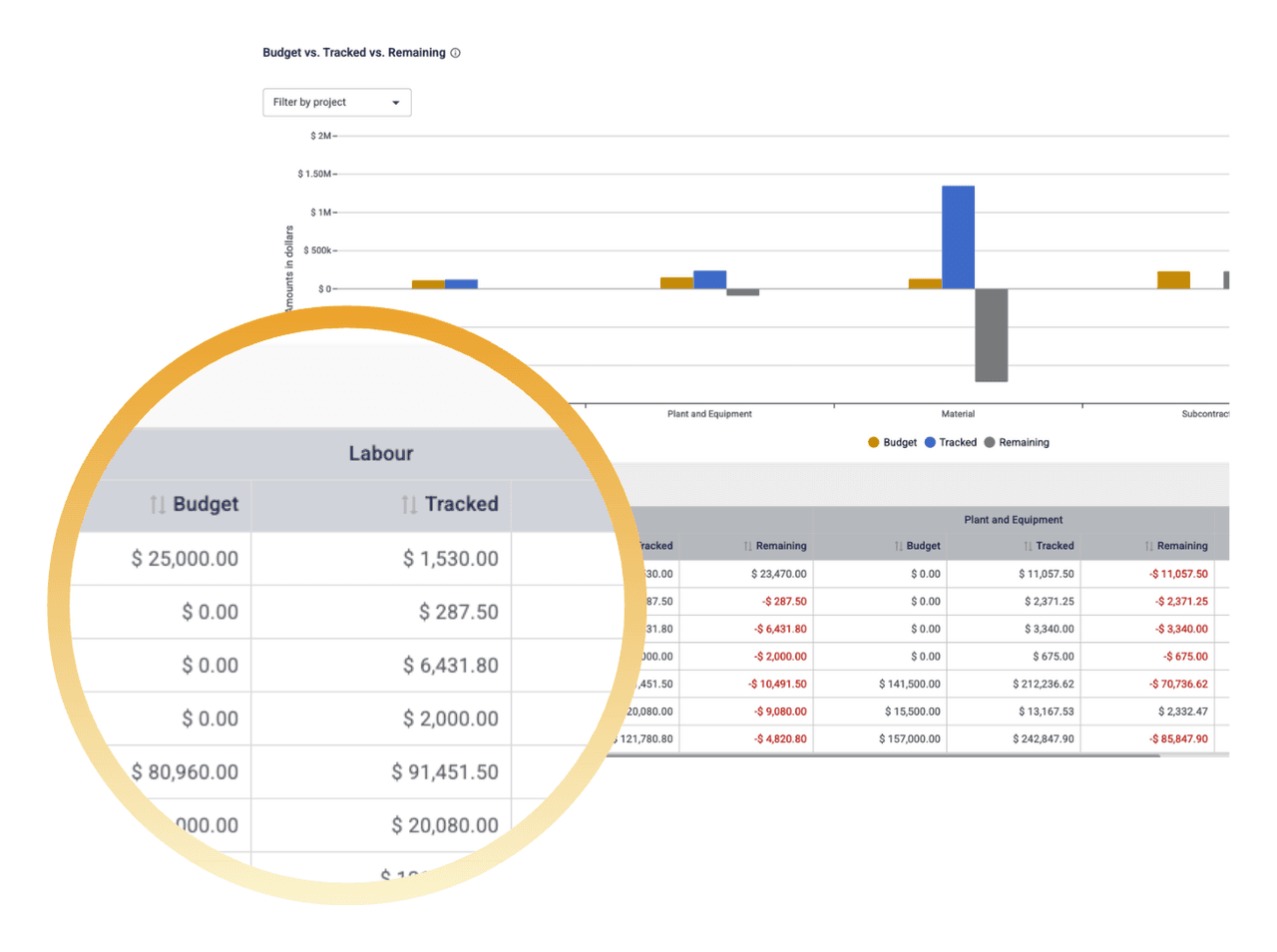
Job costs from the work your crew already logs
You are already doing the work, on paper, in Excel and in email. Varicon brings it into one place, so costs are captured where they happen, on site.
- Captured at the source
Timesheets, site diaries and delivery dockets from site become cost tracking, without retyping.
- Checked against budget
Compare actual costs against your budget, and slice them by cost centre, resource type, accounting code and more.
- Tracked your way
Map claim schedules to your company cost codes to track costs and revenue the way you run your jobs.
Connected workflow
Costs build up as the work happens
As daily data comes in from site, cost tracking happens with it. The office sees labour, plant and materials land on the job without chasing paper.
- Labour from timesheets
- Hours your crew logs on the mobile app or a shared tablet are linked to the project.
- Plant and materials from the site diary
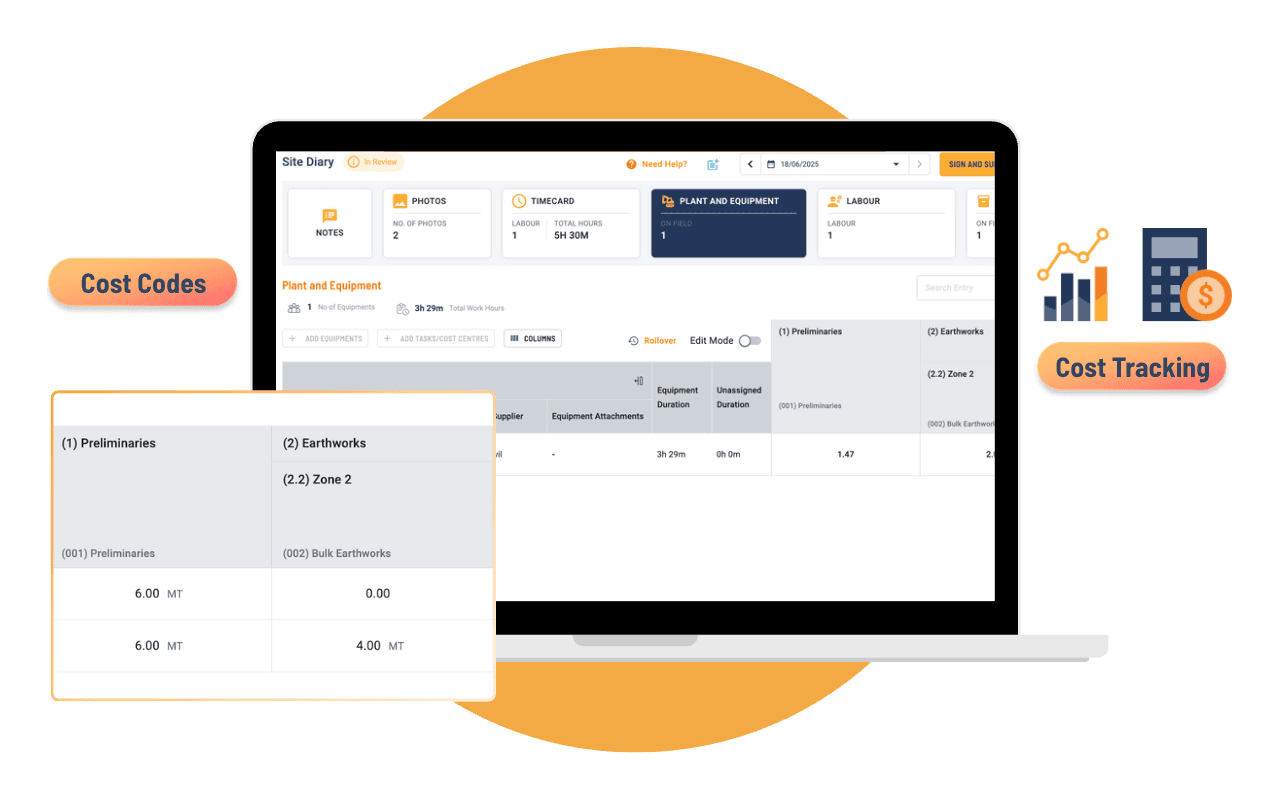
- Labour, equipment and materials recorded in the site diary flow into the budget.
- Deliveries before the invoice
- A delivery docket creates a cost against the project when the delivery arrives, before the supplier invoice.
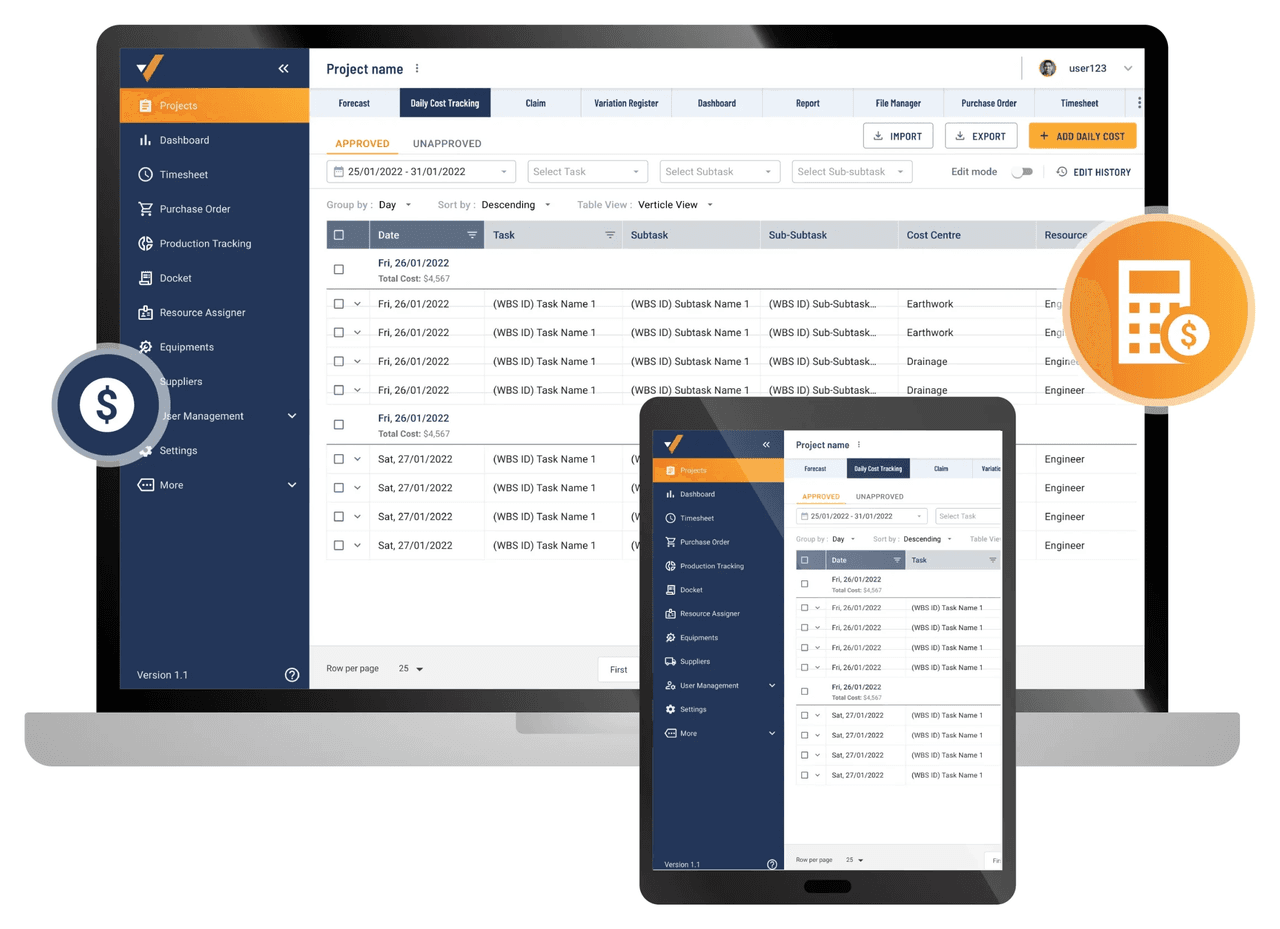
Your structure
Track costs the way you run jobs
Choose how costs are tracked in your company settings. Every cost item, called a resource, is assigned to a project and tracked against its budget.
- Project level
- The simplest view, for total project cost.
- Work breakdown structure
- The most detailed cost breakdown.
- Cost centres
- Also called cost codes. The most common choice, balancing ease of use on site with useful feedback on job costs.
Budgets
A budget to check every job against
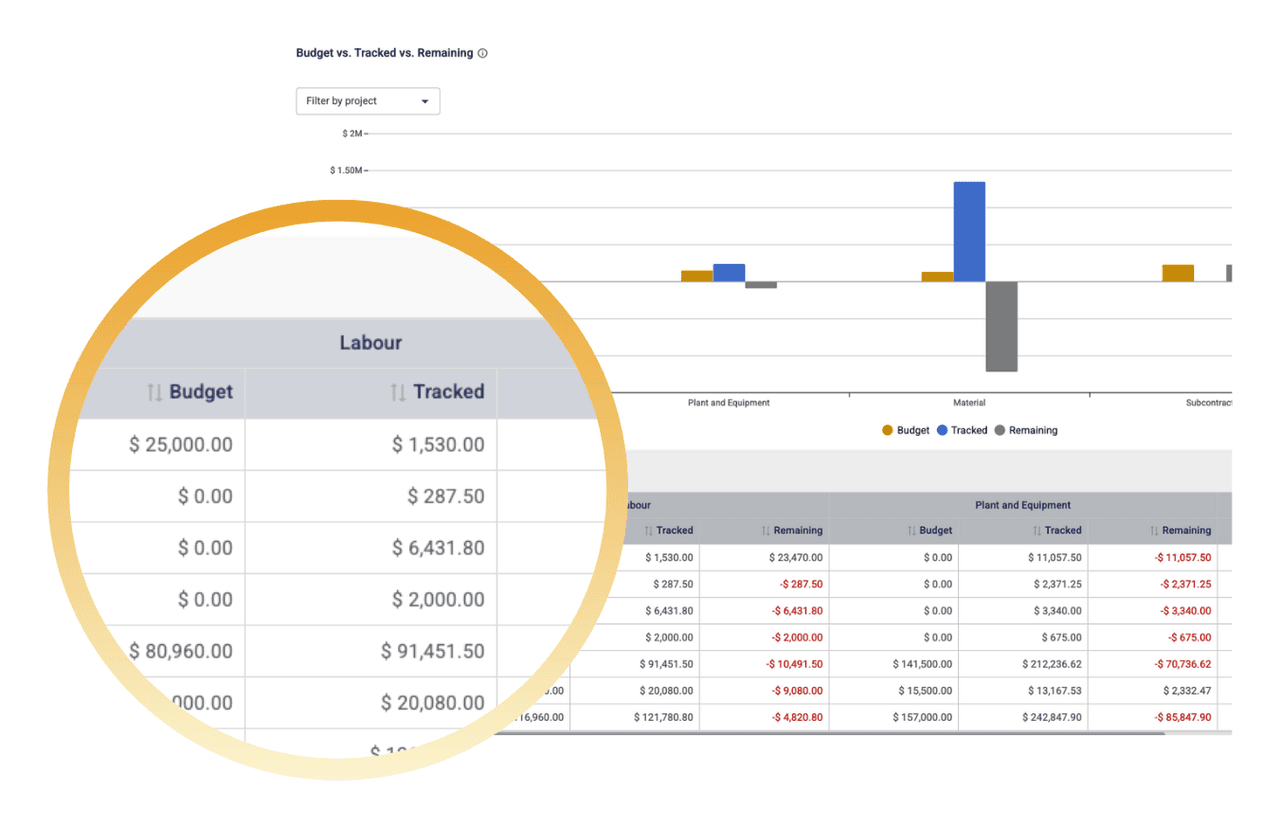
Set up a project budget at the start, or import or edit an estimated or construction budget, which becomes the baseline you track actual costs against. See budget, tracked and remaining by cost type and by job.
What our customers say

“Varicon has been an important component of our ongoing growth as a company. We invested in Varicon to support our business processes and have an integrated solution for cost tracking.”
 Greg JoslynManaging Director, Joslyn Group
How contractors use it

Joslyn Group
Spreadsheets and manual timesheets replaced by cost tracking Joslyn Group can trust
Joslyn Group builds sports fields and civil works across Victoria. Varicon replaced spreadsheets and manual timesheets with cost tracking it can trust.
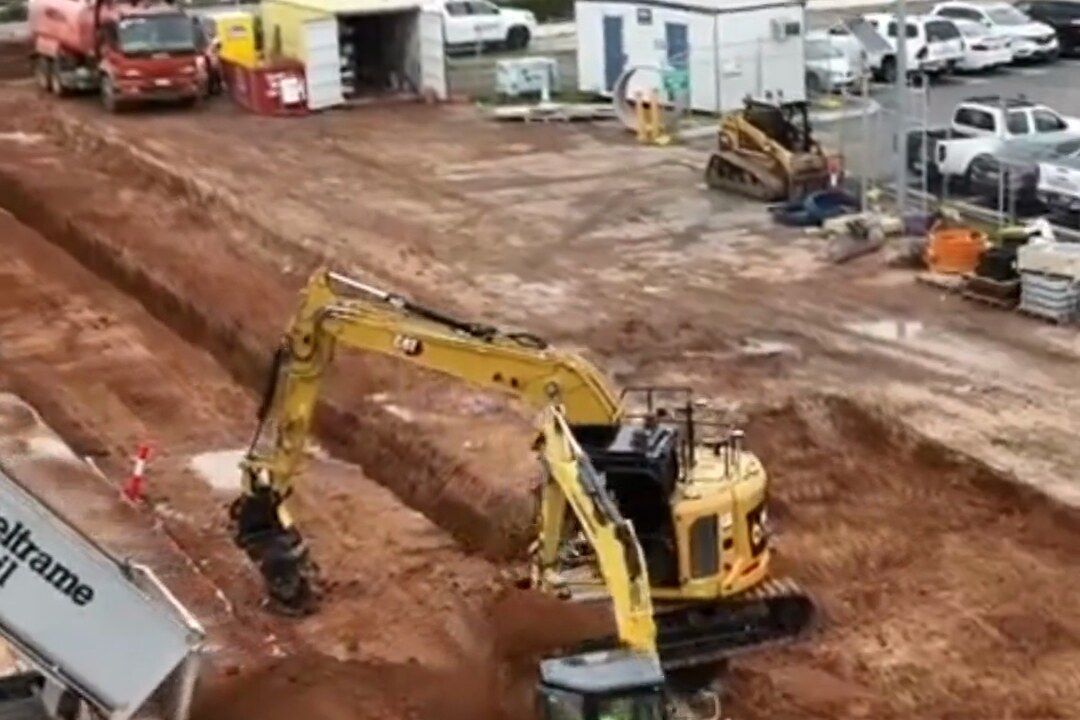
Beltrame Civil
How Beltrame Civil collects site data for payroll, job costs and reporting
David Beltrame on the difference Varicon has made to how Beltrame Civil collects data on site and in the office, and to payroll, job cost tracking and reporting.
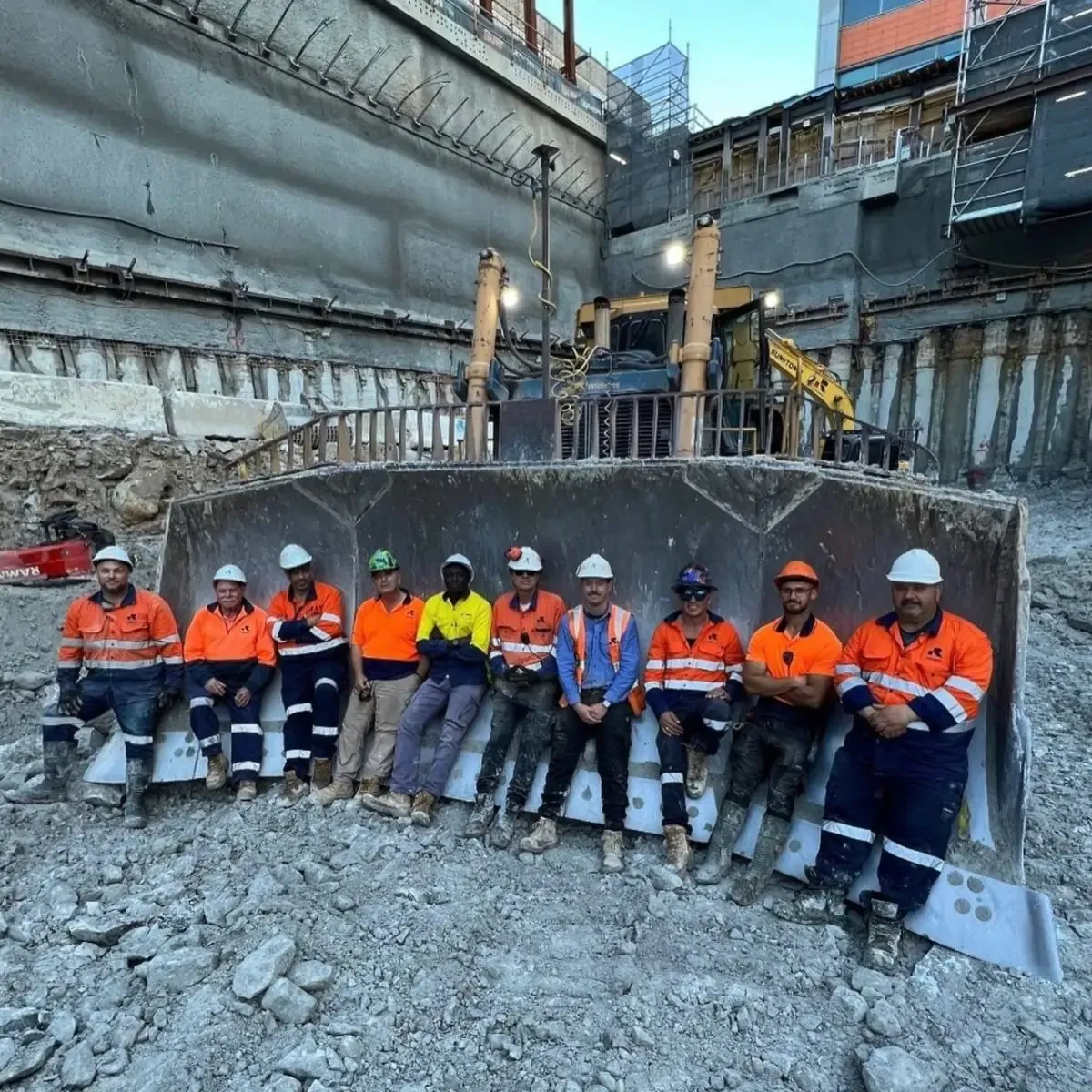
Rainbow Group
30% less time on financial reporting after Rainbow Group outgrew Excel
Rapid growth left Rainbow Group’s paperwork and Excel sheets behind. Varicon brought cost tracking, claims and variations into one place.
Templates and guides
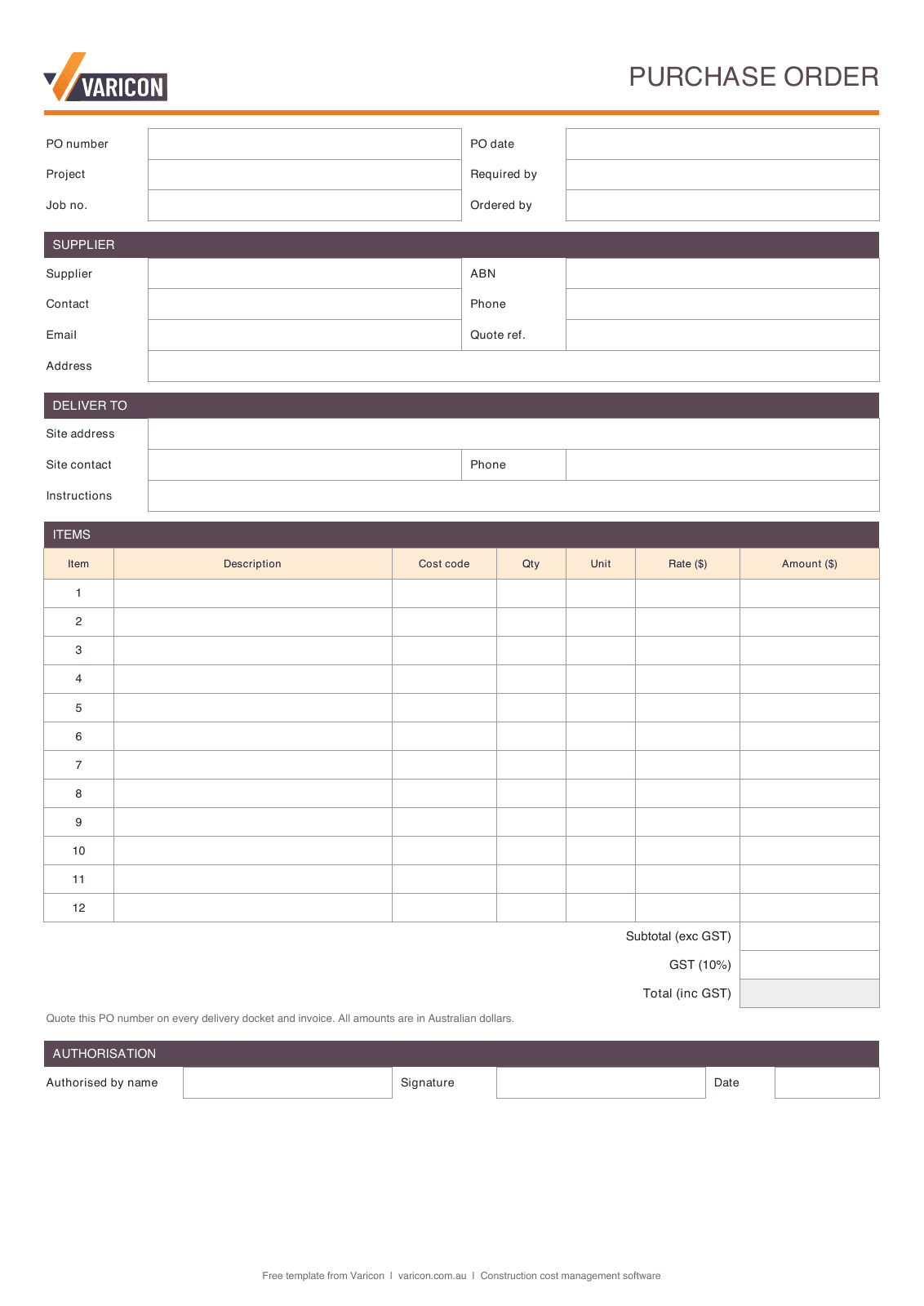
Template
Purchase order template
A one-page purchase order with supplier and delivery details, 12 item lines with cost codes, then subtotal, GST and total.
Free download: Excel, Word and PDF
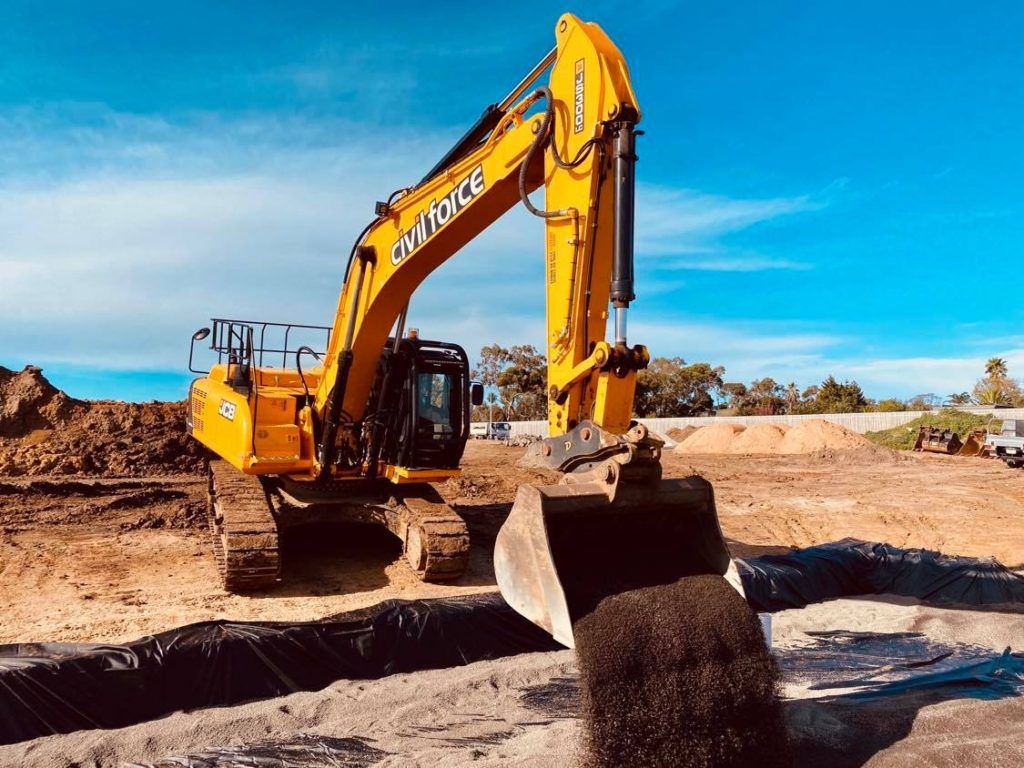
Guide
Managing job costs on civil construction projects
Break each job into cost codes, capture labour, plant and materials against them every day, count supplier costs when the goods arrive, claim every variation, and use what each job teaches you in your next tender.
Guide
Choosing software your crew will actually use
Choose software built for civil work that connects site and office and that your crew will actually use. Then roll it out in stages, starting with one part such as timesheets, with real help to set it up.
Questions and answers
Every cost item, called a resource, is assigned to a project. Varicon tracks the actual cost of those resources against the project budget.
From site, where the work happens. Workers clock in and out on the mobile app or a shared tablet, and their timesheets are linked to the project. Site diaries and delivery dockets feed cost tracking the same way, so there is less to type in the office.
Costs can be tracked at project level, at work breakdown structure (WBS) level or by cost centre, also called cost codes. Project level is the simplest. WBS gives the most detailed breakdown. Cost centres are the most common choice. You set the method in your company settings.
Yes. Set up a project budget at the start, or import or edit an estimated or construction budget, which becomes the baseline you track actual costs against.
Site-proof civil software
See how Varicon would work on your jobs
Show us how your crew and office work today. We will show you how hours, dockets and variations flow through to payroll, claims and job costs.