For finance and payroll teams
Cost data from site, without chasing paperwork
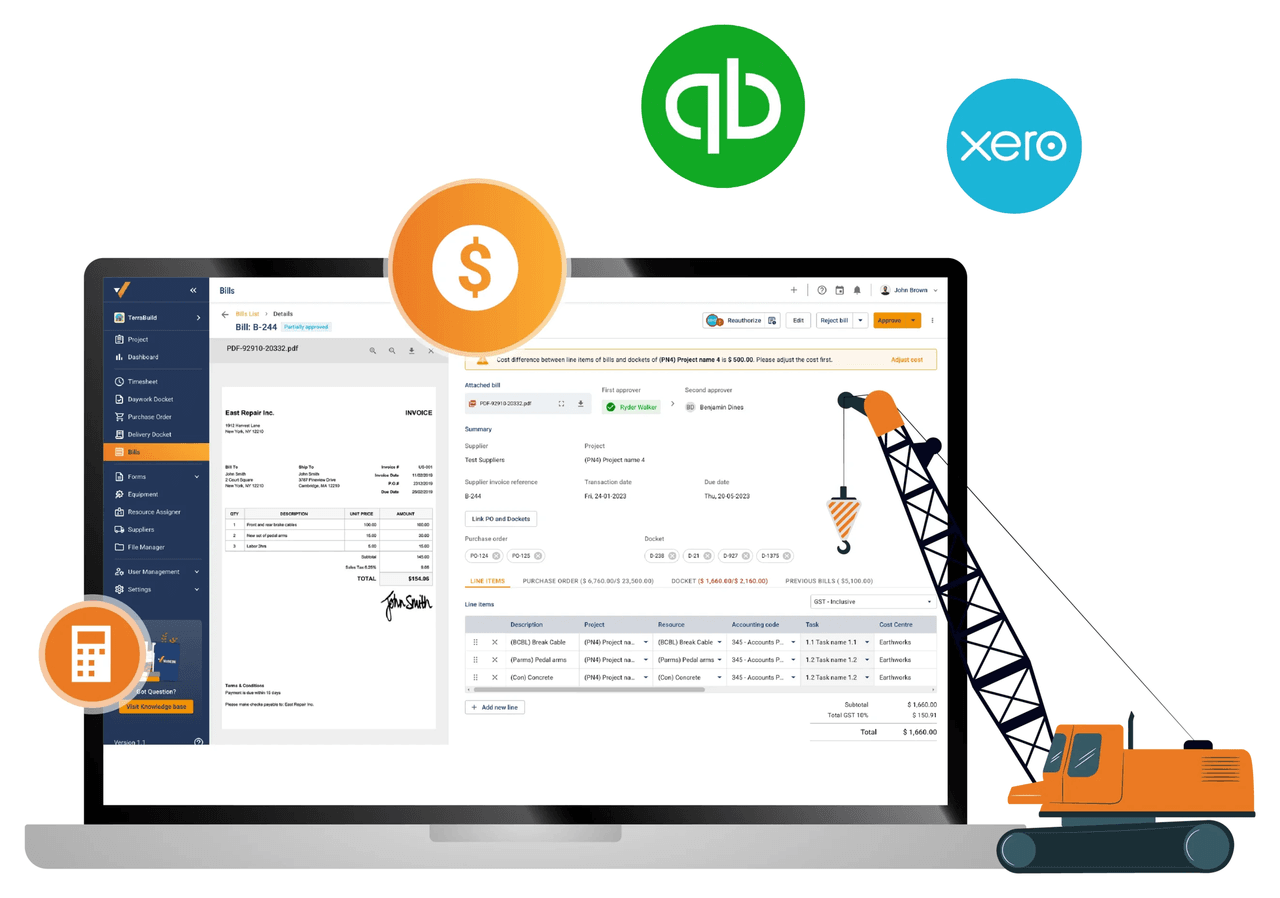
Supplier bills are matched to purchase orders and delivery dockets, approved hours flow to payroll in your accounting system, and every cost lands on a job. You get organised cost data without waiting for month-end reports or chasing site for dockets.

What changes for finance and payroll
Cost information is organised as it is generated on site and in the office, so your team has it when it is needed.
- Costs from site, not just from bills
- No waiting until the end of the month for cost information from site. Reconcile field activity, bills and the supporting documents in one place.
- Bills checked before you pay
- Varicon reads supplier bills with OCR and matches them to purchase orders and delivery dockets, so you can check bills against what was ordered and received.
- Approved hours to payroll
- Supervisors approve timesheets in bulk or one by one. The payroll calculator applies the pay rules you set up by employment type, and approved hours flow to payroll in your accounting system.
- Reports across the business
- Dashboards and reports at company, state, business segment and project level, including WIP and actual versus budget.
Accounts payable
Supplier bills checked against what was ordered and delivered
Raise purchase orders at the start of a job and draw them down with delivery dockets and bills. The three-way match checks that bills line up with the agreed order and the quantities your site team received. It is recommended, not required, so you can also capture bills on their own.
- Approvals by role and dollar limit
- Set approval workflows for purchase orders and bills based on roles and dollar limits.
- Credit notes handled
- Upload credit notes and attach them to bills. With Xero or MYOB, a bill for the correct amount is created in your accounting system.
Timesheets and payroll
Approved hours, ready for payroll
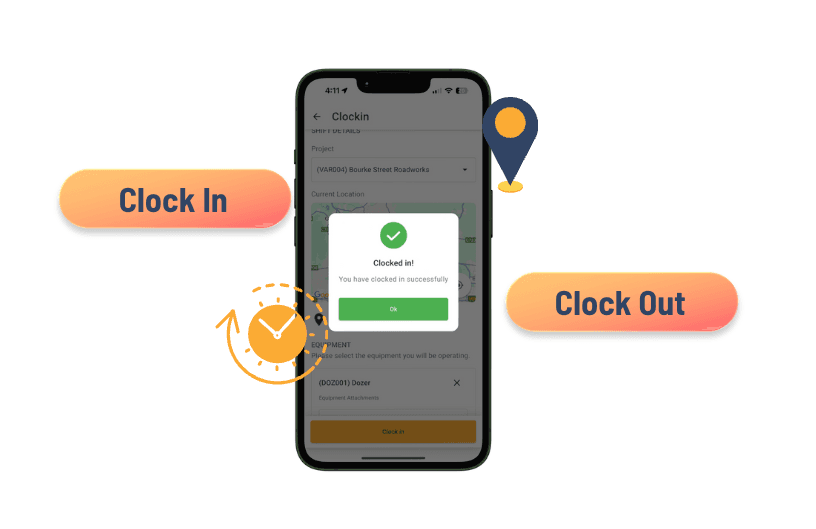
Your crew clocks in on the mobile app or a shared kiosk tablet, choosing the project and equipment. Supervisors approve on a phone, tablet or the web, and labour costs are assigned to the cost centre or project.
- Pay rules by employment type
- The payroll calculator assigns pay rules by employment type, such as wages, salary, casual or subcontractor. Your Varicon customer success specialist guides you through setting it up.
- Into your accounting system
- Approved hours flow to payroll in the accounting system you already use, such as Xero or MYOB.
What our customers say

“We needed a solution to gain better visibility into our project’s financial performance and streamline our documentation management. Varicon not only met our needs but also enabled us to consolidate from three systems into one. The system is extremely user-friendly, getting started was easy and the support has been great!”
 Kathryn MortonContracts Administrator, Morton Civil Contractors
Customer stories
Morton Civil Contractors
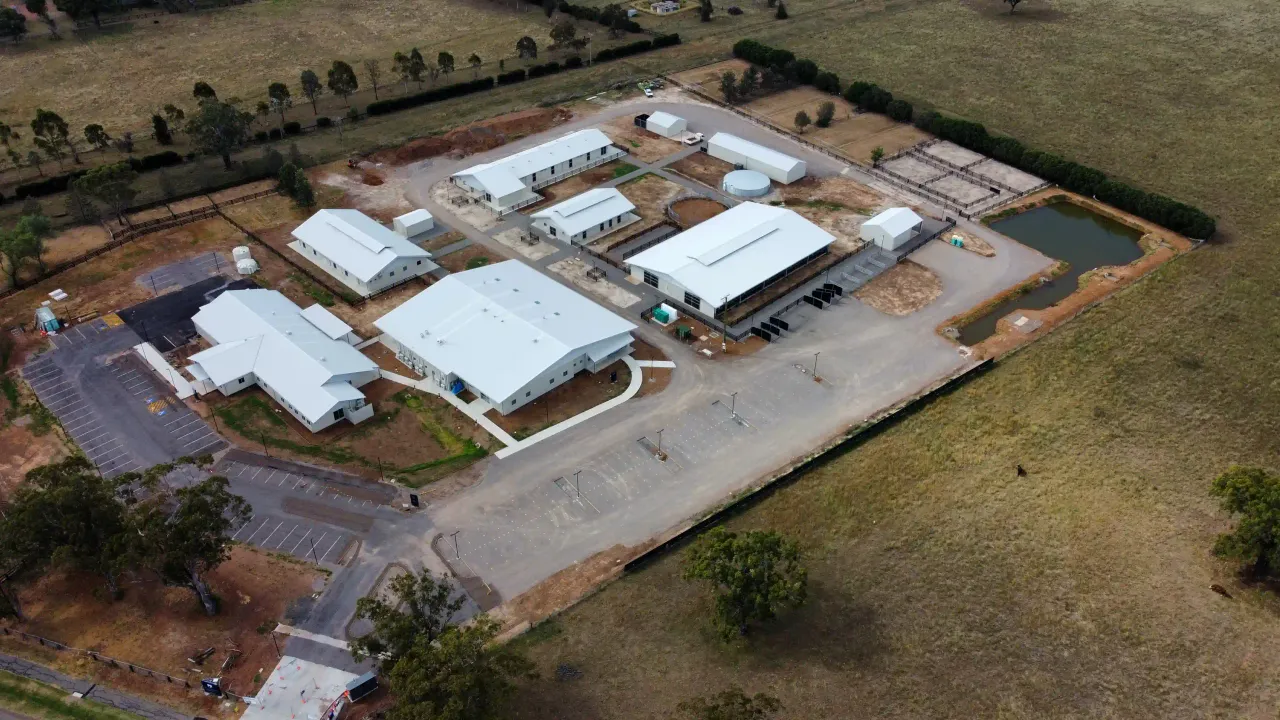
Three systems and a pile of spreadsheets replaced by one at Morton Civil Contractors
Morton Civil Contractors was growing fast on several systems and spreadsheets. It now runs payroll, costs, site records, claims and variations in Varicon.
Grand Civil
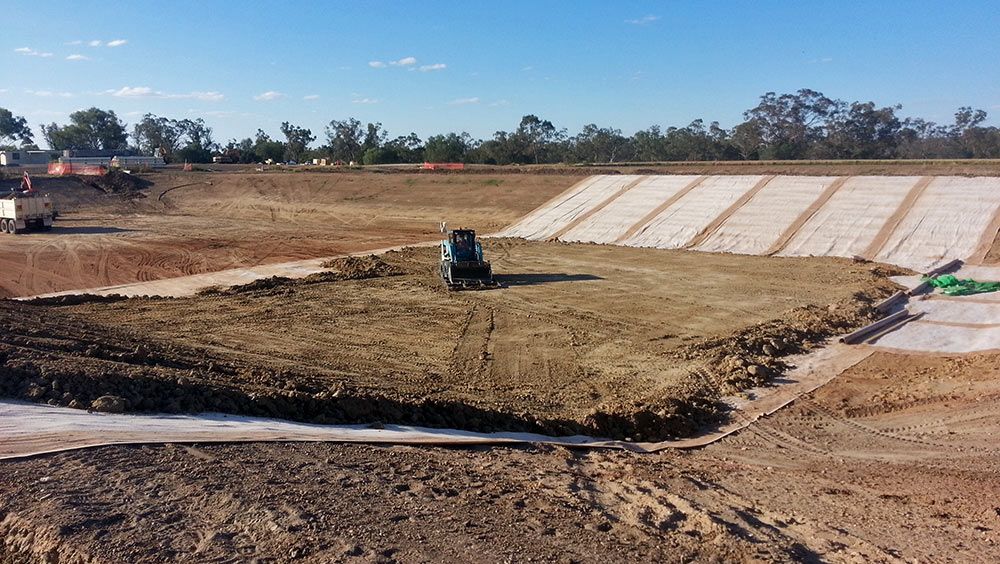
Double entry between site, payroll and Xero ended at Grand Civil
Grand Civil works in rail, water and sewer, roadworks and subdivisions across Queensland and New South Wales. Varicon ended the double entry alongside Xero.

Collective Civil
Payroll admin cut by 50% after Collective Civil took timesheets off paper
Paper timesheets came into the office in piles and were typed into Excel. Collective Civil now captures hours, allowances and machinery on site with Varicon.
Templates and guides
Template
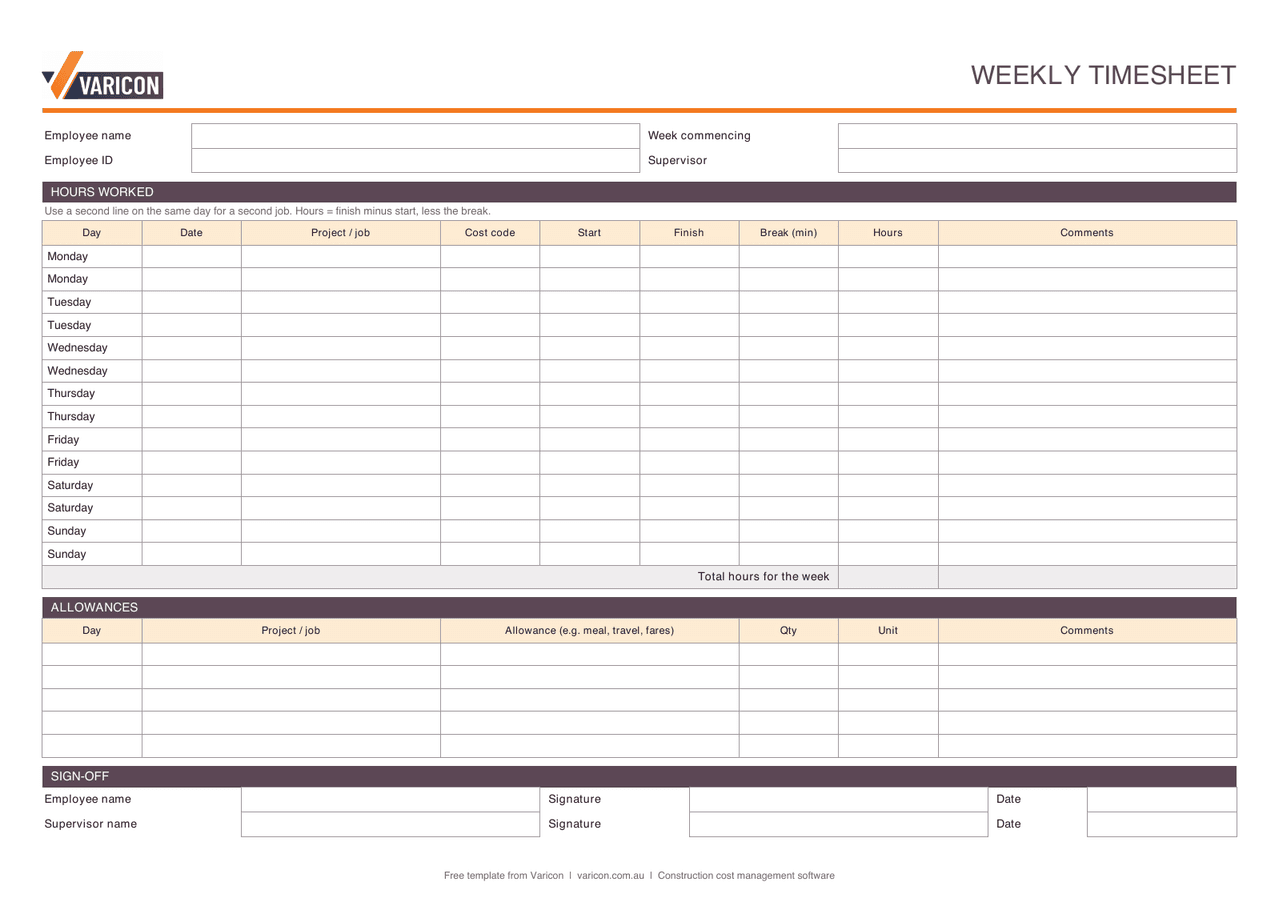
Construction timesheet template
A weekly timesheet for one worker, with hours by day, project and cost code, an allowances table and sign-off.
Free download: Excel and PDF
Template
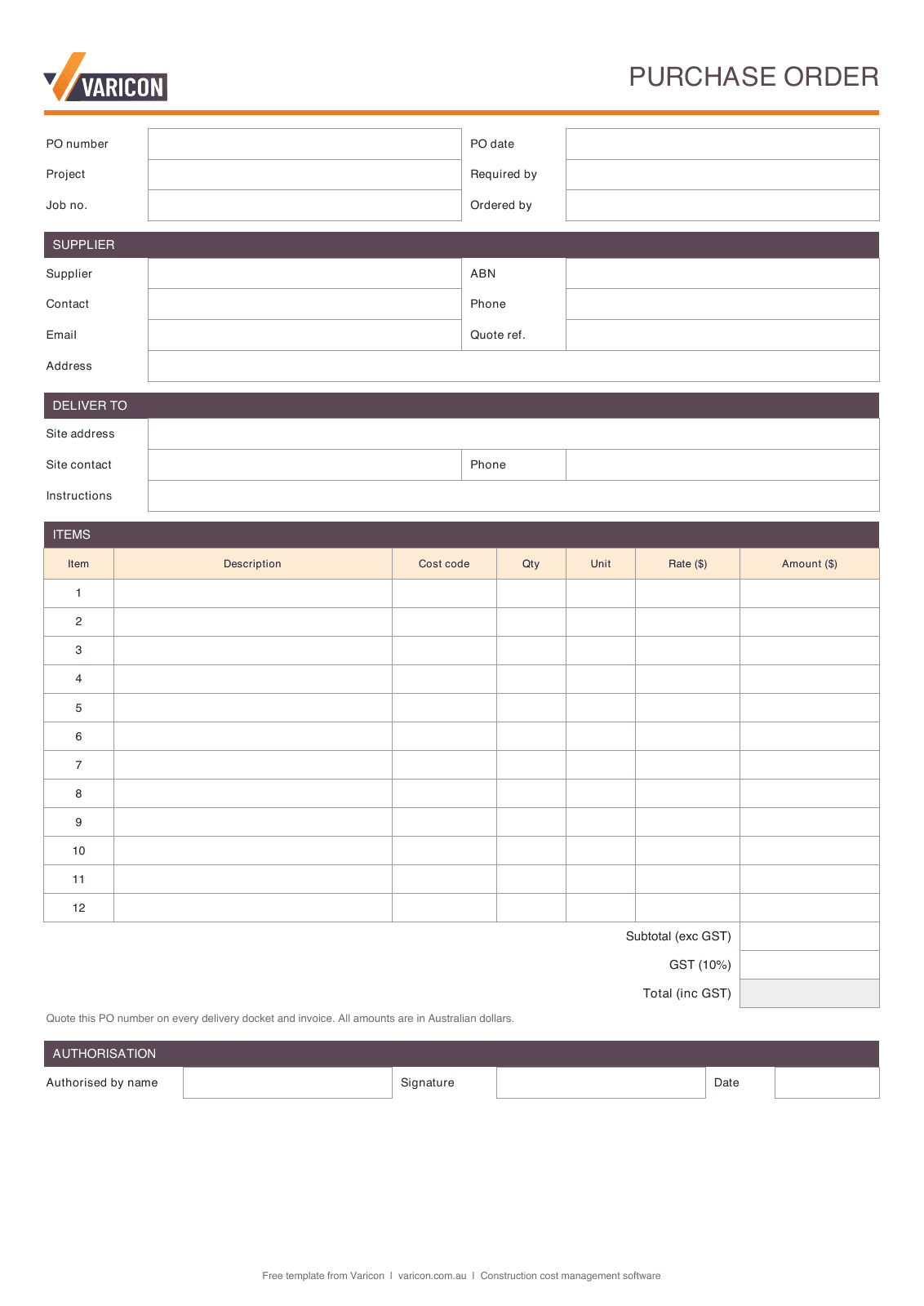
Purchase order template
A one-page purchase order with supplier and delivery details, 12 item lines with cost codes, then subtotal, GST and total.
Free download: Excel, Word and PDF
Guide
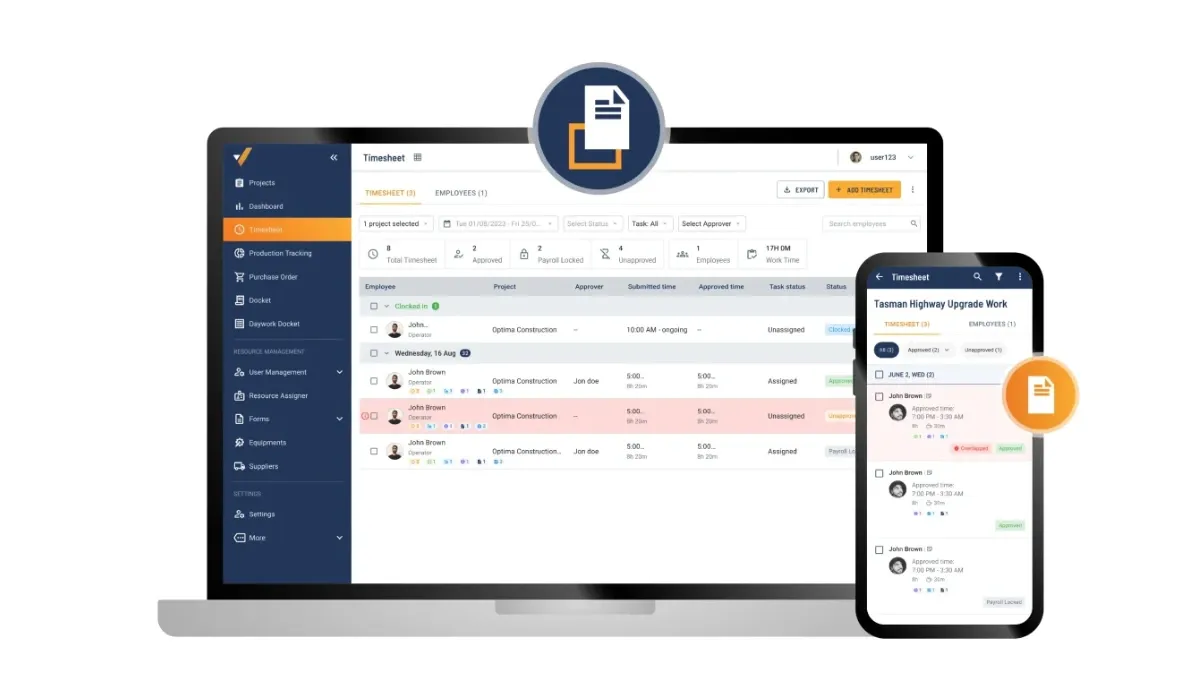
From site timesheets to payroll without the retyping
Capture hours on site as the work happens, have a supervisor approve them once, then send approved hours to payroll in your accounting system, with pay rules set up by employment type.
Questions and answers
Varicon captures costs as they occur on site, instead of waiting for supplier bills to arrive. The three-way match checks supplier bills against approved purchase orders and delivery dockets. Credit notes can be uploaded and attached to bills, and with Xero or MYOB a bill for the correct amount is created in your accounting system.
Dashboards and reports cover every project and the business as a whole, including WIP reports and actual versus budget. Every view can be grouped, filtered and exported to a spreadsheet.
Project, work breakdown structure (WBS) or cost centre. A WBS gives detailed tracking that often mirrors the bill of quantities. Cost centres, such as earthworks, drainage or overheads, organise costs in a way that makes sense to delivery teams. Claims and variations are still created against the WBS, so you can compare revenue and cost.
Yes. Set up a project budget at the start, or import an estimated or construction budget as the baseline, and track actual costs against it.
Retentions are calculated as part of each claim. Variations are tracked through statuses such as approved or rejected. Dayworks dockets are created from timesheets or site diaries, signed off on site or by email, and either calculated at agreed rates or exported to add to a variation.
Yes. Varicon works with Xero and MYOB. Purchase orders and bills are created in your accounting system, and payment status comes back to Varicon. See integrations.
Supervisors approve timesheets in bulk or one by one on a phone, tablet or the web. Labour costs from timesheets are assigned to cost centres or projects, and approved hours are exported to payroll.
Site-proof civil software
See how Varicon would work on your jobs
Show us how your crew and office work today. We will show you how hours, dockets and variations flow through to payroll, claims and job costs.