Free template
Free purchase order template
Put every order to a supplier or subcontractor in writing, with the project, the delivery details, a cost code for each line and the agreed rates. Download it in Excel, Word or PDF.
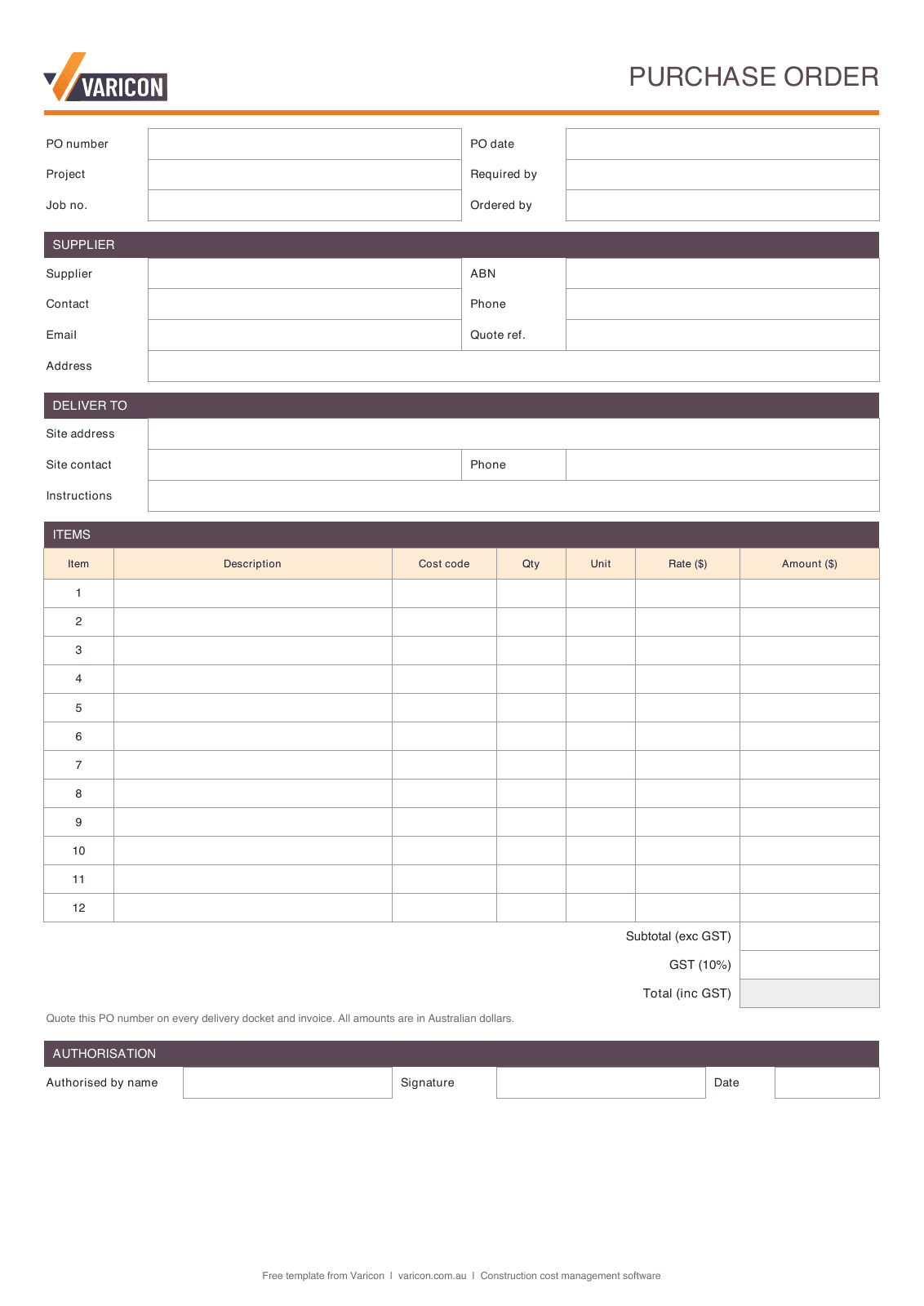
What is in the template
One A4 page for each order.
- Order details
- PO number, PO date, project, required by date, job number and who ordered it.
- Supplier and delivery
- Supplier, ABN, contact, phone, email, quote reference and address, then the site address, site contact and delivery instructions.
- Items and totals
- Twelve lines with description, cost code, quantity, unit, rate and amount, then the subtotal excluding GST, GST at 10% and the total including GST.
- Authorisation
- The name, signature and date of the person who authorised the order, and a note asking the supplier to quote the PO number on every delivery docket and invoice.
How to use the purchase order
- Download the template in Excel, Word or PDF.
- In the Excel or Word version, add your company name, address and ABN, and your logo.
- Fill in a unique PO number, the date, the project, the job number, who ordered it and when it is required.
- Add the supplier’s details and their quote reference, and the site address, site contact and delivery instructions.
- List each item with its description, cost code, quantity, unit and agreed rate.
- Add your terms and conditions. Agree your standard terms with a legal adviser once, and attach them to every order.
- Get the order authorised and signed, then send it to the supplier and keep a copy with the job.
Why raise a purchase order
A purchase order sets the limit on what you have agreed to spend before the invoice arrives. It shows who asked for the purchase, who approved it and what was agreed, which saves arguments later.
It also makes supplier bills easier to check. Keep the delivery dockets with the order, and when the bill arrives, check it against the order rates and the quantities your crew signed for.
When paper purchase orders stop working
If orders live in a spreadsheet and dockets come back from site days later, Varicon accounts payable lets your field team raise a purchase order for a job in the mobile app. Delivery dockets and supplier bills are matched to the order, and approved bills go to your accounting system.
How Varicon helps
The same purchase order, linked to the job and matched to the bill
The template puts your order in writing. In Varicon the purchase order is raised against the job, on site if you need it, then matched to the delivery docket and the supplier bill before you pay.
- Raised from the mobile app
Your field team raises an order for a specific job, and approvals follow the role and dollar limits you set.
- Drawn down over the job
Raise one order at the start of a job and draw it down with several delivery dockets and bills.
- Delivery details filled in
When the delivery arrives, the docket fills in from the purchase order and the cost goes on the job.
Related reading
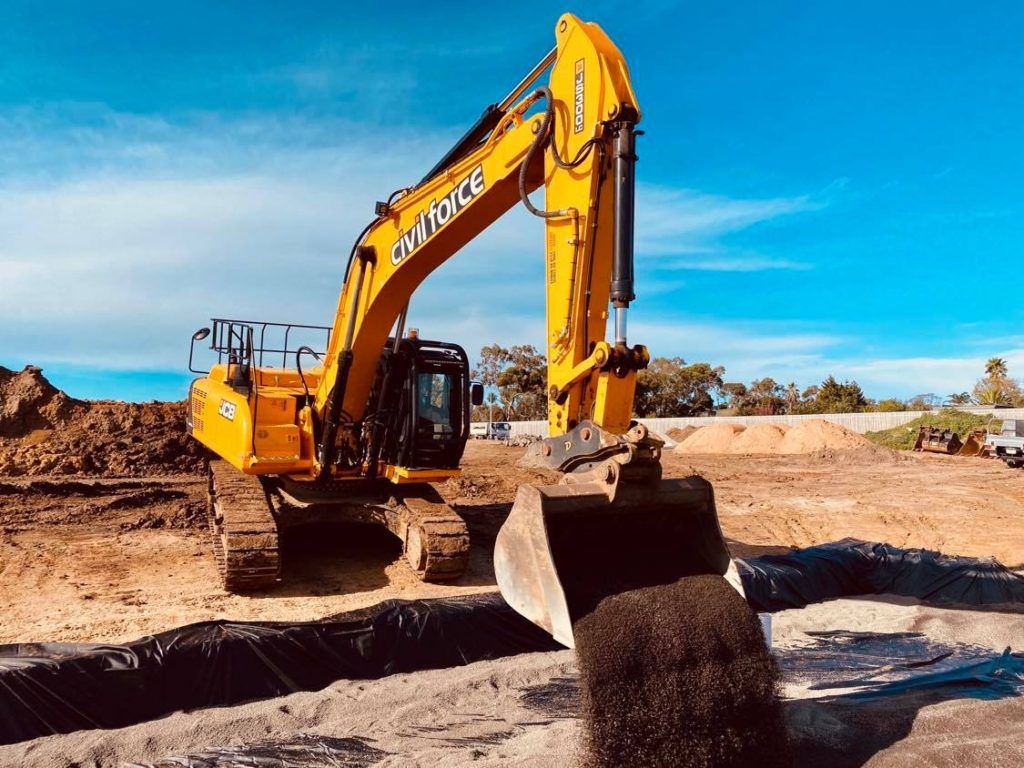
Customer story
10% more variations revenue, and no more double ordering, at Civil Force
Civil Force managed contracts and variations in Excel and purchase orders across inboxes. Varicon put variations, orders and timesheets in one place.
Civil Force, civil construction
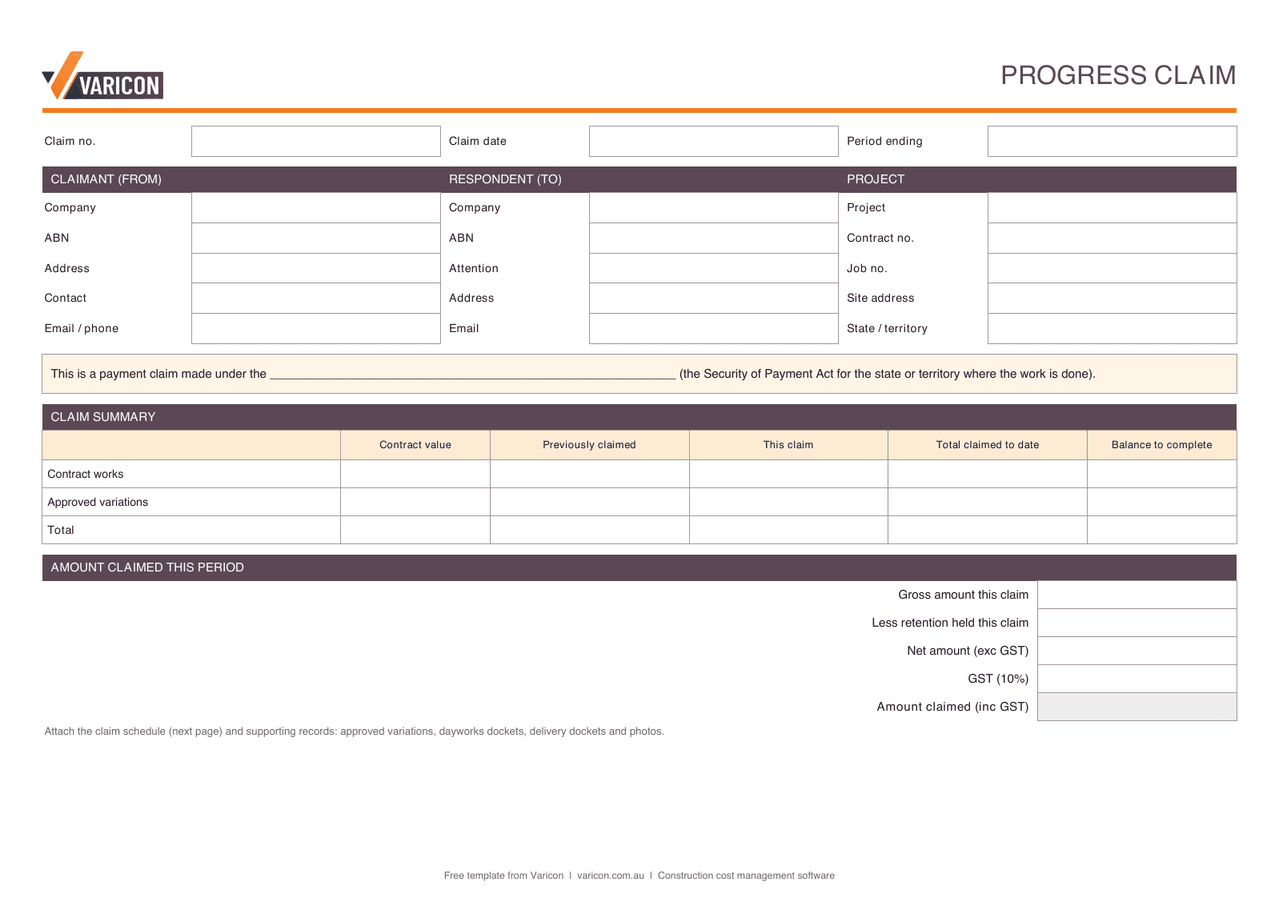
Template
Progress claims template
A progress claim with a cover page for the parties and the claim summary, and a claim schedule for contract works and approved variations.
Free download: Excel and PDF
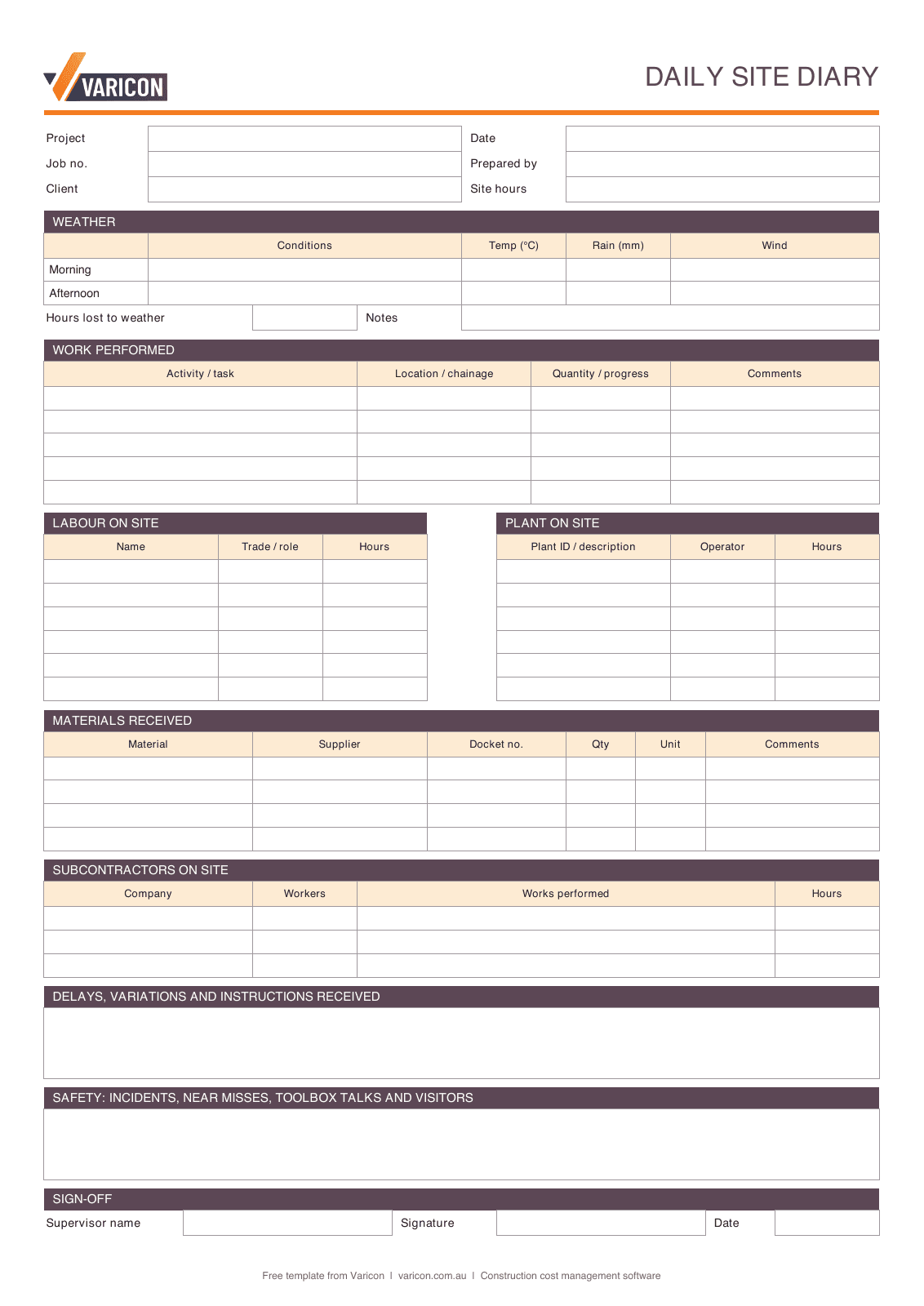
Template
Daily site diary template
A one-page daily diary for a civil job, with weather, work performed, labour, plant, materials, subcontractors, delays and safety.
Free download: Excel, Word and PDF
Questions and answers
Use Excel if you want the amounts and GST worked out for you, Word to type up and send an order, and the PDF to print and fill in by hand. All three have the same fields.
The Excel version works out each line’s amount from the quantity and rate, adds the lines up and calculates GST at 10% and the total. In the Word and PDF versions you fill in the totals yourself. Rates and amounts are entered excluding GST.
The template has fields for the supplier, the project and the delivery site, but not for your company’s name, address or ABN, and it carries the Varicon logo. In the Excel or Word version, add your details and replace the logo with your own.
The template is set up for Australia, with an ABN field, GST at 10% and a note that amounts are in Australian dollars. Edit the Excel or Word version to suit your jobs, for example in New Zealand.
Site-proof civil software
See how Varicon would work on your jobs
Show us how your crew and office work today. We will show you how hours, dockets and variations flow through to payroll, claims and job costs.