Free template
Free daily site diary template
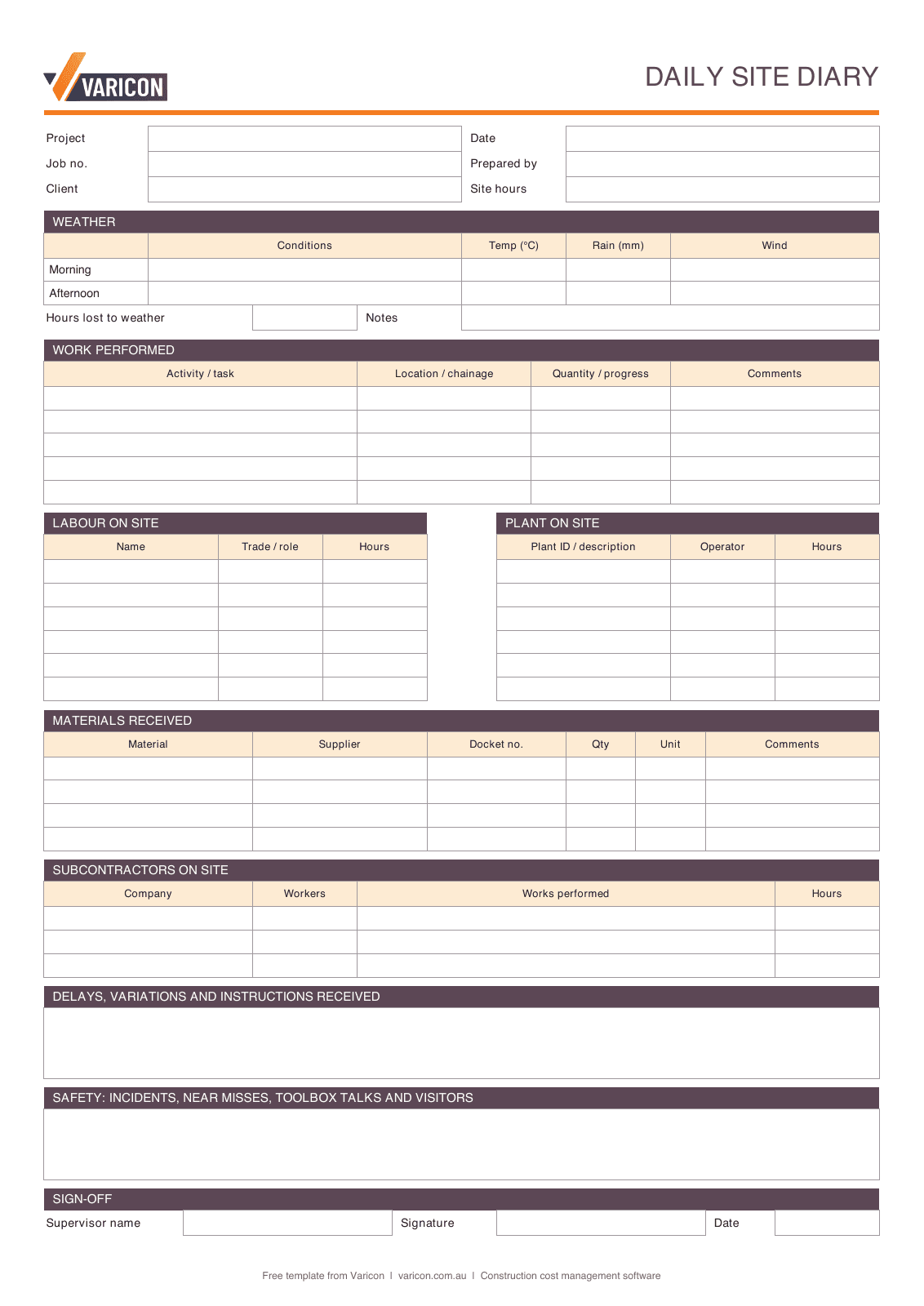
A daily site diary for civil jobs. Record the weather, the work done, who and what was on site, deliveries, delays and instructions, and safety for each day. Download it in Excel, Word or PDF.
What is in the template
One A4 page for each day on each job.
- Job details
- Project, job number, client, date, who prepared the diary and the site hours.
- Weather
- Conditions, temperature, rain and wind for the morning and the afternoon, the hours lost to weather and notes.
- Work performed
- Each activity or task with its location or chainage, quantity or progress and comments.
- Labour and plant on site
- Each worker’s name, trade or role and hours, and each machine’s ID or description, operator and hours.
- Materials and subcontractors
- Material, supplier, docket number, quantity and unit for each delivery, then each subcontractor’s company, workers, works performed and hours.
- Delays, safety and sign-off
- Delays, variations and instructions received, then incidents, near misses, toolbox talks and visitors, and the supervisor’s name, signature and date.
How to use the site diary
- Download the template in Excel, Word or PDF.
- Fill in the project, job number, client, date, your name and the site hours.
- Record the weather for the morning and the afternoon, and any hours lost to weather.
- List the work performed, with the location or chainage and the quantity or progress.
- Add the hours for each worker and each piece of plant, with its operator.
- Record materials received, with the supplier and docket number, and any subcontractors on site.
- Note any delays, variations and instructions received, and any incidents, near misses, toolbox talks and visitors.
- Sign the diary and send it to the office the same day.
What makes a diary worth keeping
A good diary is specific. “Rain from 10am, crew stood down for two hours” is useful later. “Wet day” is not.
Photos, docket numbers and the names of the people you spoke to make an entry easy to check. Note anything that differs from the plans or the scope as it happens, because that is the record you will need to claim a variation or dayworks.
The diary also backs up your other paperwork. Labour hours should agree with the timesheets, and materials should agree with the delivery dockets.
When the paper diary stops working
If diaries are written up late, go missing on the way to the office or repeat what is already on timesheets and dockets, a digital site diary does the same job on a phone or a tablet. In Varicon, labour hours come from timesheets and materials from delivery dockets, so your supervisor adds the rest, and the office sees the diary as soon as it is submitted.
How Varicon helps
The same diary, written on site with hours and deliveries already in
The template covers what a good diary needs. In Varicon your supervisor adds the weather, photos, notes and progress on site, while labour hours and materials fill in from timesheets and delivery dockets.
- Photos with the notes
Add photos of site conditions and progress, along with notes on events, observations and conversations.
- Fields for your jobs
Add fields for plant, materials, issues or anything else, at company level or for one project.
- Dayworks from the diary
Compile the day’s crew, plant and materials into one dayworks docket for your client to sign.
Templates
Dayworks docket template
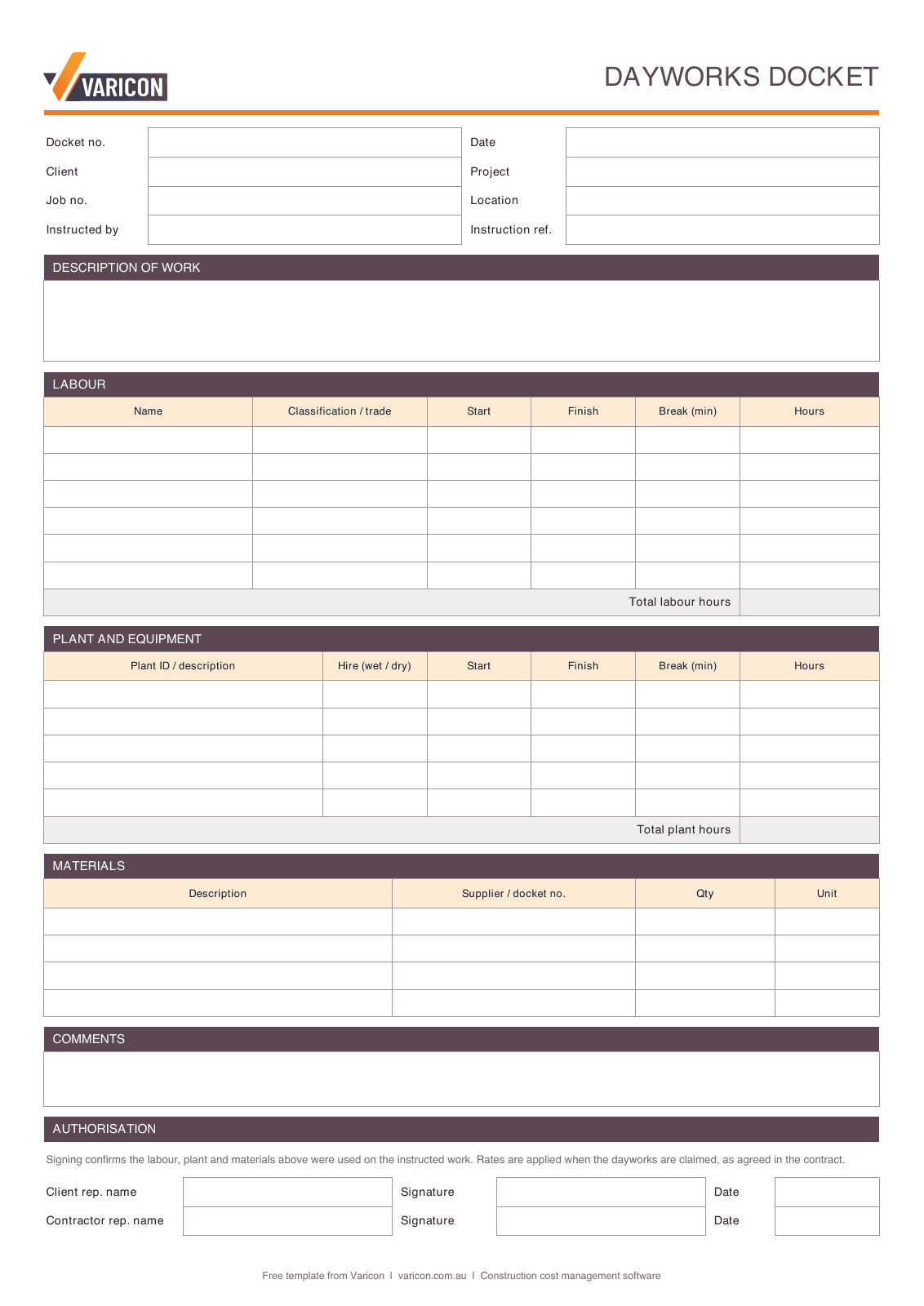
A docket for work done on day rates, with the instruction, labour, plant and equipment, materials, and sign-off by client and contractor.
Free download: Excel, Word and PDF
Construction timesheet template
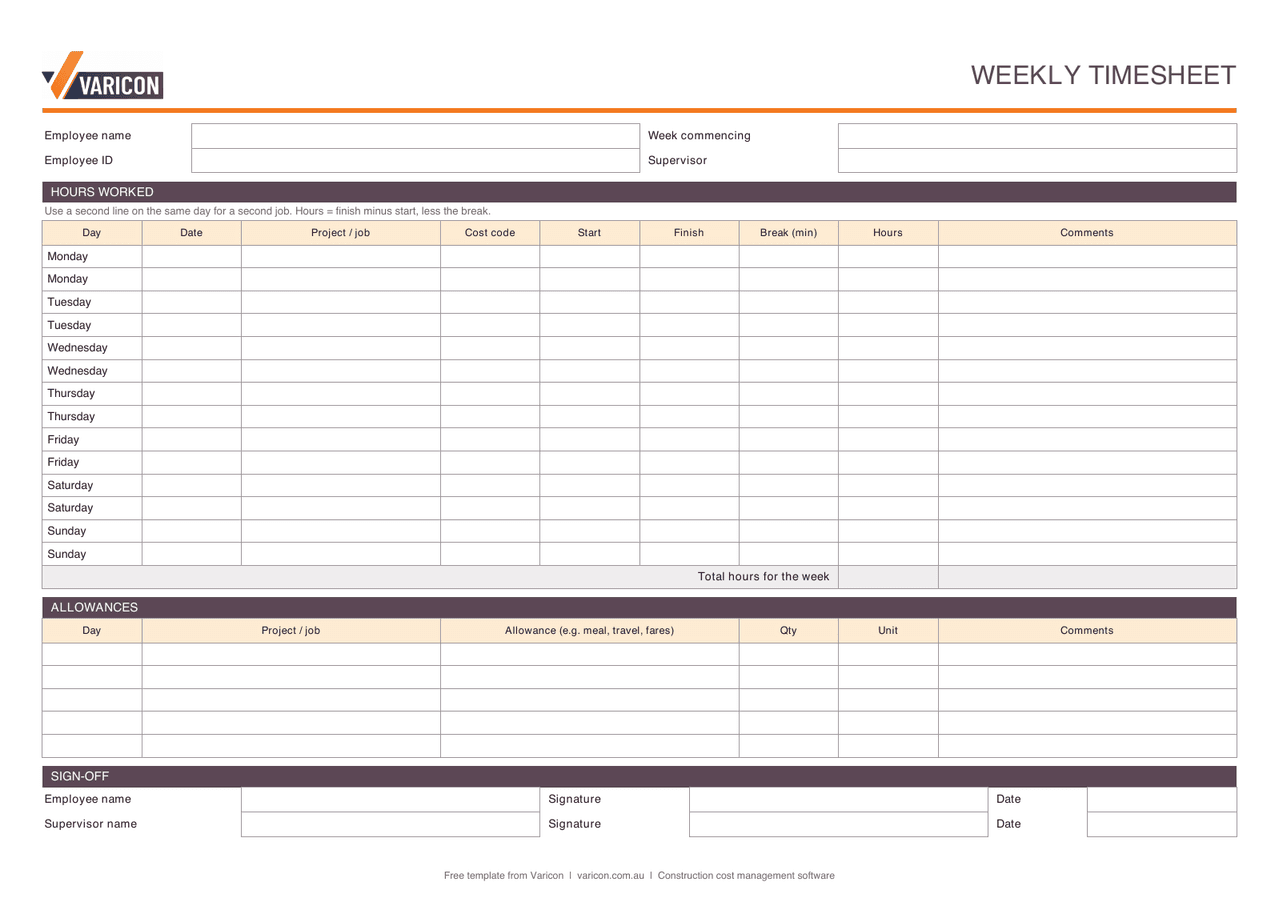
A weekly timesheet for one worker, with hours by day, project and cost code, an allowances table and sign-off.
Free download: Excel and PDF
Progress claims template
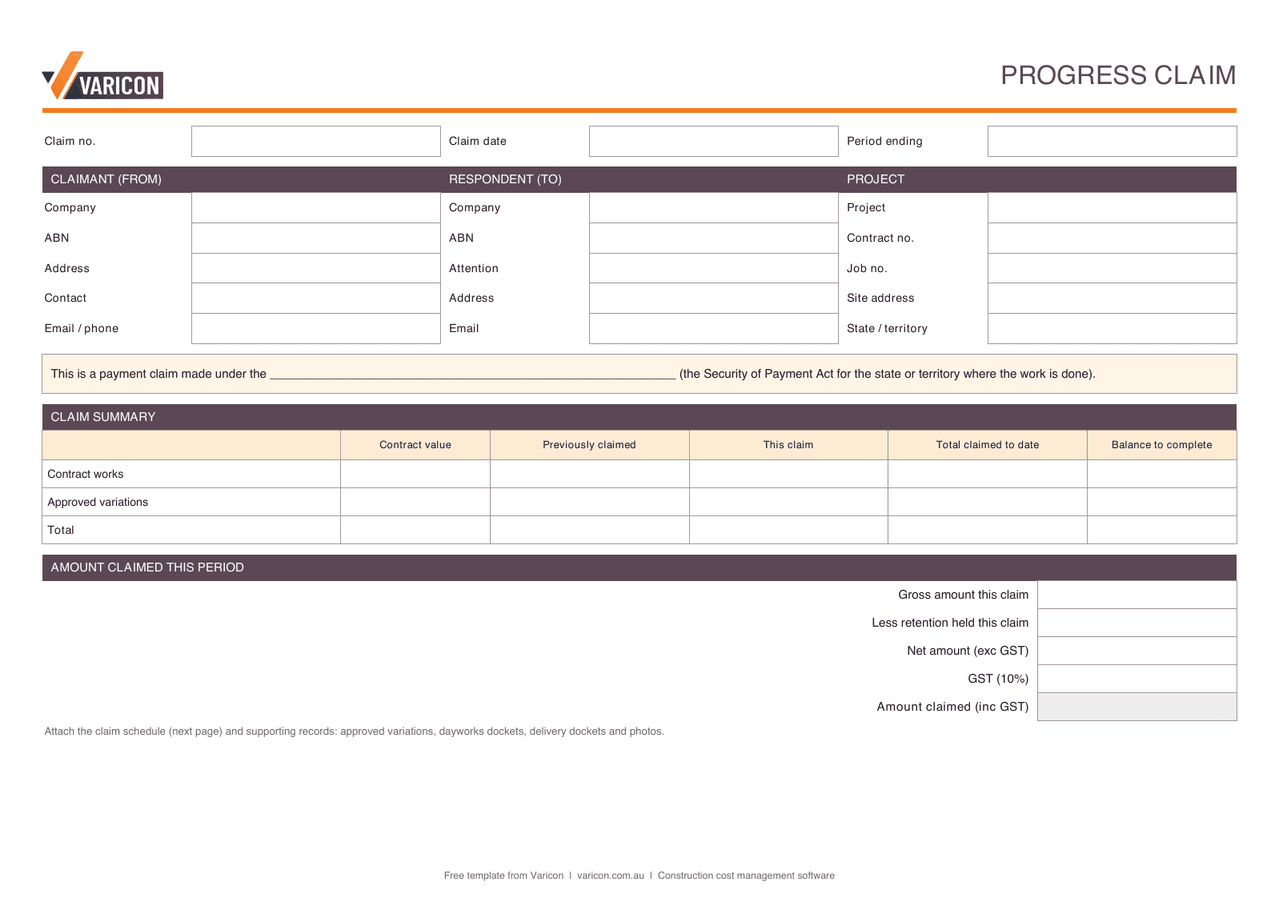
A progress claim with a cover page for the parties and the claim summary, and a claim schedule for contract works and approved variations.
Free download: Excel and PDF
Questions and answers
A site diary is a record of the daily activities, events and other key information on a construction site. It gives you an accurate history of the job, which helps with running the project, settling disputes and answering questions from your client or an auditor.
Every working day, on the day. A diary written up at the end of the week relies on memory, and the details that matter in a dispute are the first to go.
Yes. Add your project details and any fields your jobs need. The Excel and Word versions are the easiest to change.
Excel (.xlsx), Word (.docx) and PDF, all with the same fields on one A4 page. The Excel file opens in Microsoft Excel and in other spreadsheet software that reads .xlsx files, such as Google Sheets. The PDF is for printing and filling in by hand.
Site-proof civil software
See how Varicon would work on your jobs
Show us how your crew and office work today. We will show you how hours, dockets and variations flow through to payroll, claims and job costs.