Accounts payable
Check every supplier bill against what arrived on site
Varicon reads supplier bills, matches them to your purchase orders and delivery dockets, and sends them to your accounting system. Every bill is linked to the job it belongs to.
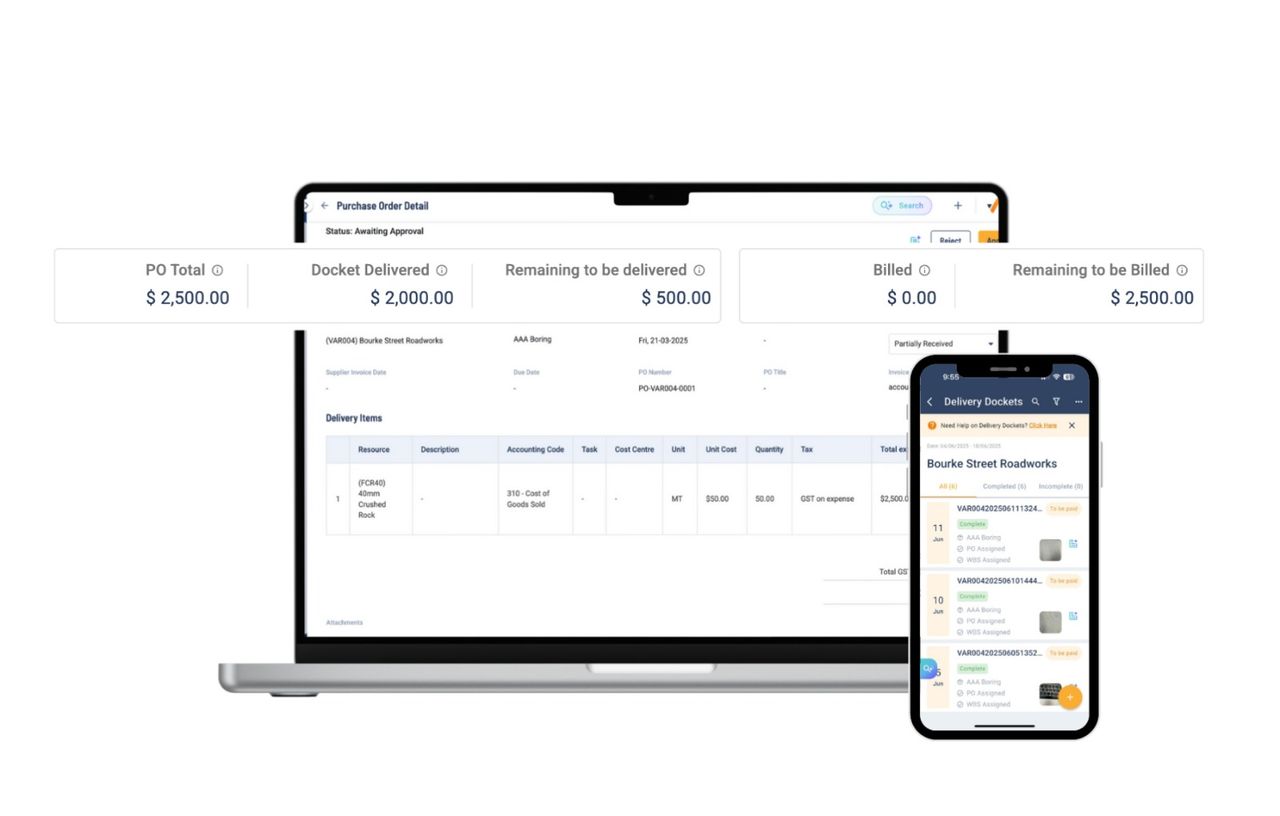
Take the retyping out of supplier bills
Bills arrive by email, dockets come back from site and purchase orders sit in a spreadsheet. Varicon puts them together against the job.
- Bills read for you
OCR reads supplier bills and fills in the details, in bulk. You can also capture a bill on its own, without a purchase order.
- Three-way match
Match each bill to its purchase order and delivery docket, so you can confirm it is right before you pay.
- Approvals you set
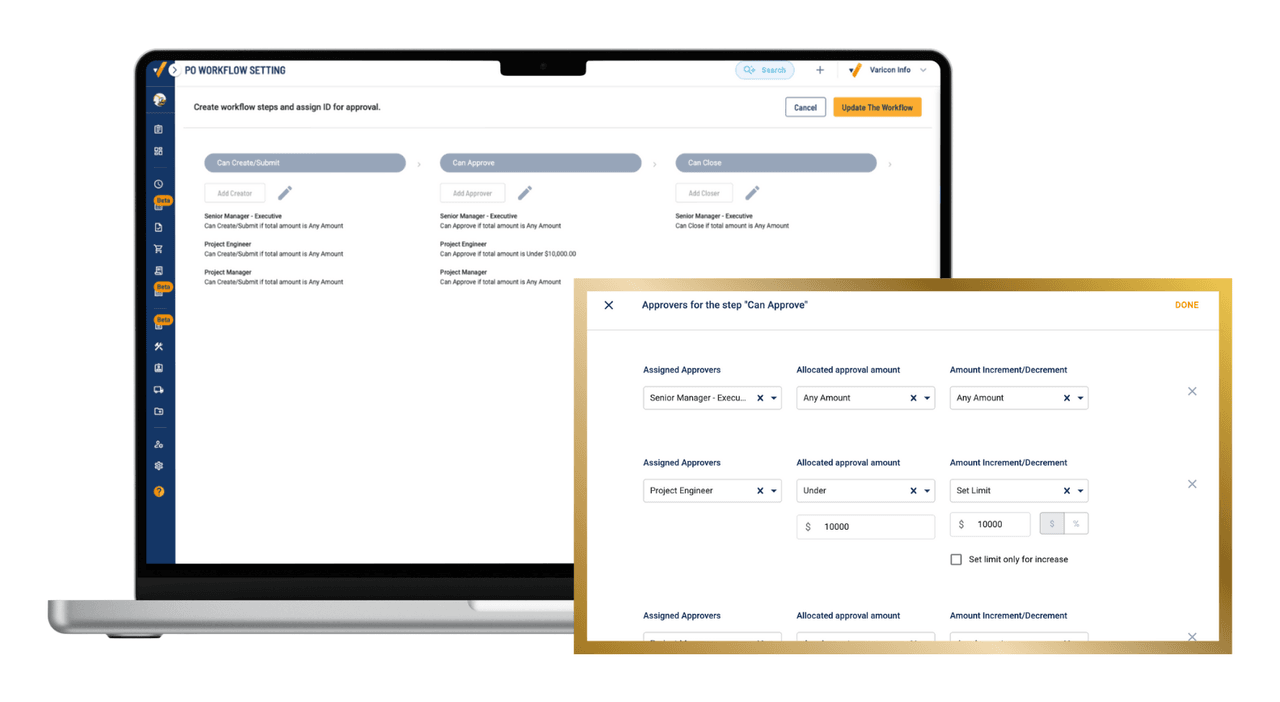
Approval workflows for purchase orders and bills, by role and dollar limit.
Three-way match
Match bills to purchase orders and delivery dockets
The match checks that a supplier bill agrees with the approved purchase order, and that quantities agree with what your crew checked on receipt. It is recommended for the best control, but not required. You can also capture bills on their own.
Purchase orders
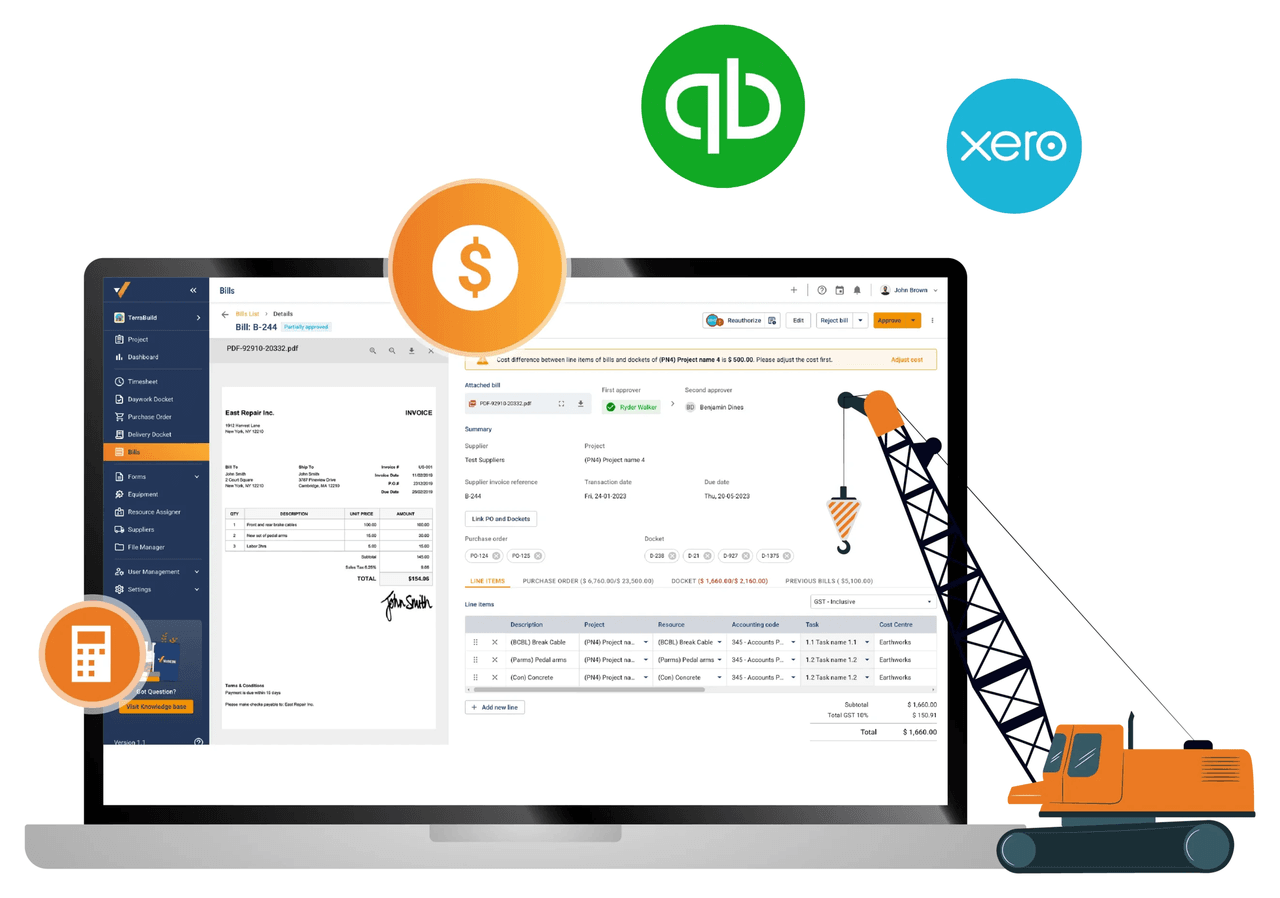
Purchase orders that work the way your jobs do
Raise a purchase order at the start of a job and draw it down with several delivery dockets and supplier bills as the work goes on.
- Raised on site
- Your field team can raise a purchase order for a specific job in the mobile app.
- Linked to the job
- Purchase orders and bills are linked to the project, so they feed cost tracking.
Accounting
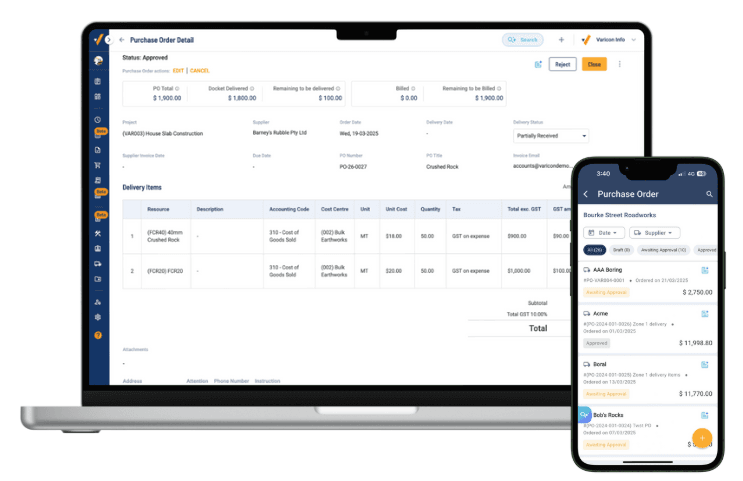
Bills and purchase orders go to your accounting system
Bills and purchase orders are created in your accounting system with the chart of accounts, tracking categories, supplier and payment details. Payment status comes back to Varicon. Varicon works with Xero and MYOB.
- Credit notes
- Upload a credit note and attach it to a bill. With Xero or MYOB, a bill for the correct amount is created in your accounting system.
Approvals
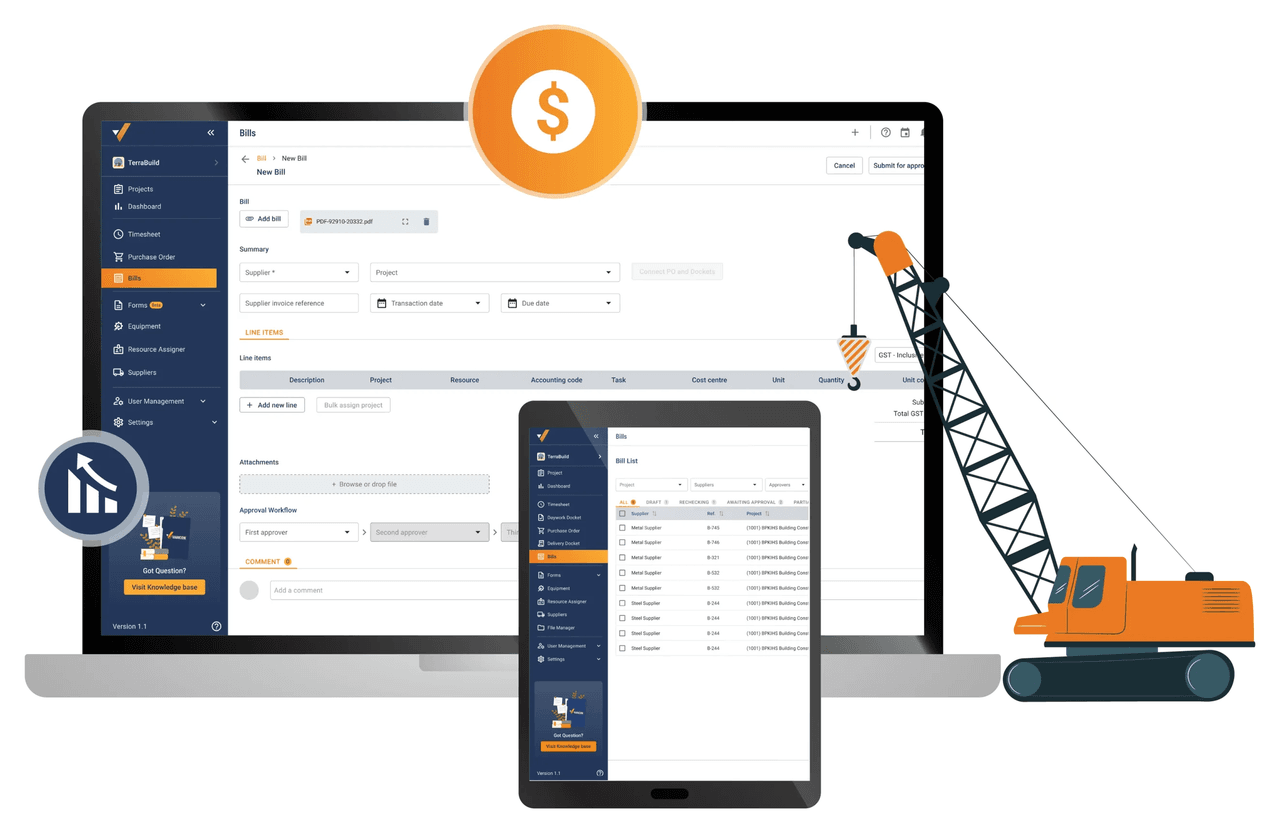
Approvals set by role and dollar limit
Set approval workflows for purchase orders and bills based on roles and dollar limits, so spending follows your rules without holding up the job.
How contractors use it
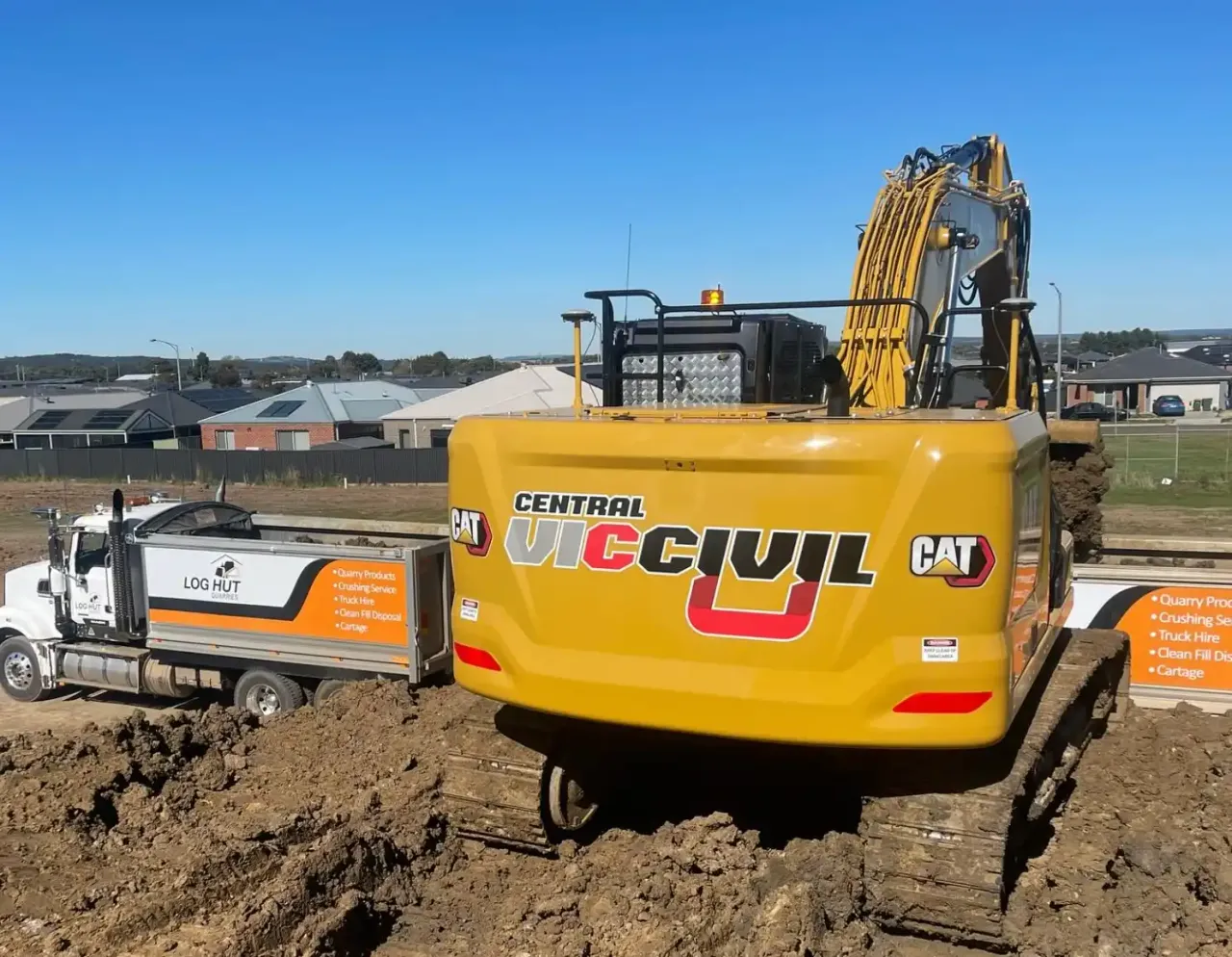
Central Vic Civil
60% less time running payroll, and no more double handling, at Central Vic Civil
Central Vic Civil builds roads, bridges, subdivisions and sewer and water infrastructure around Ballarat. Varicon replaced separate, manual processes with one system.
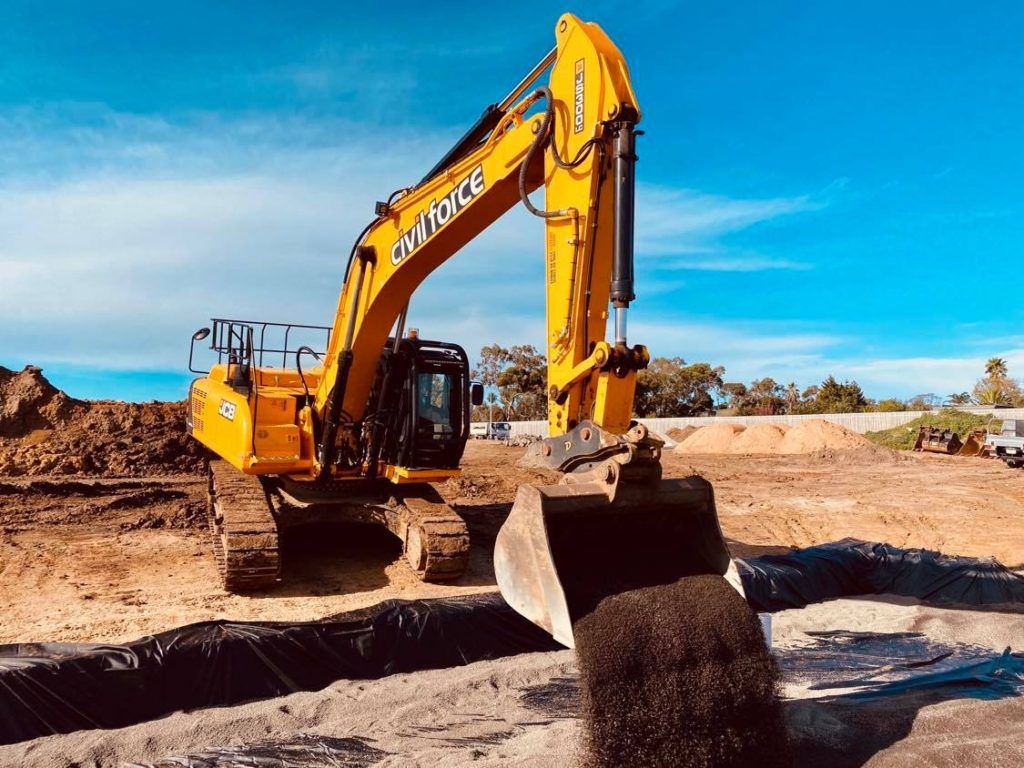
Civil Force
10% more variations revenue, and no more double ordering, at Civil Force
Civil Force managed contracts and variations in Excel and purchase orders across inboxes. Varicon put variations, orders and timesheets in one place.
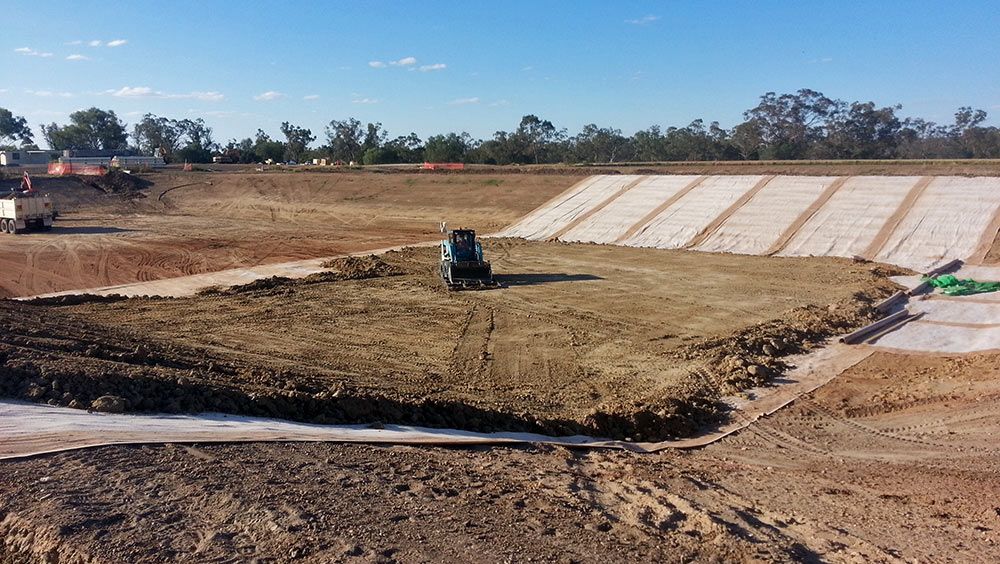
Grand Civil
Double entry between site, payroll and Xero ended at Grand Civil
Grand Civil works in rail, water and sewer, roadworks and subdivisions across Queensland and New South Wales. Varicon ended the double entry alongside Xero.
Templates and guides
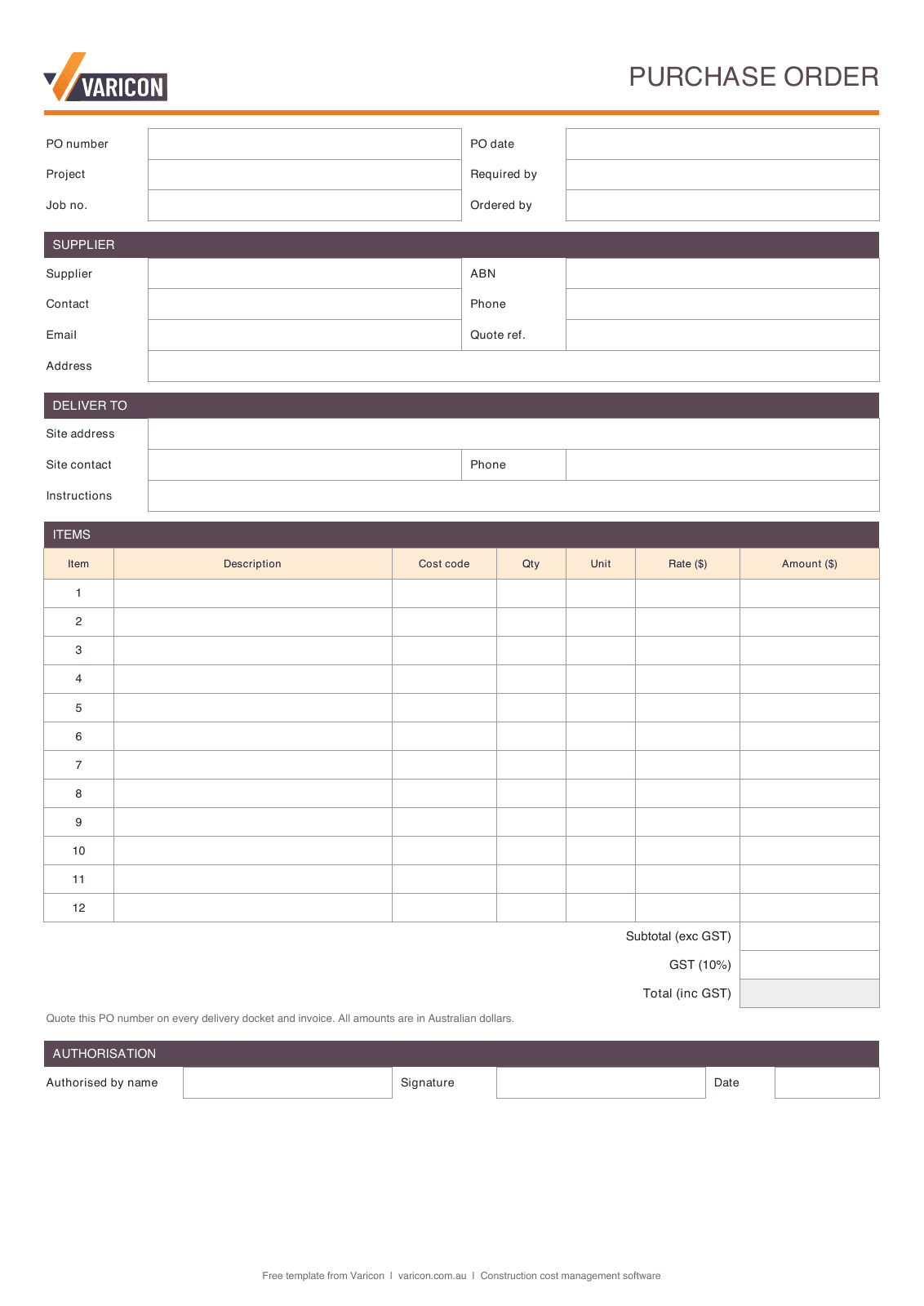
Template
Purchase order template
A one-page purchase order with supplier and delivery details, 12 item lines with cost codes, then subtotal, GST and total.
Free download: Excel, Word and PDF
Guide
Purchase orders and supplier bills for civil contractors
Put each order in writing with a purchase order, check every delivery against its docket, and match each supplier bill to both before you pay it. Start simple, and add approvals as the business grows.
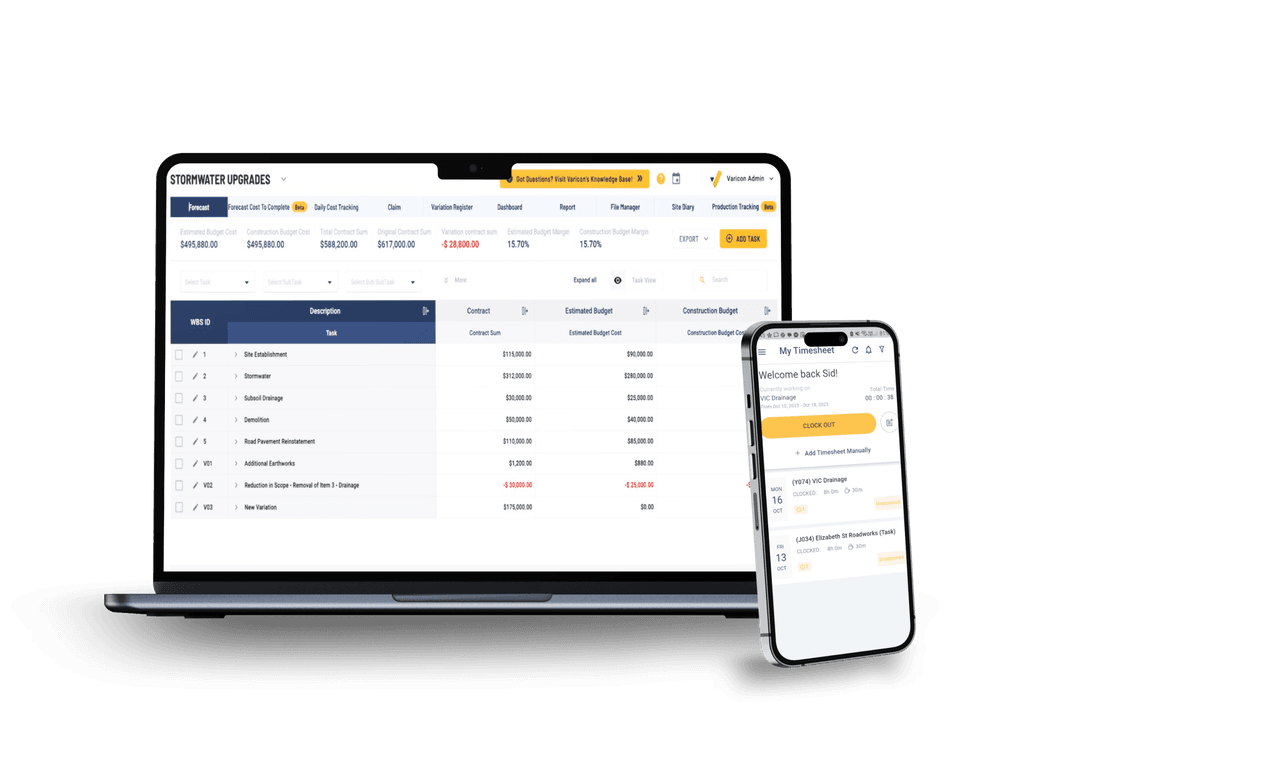
Guide
Choosing software your crew will actually use
Choose software built for civil work that connects site and office and that your crew will actually use. Then roll it out in stages, starting with one part such as timesheets, with real help to set it up.
Questions and answers
It reads supplier bills with OCR (optical character recognition) and fills in the details in Varicon. You can also create and manage purchase orders, and link bills and purchase orders to the job.
It matches purchase orders, delivery dockets and bills. It checks that a supplier bill agrees with the approved purchase order terms, and that quantities agree with what your team on site checked on receipt. It is recommended for the best control of supplier costs, but you can also capture bills on their own for cost tracking.
Xero and MYOB. If you use a different system, talk to us about integration options or a workaround.
Yes. Your field team can raise a purchase order for a specific job in the Varicon mobile app.
Yes. Download the free construction purchase order template.
Site-proof civil software
See how Varicon would work on your jobs
Show us how your crew and office work today. We will show you how hours, dockets and variations flow through to payroll, claims and job costs.