Construction forms
Site forms without the paperwork
Build prestarts, toolbox talks, SWMS, incident reports and site inspections in a drag-and-drop builder. Your crew completes them on a phone or a tablet, and the office sees them once they are submitted.
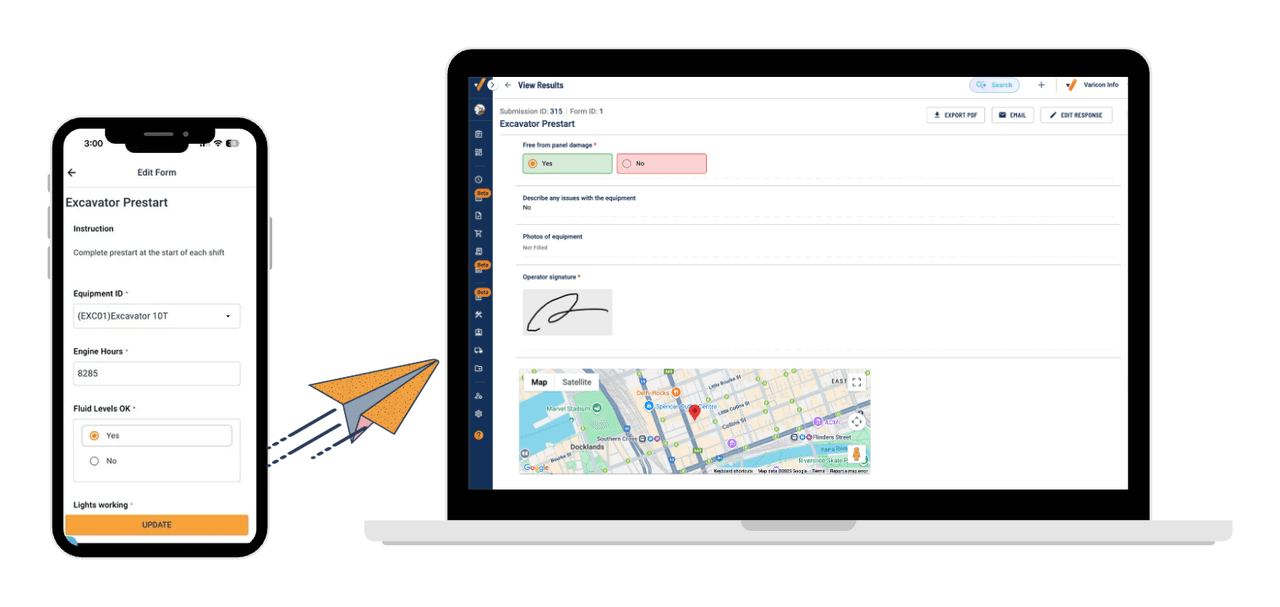
Less paperwork, more consistent records
Digital forms cut paperwork for your crew, make documentation more consistent and put completed forms in front of the office.
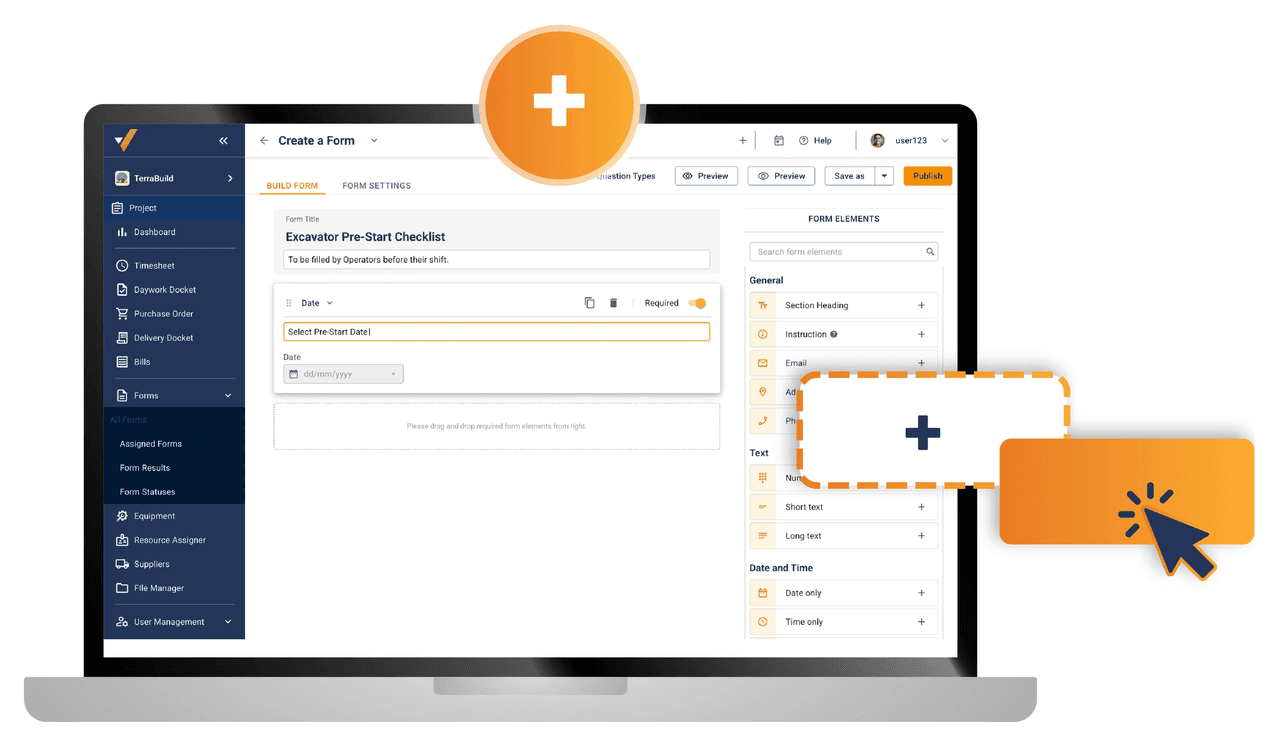
- No-code builder
Drag in text, numbers, radio buttons, checkboxes, dropdowns, signatures and tables.
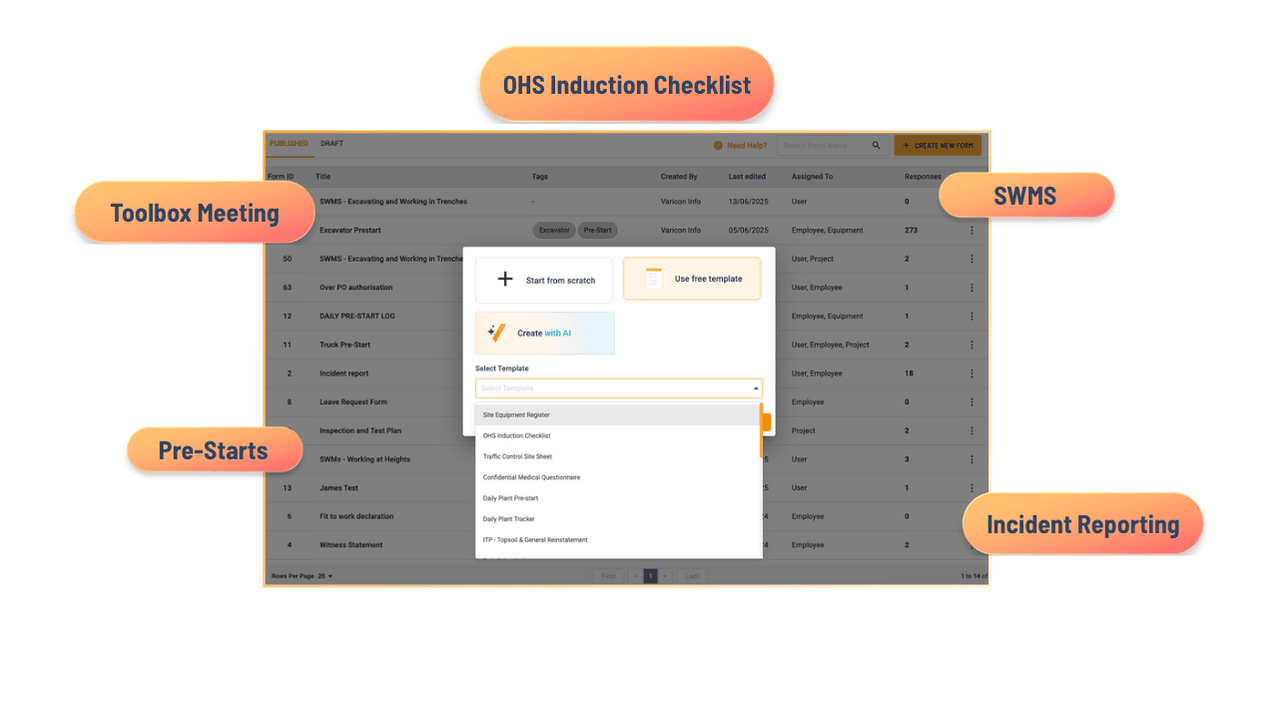
- Ready-made templates
Start from templates for SWMS, toolbox talks and site inspections, and edit them to suit.
- Your workflows
Route forms to the right people, set auto-approvals and trigger the next step.
Builder
Build a form in the office, use it on site
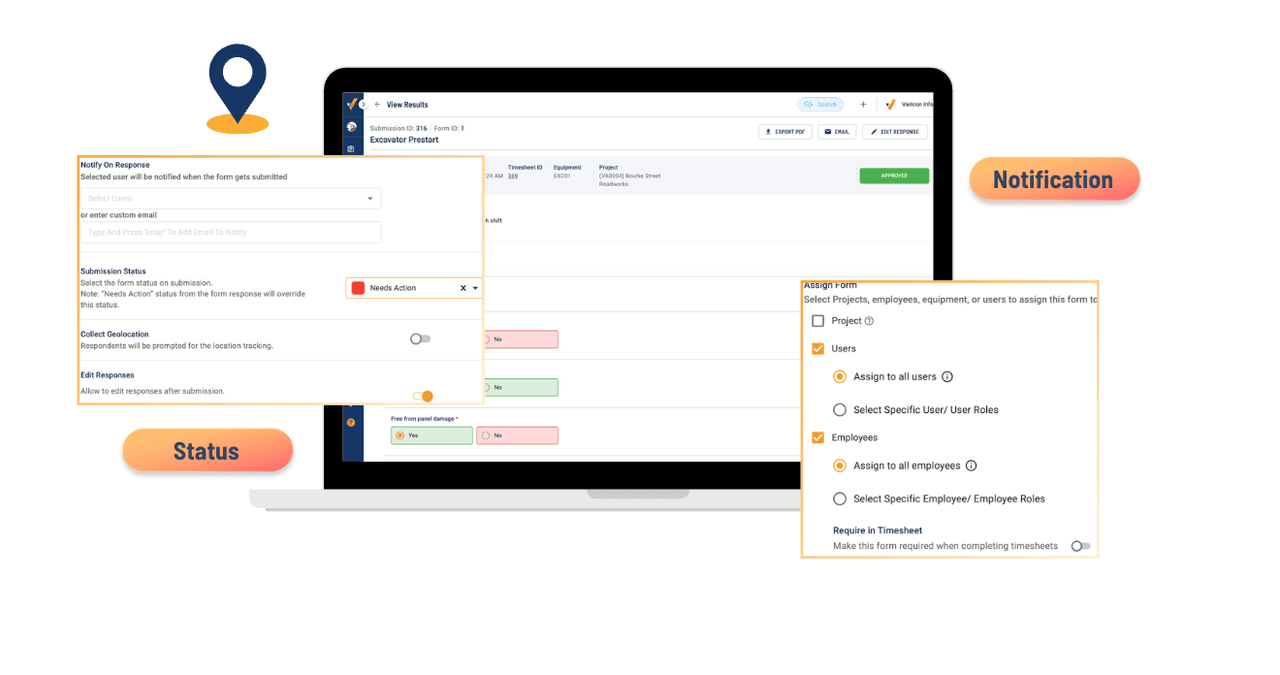
Forms are built on the web and completed in the Varicon mobile app or on the web. Dropdowns can pull from your lists in Varicon: employees, projects, clients, equipment and suppliers.
- Linked to timesheets
- Forms work together with employee timesheets.
- Location included
- Forms record where they were filled in.
Form types
The forms civil jobs run on
Equipment prestarts, toolbox meetings, SWMS, meeting minutes, incident reports, site inspections and hazard reports. If a job needs a form, you can build it.
Describe it
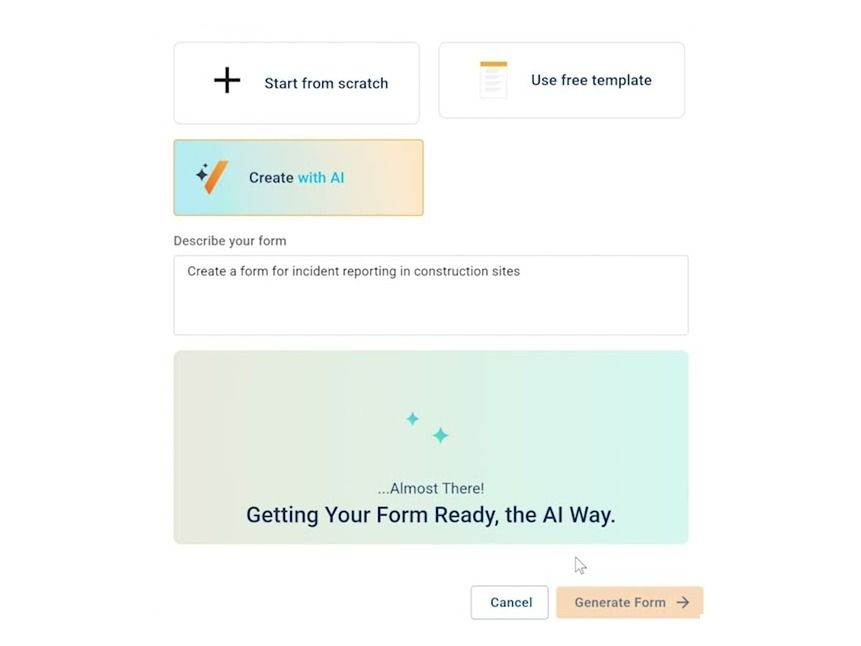
Describe the form and Varicon builds it
Type what you need, such as a daily prestart checklist or a site diary with weather and a subcontractor log, and Varicon builds the form for you to check and edit.
How contractors use it
MineMend
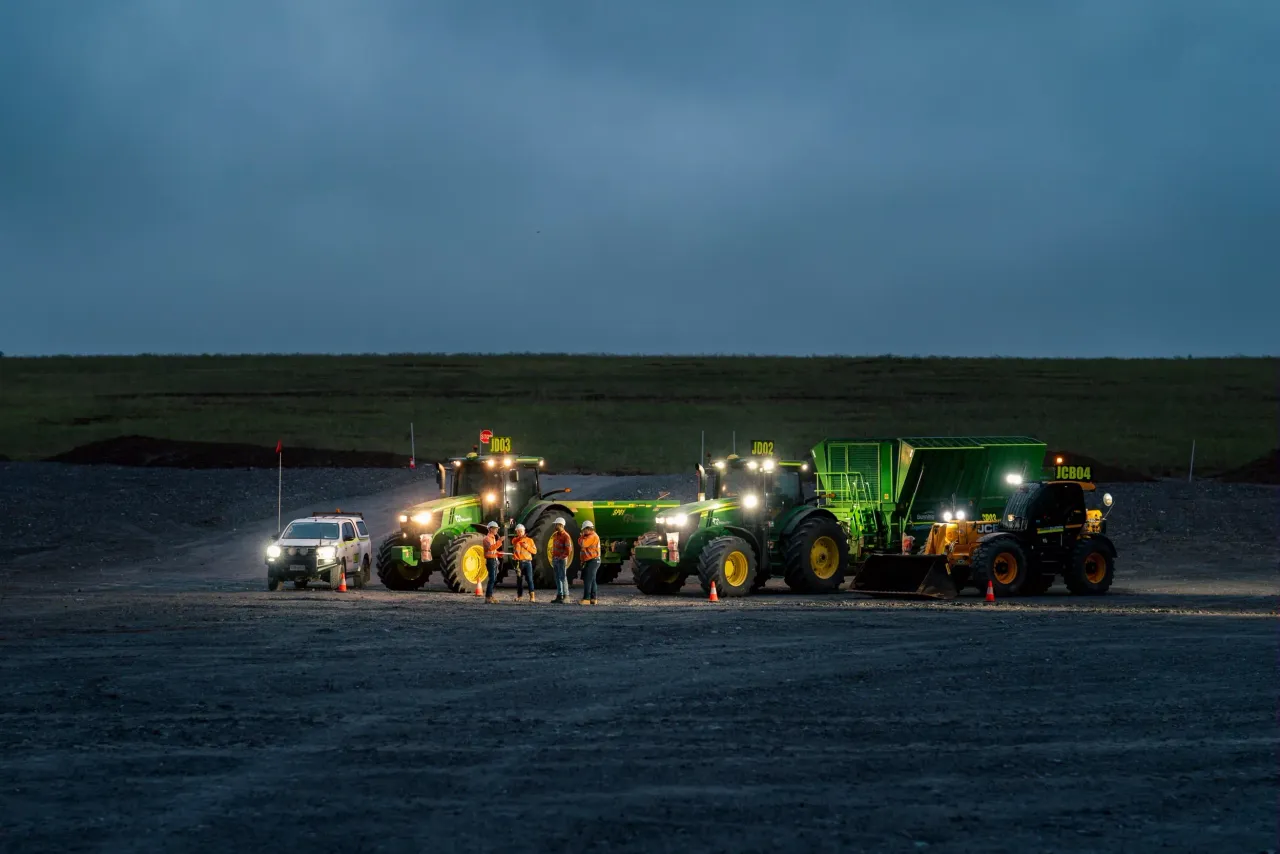
Claims approved in half the time, with 30% less double handling, at MineMend
MineMend rehabilitates mine sites in Queensland. Varicon gives it one place for claims, dayworks, prestart and safety forms, timesheets and job costs.
ABM Landscaping
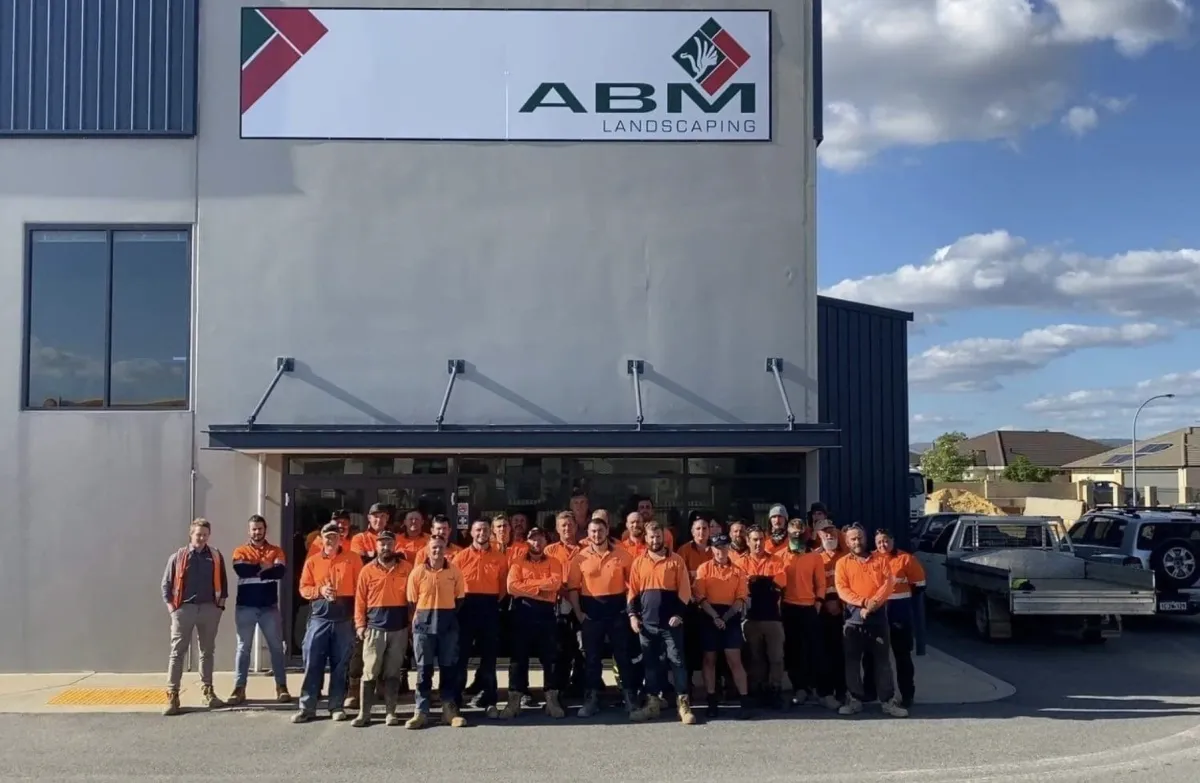
10% more dayworks captured and 5-7 hours a week off payroll at ABM Landscaping
ABM Landscaping’s crews work across many sites around Perth. Varicon gives them one place for timesheets, payroll, dayworks dockets, forms and photos.
Central Vic Civil
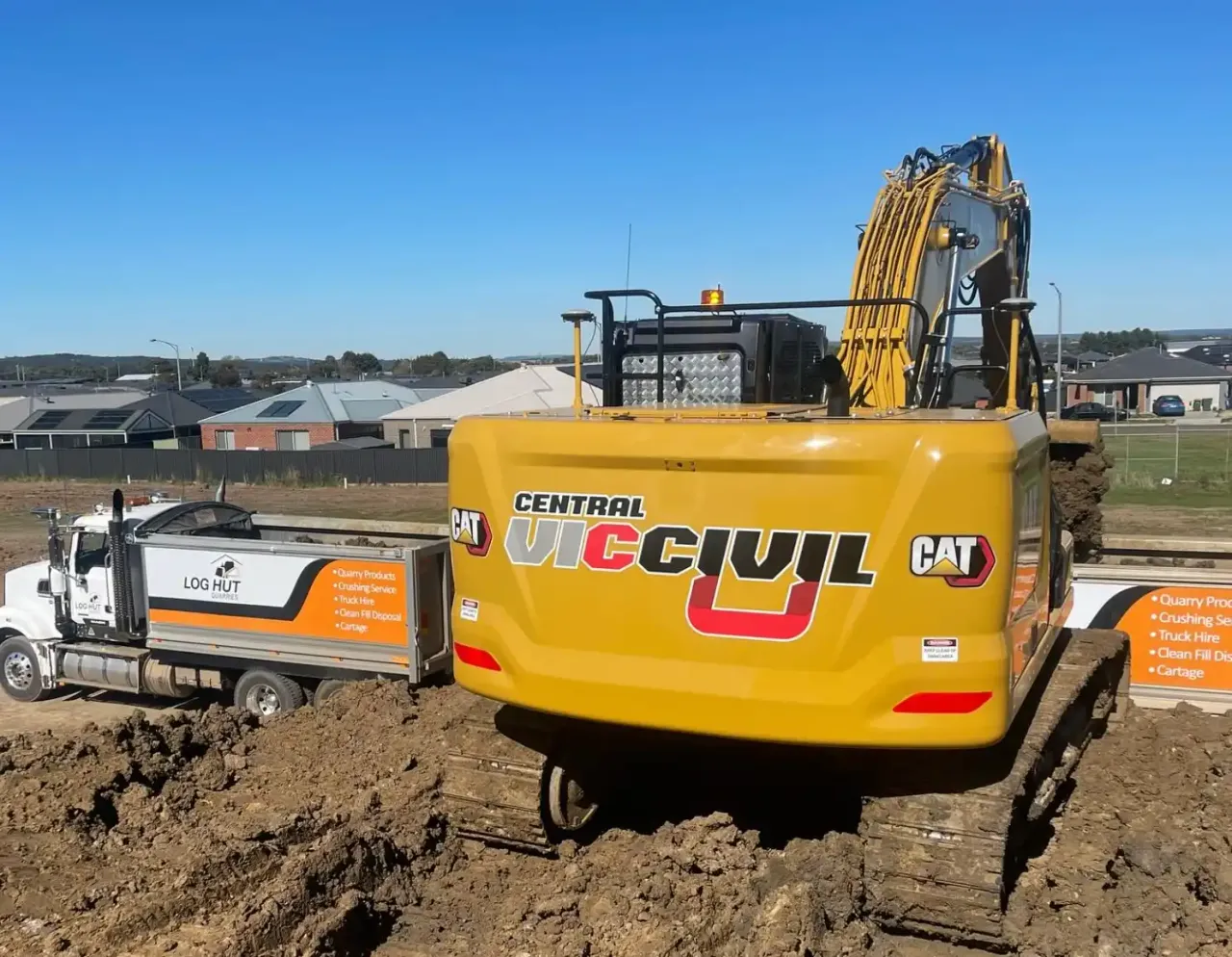
60% less time running payroll, and no more double handling, at Central Vic Civil
Central Vic Civil builds roads, bridges, subdivisions and sewer and water infrastructure around Ballarat. Varicon replaced separate, manual processes with one system.
Templates and guides
Template
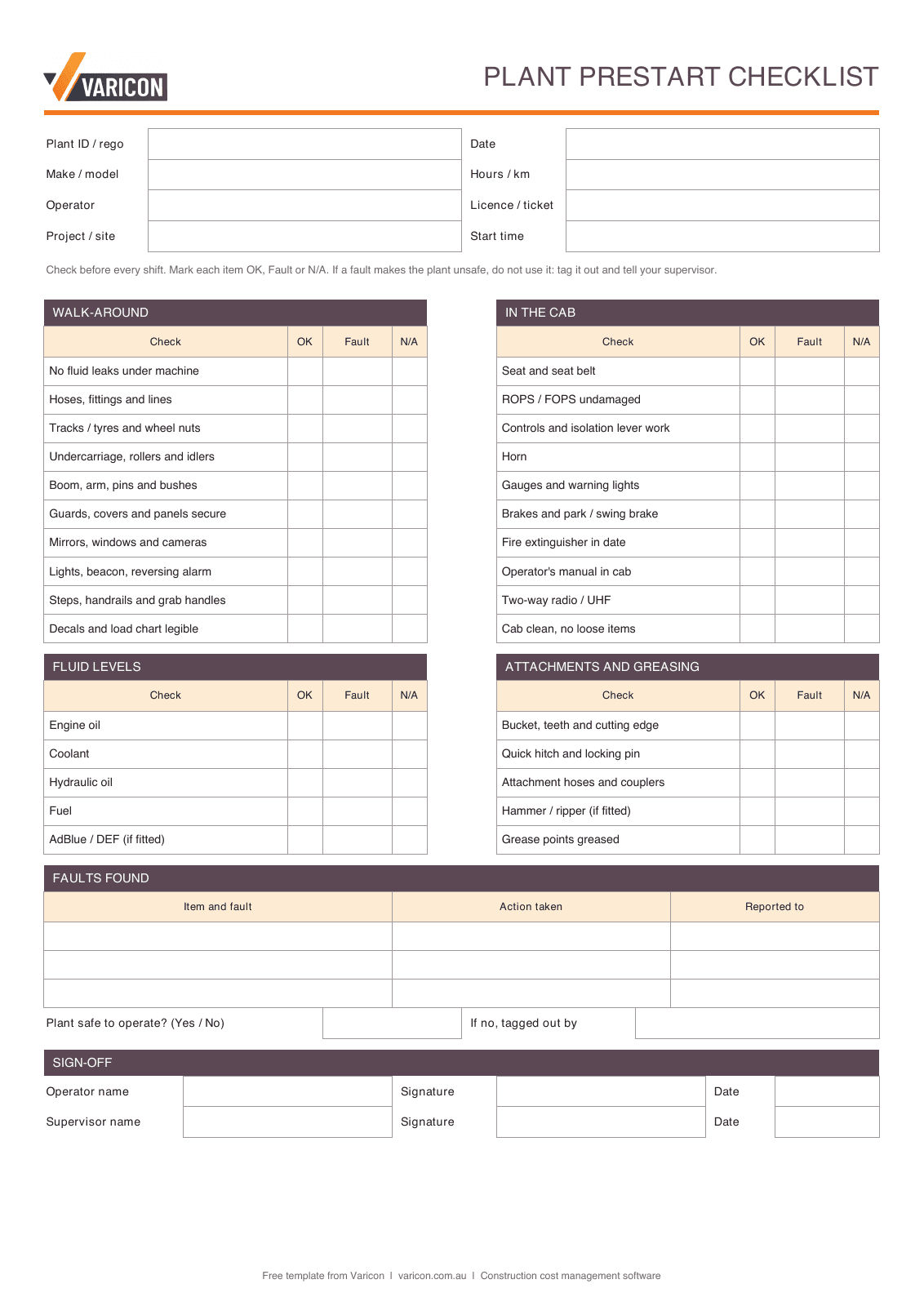
Plant prestart checklist template
A prestart checklist for one machine and one shift, with walk-around, cab, fluid and attachment checks, faults found and sign-off.
Free download: Excel, Word and PDF
Template
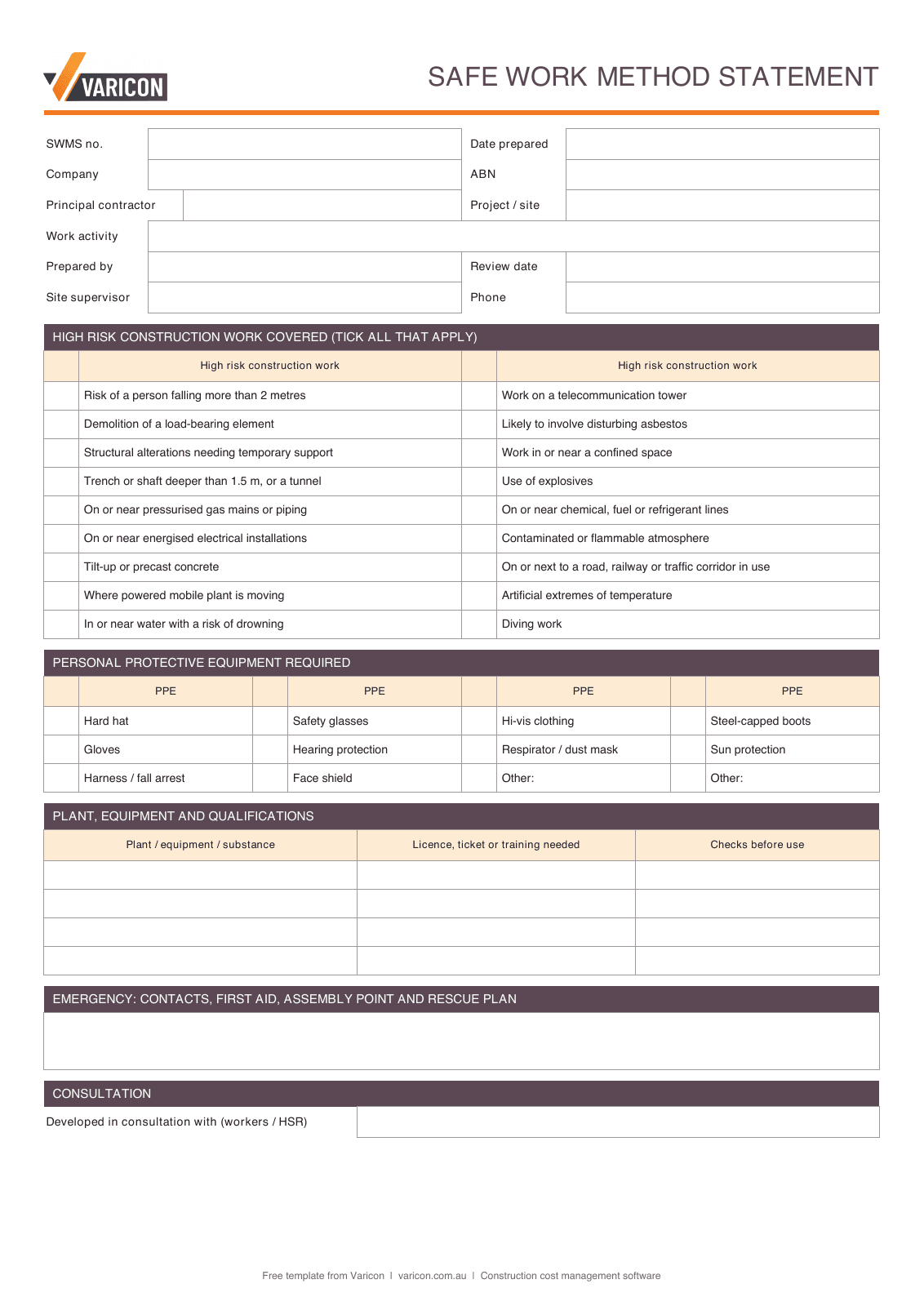
SWMS template
A safe work method statement with high risk work, PPE, plant and qualifications, then job steps, hazards, controls, risk ratings and worker sign-on.
Free download: Excel, Word and PDF
Guide
Site diaries and forms that hold up
Record the day on the day, use the same forms on every job and get them to the office as soon as they are done. Good site records back up your claims, variations and safety records, and digital ones are easier to keep.
Questions and answers
For the forms civil jobs need, such as equipment prestarts, toolbox meetings, SWMS, meeting minutes and incident reports. Forms are built on the web and completed on mobile devices by employees and supervisors.
Text, numbers, radio buttons, checkboxes, dropdowns and more. Forms can also collect structured data in a table.
Yes. Forms work with employee timesheets, and dropdowns can fill from your lists in Varicon, such as employees, projects, clients, equipment and suppliers.
Yes. Forms can be submitted and opened in the Varicon mobile app or on the web.
Site-proof civil software
See how Varicon would work on your jobs
Show us how your crew and office work today. We will show you how hours, dockets and variations flow through to payroll, claims and job costs.