Free template
Free SWMS template
A safe work method statement for a task on a civil job. Set out the steps, the hazards and the controls, rate the risk before and after, and have the crew sign on. Download it in Excel, Word or PDF.
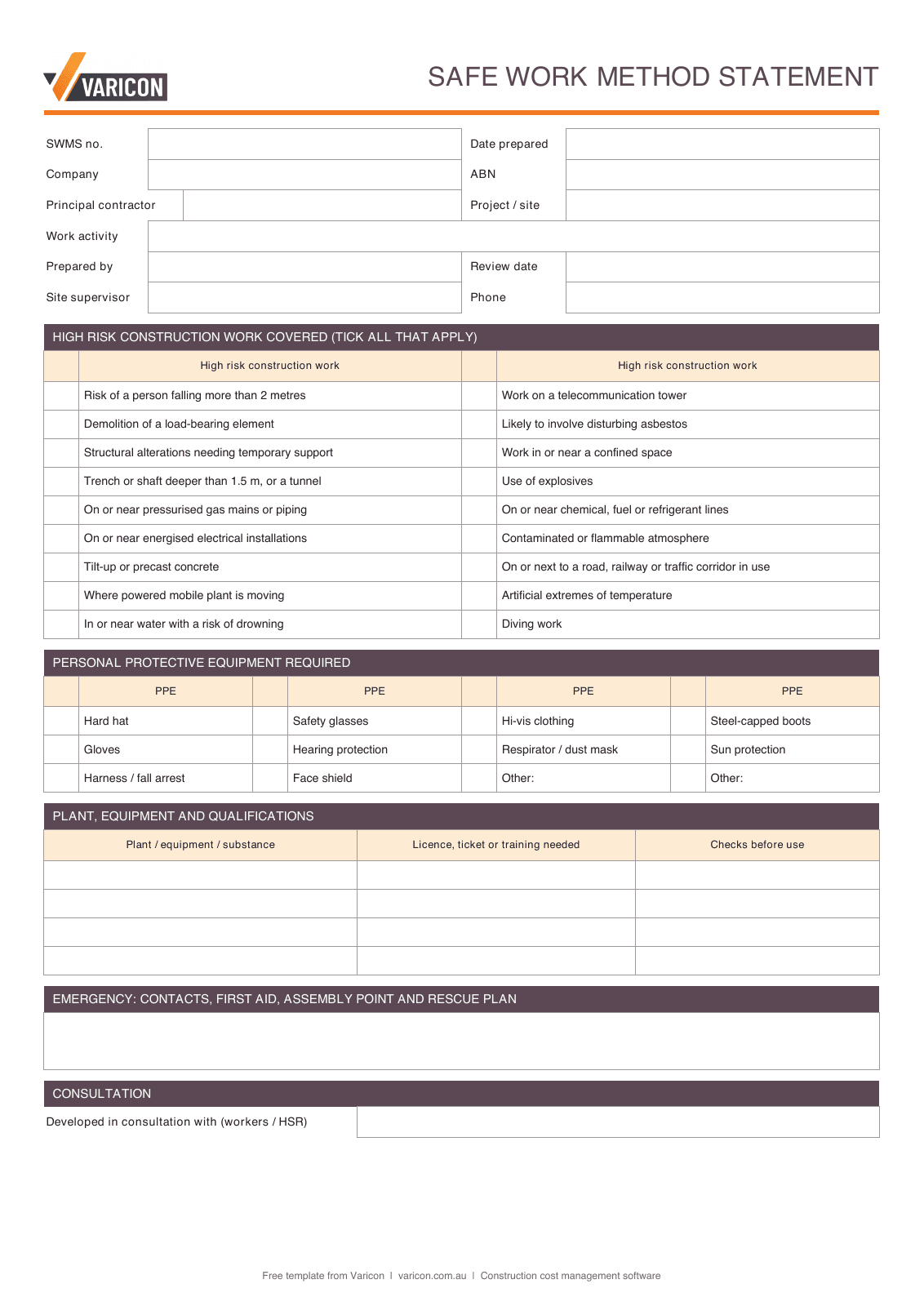
What is in the template
Two A4 pages for each task. In Excel they are two sheets in one workbook.
- Statement details
- SWMS number, date prepared, company, ABN, principal contractor, project or site, work activity, who prepared it, review date, site supervisor and phone.
- High risk construction work
- Eighteen kinds of high risk construction work to tick, such as a fall of more than 2 metres, a trench deeper than 1.5 m, or work on or next to a road in use.
- PPE
- Ten items to tick, from hard hat and hi-vis to harness and face shield, with space for two more.
- Plant, emergency and consultation
- Plant, equipment or substances with the licence, ticket or training needed and checks before use, the emergency and rescue plan, and who the SWMS was developed with.
- Job steps and controls
- Eight steps, each with the hazards and risks, the risk before, the control measures, the risk after and who is responsible.
- Risk rating and sign-on
- A risk rating guide from likelihood and consequence, then a sign-on table where each worker confirms they have read and understood the SWMS and will follow it.
How to use the SWMS template
- Download the template in Excel, Word or PDF.
- Fill in the SWMS details: the company, the principal contractor, the project, the work activity, who prepared it and when it will be reviewed.
- Tick the high risk construction work the task involves, and the PPE needed.
- List the plant, equipment and substances, with the licence, ticket or training needed and the checks before use.
- Write down the emergency contacts, first aid, assembly point and rescue plan, and who the SWMS was developed with.
- On the second page, break the work into steps. For each step, list the hazards, rate the risk, list the controls and rate the risk again with the controls in place.
- Go through the SWMS with the crew before work starts, and have each worker sign on.
Keep it specific to the task
A SWMS is written for a task, such as working near live traffic or in a trench. It lists the steps of the work, the hazards at each step and the controls that deal with them, along with emergency procedures. The crew doing the task reads it and signs it before they start, and it is reviewed when the task or the site conditions change.
Which tasks need a SWMS and what it must contain depend on the work health and safety rules where you work. Check those with your safety adviser.
When paper SWMS stop working
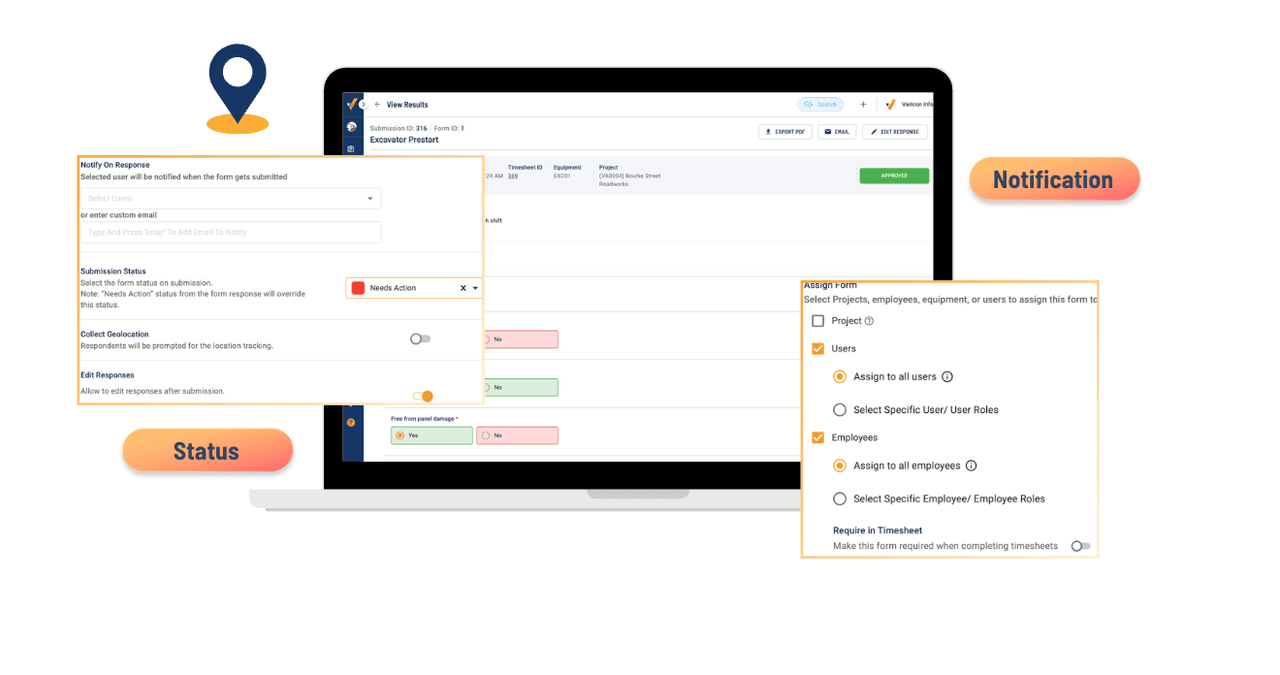
If signed SWMS are hard to find when you need them, Varicon construction forms let your crew complete and sign a SWMS on a phone or a tablet, with the location recorded. The office sees each one once it is submitted.
How Varicon helps
Your SWMS as a form, signed on site and seen in the office
This template sets the task out on paper. In Varicon you start from the SWMS template in the form builder and edit it to suit, your crew completes and signs it in the mobile app, and the office sees it once it is submitted.
- Start from a SWMS template
Start from the SWMS template in the form builder and edit it to suit your work, without code.
- Signed on site
Your crew completes and signs the SWMS in the Varicon mobile app, with no printing or scanning.
- Sent to the right people
Route each submitted SWMS to the people who need it, and set auto-approvals where they fit.
Templates and guides
Template
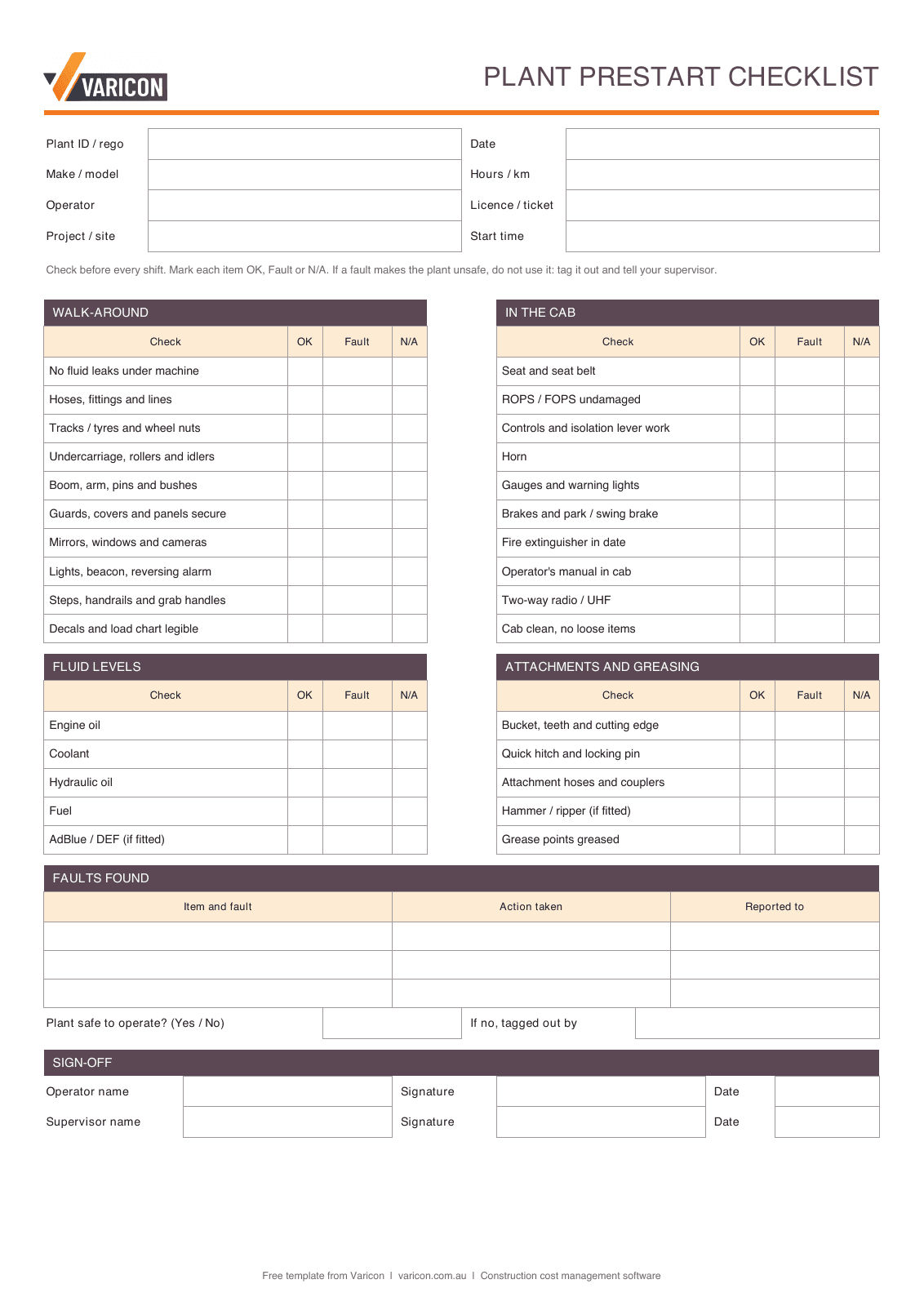
Plant prestart checklist template
A prestart checklist for one machine and one shift, with walk-around, cab, fluid and attachment checks, faults found and sign-off.
Free download: Excel, Word and PDF
Template
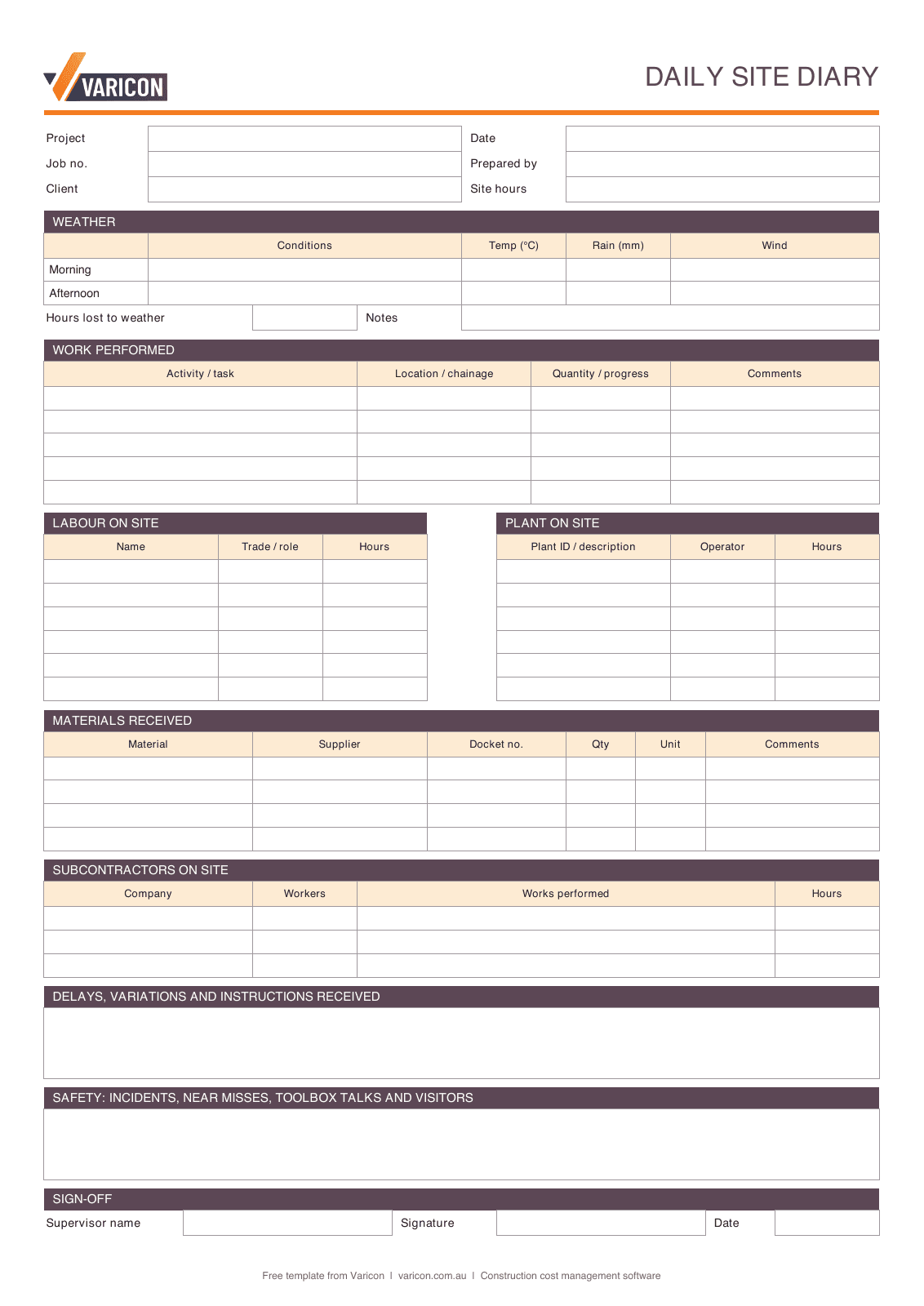
Daily site diary template
A one-page daily diary for a civil job, with weather, work performed, labour, plant, materials, subcontractors, delays and safety.
Free download: Excel, Word and PDF
Guide
Site diaries and forms that hold up
Record the day on the day, use the same forms on every job and get them to the office as soon as they are done. Good site records back up your claims, variations and safety records, and digital ones are easier to keep.
Questions and answers
No template can promise that. Which work needs a SWMS and what it must contain depend on the work health and safety rules where you work. Check the template against your own obligations, and ask your safety adviser if you are unsure.
It is the list printed in the template, for you to tick what the task involves. It is written for Australian work, so check it against the rules where you work, and edit the Excel or Word version if you need to.
Use the risk rating guide on the second page. Find the likelihood and the consequence, and read off Low, Medium, High or Extreme. Rate each step before the controls, then again with the controls in place. In Excel, the two risk columns have a dropdown with the four ratings, shaded by rating.
Work down the hierarchy of controls, as the template asks: eliminate, substitute, isolate, engineering, administrative, then PPE.
Each worker doing the task signs on in the table on the second page, to confirm they have read and understood the SWMS and will follow it. The first page records who it was developed in consultation with, such as the workers or a health and safety representative.
Excel (.xlsx), Word (.docx) and PDF, each with the same two pages. The PDF is for printing and filling in by hand.
Yes. SWMS, prestarts, toolbox talks and other forms are completed and signed on site in the Varicon mobile app. See construction forms.
Site-proof civil software
See how Varicon would work on your jobs
Show us how your crew and office work today. We will show you how hours, dockets and variations flow through to payroll, claims and job costs.