Guides
Practical guides for running civil jobs
How to get hours to payroll, claims paid, supplier bills checked and job costs under control, step by step, with examples from civil jobs.
Choose a guide

Guide
Choosing software your crew will actually use
Choose software built for civil work that connects site and office and that your crew will actually use. Then roll it out in stages, starting with one part such as timesheets, with real help to set it up.
Guide
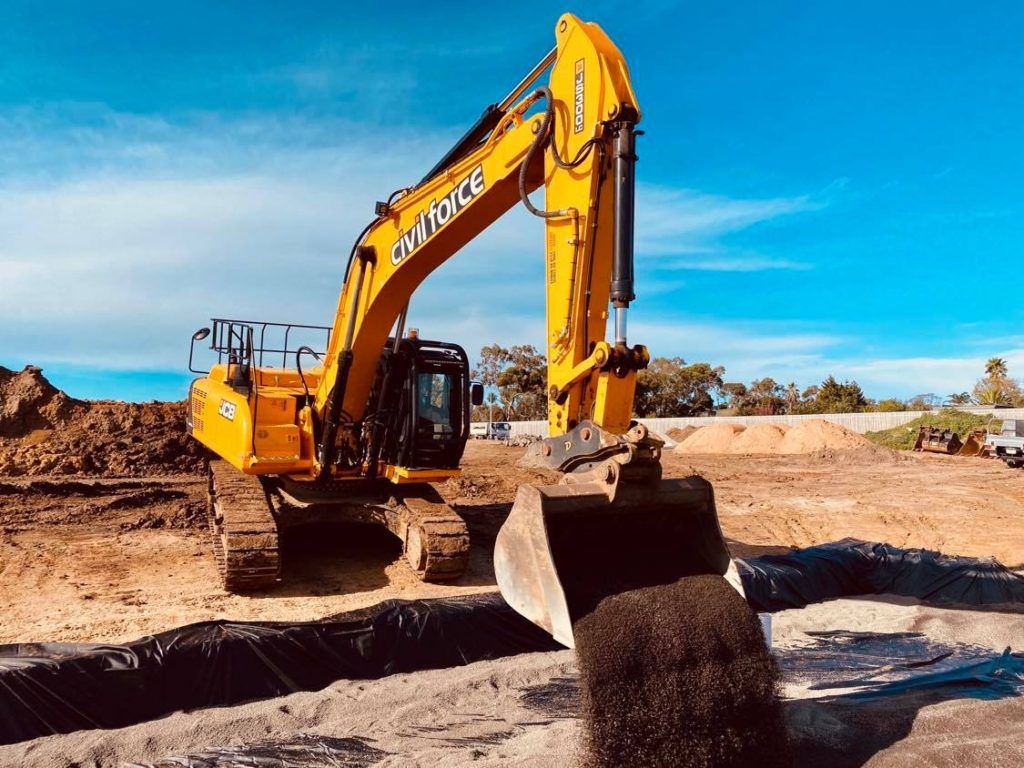
Managing job costs on civil construction projects
Break each job into cost codes, capture labour, plant and materials against them every day, count supplier costs when the goods arrive, claim every variation, and use what each job teaches you in your next tender.
Guide
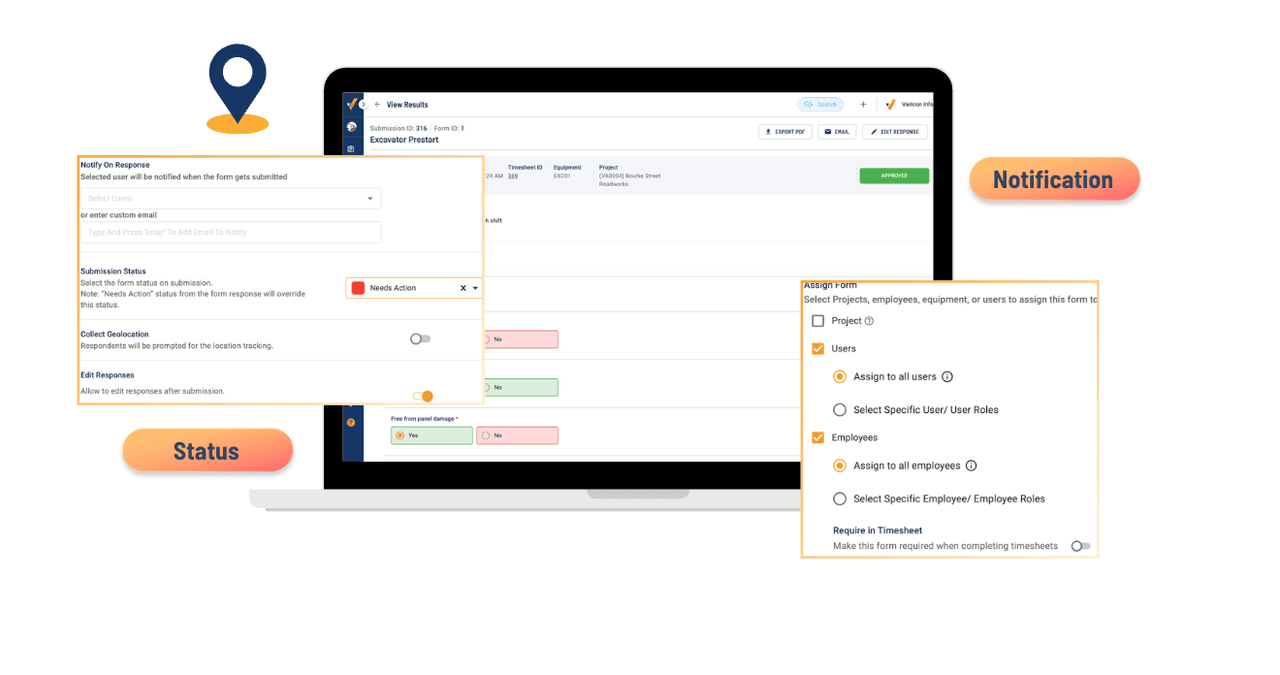
Site diaries and forms that hold up
Record the day on the day, use the same forms on every job and get them to the office as soon as they are done. Good site records back up your claims, variations and safety records, and digital ones are easier to keep.
Guide
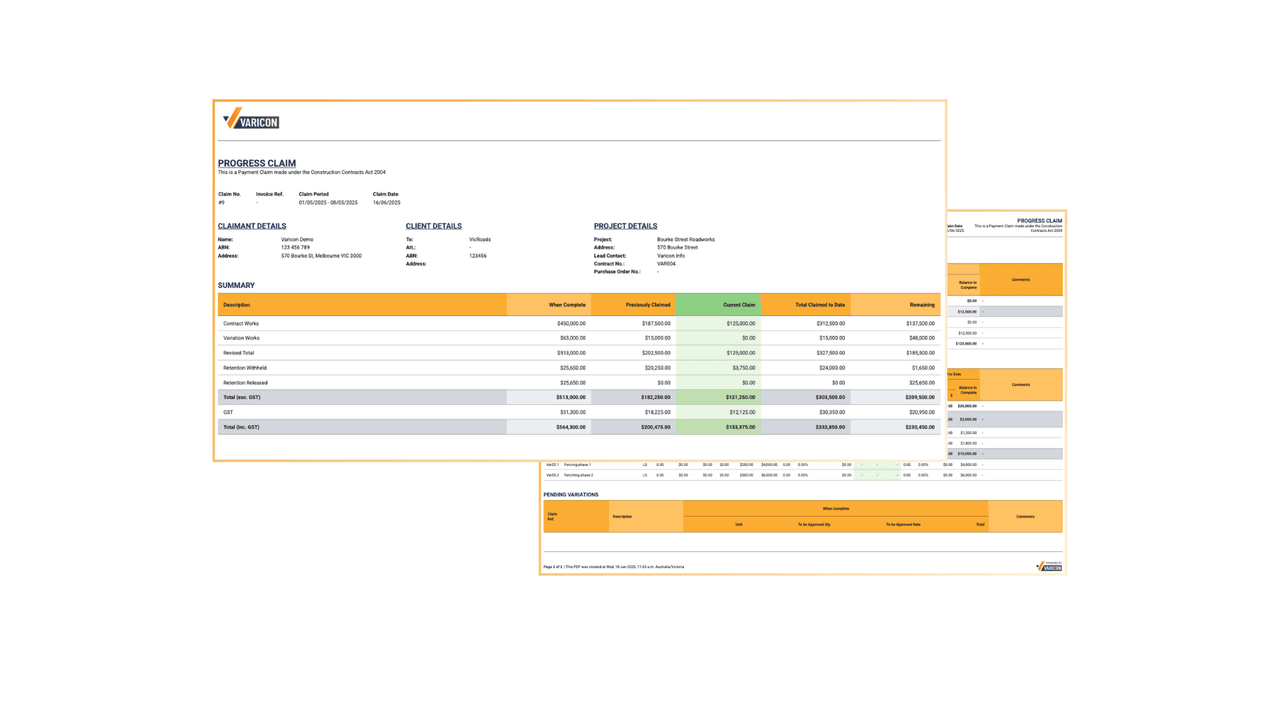
Getting progress claims and variations paid
Agree how work will be measured and approved before the job starts, keep site records that back up every claim and variation, and submit complete claims on time.
Guide
Purchase orders and supplier bills for civil contractors
Put each order in writing with a purchase order, check every delivery against its docket, and match each supplier bill to both before you pay it. Start simple, and add approvals as the business grows.
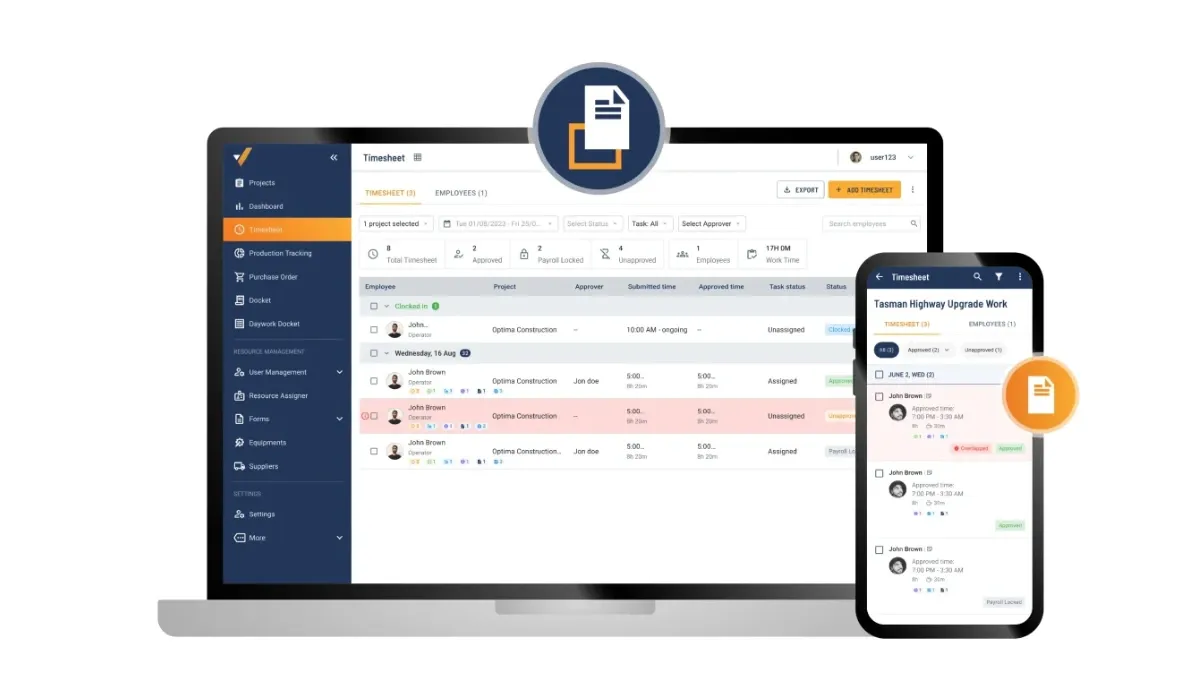
Guide
From site timesheets to payroll without the retyping
Capture hours on site as the work happens, have a supervisor approve them once, then send approved hours to payroll in your accounting system, with pay rules set up by employment type.
Site-proof civil software
See how Varicon would work on your jobs
Show us how your crew and office work today. We will show you how hours, dockets and variations flow through to payroll, claims and job costs.