Free template
Free dayworks docket template
Record the labour, plant and materials used on instructed work at day rates, then get the docket signed before you claim it. Download it in Excel, Word or PDF.
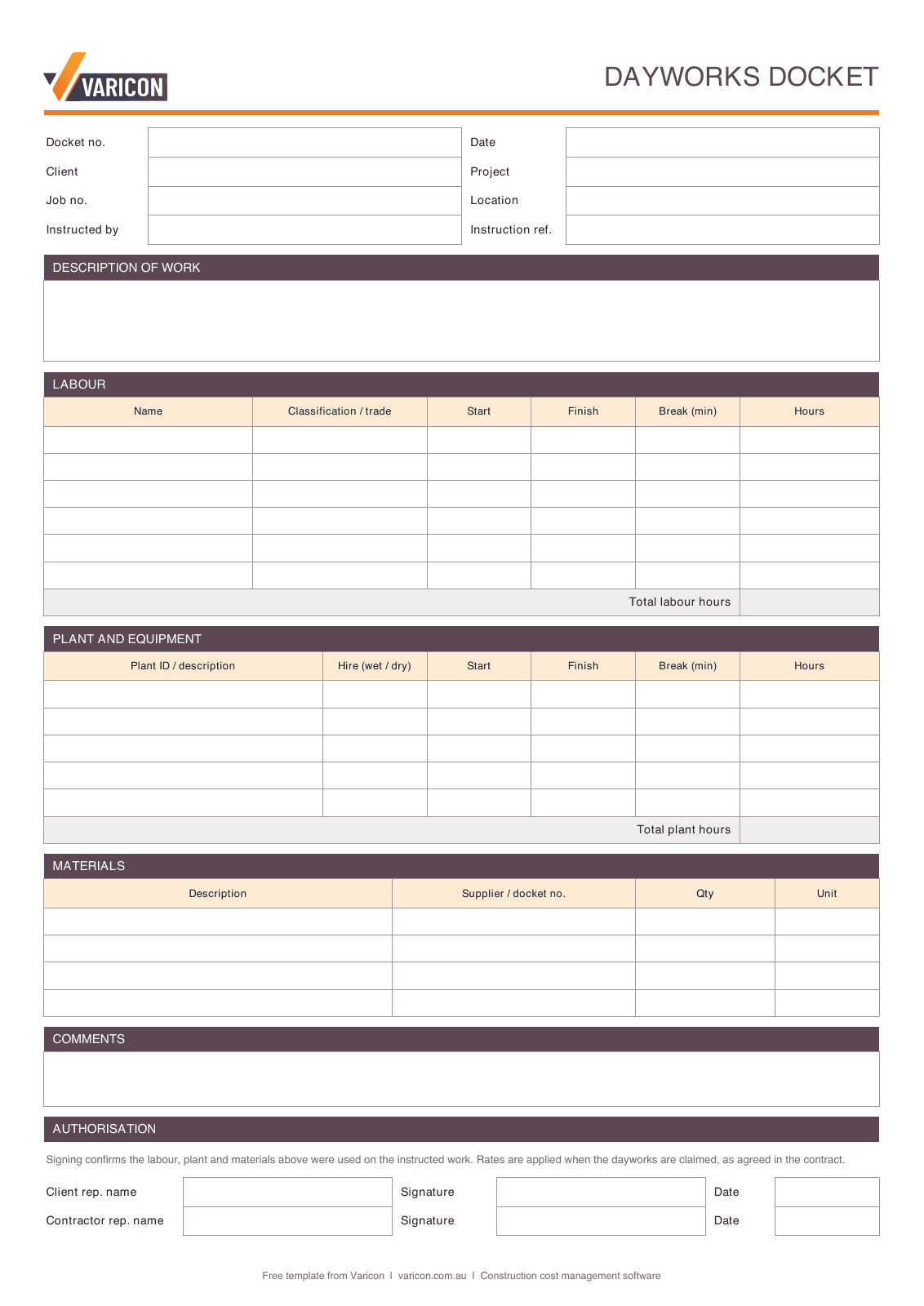
What is in the template
One A4 page for each docket.
- Docket and instruction
- Docket number, date, client, project, job number and location, who instructed the work and the instruction reference, then a description of the work.
- Labour
- Name, classification or trade, start, finish, break and hours for each person on the work, with the total labour hours.
- Plant and equipment
- Plant ID or description, wet or dry hire, start, finish, break and hours for each machine, with the total plant hours.
- Materials and authorisation
- Each material with its supplier or docket number, quantity and unit, a comments box, then the names, signatures and dates of the client’s and your representatives.
How to use the dayworks docket
- Download the template in Excel, Word or PDF.
- Fill in the docket number, date, client, project, job number and location.
- Record who instructed the work and their instruction reference, and describe the work.
- List each person on the work with their classification or trade, start, finish, break and hours.
- List the plant and equipment, with wet or dry hire, start, finish, break and hours.
- List the materials used, with the supplier or docket number, quantity and unit.
- Get the client’s representative and your own to print their names, sign and date the docket.
- Claim the dayworks at the rates agreed in your contract, and attach the signed dockets to back up the claim.
When you need a dayworks docket
Dayworks dockets are for work paid at agreed day rates rather than a fixed price. Civil contractors use them:
- on variation works, where it is often easier for both sides to do out-of-scope work at agreed rates
- on emergency works, such as a burst water main or a road collapse, where there is no time to price a quote
- on small jobs, such as maintenance work under a panel agreement, where quoting is not worth the effort
- as a subcontractor to a head contractor who carries the time and budget risk.
Getting dockets signed and paid
Agree with the client representative how and when dockets will be approved: on the day, the next day or weekly, and on site or by email. Where you can, have the supervisor fill in one docket for the whole crew, instead of relying on each operator. Keep every signed docket organised, so your client can check each line of the claim against the original.
Building the habit takes time. Remind your crew often in the first months, and do not assume it has stuck after a few weeks.
When paper dockets stop working
If dockets go missing, come back unsigned or are retyped into the claim, Varicon dayworks dockets are created from timesheets or the site diary. Your client signs on the operator’s device or approves by email, and the claim amount is calculated from your agreed rates as the docket is created.
How Varicon helps
The same docket, built from the timesheet and signed on a phone
This template does the job on paper. In Varicon the docket starts from an operator’s timesheet or the site diary, your client signs it on site or approves it by email, and the claim amount is worked out as you go.
- No hours typed twice
Create a docket from an operator’s timesheet, or for the whole crew from the site diary.
- Sign-off on site or by email
If your client representative is not on site, send the docket by email and copy in anyone who needs it.
- Your client’s schedule of rates
A resource charge sheet lists your resources the way they appear in your client’s dayworks schedule.
Templates
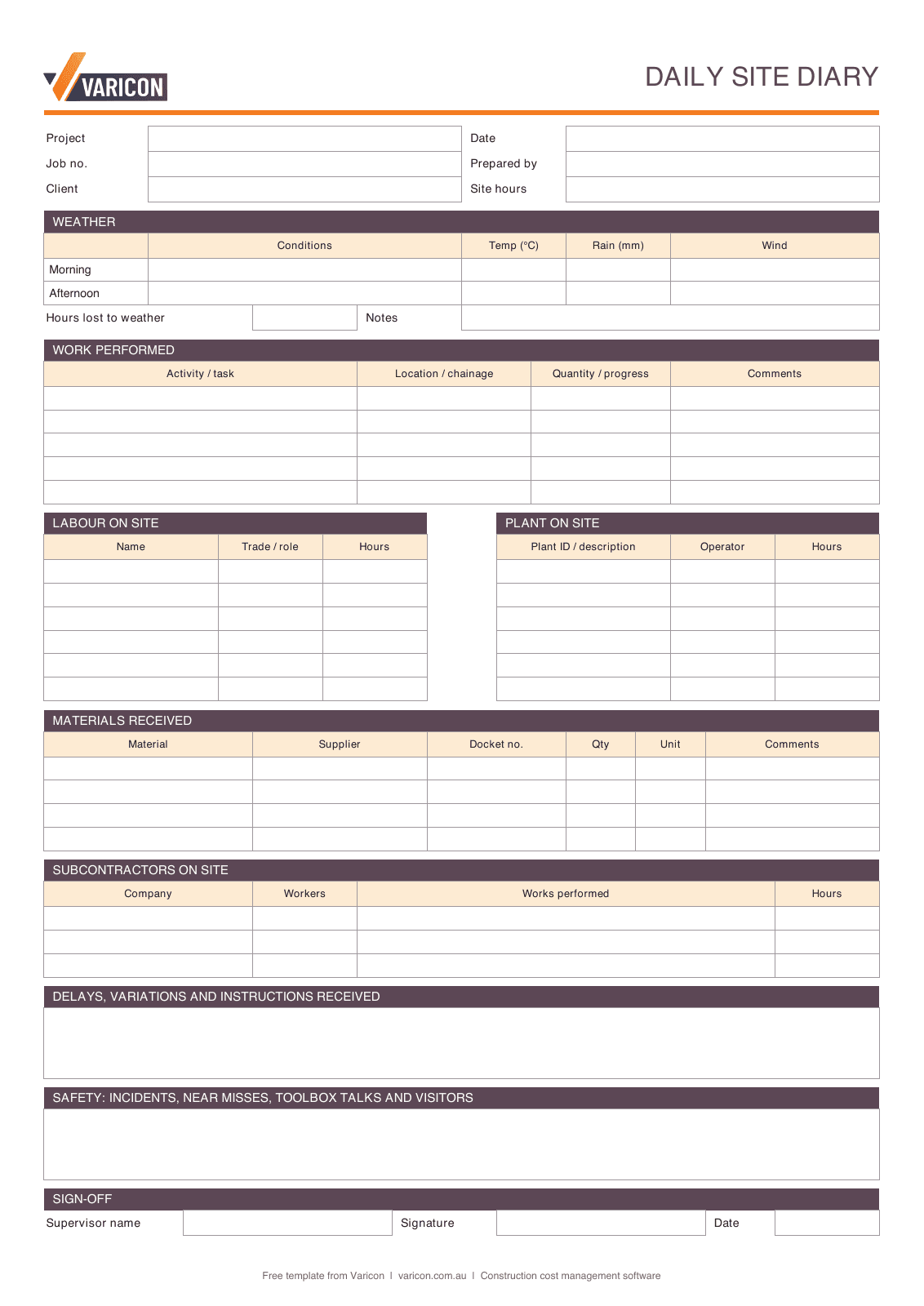
Daily site diary template
A one-page daily diary for a civil job, with weather, work performed, labour, plant, materials, subcontractors, delays and safety.
Free download: Excel, Word and PDF
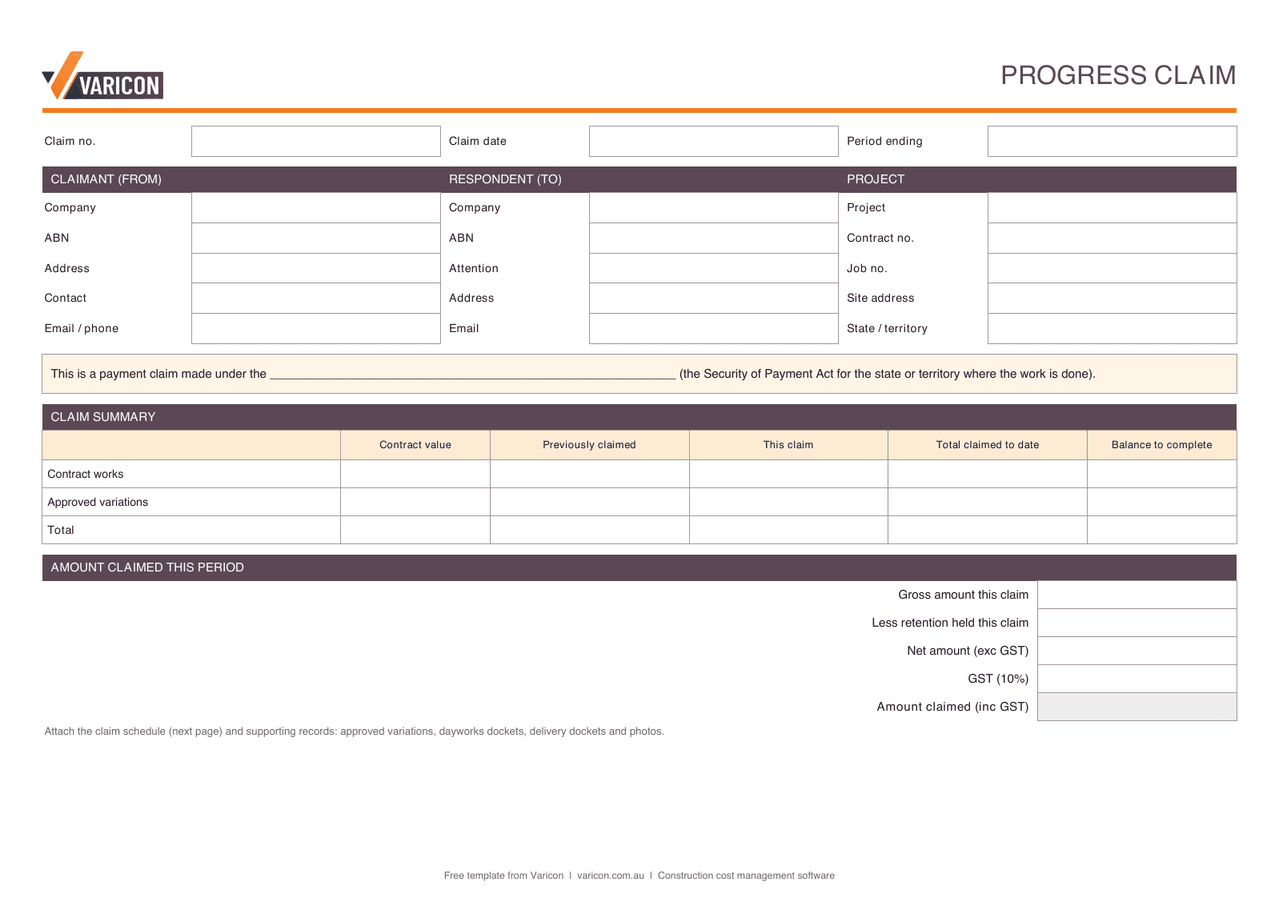
Progress claims template
A progress claim with a cover page for the parties and the claim summary, and a claim schedule for contract works and approved variations.
Free download: Excel and PDF
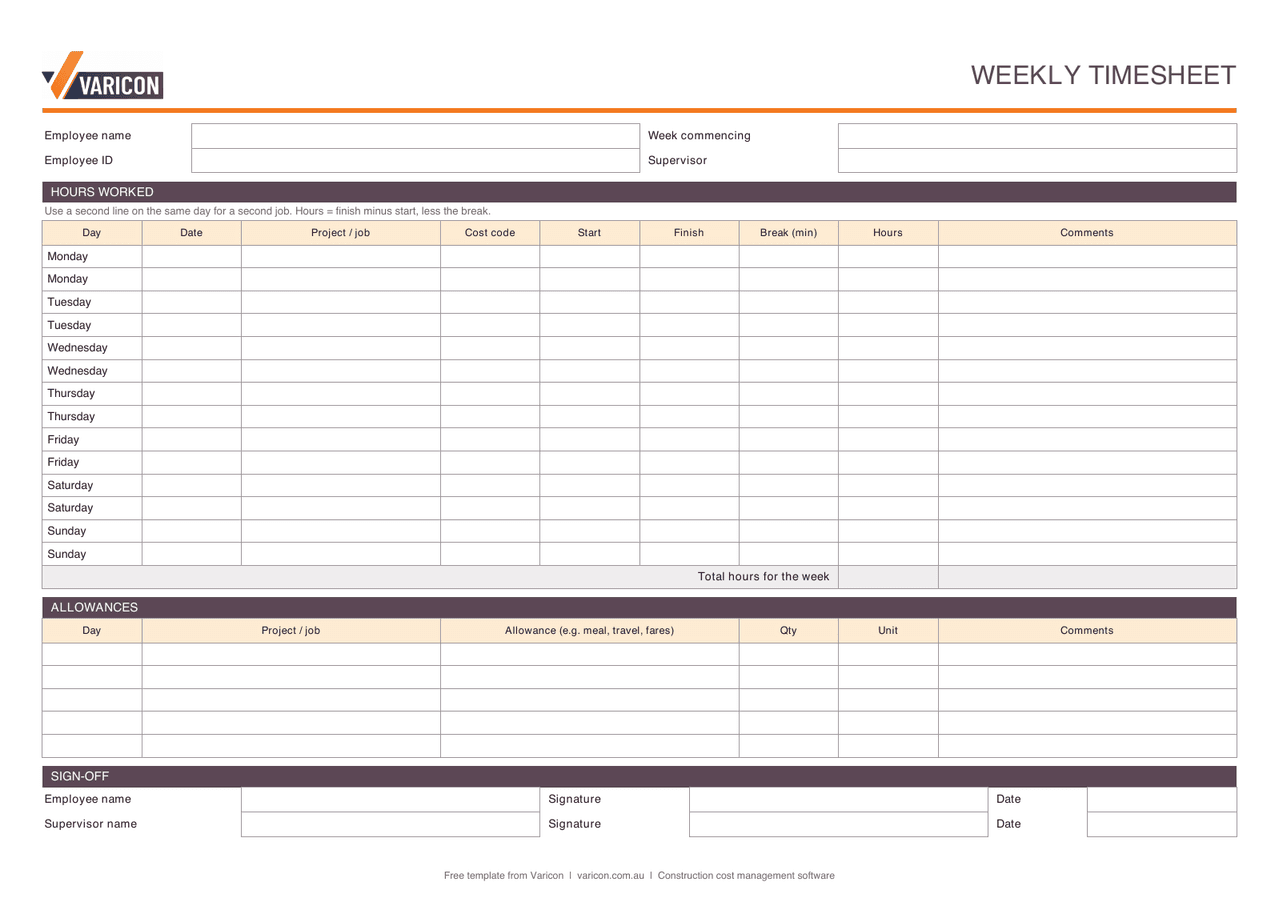
Construction timesheet template
A weekly timesheet for one worker, with hours by day, project and cost code, an allowances table and sign-off.
Free download: Excel and PDF
Customer stories
ABM Landscaping
10% more dayworks captured and 5-7 hours a week off payroll at ABM Landscaping
ABM Landscaping’s crews work across many sites around Perth. Varicon gives them one place for timesheets, payroll, dayworks dockets, forms and photos.
Earthworks Geelong
Timesheets and day dockets off paper at Earthworks Geelong
Earthworks Geelong moved timesheets, machinery pre-starts and day dockets off paper and into Varicon. James McCarthy explains what changed for the crew and the office.

MineMend
Claims approved in half the time, with 30% less double handling, at MineMend
MineMend rehabilitates mine sites in Queensland. Varicon gives it one place for claims, dayworks, prestart and safety forms, timesheets and job costs.
Questions and answers
Not on the docket. Signing confirms the labour, plant and materials were used on the instructed work. Rates are applied when the dayworks are claimed, as agreed in your contract.
The Excel version works out each line’s hours from the start and finish times, less the break, and totals the labour and plant hours. In the Word and PDF versions you fill them in yourself.
Yes. Add or edit fields to match your company or project, such as your company name and ABN. The Excel and Word versions are the easiest to change.
Excel (.xlsx), Word (.docx) and PDF, all with the same fields. The Excel file opens in Microsoft Excel and in other spreadsheet software that reads .xlsx files, such as Google Sheets. The PDF is for printing and filling in by hand.
Every day. Record the people, plant, materials and work on the day it happens and submit the docket for approval the same day.
Daily if you can, because it is easier for everyone to remember the details. If daily approval is not possible, try not to go more than a week without an approved docket. The longer it waits, the more room there is for a dispute.
Yes. Your crew records labour, equipment, materials and the work done on site, and your client approves in the app or by email. See dayworks dockets.
Yes. A docket can be created from an operator’s timesheet, or from the site diary for the whole crew, so the hours are not entered twice.
Site-proof civil software
See how Varicon would work on your jobs
Show us how your crew and office work today. We will show you how hours, dockets and variations flow through to payroll, claims and job costs.