Cost management
Five simple tips for managing civil construction costs in a downturn
- Published
- Updated
- Reading time
- 6 min read
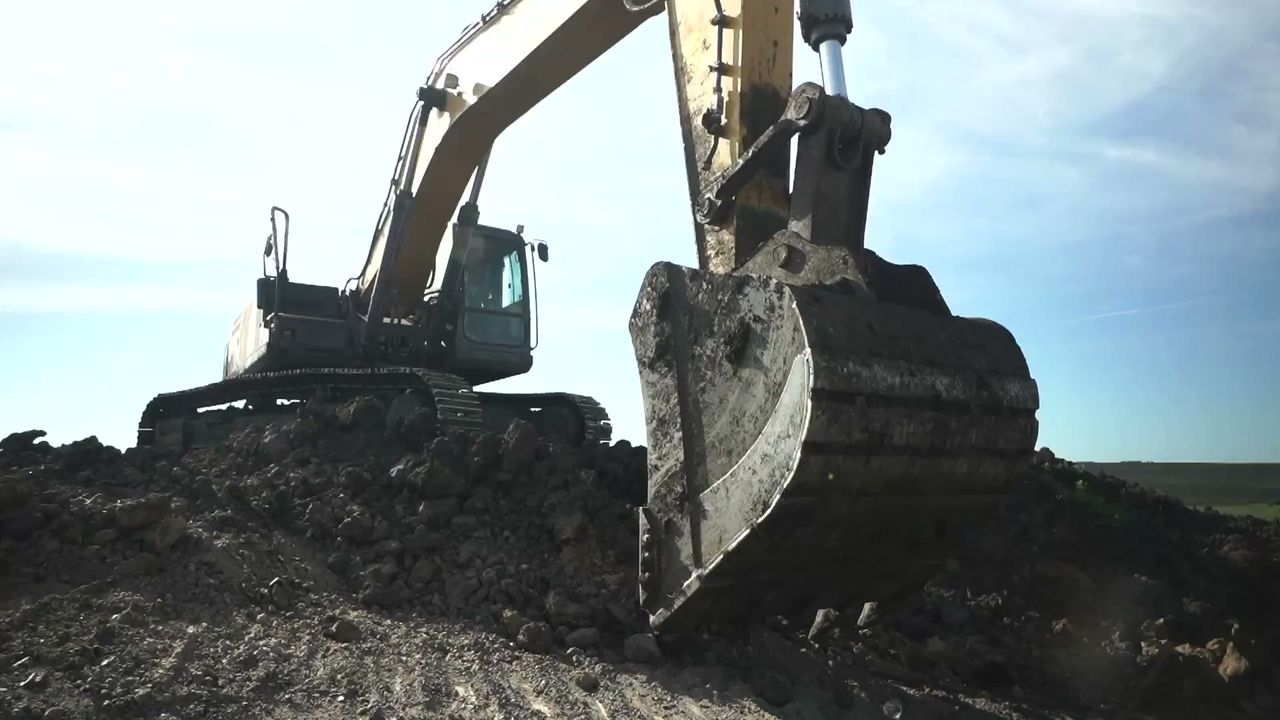
In a downturn, civil contractors feel the pinch more than most. Fixed-price contracts, surging prices, material and labour shortages and supply chain problems are all adding to the pressure.
Even before this, civil contractors ran on thin margins. Now it is more important than ever to manage costs well. Here are five simple tips you can start on straight away to put your business in the best financial position possible.
Tip 1: Track costs throughout your jobs
Construction costs are notoriously hard to estimate. With so many unknowns and so much that can go wrong, it is easy to go over budget and end up in the red without a good cost management system.
Many contractors treat each job as one bucket of money, with costs going out and progress payments coming in. In reality, every job is a set of smaller jobs, each with its own budget. If you go over budget in one area, it is hard or impossible to make it up in another.
Allocating costs to those smaller budgets lets you find and fix overruns early. The most common causes of overruns we see are:
- inefficiencies that better planning can fix
- unnoticed changes to scope that can be claimed as variations
- errors in the original estimate, which become lessons for future jobs.
How much detail you track is a trade-off between how accurate you want the feedback to be and how long it takes to record. What works well for many of our customers is tracking costs by “cost centre”: high-level tasks such as bulk earthworks, drainage, concreting, asphalting and overheads. That level makes sense to people on site and lets you track actual costs against budget.
What you can do today: in your cost tracking system, assign each cost to a cost centre. Keep it simple, at least to start with. Depending on the size of the job, 5 to 10 cost centres is a good number to aim for. Make it a habit to record this every day, and regularly check each cost centre against budget to make sure you are on track.
Tip 2: Keep on top of committed costs
Committed costs are what you owe for goods or services you have already received. On civil jobs, the biggest committed costs are usually materials and subcontractors. They are often invoiced 4 to 8 weeks or more after the cost is incurred.
Many contractors only track a committed cost once the invoice arrives. That carries financial risk in two ways.
First, it is a future bill the business needs the cash to pay. You need enough working capital to cover all your committed costs. Ironically, many contractors get into trouble because they win too much work and cannot cover the extra working capital it needs. The first step is knowing how much you have committed.
Second, these costs are part of your job budget. If your committed costs are more than you budgeted, you may have too much wastage, or quantities may be higher than your estimate allowed for. Either way, you need to fix it quickly.
What you can do today: in your project tracking system, record your estimated third-party costs every day. Keep it as simple as you can, so you do not create extra work for your team.
A good practice is to raise purchase orders for your suppliers and subcontractors. Purchase orders give you a clear reference for tracking committed costs. Use your agreed rates to calculate each committed cost, and file dockets and other supporting documents against the purchase order. That tells your management and finance teams which invoices to expect, and makes checking and approving invoices easy when they arrive.
Tip 3: Update tender rates from actual costs
The biggest financial risk a contractor faces is in estimating before tender. Overestimate and you are likely to lose the tender. Underestimate and you lose money. Yet few contractors have a reliable way to make sure their tender estimates reflect real costs.
Every finished job is a chance to improve your estimating. Tracking costs against budget shows you what to change in the next tender, to protect your margin and reduce the risk of overruns.
What you can do today: once you are tracking costs against budget (tips 1 and 2), you have the foundation for better estimating. At the end of each job, review your actual costs against the original estimate and ask:
- What changed since the original estimate?
- What did we get right? What did we get wrong?
- What do we need to change in our estimating assumptions for future tenders?
Tip 4: Capture every variation
At tender, design and scope documents carry many assumptions. In theory, any change from the tender documents is picked up and claimed as a variation.
In reality, contractors miss many legitimate variations because they are not identified, documented and claimed on site. Without an easy, reliable process on site, you carry the cost without the extra revenue. Many contractors tell us their site staff are reluctant to push for variations, for fear of straining the relationship.
To make sure every legitimate variation is claimed, keep good records throughout the job. Site notes, photos and detailed cost records are the evidence you give your customer when a variation is identified.
What you can do today: keep good site records for each major task on every major job. That means daily photos, notes on the work completed each day, labour and equipment hours, and materials used. Note any time the work differs from what was originally agreed.
Good records make it easier to submit a variation as soon as a change in scope is identified. You can have a conversation based on facts, which speeds up approval and protects the relationship with your customer, while making sure you are paid properly.
Tip 5: Stop entering the same information twice
The admin time spent tracking job costs is a big cost for contractors. It is often hidden in the daily work of people in the office and on site.
Many contractors without proper cost management software tell us they enter the same information several times across different systems. Paper on site, purchase orders and supplier emails, spreadsheets, monthly reports, and accounting and estimating software are just some of the places it is retyped.
On top of the direct cost, every time information is copied it is a chance for error, and it delays the information reaching the people who need it to run the business well.
What you can do today: review all your systems and how they connect. Where you can, replace paper with digital systems. Systems for use on site should be simple for field staff and work on phones and tablets. Systems to review include:
- estimating
- daily diaries
- timesheets
- purchase orders
- supplier docket management
- job cost tracking
- approvals
- management reporting
- accounting.
Cost management in practice
The good news is you already have what you need to start today. You can put all five tips in place with spreadsheets and other free or low-cost tools. Keeping them up will give your team more financial control and fewer nasty surprises on your jobs.
If you run a lean management team, or want to give your people tools that make these tasks fast, simple and connected, book a demo and talk to us about cost management.