Software and technology
Best practices for getting civil construction workers to adopt digital tools
- Published
- Updated
- Reading time
- 2 min read

Civil contractors can no longer afford to ignore digital tools. Moving off paper improves communication between site and office, shows progress sooner, surfaces issues early, cuts double handling and saves time.
But rolling out digital tools to field workers is hard. When frontline workers do not use a new system, the whole project fails, and that is one of the most common reasons digital projects do.
These seven practices give your rollout the best chance.
Tip 1: Define the outcomes you want
Before you choose software, work out which problems you need to solve, how the tool will help and whether it fits your other systems. Do not collect “vanity data” that does little to improve how the business performs.
Tip 2: Cut every data request that does not earn its place
Be ruthless about removing data capture that does not help with key activities such as cost management. This is hard for leaders who believe every piece of site data is critical. Ask someone from outside the business which data could go. Asking for less frees up your workers’ headspace to take on the new system.
Tip 3: Choose software your least tech-confident worker can use
Much of the software sold to civil contractors is built for management teams. It overlooks the most important part of a rollout: the workers who will use it every day. Complicated software needs highly trained, computer-savvy people on every site. Without them, gaps open up between the site and the office, and those gaps cost money.
Tip 4: Explain why
Tell your workers why you are rolling out the new system, how it helps the business and how it helps them day to day. People are more likely to back a change when they understand why it matters.
Tip 5: Plan the rollout and share it
Build a solid rollout plan and share the steps, timing and requirements with everyone. Ideally, the message should come from the top, the owner or general manager, to show the initiative has full support. Make it clear that the new system is part of the job, not optional.
Tip 6: Train and support your people
Once workers know why the change is happening and how it will roll out, they need to know how to use the tool. Keep training short and focused on the tasks each person does. Make sure frontline users can get help, from trained “power users” in your team or from the software provider.
Tip 7: Keep an eye on usage
A rollout is not enough on its own. Workers have to keep using the system for it to pay off. Check daily that people are completing the tasks they need to, and step in with support when someone falls behind.
Where to start
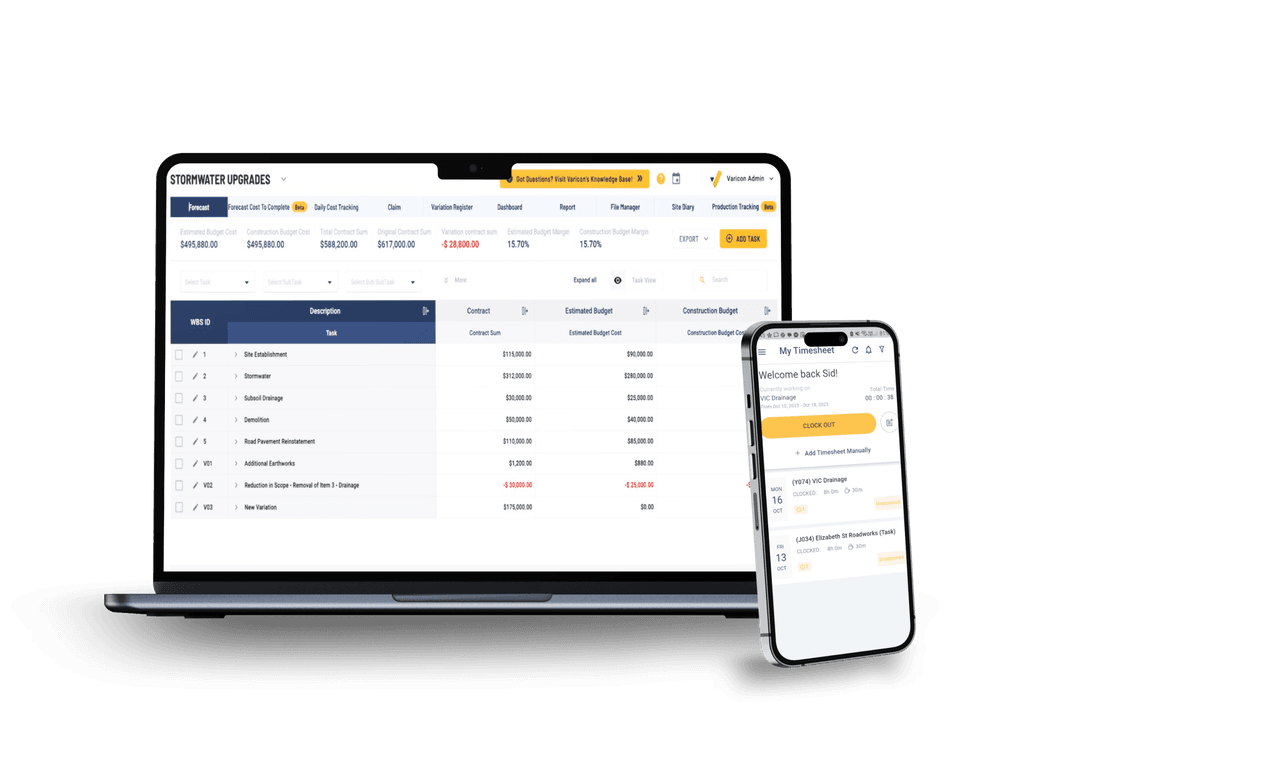
These steps improve your chances of a successful rollout without adding stress elsewhere in the business. If you still run on paper or spreadsheets, it may be time to look at tools built for civil. Varicon is built for civil with no bells and whistles, and it is simple enough for the crew.
To find out more, book a demo.