Software and technology
The limitations of Excel for civil construction contractors
- Published
- Updated
- Reading time
- 4 min read
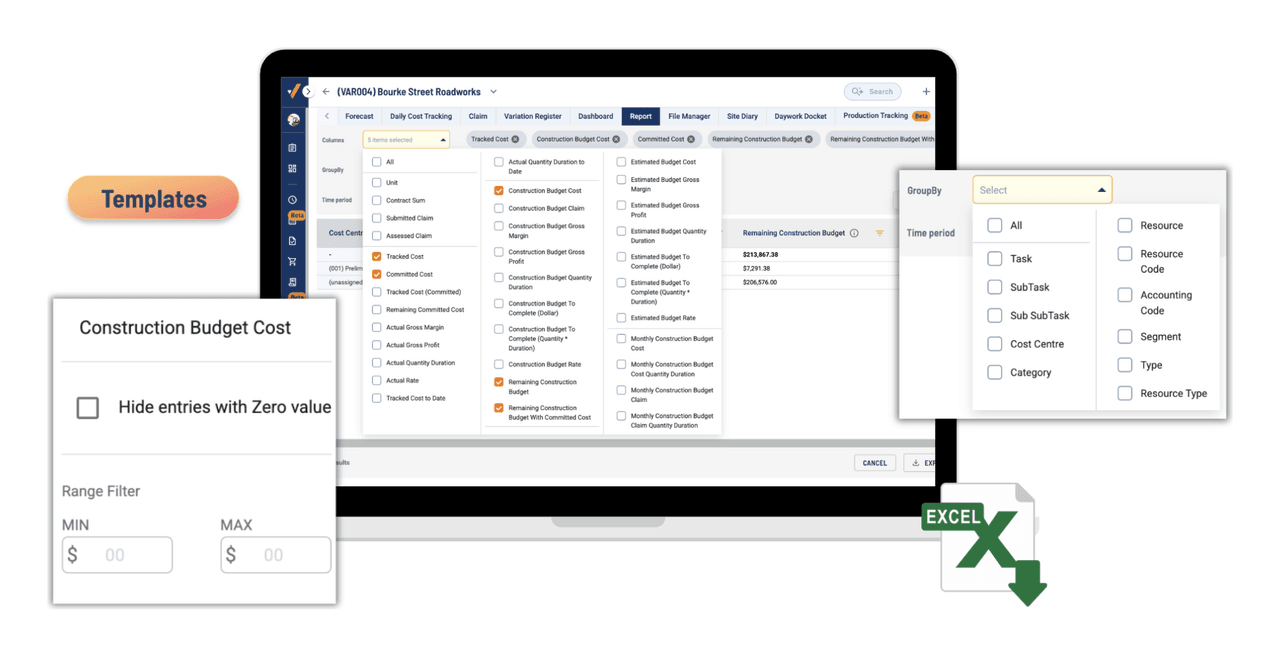
Ever since computers became common in construction, Excel has been one of the most widely used tools for contractors large and small. It has real strengths. It is very flexible, most people can use the basics, simple calculations are quick, and it comes installed on most computers.
Civil contractors run many business-critical tasks in Excel:
- company and project cost management
- daily site reports
- progress claims and variation claims
- timesheets
- subcontractor and supplier management
- safety and quality reporting.
Excel is a giant leap from paper. But it has real limits for civil contractors. Here are the biggest problems contractors run into.
Problem 1: Disconnected cost information
Civil contractors typically run the business on many Excel sheets, living on different computers. By the nature of construction, those sheets feed into each other, and today people do the feeding. That takes a lot of time and invites human error.
Some of those connections are:
- project cost management feeding company cost management
- supplier and subcontractor information feeding accounts payable
- timesheets from every job feeding payroll
- progress and variation claims, which are linked to each other and feed accounts receivable.
You can keep Excel files in the cloud, but that brings its own problems. Large files can be slow and prone to crashing, it is easy to break links (see problem 3), and there is no audit trail (see problem 2).
Problem 2: No access control or audit trail
The control you have over your information matters almost as much as the information itself.
Ideally, each person can see and edit what their role needs. A spreadsheet on one person’s computer is, by default, only available to that person (see problem 1). If the sheet is on a shared drive, you either give some people access to things they should not see, or you lock it down too tightly.
- Too much access. People see sensitive information they should not, change data they should not be able to change, and wade through information that is not relevant to them.
- Too little access. A few people get overloaded entering information for everyone else, and the rest ends up on paper or in more disconnected sheets.
Audit trails matter too. They show who changed your critical information, and give you control if someone changes data to hide a problem.
Problem 3: Human error
Excel sheets get complicated fast once they do more than basic calculations. Errors in large spreadsheets are common, which matches our experience working with customers.
Your cost management sheets probably contain errors you cannot find, and those errors undermine your cost and contract controls. They can easily cost your business a lot of money.
Every time someone enters information into a sheet, it is a chance to make a mistake or break a link.
Problem 4: No standard format
To manage the whole company, you need information in a standard format. In most construction companies, each project team changes the templates or builds its own, based on personal preference.
To see the whole company, someone has to collect all those sheets and pull them into one document. When the data is captured in different ways, that can be impossible. This adds to problem 1.
Problem 5: Information arrives too late
In civil construction, things change quickly. Within a week, a job can go from on track to badly off track.
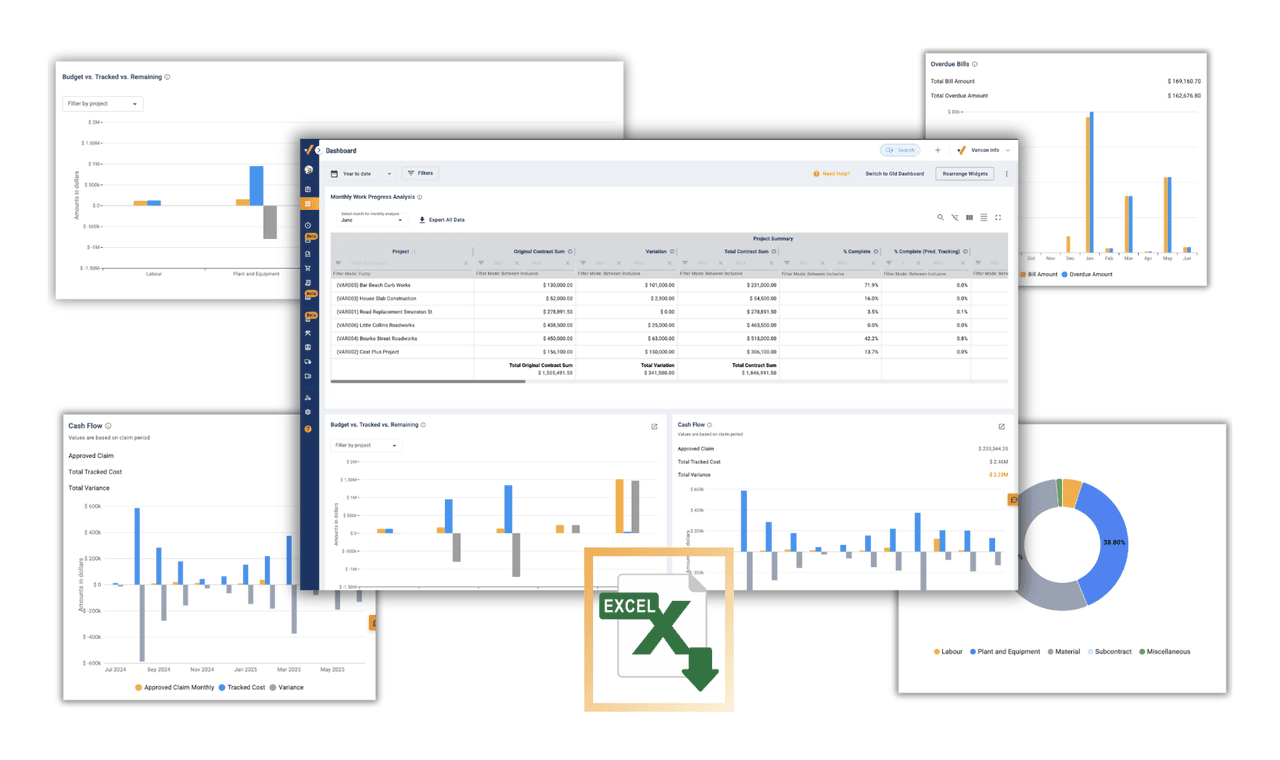
Because it takes so much effort to pull information together from many sheets, the picture is usually a monthly snapshot, if it exists at all. By the time you see it, it is often too late to act.
Finance teams feel this too. To run payroll, they have to collect timesheets from every project team. To confirm supplier and subcontractor information, they have to chase project teams for answers.
Other problems
These five problems are the ones our customers dealt with day to day when running their operations in Excel. A few others nearly made the list:
- keeping track of versions and making sure you have the latest data
- complicated sheets that crash or run very slowly
- the time spent every day on data entry and fixing broken sheets.
A better way to run civil jobs
All of these problems come from trying to connect civil construction data to manage costs, contracts and transactions. Excel is a great tool for many simple jobs, but it is not built to run civil construction operations.
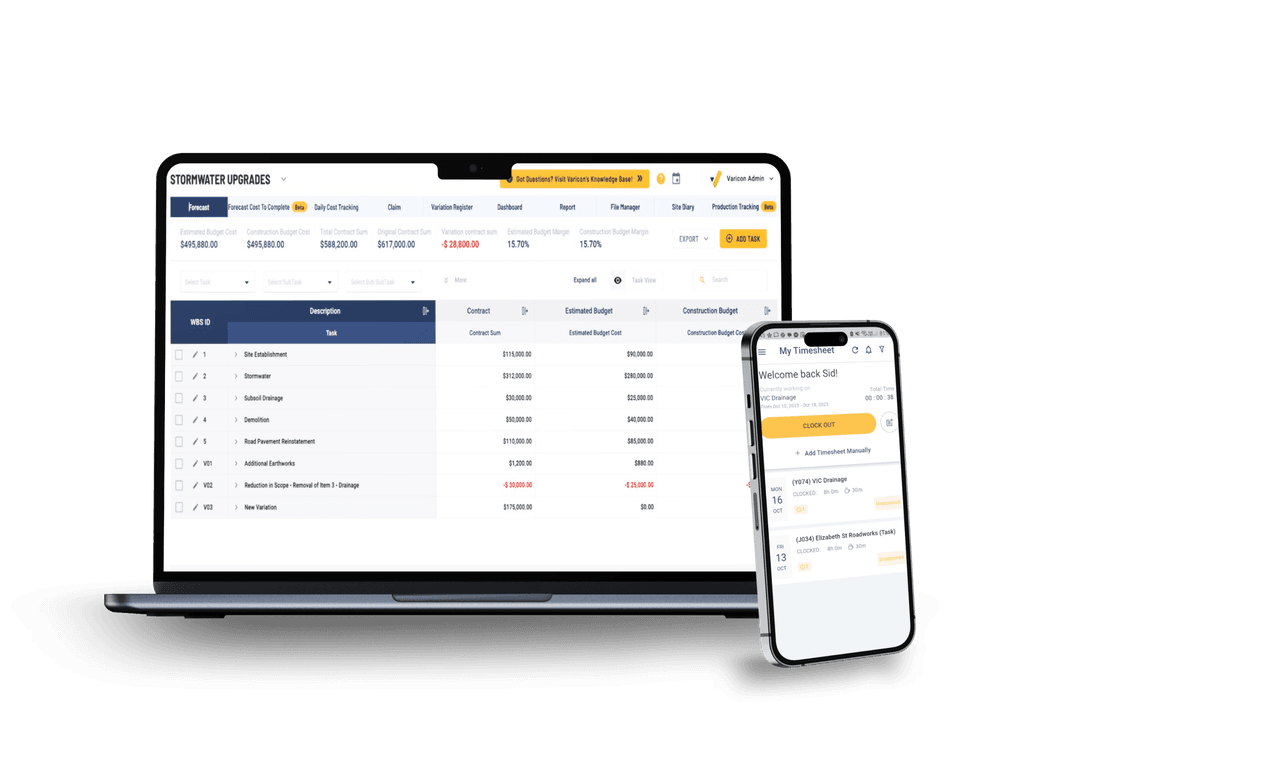
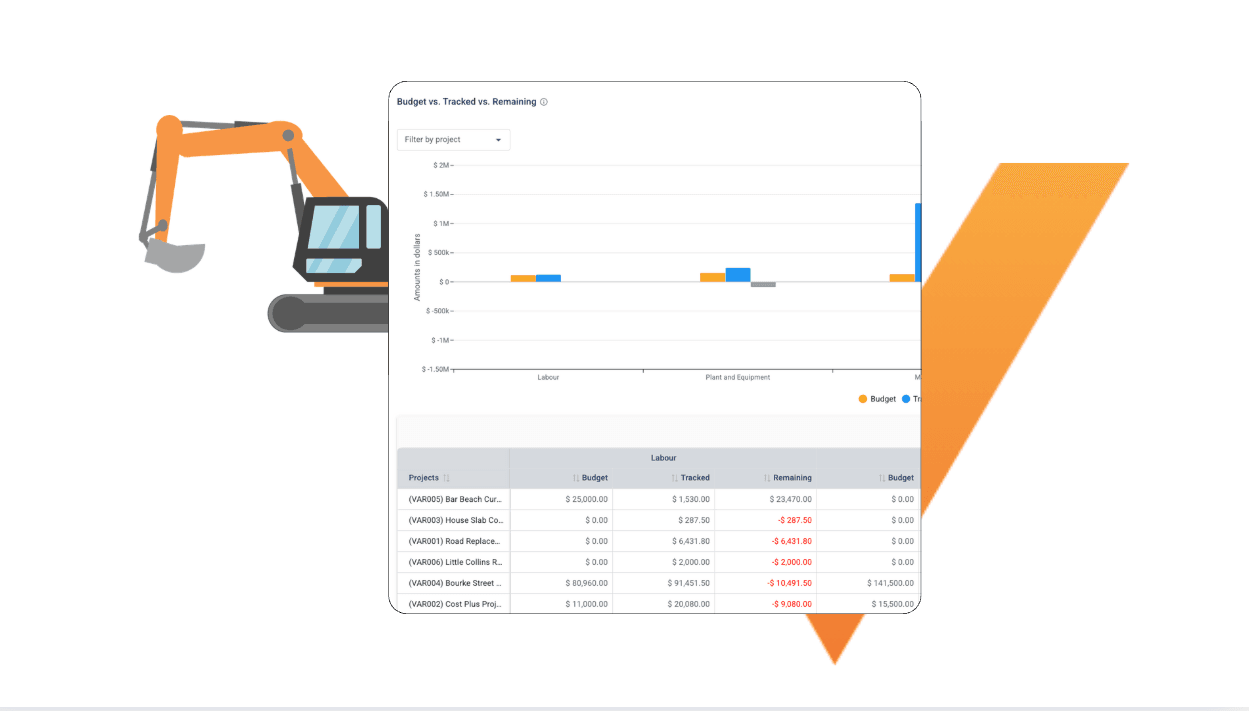
Software built for the job removes these limits. The right system captures information at the source on a phone, removes double entry, cuts human error and puts the right information in front of the right people when they need it.
Varicon’s founder spent a decade wrestling with Excel sheets in civil construction and knows these problems first hand. Varicon connects cost and contract information from site to office, built for civil contractors.
To find out what Excel is costing your business, book a demo and talk to us about how you work.