Cost management
How to track and manage costs effectively in civil construction projects
- Published
- Updated
- Reading time
- 3 min read
In civil construction, keeping costs under control is the difference between a profitable job and a financial disaster. Yet many project teams still rely on spreadsheets, paperwork and disconnected systems to manage millions of dollars in costs.
If you are tired of budget surprises and chasing invoices, this guide walks you through how to track and manage costs without creating more admin for your team.
Why cost tracking in civil construction is so hard
Civil projects are complex, fast-moving and unpredictable. You are dealing with:
- dozens of subcontractors and suppliers
- hundreds of purchase orders and dockets
- variable site conditions and scope creep
- paperwork flying in from the field
- delays in invoice approvals.
Without up-to-date cost visibility, you risk margin erosion, often without knowing until the job is done. Cost overruns are common on large projects, and the ones that hurt most are the ones you find out about too late.
What you should be tracking
To stay in control, track these as the job runs:
| Cost element | What it covers |
|---|---|
| Committed cost | Approved POs, subcontracts and dockets |
| Actual cost | Invoiced and paid expenses |
| Remaining cost | Forecast spend for the rest of the project |
| Variations | Approved and pending changes to scope and cost |
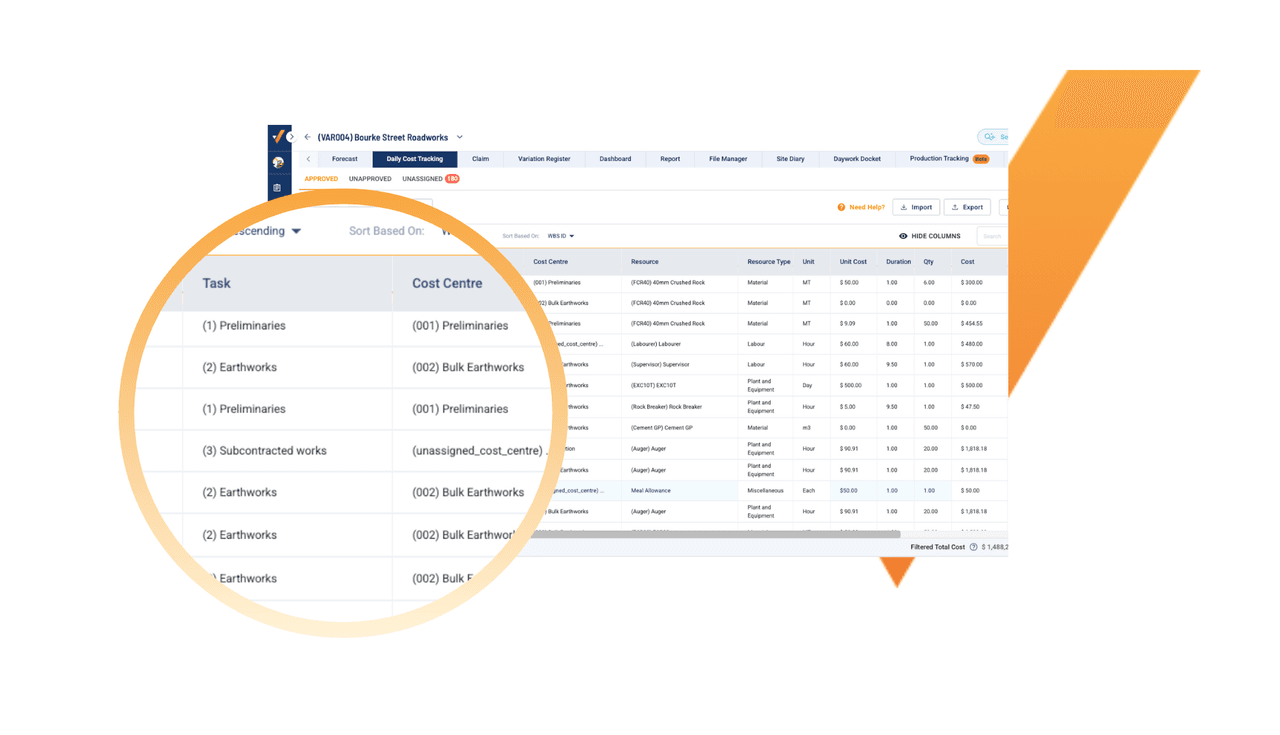
| Labour and equipment | Daily on-site usage with cost attribution |
Why the field team is the key
If your foremen and supervisors are not capturing data daily, your cost tracking is reactive and you will always be weeks behind. A better approach puts easy-to-use tools in the hands of field teams so they can:
- record labour and equipment costs
- record dockets and progress from their phone
- attach evidence, such as photos and signatures
- submit variations as they happen
- cut paper and double handling.
This reduces errors and speeds up approvals, so your commercial team works with current numbers.
Best practices for cost management on civil projects
1. Standardise your cost codes and structure
Break down budgets in a way that matches how you actually deliver the work on site.
2. Use one cost tracking platform
Avoid silos by keeping site data, POs, dockets and invoices in one place.
3. Avoid double handling of data
Do not record labour hours on timesheets and then copy them into spreadsheets by hand. Capture data at the source and use connected cost management software.
4. Automate invoice matching
Speed up approvals by matching invoices to received dockets and POs.
5. Check committed, actual and forecast costs weekly
A good platform shows your burn rate and alerts you to overruns.
6. Forecast early and often
Do not wait until month end. Forecast the final cost of each project from the data you are already capturing.
How Varicon helps civil contractors stay on budget
Varicon is built for civil construction. It helps contractors:
- follow costs from budget through to payment
- capture field data on a phone as the work happens
- match purchase orders, delivery dockets and supplier bills
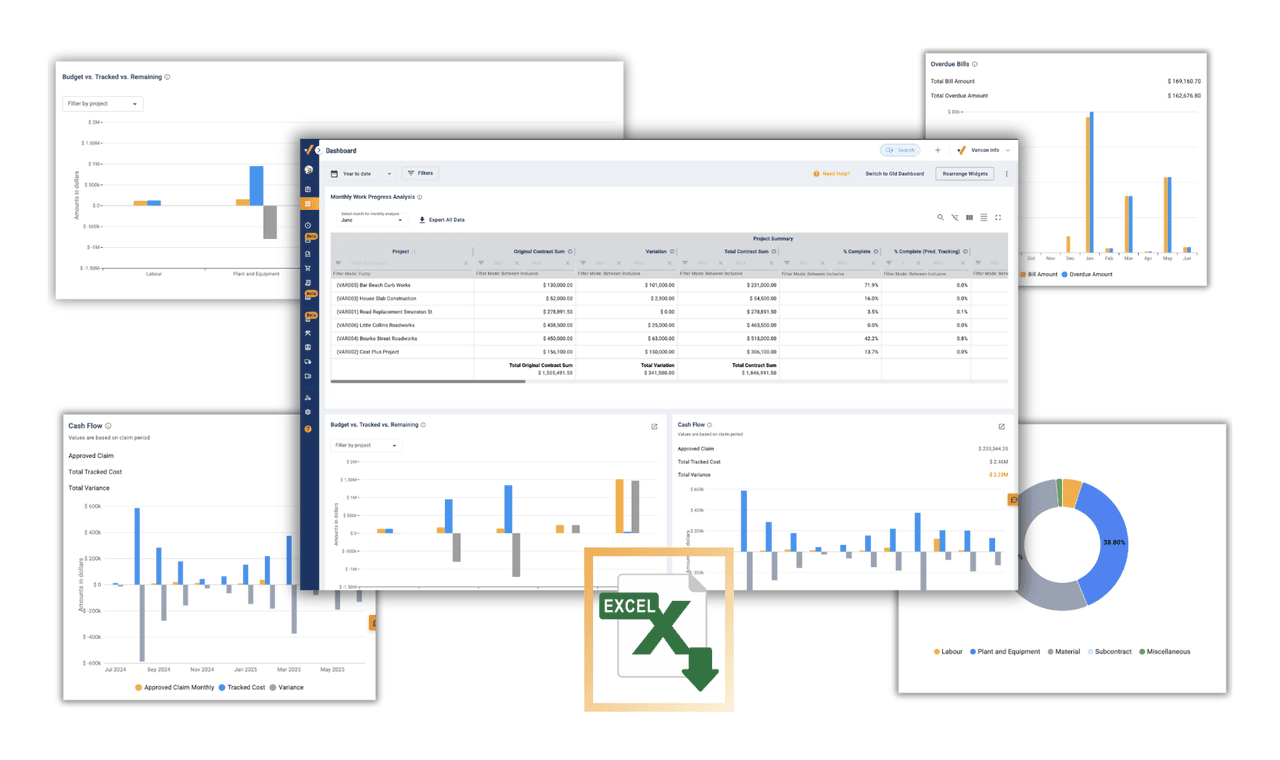
- compare actual costs against budget
- keep control of costs without adding admin.
Whether you are running a $500,000 earthworks job or a $50 million infrastructure project, Varicon helps you see where you stand on every job.
Final thoughts
Cost tracking should not be a forensic exercise at the end of the job. With the right systems, civil contractors can make better decisions, protect their margins and build trust with clients.
If you still rely on spreadsheets and paper dockets, it is time to change how you work.
Want to see how Varicon could help your team track costs? Book a demo.