Purchasing and suppliers
A guide to civil construction purchase orders
- Published
- Updated
- Reading time
- 4 min read
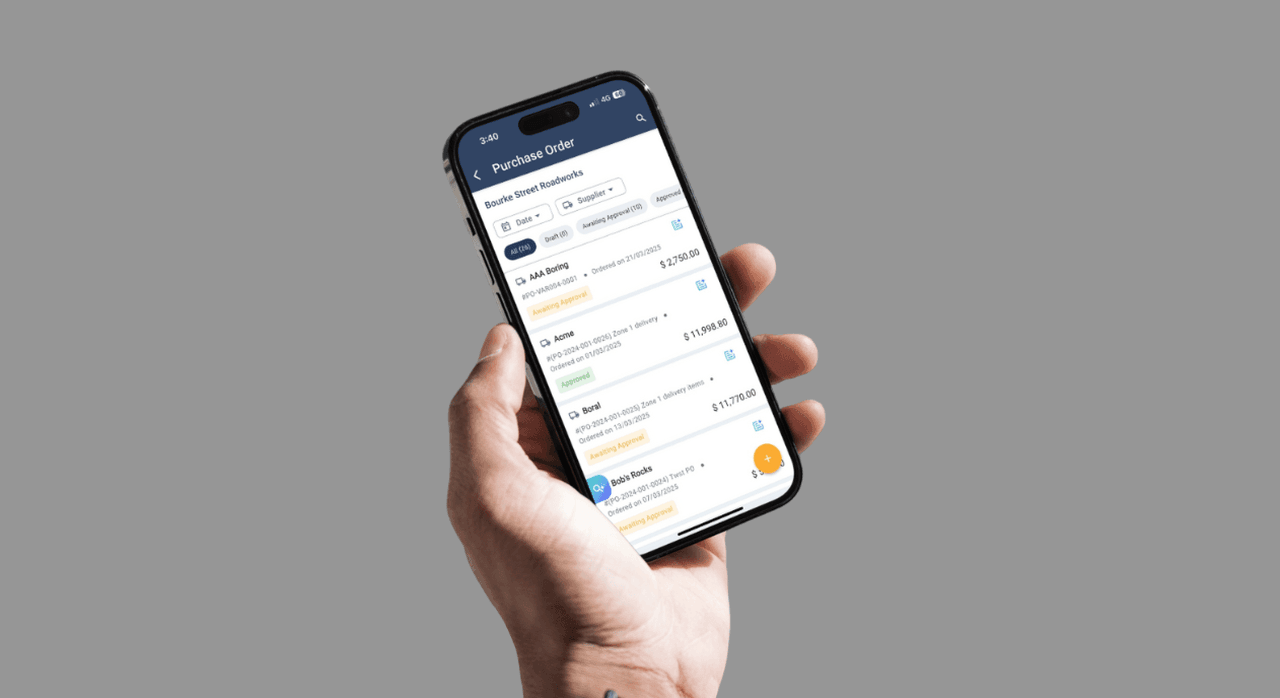
In civil construction, managing costs well is crucial to a job’s success. Purchase orders (POs) play a big part in that.
A purchase order is the document that sets out the terms and conditions of a purchase. What it commits you to depends on your contract with the supplier, so check with your own adviser if you are unsure. It gives both you and your supplier clarity and accountability. It links what your job needs to the goods and services you buy.
Without a proper PO system, construction companies run into miscommunication, delays and budget overruns.
This guide covers why civil contractors should use purchase orders, what every PO should include, and what to consider when you set up a PO system.
Why civil contractors should use purchase orders
When every dollar and hour counts, a purchase order is not a formality. It is one of the simplest controls you have.
- Cost control. Civil jobs run on tight budgets, and a small deviation can have big consequences. POs set clear limits on spending. When the scope of each purchase is defined up front, you can monitor and control costs and reduce the risk of overruns.
- Accountability. Civil projects have many moving parts and many people. POs create a paper trail for every step of a purchase: who raised it, who approved it and who received the goods or services. That means fewer costly mistakes and misunderstandings.
- Records for your obligations. Civil construction is heavily regulated at local, state and federal level. POs give you a record of what was ordered and on what terms, which helps you show that permits, safety standards and legal requirements were considered when you bought.
- A clear purchasing process. POs give you a standard way to buy. They tell your supplier exactly what you need, how much and when. That makes communication with suppliers simpler and purchasing more efficient.
What to include in a purchase order
A purchase order is more than a transaction record. To do its job, every PO should include:
- Supplier details. The supplier’s full name, address and contact details, so you can communicate and track deliveries.
- Your details. Your company name, address and contact details, so the supplier knows who the order is from.
- A purchase order number. A unique number for every PO, so you can track, reference and organise orders, especially on large jobs with many of them.
- A description. A detailed description of the goods or services, specific enough that the supplier cannot misread what you need.
- Quantity. The number of items or hours of service, so you do not over-order or under-order.
- Price. The unit price and the total cost, so costs are clear and easy to track through the job.
- Delivery date. The expected delivery date or schedule, so you can plan the work around it.
- Terms and conditions. Any terms that apply to the purchase, such as payment terms, warranties and return policies.
Our free purchase order template has fields for the supplier, the PO number, the items, quantities, rates and the date the order is required. Add your own company details and your terms and conditions to the Excel or Word version.
What to look for in a purchase order system
- Connection to your accounting software. Your PO system should work with your accounting software, so data flows between them without being typed in again. That cuts errors and gives you one view of each job.
- Less manual work. Look for a system that makes creating, approving and tracking POs quick. Templates and automatic routing for approval save time and keep things consistent.
- Budget control. Each PO should be linked to a job and its budget. Then every purchase is counted against the right job, and you can see spending against budget before it becomes an overrun.
- Approval workflows. A clear approval process prevents unauthorised spending. You should be able to set who can raise and approve POs, based on your structure and your policies.
- Links to dockets and invoices. The system should connect each PO to its delivery dockets and the supplier’s invoice. Matching goods received against the PO makes reconciling invoices simpler and leads to fewer disputes.
- Data security. Your financial, supplier and project information is sensitive. Look for role-based access and an audit trail of who changed what.
- Room to grow. Jobs vary in size and complexity. Choose a system that still works as you take on more and larger jobs.
- Easy to use. If a system is hard to use, people will not use it. Pick one that everyone can pick up, whatever their comfort with technology, including the people raising orders on site.
How Varicon handles purchase orders
In Varicon, your team can raise a purchase order for a specific job, including from the mobile app on site. Approval workflows are set by role and dollar limit. Purchase orders and bills are linked to the job, so they feed your cost tracking. Each supplier bill can be matched to its purchase order and delivery docket before you pay it, and approved bills go to your accounting system.
See accounts payable automation, or book a demo to see it on your own jobs.