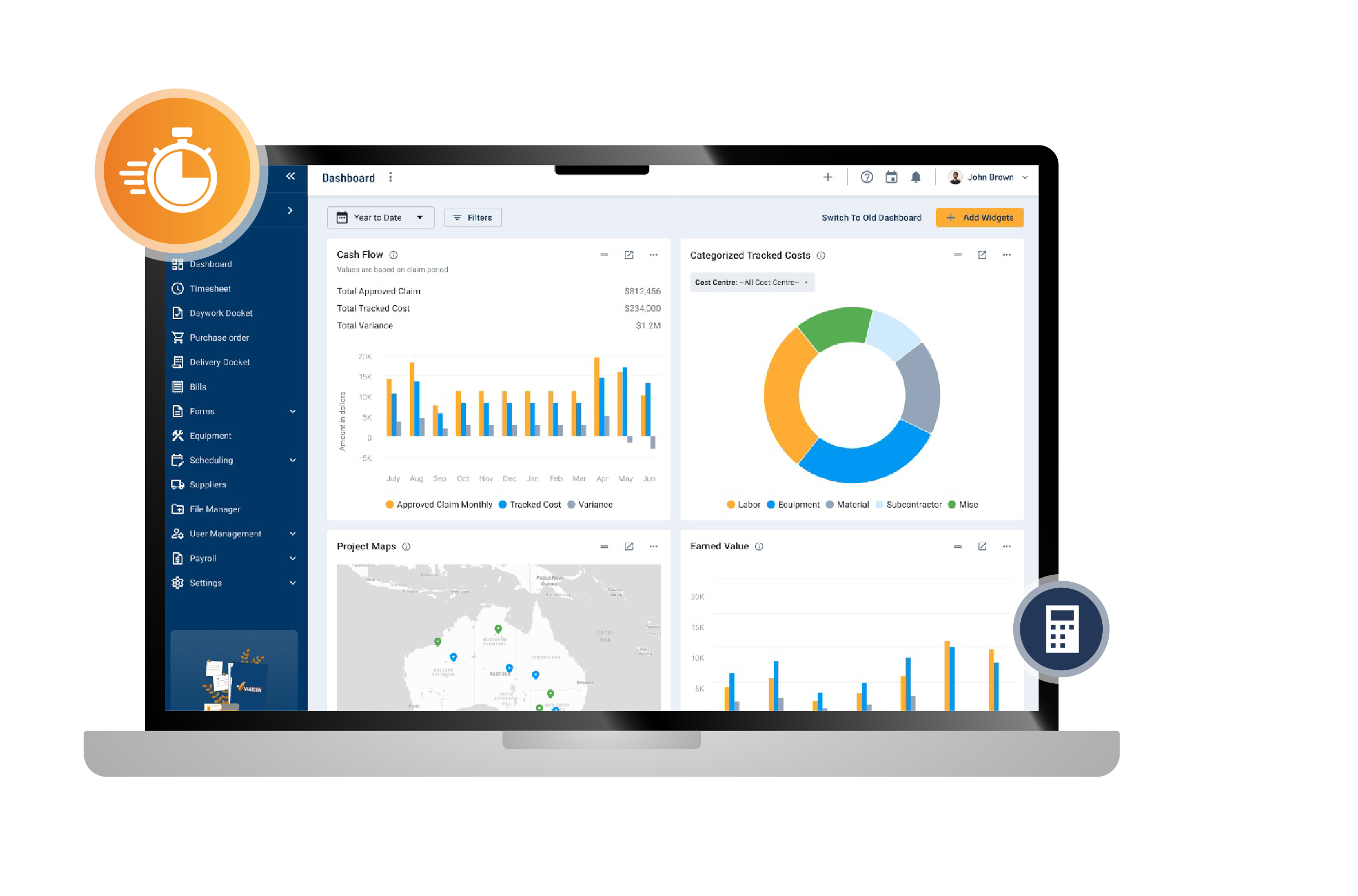
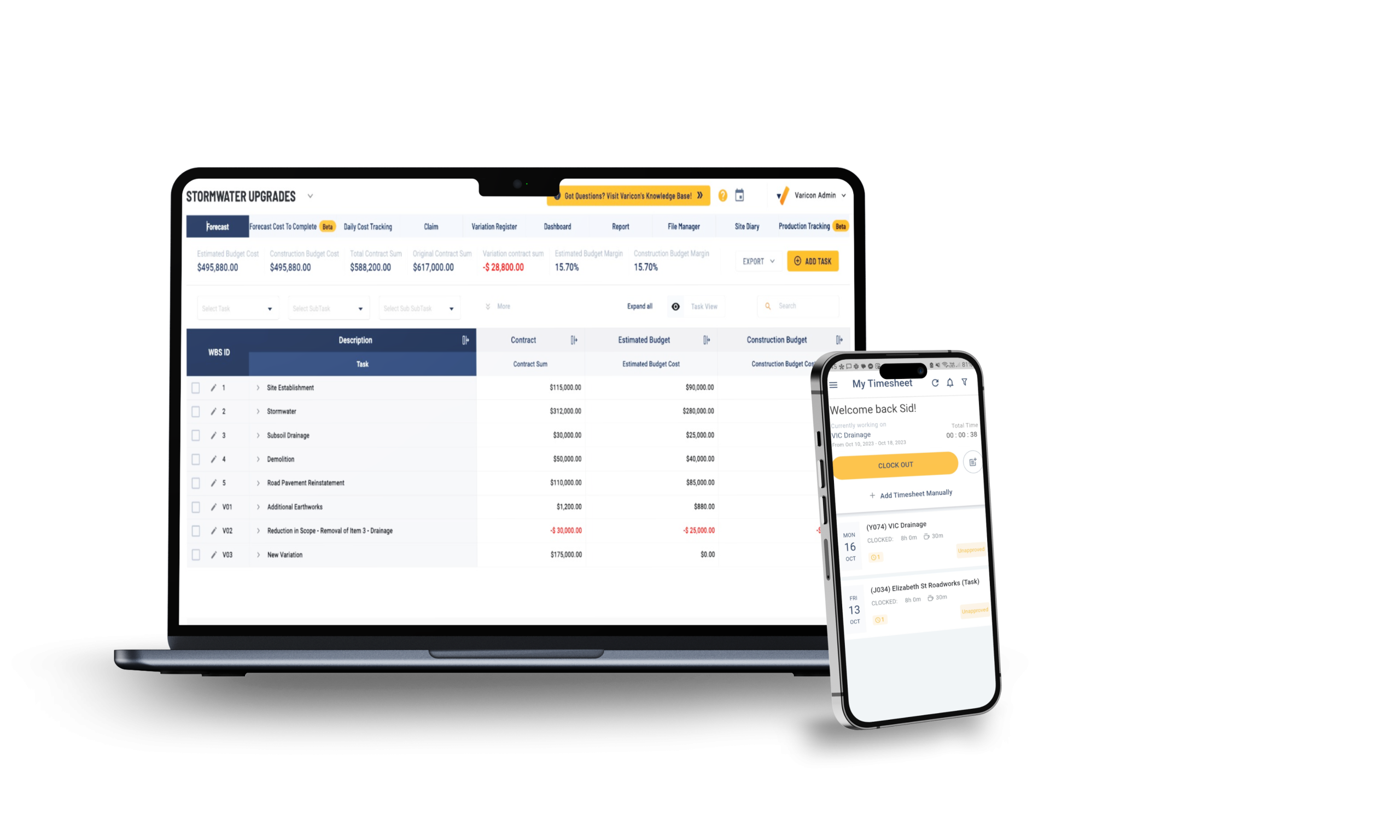
Labour is usually the cost that moves fastest on a civil job, and the hardest to see until the pay run. Varicon tracks time against the job, cost code and machine as it's worked, so labour cost is visible during the week, not after it.
Working with civil contractors like Rawco, Rainbow Group, Peninsula Civil and Joslyn Group
See Labour Cost by Job in Varicon
Why Civil Contractors Choose Varicon
Book a demo and we'll walk through construction timesheets using your own jobs and workflows. No obligation.
Payroll admin cut by over 50% in two months (Collective Civil)
Supervisor Approval
Payroll Export
Mobile Time Entry
“Varicon has already paid for itself… we're already in the bonus.”
Troy Hanepin Director, Collective Civil
We respect your privacy. Your information will only be used to provide you with a personalised Varicon demo.
The Real Cost of
Manual Timesheets
Most time tracking records how long someone worked. On a civil job you also need to know where, on what and with which machine.
Without that, labour cost is a single number at the end of the week.
By the time it shows a job is running over, the hours are already spent.
Time tracking that costs the job as it goes gives you a chance to act.
Where the time goes:
One lump of hours. Total time with no breakdown by job or activity.
Overruns found late. Labour blowouts seen after the pay run.
Plant time missing. Machine hours not recorded with crew hours.
Budgets without actuals. Nothing to compare the estimate with during the job.
Time reports built by hand. Spreadsheets pieced together for each project review.
Ready to Sort Out Timesheets?
Book a demo and we'll show you how Varicon handles construction timesheets for civil contractors.
James McCarthy from Earthworks Geelong on using Varicon to keep control of costs and simplify the admin.
Beltrame Civil
David Beltrame from Beltrame Civil on how Varicon helps with project delivery and budgeting.
Flavio & Sons
Robert Anfiteatro from Flavio & Sons on the clarity and control Varicon gives his team on every project.
Civil Force
Bailey Hall from Civil Force on how the team uses Varicon on the ground.
Who Varicon Is For
Designed for small-to-medium civil contractors where labour and plant drive job margins.
Crews use iOS or Android, or a shared kiosk tablet on site.
Feeds job costing, forecasting and payroll exports.
Suits teams moving off paper timesheets or spreadsheets.
What Civil Contractors
Say About Varicon
“Finding the right tool is not just about solving today's problems; it's about paving the way for tomorrow's growth.”
Rob Boland Managing Director, Peninsula Civil Solutions
“We were managing our business through a bunch of disconnected softwares and Excel sheets.”
Rob Zagari General Manager, Rainbow Group
Frequently Asked Questions
Beyond hours, it should record the job, cost code or activity, and any plant used. That's what lets you compare labour against budget. Varicon captures all of these on site and costs them to the job as entries are approved.
Because hours are costed to the job as they're approved, labour shows up in job reports during the week. Project managers can compare actual labour with budget and forecast while there's still time to adjust crews.
Yes. Crews record the plant they used alongside their own hours, so machine time is costed to the job too. The Crew & Equipment Scheduler shows where plant is booked across projects.
Through the Varicon app on iOS or Android, or a shared tablet in kiosk mode. Entries can be location-tagged, and supervisors approve them from site before they go to payroll.
Yes. Approved hours export to Xero, MYOB, QuickBooks or Employment Hero with pay rules by employment type and EBA rates applied, so the same record covers both job costing and pay.