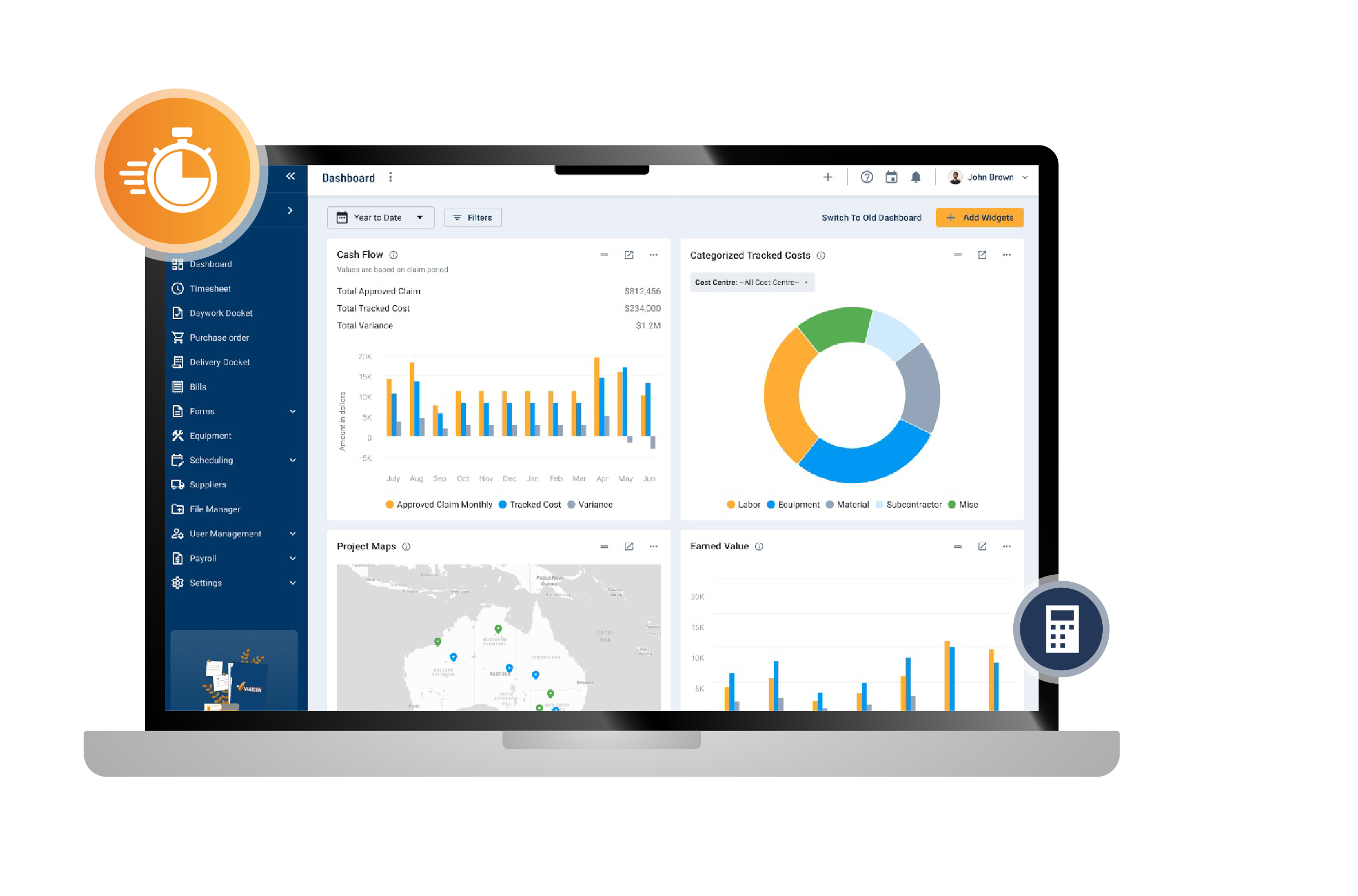
Scheduling and job management usually live in separate tools, so nobody checks whether the plan held up. Varicon puts them together: allocate crews and plant to jobs by day, then see the hours, costs and site records each job actually produced.
Working with civil contractors like Rawco, Rainbow Group, Peninsula Civil and Joslyn Group
See Scheduling and Job Management
Why Civil Contractors Choose Varicon
Book a demo and we'll walk through construction scheduling using your own jobs and workflows. No obligation.
Real-time visibility “saving us well into six figures” (Joslyn Group)
Crew & Equipment Scheduler
Mobile Access
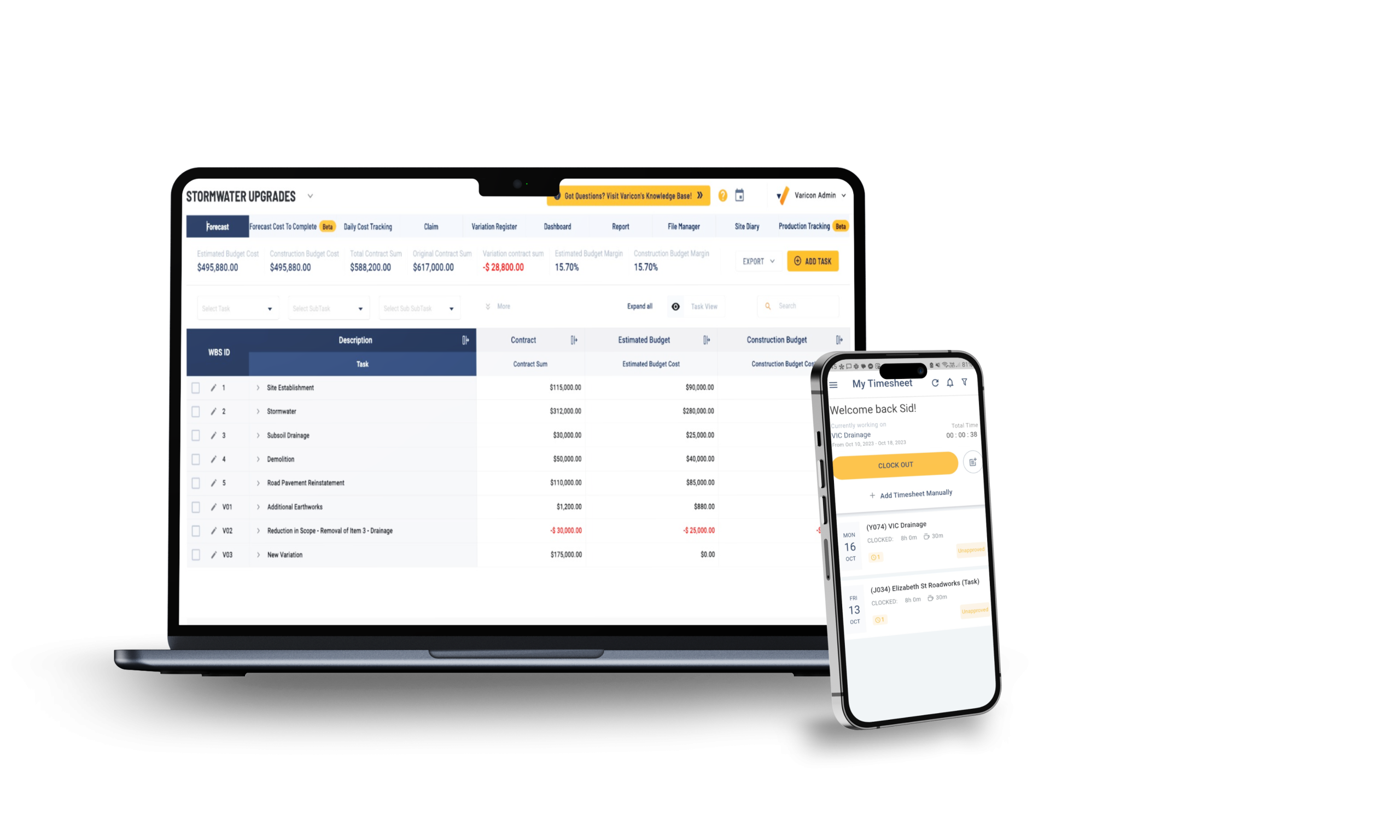
Timesheets Linked to Jobs
“Varicon was the only tool we found that really fit.”
Ji Zhang Managing Director, CBEM
We respect your privacy. Your information will only be used to provide you with a personalised Varicon demo.
Where Manual Scheduling
Goes Wrong
The schedule says who should be where tomorrow. The job records say what actually happened. In most businesses those two live in different places.
The schedule is on a whiteboard or a spreadsheet, the hours are on timesheets and the costs are in the accounts.
Because they never sit side by side, nobody notices when a crew is consistently taking longer than planned, or when a machine sits idle on one job while another waits for it.
Putting the plan and the results in one system makes those patterns obvious.
The usual suspects:
Schedule and costs in different systems. The plan is never compared with what it cost.
A whiteboard nobody else can see. Crews and the office find out about changes late.
Machines booked twice. Two jobs expect the same excavator on the same morning.
Plans that are never checked. There's no easy way to see whether the day went as scheduled.
Overruns found at month end. By the time costs show up, the job has moved on.
See It With Your Own Jobs
Book a demo and we'll show you how Varicon handles construction scheduling for civil contractors.
James McCarthy from Earthworks Geelong on using Varicon to keep control of costs and simplify the admin.
Beltrame Civil
David Beltrame from Beltrame Civil on how Varicon helps with project delivery and budgeting.
Flavio & Sons
Robert Anfiteatro from Flavio & Sons on the clarity and control Varicon gives his team on every project.
Civil Force
Bailey Hall from Civil Force on how the team uses Varicon on the ground.
Who Varicon Is For
Varicon is built for civil contractors scheduling several crews and machines across multiple jobs.
The Crew and Equipment Scheduler is part of the same system as timesheets and job costing.
Crews see the schedule and log their time in the iOS and Android apps.
It integrates with Xero, MYOB, QuickBooks and Acumatica.
What Civil Contractors
Say About Varicon
“We were managing our business through a bunch of disconnected softwares and Excel sheets.”
Rob Zagari General Manager, Rainbow Group
“The real-time visibility is saving us well into six figures.”
Greg Joslyn Managing Director, Joslyn Group
Frequently Asked Questions
Because the schedule is the plan and the job record is what actually happened. With both in one system you can compare them, see where time went and plan the next day with real numbers rather than guesses.
The Crew and Equipment Scheduler allocates people and machines to jobs by day. Clashes are flagged as you plan, and changes are visible to everyone straight away.
Yes. Crews log their time against the same jobs they're scheduled to, so planned and actual hours can be compared job by job.
Yes. Approved hours, plant and supplier bills post to the job and cost code in real time, so you can see budget against spend while the job is running.
Yes. Varicon runs on iOS, Android and the web, so crews and supervisors can check where they're working without ringing the office.
Pricing depends on your team size and the modules you use. You'll get a quote after a short demo, set up around how your business runs.